























Smart Glasses Real-Time Translation: Travel & Learn Languages
Key Takeaways
· Smart glasses real-time translation turns speech into another language using on-board microphones, a connected phone or cloud AI service, and open-ear speakers.
· Output method matters more than the word "translation." Most audio-first glasses play spoken translations; only models with a lens display can show subtitles. These are different products.
· Translation is not the same as learning. Research on machine translation in language classrooms shows it helps most when learners analyse the output rather than copy it (ERIC, 2021).
· Latency is the real bottleneck. Recent speech-to-speech research cut average translation delay from roughly 10 seconds to about 3 seconds (arXiv:2507.17527) — still a pause you have to design your sentences around.
· Osawalla publishes translation support on four of its five glasses models, with 139+ languages specified on the Daily Pro. None has an in-lens display, so none can show subtitles.
In this article
· 01 — What Are Smart Glasses With Real-Time Translation?
· 02 — How Smart Glasses Real-Time Translation Actually Works
· 03 — Audio Translation vs. Real-Time Subtitles
· 04 — Smart Glasses Translate Conversations While You Travel
· 05 — Translation Smart Glasses for Language Learning
· 06 — AI Translation Glasses for Daily Chat and Work
· 07 — What to Look For Before You Buy
· 08 — Osawalla Smart Glasses: What Translation Support Looks Like
· 09 — Six Habits That Get Better Results
· 10 — Frequently Asked Questions
Imagine ordering coffee in Paris, asking for directions in Tokyo, or joining a call with a colleague in São Paulo — without once reaching for your phone. You want to look at the person in front of you, not at the screen in your hand.
That is the promise of smart glasses real time translation. By combining wearable microphones, open-ear audio, a connected app and AI language processing, compatible glasses can reduce the friction of cross-language conversation while keeping your hands free. But the category is also full of vague marketing. Some "AI glasses" translate; some only answer questions. Some speak the translation; a much smaller number can display subtitles.
This guide explains how the technology works, where it genuinely helps (travel, study, daily conversation), where it does not, and how to compare models before you spend money — including exactly what Osawalla's current lineup does and does not publish.
1. What Are Smart Glasses With Real-Time Translation?
Smart glasses with translation are wearable devices that help you understand or speak another language through the frame you are already wearing. Depending on the model, they capture speech through built-in microphones, route it to a phone app or cloud translation service, and return the result as spoken audio through open-ear speakers — or, on display-equipped models, as text on a lens.
The critical distinction: not all smart glasses translate, not all translation glasses show subtitles, and not all translation works offline. Those are three separate capabilities.
A typical exchange runs through four steps:
1. Capture. The glasses' microphones pick up the speaker's voice.
2. Recognise. Automatic speech recognition converts audio into text.
3. Translate. A neural machine translation or large-language-model engine produces the equivalent in the target language.
4. Deliver. The result plays through open-ear speakers, appears in a companion app, or — only on display models — shows as captions.
Where those steps happen varies by product. Some glasses do almost nothing locally and lean on a paired phone for both connectivity and compute; others handle voice wake-up on-device and call a cloud service only for translation. This is why the same pair of glasses can feel instant on home Wi-Fi and sluggish on roaming data abroad.
If you want the hardware side explained in more depth, see how smart glasses work and the breakdown of the components inside a smart glasses frame.
The realistic goal is not to make language differences disappear. It is to lower the effort of understanding each other, so you spend more time listening and responding and less time managing an app.
2. How Smart Glasses Real-Time Translation Actually Works
Three technologies have to cooperate for a translation to feel natural: speech recognition, the translation engine, and audio delivery. Each has a failure mode worth knowing before you buy.
Speech recognition and AI translation
Modern engines handle conversational context far better than the word-for-word substitution of a decade ago. They can infer that "I'm cold" means temperature, not illness. But accuracy still varies with accent, speaking speed, background noise, sentence length, and the language pair involved — low-resource languages are consistently weaker than major European ones.
Latency: the part marketing never mentions
Even a good translation arrives after the other person stops talking. That pause is what makes real conversation feel unnatural.
Published research gives a useful benchmark. ByteDance Seed's LiveInterpret 2.0, an end-to-end simultaneous speech-to-speech system, reduced average latency from close to 10 seconds to roughly 3 seconds while exceeding 70% correctness as judged by human interpreters in complex scenarios (arXiv:2507.17527). That is state of the art in a research system — consumer eyewear generally sits above it.
Practical implication: design your sentences for the delay. Short turns, clear pauses, and letting the other person finish will do more for your conversation than buying a more expensive model.
Open-ear audio delivery
Audio-first translation glasses use open-ear speakers that sit near but not inside the ear canal, so you hear the translation while staying aware of traffic, announcements, and the room.
That is a genuine advantage for ordering food, asking directions, or face-to-face small talk. The trade-off is exactly what you would expect: in a crowded street, a loud station, or a busy restaurant, open-ear audio can be hard to hear — and unlike earbuds, you cannot simply turn it up without leaking sound to everyone nearby. We cover this in detail in smart glasses audio quality in noisy places.
Smartphone and app integration
A companion app usually controls language selection, translation settings, and AI features. On most models the phone also supplies the internet connection and the processing power.
Before buying, confirm four things: whether translation is included at all, whether a separate app is required, which languages are actually supported, and whether translation needs a connection or a subscription. For a wider view of what these devices can and cannot do today, read the five limitations of AI glasses in 2026.
3. Audio Translation vs. Real-Time Subtitles: The Biggest Buying Decision
This is where most buyers get misled. "Real time subtitle glasses" and "audio translation glasses" are often marketed with the same language, but they are different products with different hardware.
|
|
Audio translation glasses |
Real-time subtitle glasses |
Phone translation app |
|
Output |
Spoken translation via open-ear speakers |
Text rendered on a lens display |
Text and/or audio on screen |
|
Hands-free |
Yes |
Yes |
No — you hold and hand over the phone |
|
Must look at a screen |
No |
Yes, to read captions |
Yes |
|
Works in noise |
Weaker — open-ear audio competes with the room |
Better — text is unaffected by noise |
Weaker |
|
Works for deaf / hard-of-hearing users |
No — this is an audio-only solution |
Only if the model supports captions |
Depends on the app |
|
Eye contact |
Preserved |
Broken by reading |
Broken by screen handling |
|
Typical price band |
Roughly $50 to $130 for audio-first frames |
Typically several times higher |
Free to low cost |
|
Main limitation |
Noise, delay, audio leakage |
Display visibility outdoors, visual distraction, cost |
Interrupts the interaction |
The decisive question: does the model have a display? Audio-only glasses cannot show subtitles, no matter what the listing implies. If you need captions, filter for a display first and everything else second.
Accessibility is the underrated factor here. If you are buying for a user who is deaf or hard of hearing, an audio-only translation product is the wrong tool regardless of how well it translates — text output is the requirement, and captions are a mature accessibility standard for good reason (W3C WAI).
4. Smart Glasses Translate Conversations While You Travel
Travel remains the strongest use case, because travel conversations are short, practical, and high-frequency.
Ordering food and reading menus
A small restaurant with no English menu is the classic scenario. You need to ask whether a dish contains peanuts, what is in the sauce, or how a local speciality is served. With hands-free translation glasses you can listen to the answer while still looking at the server.
One hard rule: for allergies, medication, or any safety-critical dietary requirement, do not rely on machine translation alone. Confirm with written documentation, a phrase card, or a human who speaks the language. Translation errors on allergens are not an inconvenience.
Navigating unfamiliar cities
Which platform? Does this bus stop near the hotel? How do I reach this neighbourhood? These are short questions with short answers — ideal for translation — and they happen while your hands are busy with luggage, tickets, or a map.
The real gain is not accuracy, it is friction. You avoid the familiar loop of unlock, open app, speak, pass the phone, repeat. For a fuller picture of wearable features that help on trips, see smart glasses features that make every trip easier.
Connecting with people
The best travel moments are often unplanned: a shop owner, a seatmate, someone at a local event. Translation can bridge the first minute, which is usually the minute that decides whether the conversation continues.
Expect limits. Humour, regional expressions, and cultural references rarely survive translation, and that is fine — asking "what does that mean?" is itself a good conversation.
Before you fly, test at home: the exact languages you need, battery behaviour during continuous use, microphone pickup in a noisy room, and what happens when your data connection drops. Check smart glasses battery life explained so you know what "all day" means in practice.
5. Translation Smart Glasses for Language Learning
Can translation glasses help you learn a language rather than just translate it? Yes — but only if you use them as a practice aid rather than a crutch, and the research on machine translation in classrooms is unambiguous about why.
What the evidence says
A systematic strand of MT-in-education research finds that students who critically evaluate machine translation output get more out of it than students who copy it. In classroom observation studies, learners analysed the translation rather than pasting it more than half the time, and used strategies like cross-checking multiple tools and applying their own grammar knowledge (University of Arizona open textbook, Machine Translation and World Language Education).
A peer-reviewed study of Turkish EFL learners and instructors reached the same practical conclusion: MT tools are genuinely useful for drafting and comprehension, but the benefit depends on how deliberately they are used, and instructors consistently worry about over-reliance (ERIC EJ1318690).
The pattern in both: post-editing beats copy-pasting. Treat the translation as a hypothesis to check, not an answer to accept.
A three-step routine that actually builds skill
1. Listen first. Listen to the original speech and try to catch the main idea and any words you know. Do not enable translation yet.
2. Check second. Then use translation to confirm what you guessed — and specifically to look at what you missed.
3. Reuse afterwards. Repeat useful phrases aloud and try to deploy them in the next conversation.
This preserves the mental effort that learning requires. Passive translation — hearing the original and immediately getting the answer — produces almost no retention, because nothing was ever retrieved from memory.
Where glasses add something a textbook cannot
Textbooks give you controlled, slowed-down audio. Real life gives you natural speed, elision, regional accent, and background noise. Glasses let you experience the second while keeping the first as a safety net — you can attempt the exchange, then check.
Useful phrase clusters to build first:
· Ordering food and asking about ingredients
· Introducing yourself and small talk
· Asking for directions and understanding transport
· Shopping, prices, and asking for help
· Work, hobbies, and daily routine
The honest limitation: translated audio does not teach pronunciation, grammar, or long-term vocabulary retention. Pair your glasses with speaking practice, listening exercises, reading, and spaced review. Translation glasses are a bridge into real conversation, not a course.
 6. AI Translation Glasses for Daily Chat and Work
Multilingual communication is not only a travel problem. It is an everyday reality for international teams, mixed-language families, students, and neighbourhoods.
Everyday conversations
A neighbour who speaks another language. A friend's parents. A parent at school pickup. Short, repeated, low-stakes exchanges are where wearable translation feels most natural, because both sides are relaxed enough to pause.
The experience works best when everyone speaks in short sentences, avoids talking over each other, and allows a beat for translation.
Meetings and international collaboration
Here you need to be much more careful about what you assume.
Audio translation, live captions, searchable transcripts, and AI meeting summaries are four different features requiring different software support. Do not assume a device that translates speech also produces a transcript you can search or a summary you can circulate. Confirm each capability separately for your languages and your meeting format.
For anything confidential, check your company's policy on recording devices and cloud processing before you wear translation glasses into the room. Even when the glasses only process speech for translation, you should know where that audio goes. Our guide to camera glasses and privacy covers the etiquette and the consent question in more detail.
Staying present
The genuine advantage of a wearable is postural. You keep your hands free, you can gesture, and you can watch the person speaking instead of a screen. The technology recedes, which is exactly what you want from a communication tool.
The flip side is that it recedes for them too. Tell people the glasses are translating, and get consent before using any recording feature.
7. What to Look For Before You Buy
Use this checklist to compare hands-free translation glasses. It is ordered by how often each factor decides satisfaction after purchase.
|
Check |
What to confirm |
Why it matters |
|
Output method |
Spoken audio, on-lens text, or app text |
Determines whether you get subtitles at all |
|
Language coverage |
Both directions of your language pair, not just the total count |
A 139-language list may not include your pair in speech mode |
|
Latency |
Watch a demo with natural, unscripted speech |
Long pauses make conversation awkward |
|
Microphones |
Published mic array and noise handling |
Poor pickup breaks recognition before translation even starts |
|
Connectivity |
Offline support and behaviour when signal drops |
Roaming abroad is where plans fail |
|
Comfort and weight |
Frame weight, temple material, nose-pad fit |
Translation you take off after 30 minutes is useless |
|
Battery |
Runtime during active use, not standby |
Translation is more demanding than music playback |
|
Privacy |
Where audio is processed, what is stored, what controls exist |
Speech data is sensitive data |
Two notes on the last two rows. Comfort is underrated: a heavy or poorly balanced frame gets taken off long before the battery dies — see why your smart glasses feel uncomfortable. And battery: published figures usually describe music playback or standby, which are far lighter workloads than continuous listening plus translation. Ask for translation-mode runtime specifically.
For a broader decision framework, start with our complete guide to choosing the right smart glasses.
8. Osawalla Smart Glasses: What Translation Support Looks Like
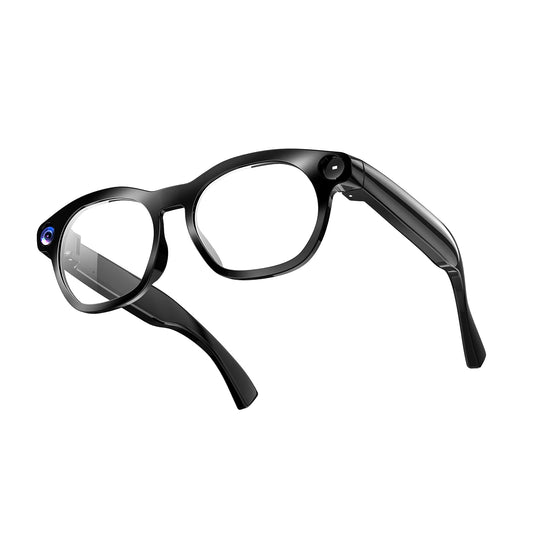
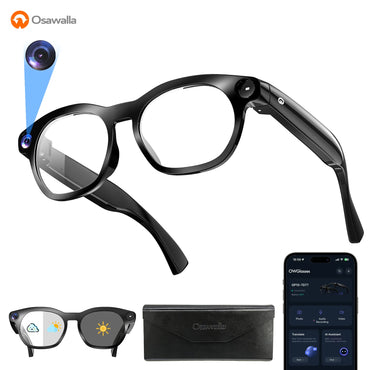
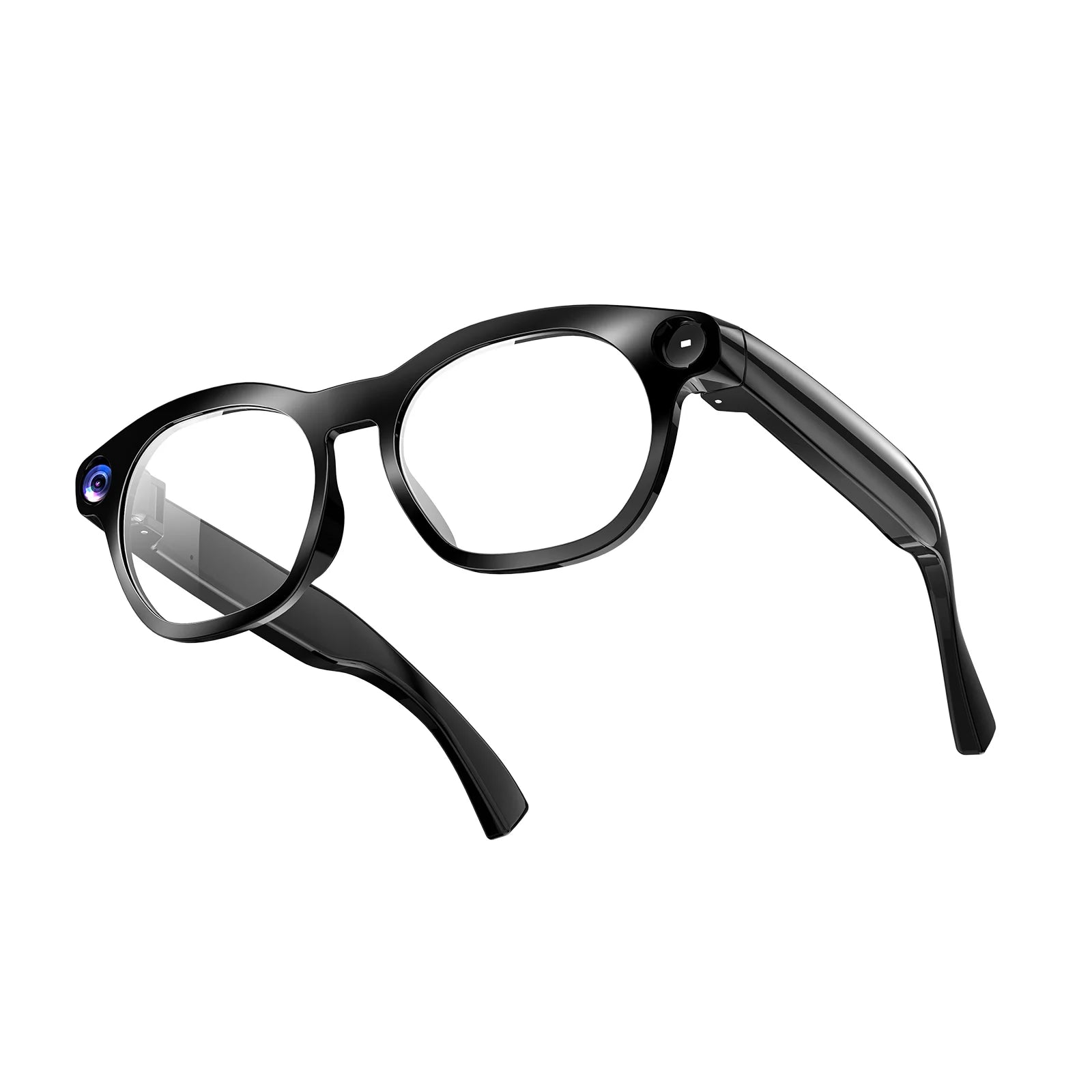
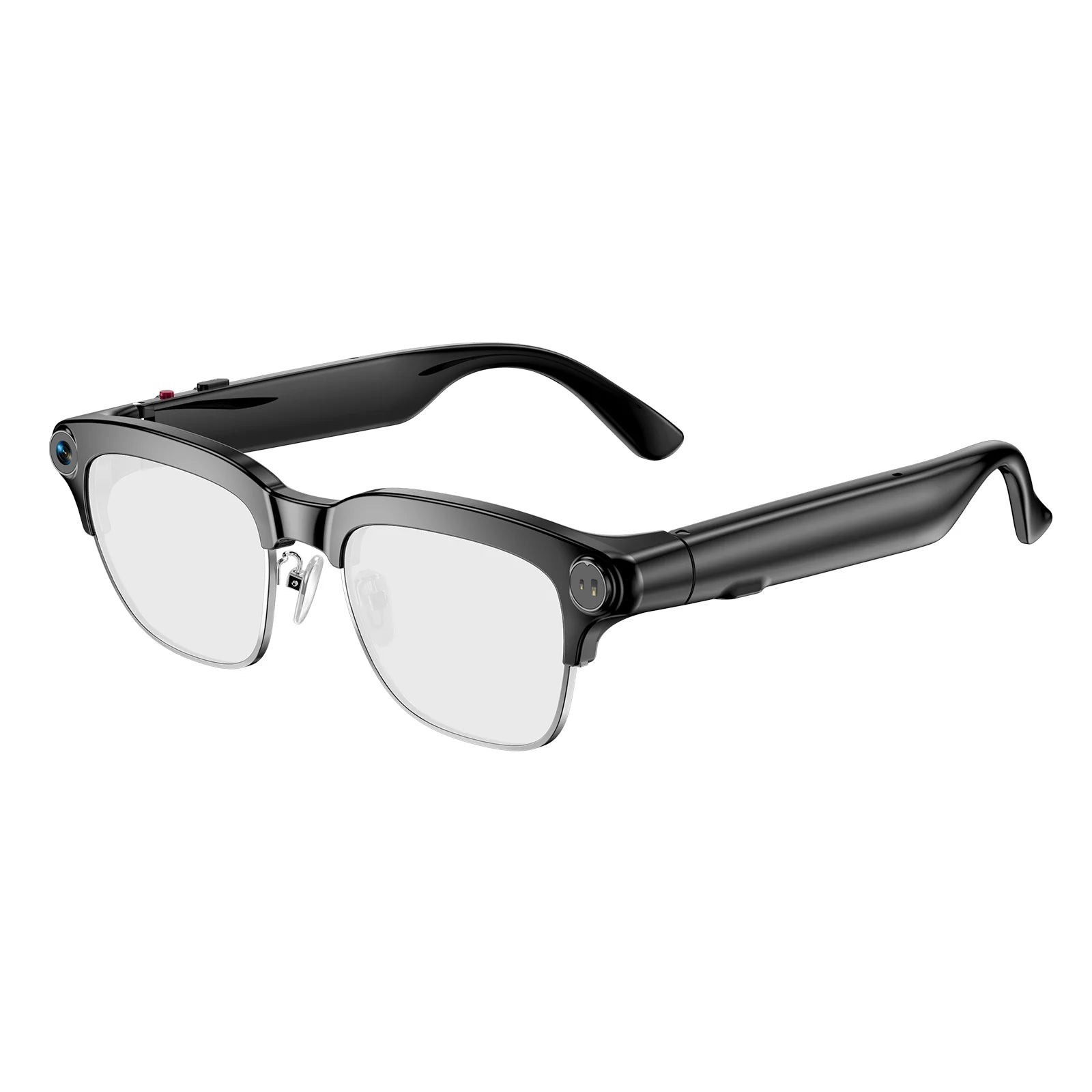
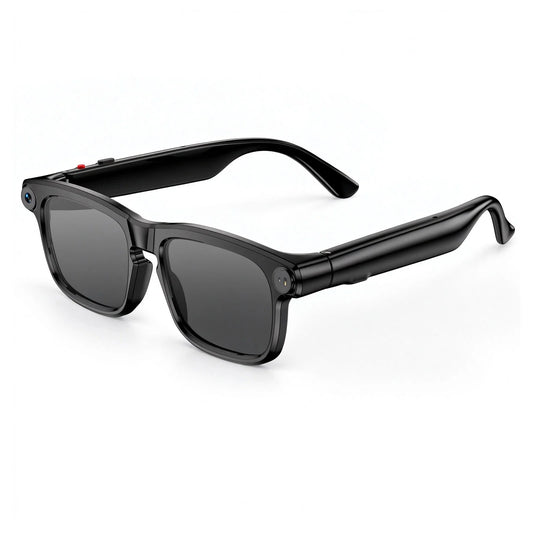
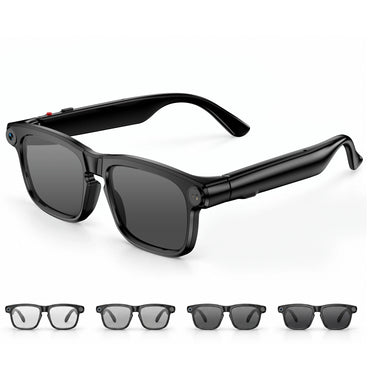
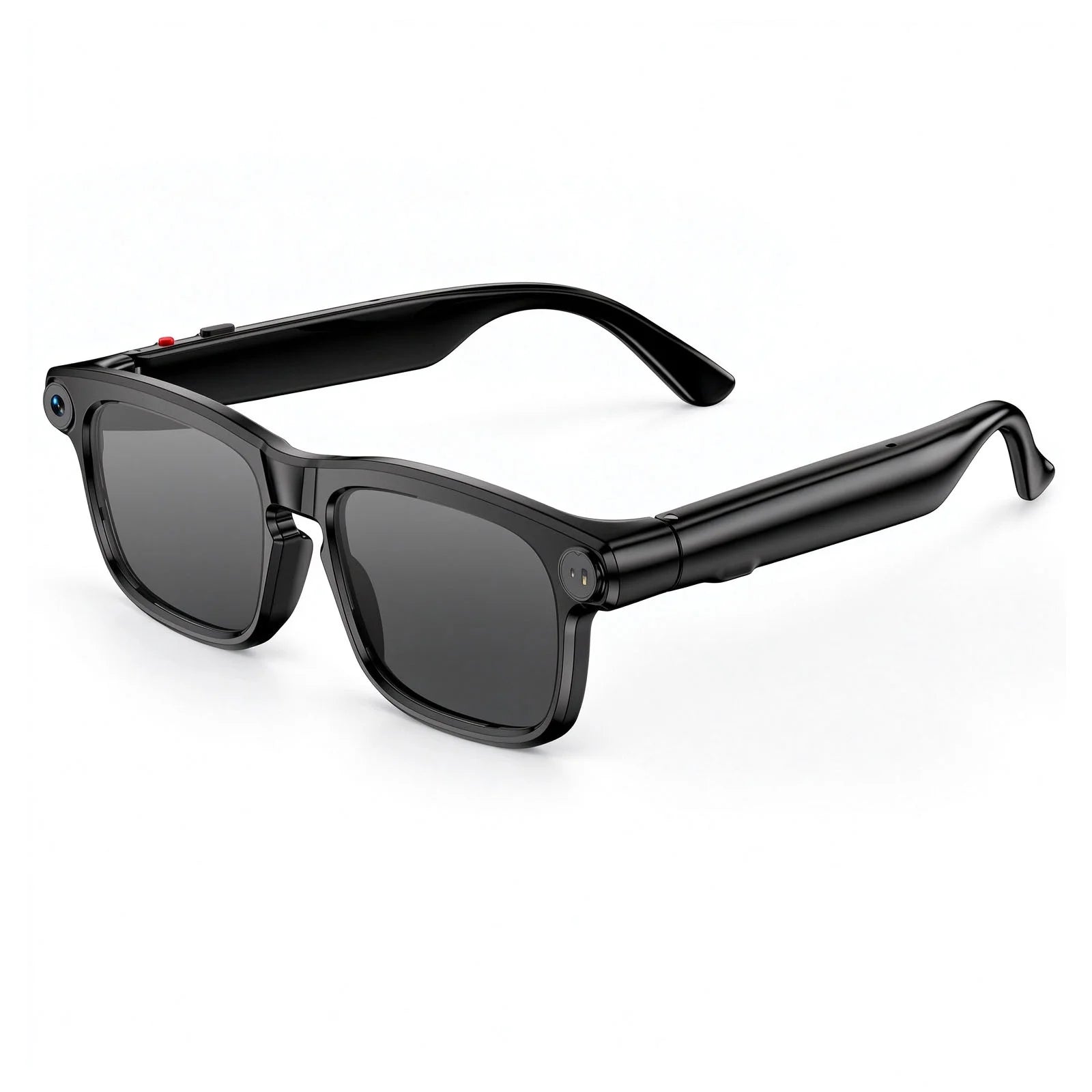
Osawalla's approach is to put AI and translation into frames that look and wear like ordinary eyewear, then deliver the result through open-ear audio rather than a display.
Here is what is published on the current product listings as of October 2026:
|
Model |
Price |
Translation mentioned |
Audio / mic specs published |
Other highlights |
|
Chic Core |
$57.99 |
Yes — AI translation, meeting notes, voice Q&A |
Bluetooth 5.4 open-ear audio; mic/ENC not published |
39g frame, silicone temples, 0.5s electrochromic tint |
|
Daily Core |
$69.99 |
No — not listed on the product page |
Open-ear audio not specified |
8MP camera, 1080P, 90-min continuous recording, anti-shake, Wi-Fi transfer |
|
Daily Pro |
$79.99 |
Yes — 139+ language translation, ChatGPT AI, object recognition |
Bluetooth 5.4 open-ear; mic/ENC not published |
40.8g TR90 frame, IP65, photochromic lenses |
|
Sport Pro |
$109.99 |
Yes — voice AI, translation, recognition |
Open-ear audio; mic/ENC not published |
8MP camera, EIS stabilisation, polarised lenses, splash protection |
|
Chic Pro |
$129.99 |
Yes — AI assistant & translation |
Bluetooth 5.4, dual-mic ENC, open-ear audio |
12MP camera, electrochromic lenses, up to 7h music / 4h calls |
Read that table carefully before you choose:
· Four of five models list translation. The Daily Core is a camera-first model; its listing does not mention translation. If translation is your reason for buying, do not buy it for that.
· 139+ languages is published for the Daily Pro only. Other models say "translation" without a number. Check the current listing for the model you want.
· No Osawalla model has an in-lens display. All deliver translation as audio through open-ear speakers. None can show real-time subtitles.
· Only the Chic Pro publishes a microphone spec — dual-mic ENC — which is the model to shortlist if you take calls in noisy places. Microphone count and noise-cancellation specs are not published for the other four.
· Daily Pro availability fluctuates. Check the product page before you plan around it.
Which one fits which use case
· Travel plus translation on a budget: Chic Core at $57.99 — also the lightest at 39g, with electrochromic lenses so you do not pack sunglasses separately.
· Widest published language coverage: Daily Pro at $79.99 — 139+ languages plus IP65 and photochromic lenses. See the Daily Pro smart features guide for detail.
· Outdoor and active travel: Sport Pro at $109.99 — polarised lenses, EIS, splash protection. For lens behaviour in strong sun, see do smart glasses work in bright sunlight.
· Calls and noisy environments: Chic Pro at $129.99 — the only model with published dual-mic ENC, plus 7h music / 4h calls.
Specifications and pricing change; confirm on the product page before purchase. For a side-by-side of the wider market, see our roundup of live translation glasses and AI smart glasses with real-time translation.
 9. Six Habits That Get Better Results
Small behavioural changes improve output more than any spec upgrade.
1. Speak naturally, but finish your thought. Running sentences together forces the engine to guess where the sentence ends.
2. Keep turns short. Two short sentences translate better than one long one — and they survive latency better too.
3. Reduce noise when it matters. Step away from traffic, music, or a crowded counter before an important exchange.
4. Verify anything high-stakes. Names, addresses, dates, prices, dosages, and medical instructions should be confirmed, not accepted.
5. Sometimes practise without translation. If you are learning, attempt comprehension first. The struggle is the mechanism.
6. Explain the device. A sentence — "these translate what you are saying" — turns a strange object into a shared tool, and covers the consent question too.
 10. Frequently Asked Questions
Can smart glasses translate conversations in real time?
Some can, in near-real time, through a connected app or translation service. Speed, languages, and output method depend on the model. Expect a short delay after each speaker finishes — research systems currently achieve roughly 3 seconds in ideal conditions (arXiv:2507.17527).
Are translation smart glasses good for learning a foreign language?
They help with comprehension and real-world listening practice, but they do not teach pronunciation, grammar, or long-term retention on their own. Studies of machine translation in language classrooms find the benefit depends on learners analysing the output rather than copying it (ERIC EJ1318690).
Do hands-free translation glasses work without a phone?
It depends on the model. Most rely on a paired phone for processing, connectivity, or app controls. Some support selected functions independently. Check the listing for the specific features you need.
Do smart glasses display translated subtitles?
Only models with a lens display can. Audio-first models play translated speech or show text in a companion app instead. No Osawalla model currently has an in-lens display.
How accurate are AI translation glasses?
Accuracy depends on the engine, language pair, accent, speed, noise, and sentence complexity. Everyday exchanges usually work; idioms, slang, technical terms, and humour frequently do not. Low-resource languages are generally weaker than widely spoken ones.
Are translation glasses useful for international travel?
Yes, for short practical exchanges: directions, ordering, transport, shopping. Before leaving, confirm language support, connectivity requirements, battery runtime, and whether any offline mode exists.
Can I use translation glasses in business meetings?
Possibly, but confirm each capability separately. Audio translation, live captions, transcription, and meeting summaries are distinct features. For confidential meetings, review company policy and the device's data handling first.
Which Osawalla smart glasses support translation?
Four of the five current models list translation: Chic Core ($57.99), Daily Pro ($79.99, 139+ languages), Sport Pro ($109.99), and Chic Pro ($129.99). Daily Core does not list translation. All deliver translation as audio via open-ear speakers, and none has a subtitle display. Check the product page for current availability and language support.
How many languages do people actually need?
Far fewer than marketing numbers suggest. Ethnologue's reference database catalogues the world's living languages (Ethnologue), but most travellers and learners need one or two pairs working reliably — which is why per-pair coverage matters more than headline language counts.
Final Thoughts: Make Language Less of a Barrier
Language is not just vocabulary. It is how we ask questions, share experiences, and build relationships across cultures.
Smart glasses real-time translation offers a lighter way through those moments. It will not replace a good phrasebook, a good ear, or a good teacher — and it should not. What it does is remove the phone from between two people, which turns out to be most of the problem.
The right pair is not the one with the longest feature list. It is the one that supports the languages you actually use, works where you actually go, stays comfortable all day, and fits how you already talk to people.
Explore Osawalla smart glasses and find the frame that fits your routine — and your next conversation.


