























Camera Glasses Privacy: A Practical Guide to Recording Responsibly
Camera glasses privacy comes down to five things: where you record, whether the people in frame would reasonably expect privacy, whether audio is included, how the device signals that it is capturing, and what happens to the file afterwards. A visible recording indicator helps, but it is not consent. Before you record in an unfamiliar place, check the local rules and the venue policy; if a private conversation or identifiable people are involved, ask first.
Camera glasses change how people capture everyday life. You can take a first-person photo, record a travel clip, or document a hands-on activity without pulling a phone out of your pocket. That convenience is the whole point — and it is also the reason privacy comes up so quickly. When a camera sits inside a frame that looks like ordinary eyewear, the people around you get fewer cues about what is happening.
This guide covers the practical side of camera glasses privacy: the checks to run before you record, how photo and audio rules differ, what a capture indicator does and does not do, where files actually go, and what AI features add to the picture. It also compares how different camera glasses handle these questions, so you can pick hardware whose privacy behaviour you actually understand.
Last updated: October 2026 · Written and reviewed by the Osawalla product team · Sources listed at the end
 Table of contents
· 1. Why camera glasses raise a different privacy question
· 2. Camera glasses privacy starts before you press record
· 3. Smart glasses camera rules: what the law actually covers
· 4. Camera glasses privacy in everyday situations
· 5. Recording indicators: what a capture light does and doesn't do
· 6. What happens to a recording after you capture it
· 7. Privacy comparison: Osawalla vs Meta vs other camera glasses
· 8. AI features add another privacy consideration
· 9. A camera glasses privacy checklist
· 10. What to check before you buy camera glasses
Key takeaways
· A public place is not automatically a recording-free zone. Venue policy, audio rules, and how you use the footage all matter.
· Audio is usually the riskiest part of a recording. Conversation consent rules differ by jurisdiction and are often stricter than rules for silent video.
· A capture indicator or recording light is a signal, not permission. Never cover or disable it, and do not assume people noticed it.
· Files rarely stay on the glasses forever. Know whether your recordings sync to a phone app, a cloud backup, or a shared album.
· AI features may send an image or voice clip off the device. Check the privacy notice before you enable them.
1. Why camera glasses raise a different privacy question
Smartphones made photography familiar, and their physical design makes recording fairly obvious. Someone holding a phone up toward a group gives everyone nearby a visible cue.
Camera glasses remove that cue. The camera is built into the frame, so you can capture a first-person view without raising anything. This is genuinely useful when you are cycling an approved route, walking through a scenic destination, or working with your hands. It also means bystanders get less information about when they are being recorded.
Three characteristics make camera glasses privacy worth thinking about deliberately.
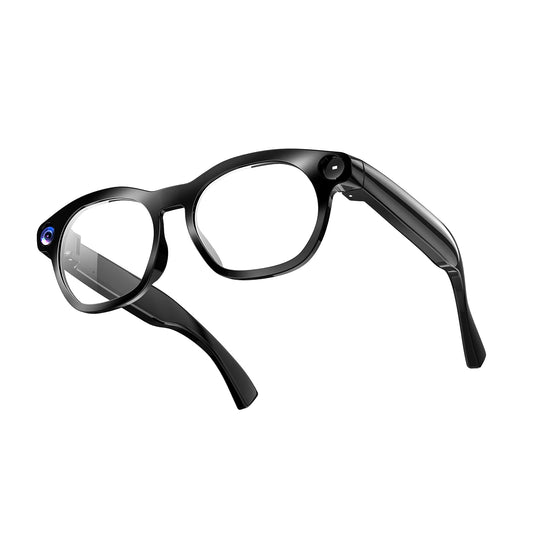
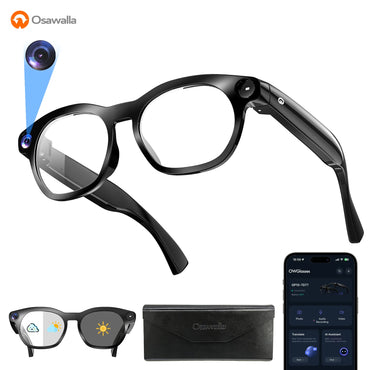
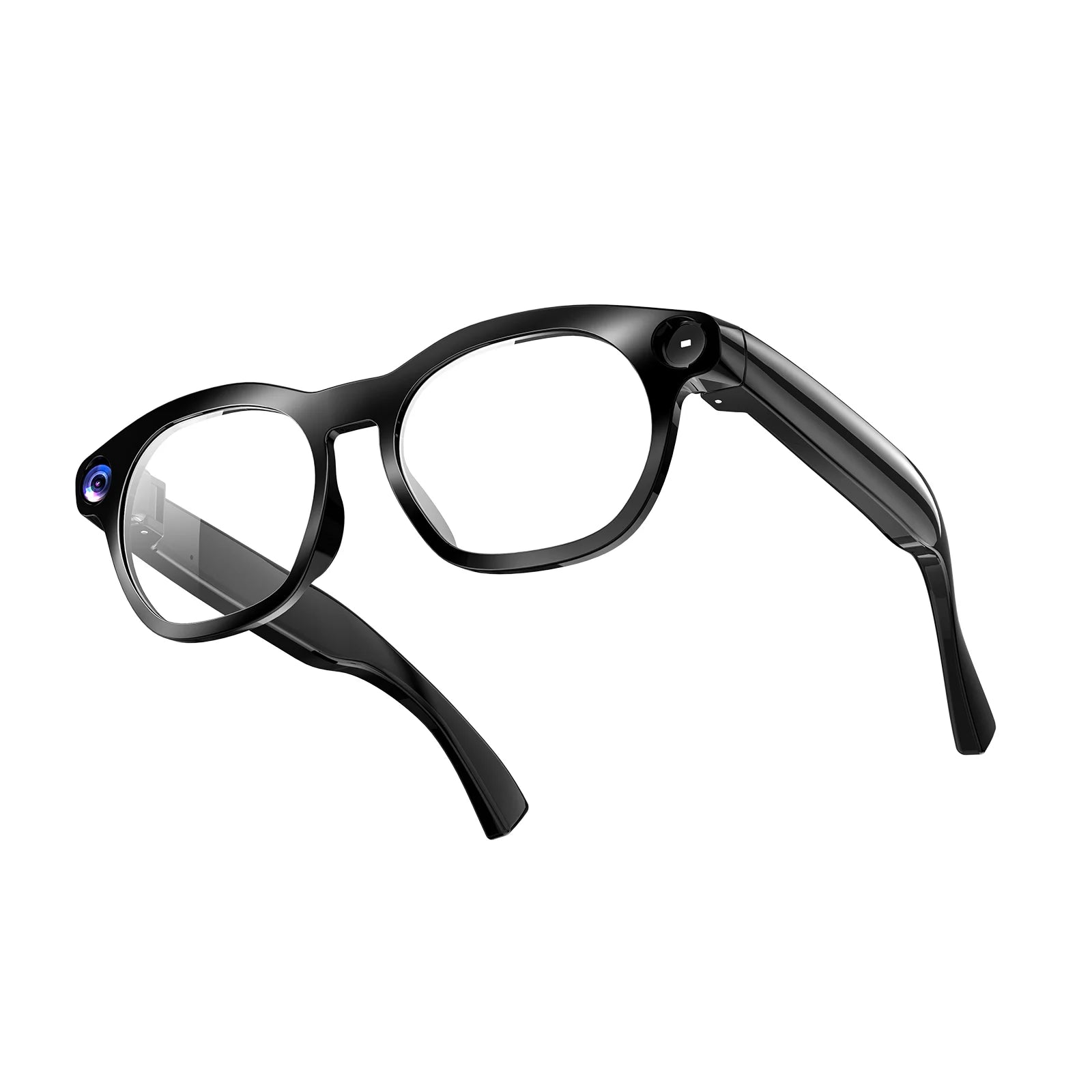
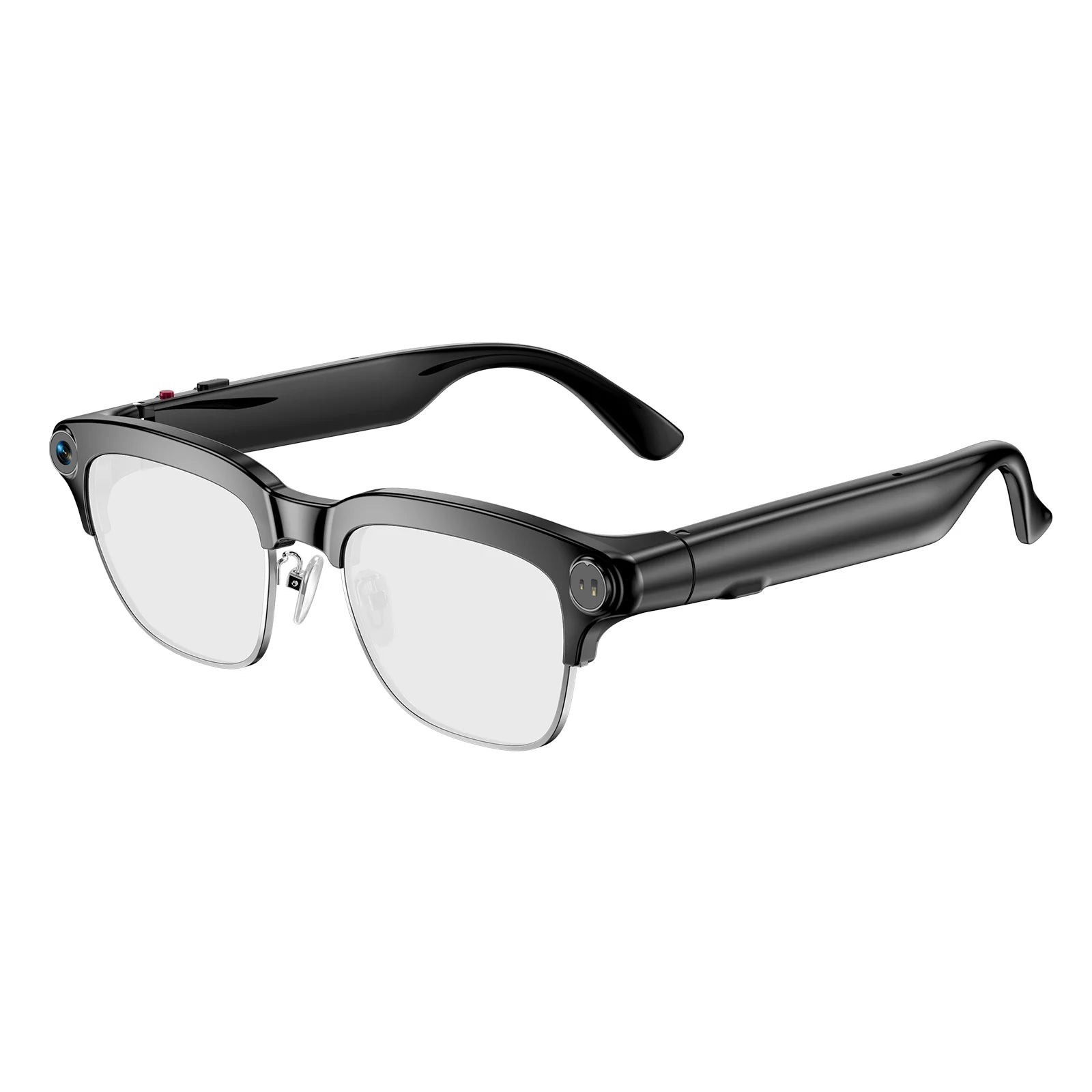
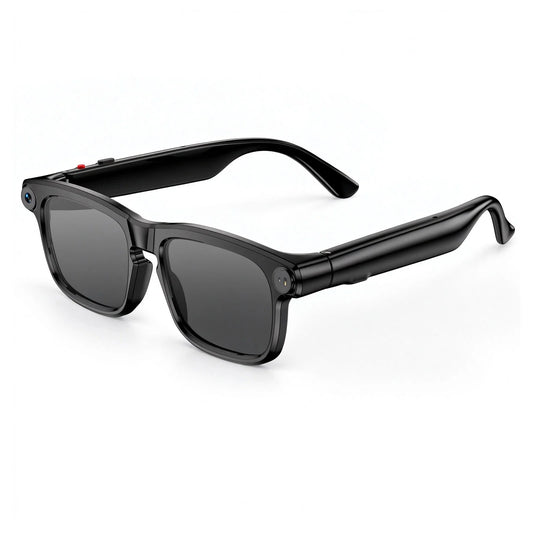
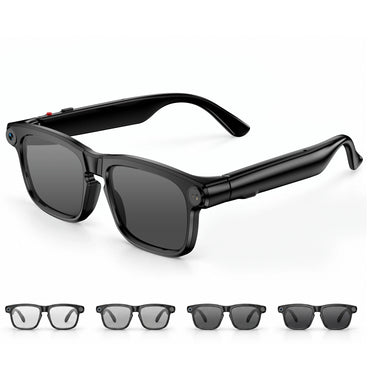
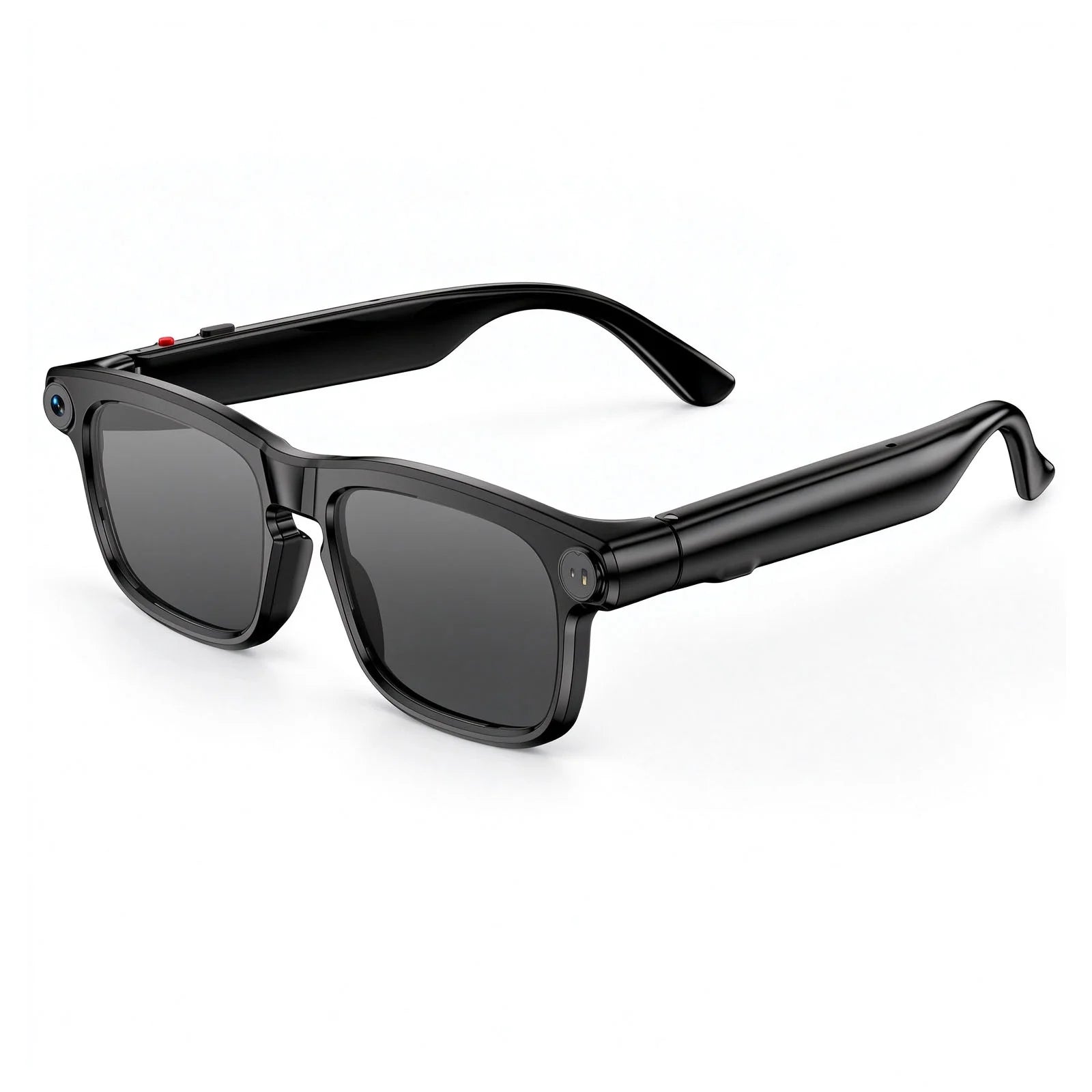
A familiar appearance. Camera glasses can look like conventional sunglasses or prescription frames. People cannot tell what the hardware is capable of from across a room.
A first-person viewpoint. The camera broadly follows where you look. People, conversations, screens, badges, and documents can enter the frame without being your intended subject. That is why a short clip of a street performance may also pick up a nearby table's conversation.
Several different data types. Depending on the model, a single session can involve photos, video, audio, voice commands, and AI processing. Each one carries slightly different privacy considerations, and they are not always controlled by the same setting.
The important distinction is that a recording often captures more than the moment you meant to preserve. Responsible use starts by accepting that gap.
If you want the audio and voice-assistant experience without a camera at all, audio-only smart glasses such as the Osawalla Chic Core remove the imaging question entirely — a useful option for offices, schools, and other camera-restricted environments.
2. Camera glasses privacy starts before you press record
The most useful habit is a short assessment before you activate the camera. Instead of asking only whether a shot will look good, check the setting, the people, and what else might end up in frame.
Is recording appropriate in this location?
Start with the assumption that "public" and "permitted" are two different things. Local law, venue policy, and the circumstances of the recording all apply.
A public park may be fine for recording your own walking route. A medical waiting room, changing area, courthouse, or private workplace meeting carries very different expectations — and sometimes explicit prohibitions.
Before you record, ask:
· Does the venue prohibit photography, video, or audio recording?
· Does the activity involve confidential, sensitive, or personal information?
· Will identifiable people appear prominently?
· Could recording interfere with someone's work, safety, or reasonable expectation of privacy?
When a location posts a no-recording policy, follow it. When the rules are unclear, ask the venue or the person in charge.
Who could be captured unintentionally?
A first-person camera does not frame a scene the way you consciously observe it. Turning your head toward a display can also capture the person standing beside it. Look around first, adjust your position so the frame favours your intended subject, and keep private conversations, ID badges, screens, and documents out of the shot.
That small check reduces unnecessary exposure without making hands-free capture any less useful.
Would the people involved reasonably expect privacy?
Public location and private interaction are not the same thing. People may be comfortable appearing incidentally in a wide shot of a public festival and uncomfortable being recorded during a personal conversation. Someone speaking with you one-on-one may reasonably expect the interaction is not being recorded or shared.
When another person is the main subject, asking is the clearest approach. It states your intention and gives them a chance to decline.
3. Smart glasses camera rules: what the law actually covers
There is no single worldwide rule for camera glasses. Photography, audio recording, and personal-data collection are governed by different bodies of law, and those rules change by jurisdiction.
Public photography and video
In many jurisdictions, taking images in public places is generally permitted under certain conditions. That does not make every recording lawful or appropriate. Restrictions commonly apply to harassment, commercial use, protected or sensitive locations, certain subjects, and the later publication of footage.
Do not assume that being outdoors removes every obligation.
Audio recording and consent
Audio deserves separate attention, because conversations can contain sensitive information even when the speakers are outside the camera's field of view.
Some jurisdictions allow recording when one participant consents; others require consent from all parties in defined circumstances. In the United States, the split between one-party and all-party consent states is documented in the Reporters Committee for Freedom of the Press recording guide and the Digital Media Law Project's guide to recording calls and conversations. If you are unsure whether a conversation can legally be recorded, don't record it until you have checked the rule that applies where you are.
Data protection rules in the UK and EU
In the UK and EU, footage of identifiable people is personal data, and the same principles apply to a wearable camera as to any other recording system. The UK Information Commissioner's Office guidance on body worn video makes the point that small, discreet, mobile cameras are "likely to be more intrusive than conventional CCTV systems," because they capture passers-by who never chose to be in frame.
Ireland's Data Protection Commission reaches a similar conclusion for wearable and action cameras, noting that a body-worn camera "effectively turns the wearer into a mobile surveillance system" and that recordings should be minimal, secure, and retained only as long as necessary (DPC guidance on body worn cameras).
Most of that guidance is written for organisations rather than individuals, and purely personal, household use is treated differently — but the underlying principles travel well: capture the minimum you need, store it securely, delete it when you no longer need it. The GDPR Article 5 principles are a concise summary. For EU-level guidance on video devices, see the European Data Protection Board's guidelines and recommendations.
Workplace and venue policies
Employers, schools, healthcare facilities, gyms, museums, cinemas, and transport operators can impose restrictions that go well beyond general public photography rules.
A workplace might prohibit camera-equipped wearables wherever customer information, unreleased products, or confidential documents are visible. A museum may restrict photography near specific exhibits. A gym may prohibit recording in changing or training areas to protect members. These policies apply even when the device is capable of recording discreetly.
A practical rule
Before using recording glasses somewhere new, check both the law and the venue's rules. If the activity involves a private conversation or identifiable people, treat consent as a separate question from permission to enter the location.
This article provides general educational information, not jurisdiction-specific legal advice. Check the rules that apply where you are recording.
4. Camera glasses privacy in everyday situations
Privacy decisions get easier when you think in situations rather than abstractions.
Travel and sightseeing
Camera glasses are well suited to walking tours, scenic overlooks, and street performances. The main consideration is the crowd around you. Keep the recording on the scenery or the activity rather than lingering on strangers, and follow posted restrictions at attractions, religious sites, museums, and transport hubs.
If you plan to publish footage, review it first. A clip that seemed harmless at the time may show a child's face, a hotel room number, or a boarding pass.
Social gatherings and family events
Family celebrations feel private even when they happen in a public venue. Tell people when you intend to record a conversation or a close-up, be especially careful around children, and get permission from a parent or guardian where needed.
Permission to record is not automatically permission to publish. Someone may be happy to appear in a family video and still prefer not to be in a public social post.
Exercise and outdoor activities
Hands-free capture is convenient on a hike, a ride, or any activity where holding a phone is impractical — see video recording glasses for running and cycling for the practical side.
Keep safety first: do not let camera controls distract you from traffic, other trail users, or changing conditions. Never film in changing rooms, locker rooms, or similar spaces, and respect rules set by gyms and event organisers. For group activities, explain your plan before you start so participants can opt out.
Meetings and professional environments
Work meetings carry risks that are easy to miss. A recording can capture confidential discussion, client details, whiteboards, financial information, or material covered by company policy.
Ask for authorisation before recording a professional meeting, even if the footage is only for your own reference. Where recording is not approved, leave the camera off and use an approved note-taking method instead. The same applies to interviews, customer interactions, and visits to areas with sensitive information.
5. Recording indicators: what a capture light does and doesn't do
Most camera glasses signal capture in some way. Depending on the model, that may be an LED, a sound, or both.
Osawalla's camera-glasses FAQ states that photo, video, and audio capture are signalled by an indicator light or an audible prompt, and reminds users to follow local privacy rules . Exact behaviour varies by model, so confirm it in the user manual rather than assuming.
Meta's AI glasses use a Capture LED, configured so that the camera is disabled if the light is fully covered or tampered with (Meta AI glasses privacy).
Signals like these are useful, but they do not settle every question:
· A small light can go unnoticed in bright daylight or a crowded room.
· People unfamiliar with the device may not know what the signal means.
· Even a clearly indicated recording still has to follow the law and the setting's norms.
Never cover, disable, or work around a recording indicator. If you cannot tell whether your device is capturing, check the manufacturer's instructions before using it around other people.
Also keep the functions separate in your head. Taking a photo, recording video, capturing audio, and asking an AI to analyse an image are not the same operation. They can have different indicators, different data paths, and different privacy implications.
6. What happens to a recording after you capture it
Privacy does not end when the camera stops. A file creates new exposure every time it is transferred, backed up, edited, or shared.
Understand where files are stored
Per Osawalla's own documentation, photos, videos, and audio are stored first in the glasses' local memory as temporary storage, then transferred to the companion app over Bluetooth or Wi-Fi. Once content is uploaded to the app, the local copy on the glasses is cleared, and the synced content is permanent until you delete it manually (Osawalla Daily Pro Smart Glasses FAQ).
That pattern — local first, app second — is common, but it is not universal. Check where your files go, whether automatic sync or cloud backup is on, which accounts can reach them, and what permissions the app requests beyond what you actually use.
Then do the basics: a strong password on the associated account, a locked phone, and current software on both. Osawalla's privacy policy covers how account and device data are handled.
Review footage before sharing
A recording made for personal use can still contain things that should not be published. Before uploading, check for:
· Faces of people who did not agree to be featured
· Addresses, licence plates, or identifying location details
· Screens showing emails, passwords, customer records, or other confidential information
· Background conversations that reveal personal information
· Children or vulnerable people whose identities should be protected
Crop, mute, blur, or cut the sensitive parts. If editing cannot protect the people involved well enough, don't publish it.
Delete what you no longer need
Keeping everything indefinitely increases the amount of personal information you hold. Review saved media periodically and delete what is no longer useful. Remember that deleting a clip in one place may not remove every copy — it may also exist in a phone gallery, a companion app, a cloud backup, or a shared album. Before selling, lending, or resetting a device, follow the manufacturer's procedure for removing personal data and disconnecting accounts.
7. Privacy comparison: Osawalla vs Meta vs other camera glasses
Comparison is worth doing here, because privacy behaviour is a hardware decision, not just a habits decision. The table below covers the privacy-relevant differences rather than general specs.
|
Privacy factor |
Osawalla Daily Pro |
Osawalla Daily Core |
Osawalla Chic Core |
Meta AI glasses (Ray-Ban Meta line) |
|
Camera |
8MP, 1080P video |
8MP, 1080P video |
No camera (audio only) |
12MP stills, 1080P+ video |
|
Capture signal |
Indicator light or audible prompt |
Indicator light or audible prompt |
n/a |
Capture LED; camera disabled if LED covered |
|
Audio |
Microphone + open-ear speakers |
Microphone + open-ear speakers |
Open-ear speakers, no mic recording |
Multi-microphone array + open-ear speakers |
|
Where files land first |
Local memory, then companion app |
Local memory, then companion app (Wi-Fi transfer) |
n/a |
Stored on glasses until imported or auto-imported |
|
AI processing |
On-device assistance plus AI features for recognition and translation |
Not the focus of this model |
Voice assistance |
Meta AI processes what the camera sees when you ask |
|
Hard off switch |
Yes — physical power control |
Yes — physical power control |
Yes |
Yes — slide power switch |
|
List price |
From $79.99 |
From $69.99 |
From $57.99 |
From about $299 (US list price, October 2026) |
How to read this. All three camera options signal capture and can be powered down completely, which is the baseline you should expect from any pair. The meaningful differences are in the details: whether the indicator is a light, a sound, or both; whether files wait locally or sync automatically; and whether AI features send an image off the device. Meta publishes an explicit anti-tamper behaviour for its capture LED; Osawalla documents an indicator light or sound prompt and local-first storage.
Prices and specs change. Confirm current details on the Daily Pro, Daily Core, and Sport Pro product pages before you buy, and read the model's FAQ rather than relying on a comparison table.
If you want a wider view of what is available, see the 15 best smart glasses with camera in 2026 and 7 best smart glasses for video recording.
8. AI features add another privacy consideration
Camera glasses increasingly do more than record. Object recognition, voice assistance, and live translation are now common — see AI smart glasses with real-time translation for what that looks like in practice.
These functions are convenient, but understand what happens when you use them. Asking an assistant to identify an object involves processing an image. A translation feature processes speech. Depending on the product architecture, some processing happens on the device, some on the connected phone, and some through a remote service.
Do not assume every AI feature runs offline, or that every captured image stays local. Before enabling one, read the relevant privacy notice and app permissions: what data is collected, where processing happens, how long information is retained, and whether data may be used to improve the service. Controls vary by manufacturer and software version.
Avoid pointing AI features at private documents, confidential screens, or people in sensitive situations without authorisation. A useful principle: share only what the task needs. If the assistant can answer without exposing other people's personal information, keep the capture narrow.
For a balanced view of current limits, see the 5 limitations of AI glasses in 2026.
9. A camera glasses privacy checklist
Before recording
· Check local law and venue restrictions
· Identify people, documents, or conversations that could end up in frame
· Get permission where it is appropriate or legally required
· Confirm which function you are activating: photo, video, audio, or AI
During recording
· Keep the camera on your intended subject
· Respect requests to stop and any no-recording policy
· Keep recording indicators unobstructed
· Prioritise safety; avoid sensitive spaces entirely
After recording
· Review footage before sharing
· Remove personal or confidential details
· Check app permissions, syncing, and backup settings
· Delete files you no longer need, and look for other copies
These steps do not replace understanding the law, but they make thoughtful decisions routine.
10. What to check before you buy camera glasses
Privacy is easier when you choose hardware that is easy to manage. Beyond image quality and battery life, look for:
· How recording is signalled — a visible light, a sound, or both, and whether the device blocks capture if the signal is covered
· How capture is activated — button, voice command, or app, and whether accidental activation is possible
· Where files are stored and how they move — local-only, automatic sync, or cloud backup
· What the companion app requests — permissions beyond the features you plan to use
· A physical off switch — the ability to make the glasses ordinary eyewear instantly
· A readable privacy policy — where to find it, and whether it explains retention in plain language
More detail is in smart glasses with camera: what to look for and 8 expert tips to shop smart glasses with camera. If you are new to the category, how do smart glasses work is a good starting point.
 Frequently asked questions
Are camera glasses legal to use in public?
It depends on the jurisdiction, the circumstances, the type of recording, and any venue restrictions. Public photography may be permitted in some situations, while audio recording, sensitive locations, and later publication can be governed by different rules. Check the requirements where you are.
Do I need permission to record someone with camera glasses?
Requirements vary. Asking before recording identifiable people — especially during conversations or in private settings — is a responsible default and is legally required in some circumstances. Always respect a request not to be recorded.
Can camera glasses record audio as well as video?
Some models do; others have different combinations of camera and microphone functions. Check the specifications for your exact model. Audio recording is often subject to different rules than photography or silent video.
Are camera glasses private if the recording indicator is visible?
A visible indicator helps people recognise that recording is active, but it does not guarantee privacy or make a recording appropriate. You are still responsible for following the law, respecting venue policy, and handling the footage carefully.
How can I protect recordings made with camera glasses?
Secure the connected phone and account, review app permissions and syncing, keep software updated, and delete files you no longer need. Before sharing, check for identifiable people and sensitive information, and remember that copies may exist in backups or shared albums.
Where are Osawalla recordings stored?
Photos, videos, and audio are stored first in the glasses' local memory as temporary storage, then transferred to the companion app. After content is uploaded to the app, the local copy is cleared; synced content stays until you delete it manually. See the Osawalla Daily Pro FAQ for the current wording.
What is the most privacy-friendly option if I only need audio?
Audio-only smart glasses, which have speakers and microphones for calls and voice assistance but no camera. They remove the imaging question entirely, which makes them easier to wear in camera-restricted environments.
What should I check before buying camera glasses?
How recording is indicated, how capture is activated, how files are transferred and stored, what permissions the app requests, whether there is a physical off switch, and where to find the manufacturer's privacy policy. Choose a device whose behaviour you can understand and manage.


