






















Preguntas frecuentes
Envío
¿Qué regiones están incluidas en la entrega exprés?
Todos los productos de Osawala se envían desde almacenes en los Estados Unidos, y Osawala actualmente ofrece servicios de entrega dentro de los Estados Unidos. Estamos orgullosos de atender a clientes en los 50 estados de los Estados Unidos.
Aviso de compra:
• No se envía a áreas no continentales de los Estados Unidos, como Alaska, Hawái, Puerto Rico.
• No se envía a direcciones militares como APO/FPO.
• Otros países de América del Norte no están dentro del rango de entrega.
¿Cuánto tiempo se tarda en procesar y enviar mi pedido?
Su pedido será procesado y enviado dentro de 1 a 2 días después de la confirmación del pago (excluyendo fines de semana y días festivos). Una vez que su paquete haya sido enviado, recibirá una notificación por correo electrónico con su información de seguimiento. El tiempo estimado de entrega dentro de los Estados Unidos es de 5 a 7 días hábiles, dependiendo de su ubicación y del rendimiento del servicio de mensajería local.
¿Cuándo puedo obtener envío gratis?
Ofrecemos ENVÍO Estándar GRATUITO en todos los pedidos dentro de nuestra tienda. No se aplicarán tarifas de envío adicionales al finalizar la compra.
¿Por qué mi rastreo muestra retrasos en la entrega o excepciones de envío?
Aunque nos esforzamos por entregar todos los paquetes a tiempo, pueden producirse retrasos ocasionales debido a factores como el alto volumen de pedidos, las condiciones meteorológicas adversas o las interrupciones del servicio de mensajería. Nuestro equipo de soporte está siempre disponible para ayudarle si su paquete experimenta retrasos inesperados.
Devoluciones y reembolsos
¿Cómo inicio un proceso de devolución?
Contacta a nuestro equipo por:
Correo electrónico: support@osawalla.com
Usando el formulario de contacto en nuestro sitio web
Incluye estos detalles:
Tu número de pedido
Nombre del producto y motivo de la devolución
Fotos si reclamas un defecto/artículo incorrecto
Próximos pasos:
Te responderemos en un plazo de 24 horas hábiles.
¿Cuánto dura la garantía?
Para cualquier producto de gafas inteligentes Osawalla con un comprobante de compra válido, ofrecemos un servicio de garantía de un año. Para productos con problemas de calidad, ofrecemos un servicio de reemplazo gratuito de 30 días a partir de la fecha de compra.
Exclusiones de la garantía Las siguientes situaciones no están cubiertas por la garantía:
1. Reclamaciones fuera del período de garantía.
2. Daños causados por no usar, mantener y almacenar el producto de acuerdo con el manual del usuario.
3. Reclamaciones sin certificados de garantía válidos.
4. Uso de accesorios no oficiales o no certificados.
5. Durante el período de garantía, se ofrecen devoluciones e intercambios gratuitos dentro de un mes. Después de un mes, se cobrará una tarifa de envío de $5.99.
¿Cuál es su política de devoluciones?
Aceptamos devoluciones dentro de los 30 días posteriores a la entrega de artículos sin usar/sin estrenar en su embalaje original y con las etiquetas puestas.
¿Están cubiertos los gastos de envío de devolución?
Por problemas no relacionados con la calidad, los clientes deben pagar ellos mismos la tarifa de envío de devolución de $5.99; por problemas de calidad, dentro del período de garantía, las devoluciones y cambios son gratuitos dentro de un mes, y los clientes deben pagar la tarifa de envío de devolución de $5.99 si excede un mes.
Gafas inteligentes
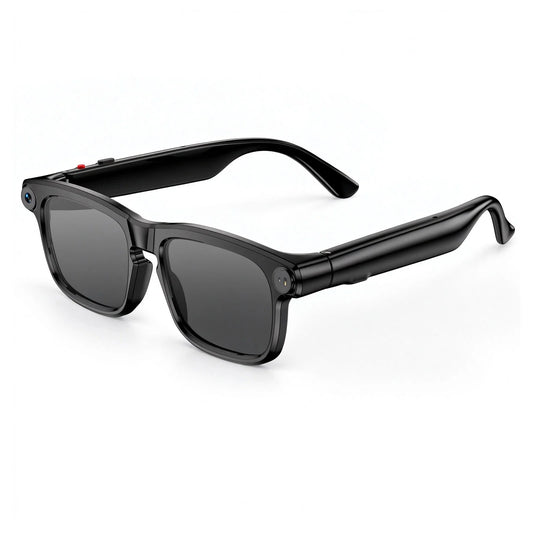
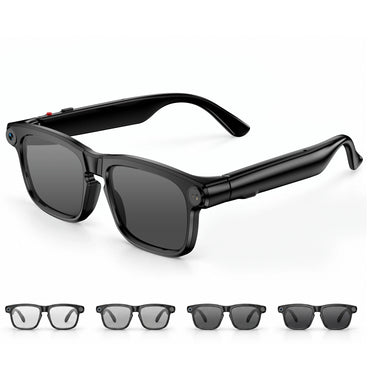
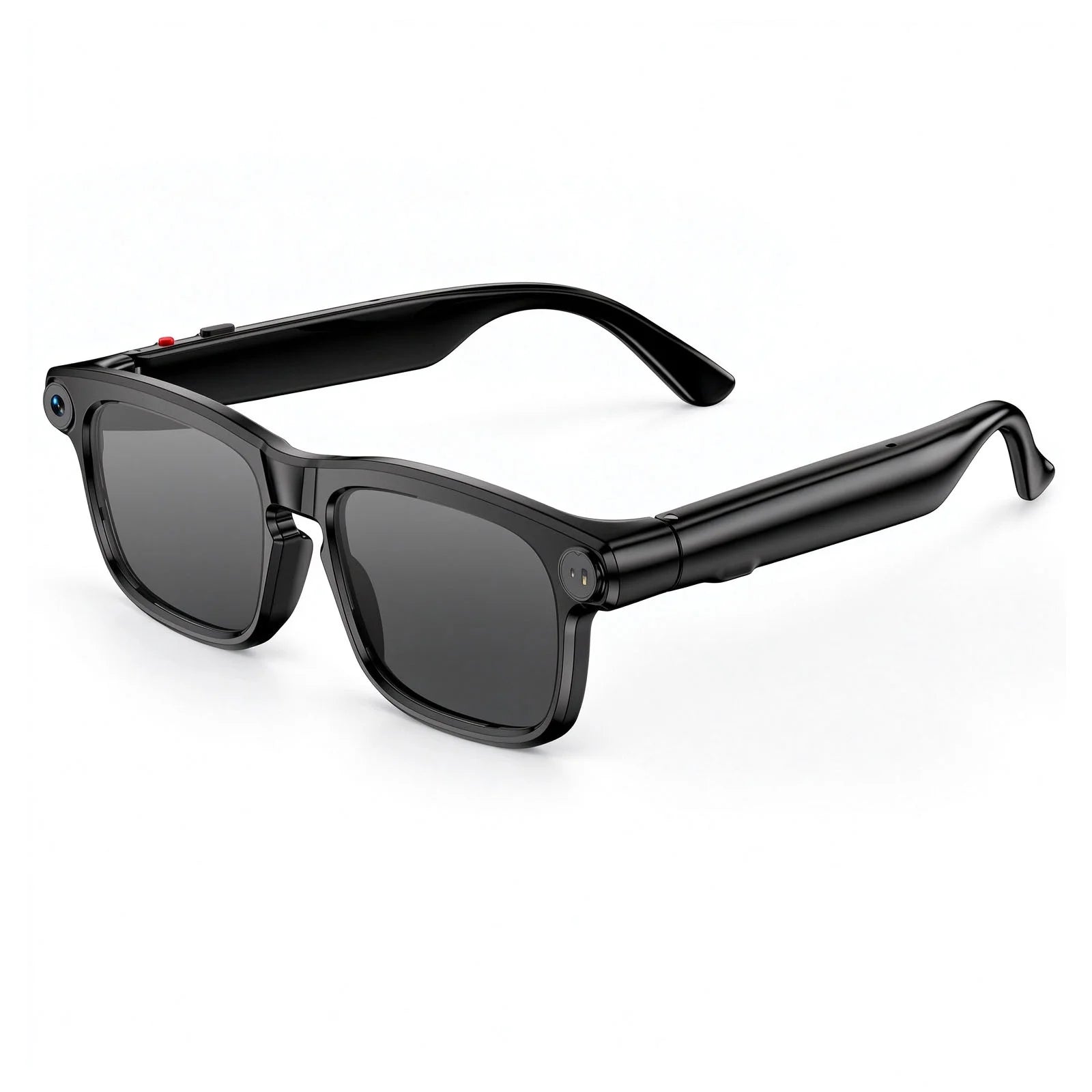
¿Qué pueden hacer las gafas inteligentes Osawalla?
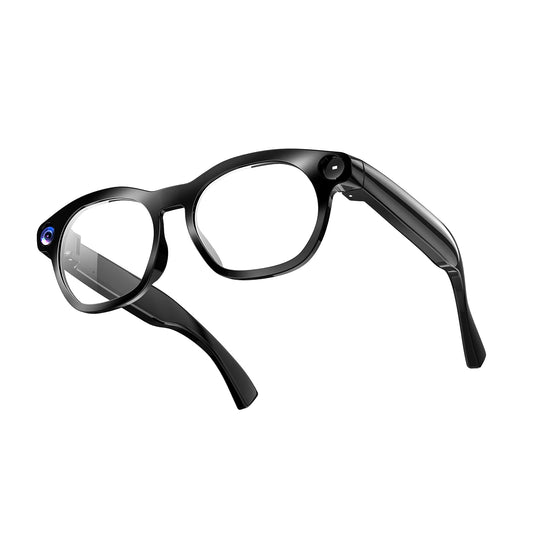
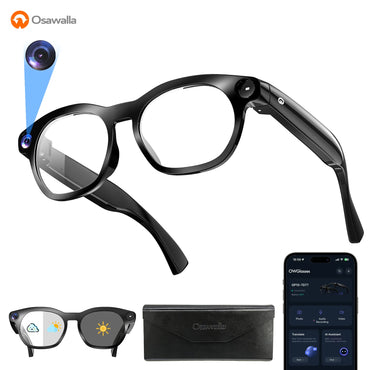
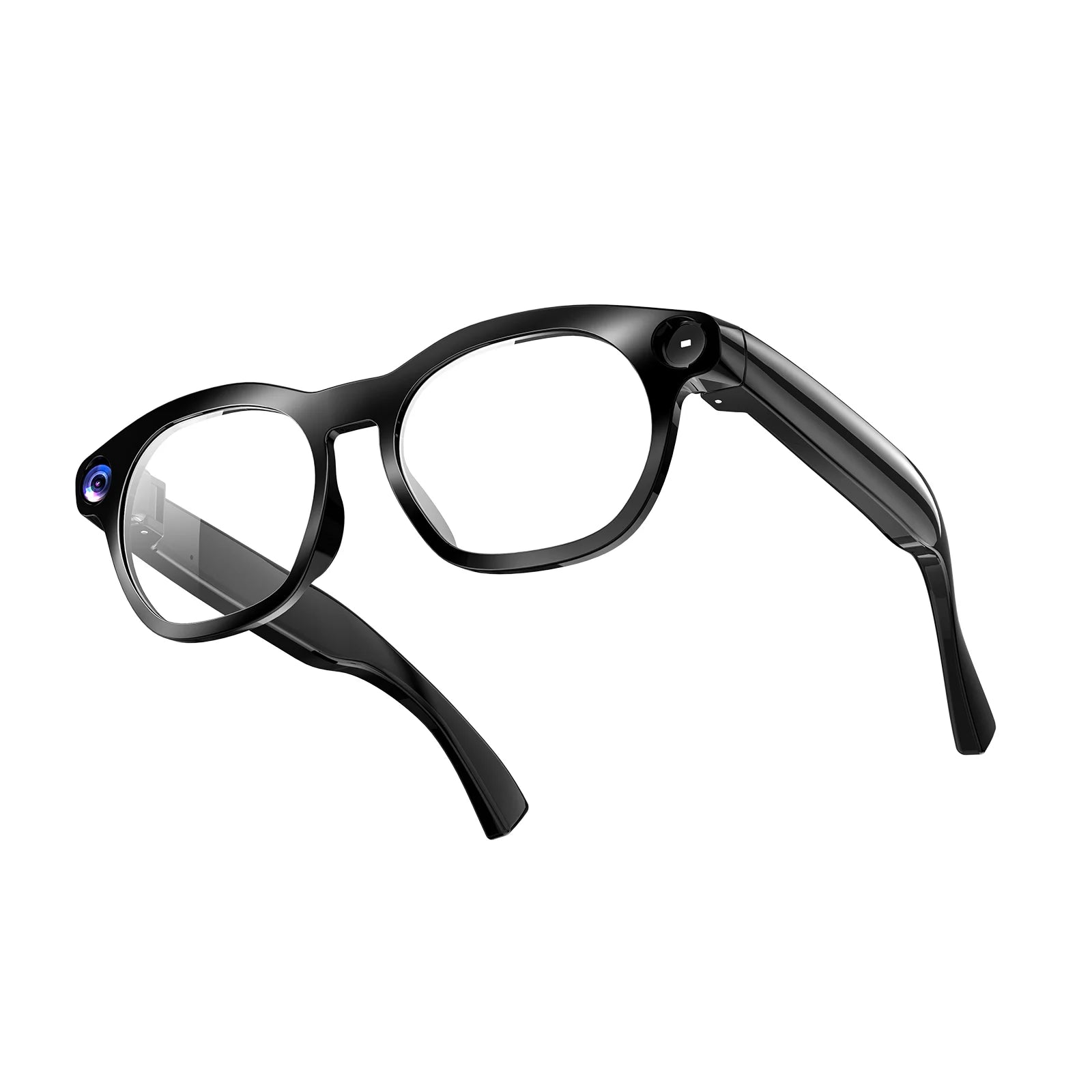
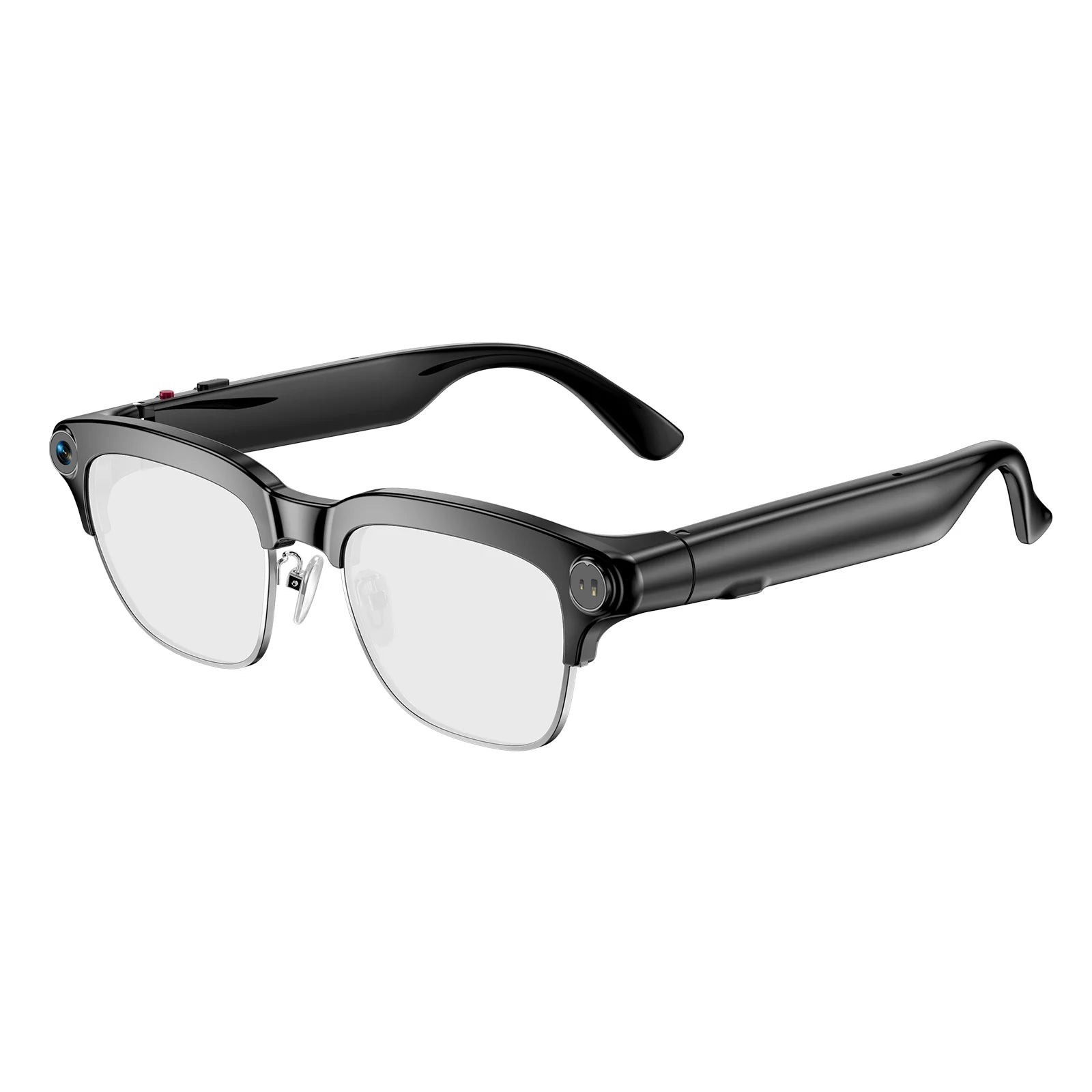
Nuestras gafas inteligentes combinan audio manos libres con gafas elegantes. Puedes: hacer/recibir llamadas/escuchar música/activar asistentes de voz/recibir notificaciones/gafas elegantes para usar todo el día
¿El video grabado incluye audio?
Sí. Cada video se captura con audio a través del micrófono incorporado. Lo que escuchas es lo que se graba: conversaciones, sonidos ambientales, tu propia voz. Todo sincronizado, todo en un solo archivo. No se necesita micrófono externo.
¿Las gafas con cámara Osawalla realmente graban en primera persona o de lado?
Verdadero en primera persona. La cámara se sitúa centrada entre tus ojos, para que tu grabación coincida exactamente con lo que ves, sin ángulos laterales incómodos o encuadres perdidos.
¿Pueden las gafas inteligentes de Osawalla soportar condiciones reales al aire libre?
Sí. Lentes resistentes a impactos y una estructura resistente al agua protegen contra la lluvia, el sudor y las salpicaduras. Diseñado para el exterior, no para un cajón de escritorio.
Anillo inteligente
¿Cómo elegir el tamaño correcto de anillo inteligente?
Paso 1: Mide la circunferencia de tu dedo. Corta una tira delgada de papel o usa un hilo suave, envuélvelo firmemente alrededor de la base de tu dedo objetivo. Marca el punto donde se superponen, luego mide la longitud con una regla (unidad: mm). Compara la circunferencia medida con nuestra tabla de tallas: Talla 7: 54.40mm Talla 8: 57mm Talla 9: 59.5mm Talla 10: 62.1mm Talla 11: 64.6mm Talla 12: 67.2mm Talla 13: 69.7mm Paso 2: Consejos clave para una medición precisa Mide tus dedos por la noche: los dedos se hinchan ligeramente después de las actividades diarias, evita medir por la mañana en frío. No midas cuando tus manos estén hinchadas después de hacer ejercicio o de un baño caliente. Si tu nudillo es mucho más grueso que la base del dedo, elige una talla más grande para que sea fácil de poner y quitar. Si prefieres un ajuste más holgado para usarlo durante todo el día mientras duermes, elige la siguiente talla más grande. Paso 3: Recordatorio Nuestro anillo inteligente se ajusta perfectamente a los dedos para un seguimiento estable de los datos de salud. Demasiado suelto causará una monitorización inexacta de la frecuencia cardíaca y del sueño. Si recibes un anillo que no te queda bien, ponte en contacto con el soporte para el servicio de cambio de talla.
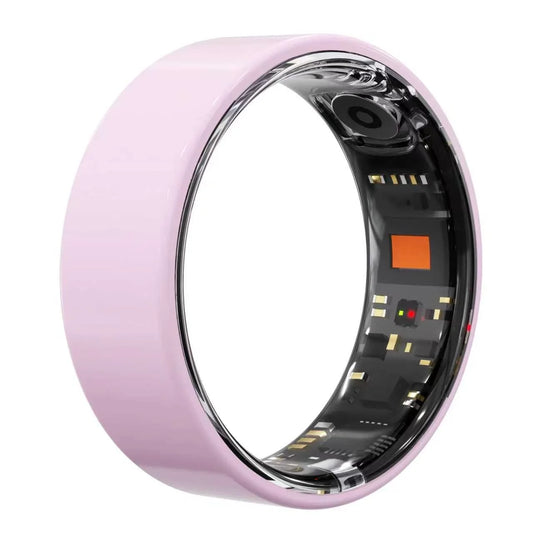
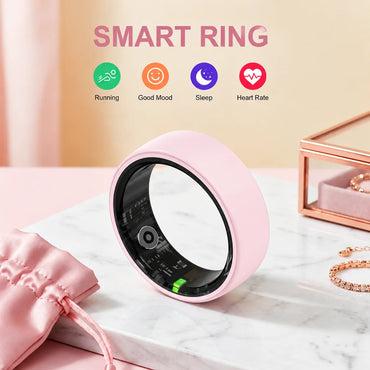
¿Qué puede hacer un Smart Ring?
Nuestro anillo inteligente combina perfectamente el monitoreo de frecuencia cardíaca/seguimiento del sueño/oxígeno en sangre (SpO2)/seguimiento de actividad/sincronización inteligente
¿Cómo se carga el dispositivo?
Simplemente conecte el cable de carga al puerto de carga del dispositivo. Una luz roja en el interior del dispositivo parpadeará durante la carga, y una luz verde parpadeará cuando la carga esté completa.
¿Cómo conectar el dispositivo?
1. Enciende el Bluetooth de tu teléfono, ve a la página de inicio de la aplicación o a tu perfil, toca "Añadir dispositivo" y luego toca "Dispositivos escaneados". Después de una conexión exitosa, los datos se sincronizarán con la aplicación.
2. Los dispositivos que se estén cargando se mostrarán primero. Si tienes varios dispositivos, esto facilita encontrarlos mientras se están cargando.


