
























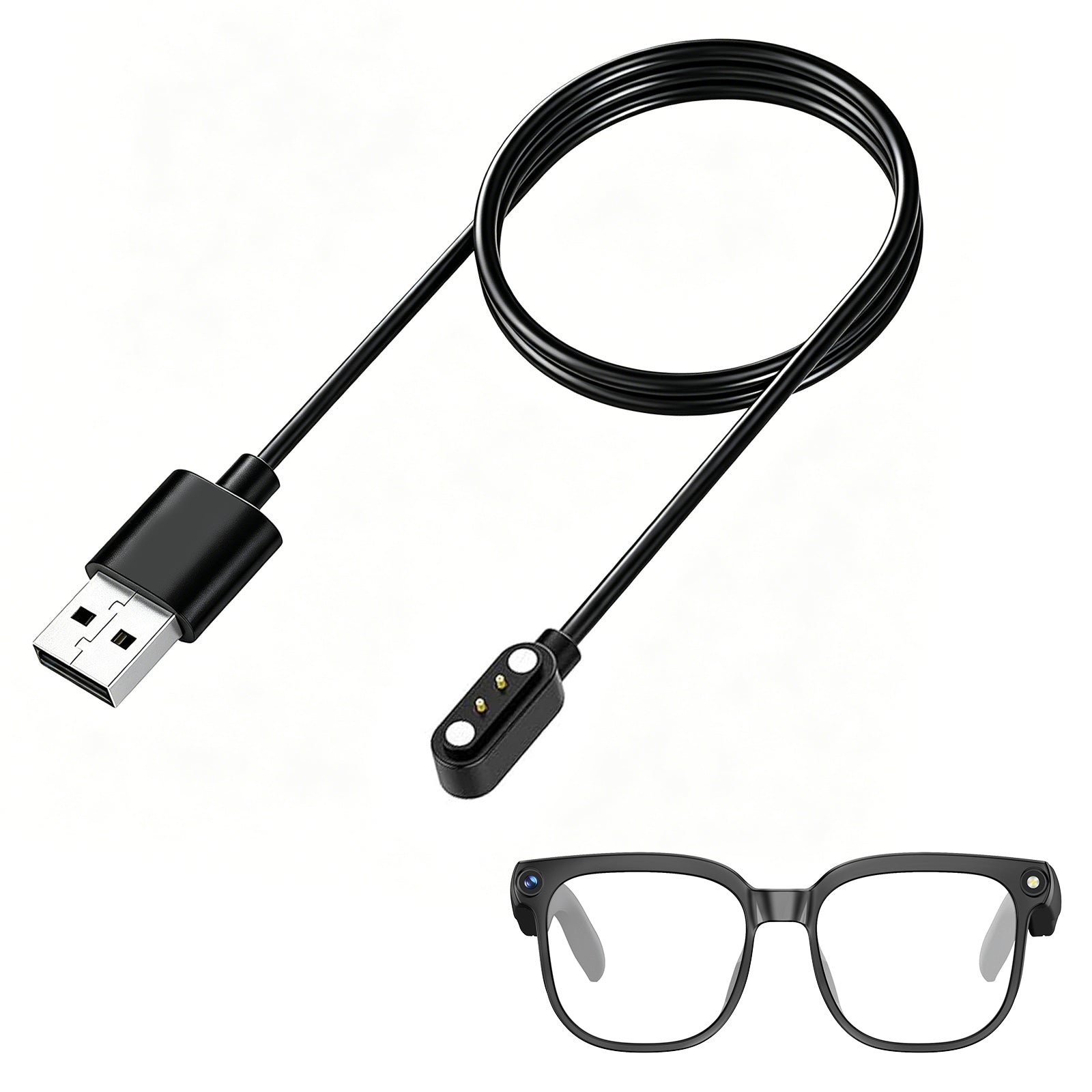


Smart Glasses with Camera: What to Look For
Smart glasses with camera features have moved from tech demos to everyday tools. Whether you want hands-free POV videos, AI-powered translation, or a headset you can wear on a run, a good pair of camera smart glasses can replace multiple devices at once. But not every model delivers on the marketing promises. Before you buy, it helps to know what actually matters.
In this guide, we’ll break down the key features to look for in smart glasses with camera, explain how to match specs to your lifestyle, and compare two standout options: the AI-focused Osawalla Daily Pro Camera Glasses and the sports-first Osawalla Sport Pro Camera Glasses .
Why Smart Glasses With a Camera Are Taking Off
The idea of a camera on your face is not new, but recent advances in miniaturization, battery life, and on-device AI have made the experience genuinely useful. A modern pair of smart glasses with camera can record first-person video, answer voice commands, translate signs in real time, and take calls without blocking your ears.
For creators, the appeal is obvious: POV footage without rigs. For travelers, live translation and hands-free navigation are game changers. For athletes, a secure frame plus open-ear audio means you can train while staying aware of traffic, trail conditions, or gym partners. The common thread is keeping your hands free and your attention up.
Major brands have pushed the category forward. Meta’s Ray-Ban line, for example, showed that open-ear audio and voice-controlled cameras could feel normal in daily life, as The Verge noted in its review of the Ray-Ban Meta smart glasses. The lesson for shoppers is that the best camera glasses are not just cameras; they are wearable computers that happen to look like eyewear.
What to Look for When Buying Smart Glasses With a Camera
Buying smart glasses with camera hardware means balancing image quality, comfort, battery life, AI features, and privacy. Here is the checklist we use when evaluating a new pair.
Camera Quality and Stabilization
Resolution is the headline number everyone checks, but it is only part of the story. For social media and quick clips, 1080p is usually enough. For larger screens or any kind of cropping, higher-resolution sensors help. Equally important is stabilization. Camera glasses bounce with every step, so electronic or 6-axis stabilization keeps footage watchable.
Look for:
・At least 1080p video and 8MP photos for usable output
・Built-in stabilization, ideally 6-axis
・A wide field of view that captures your natural line of sight
・Easy capture triggers such as a physical button or voice command
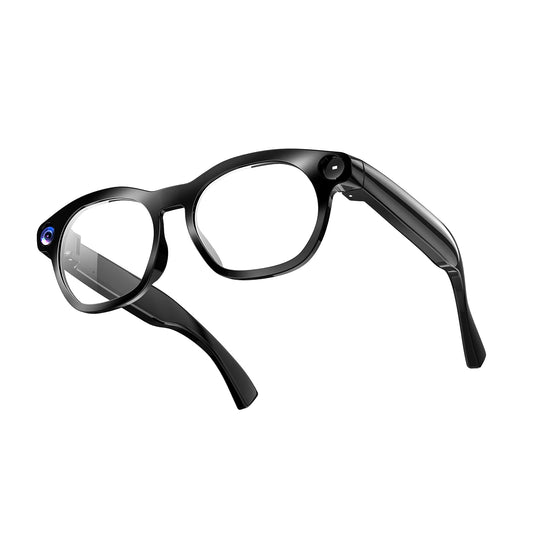
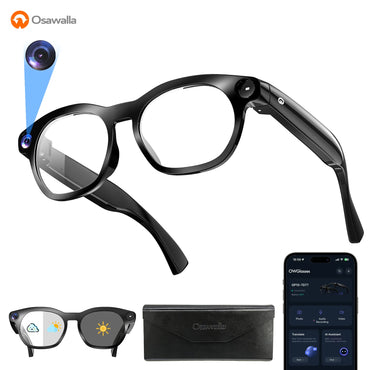
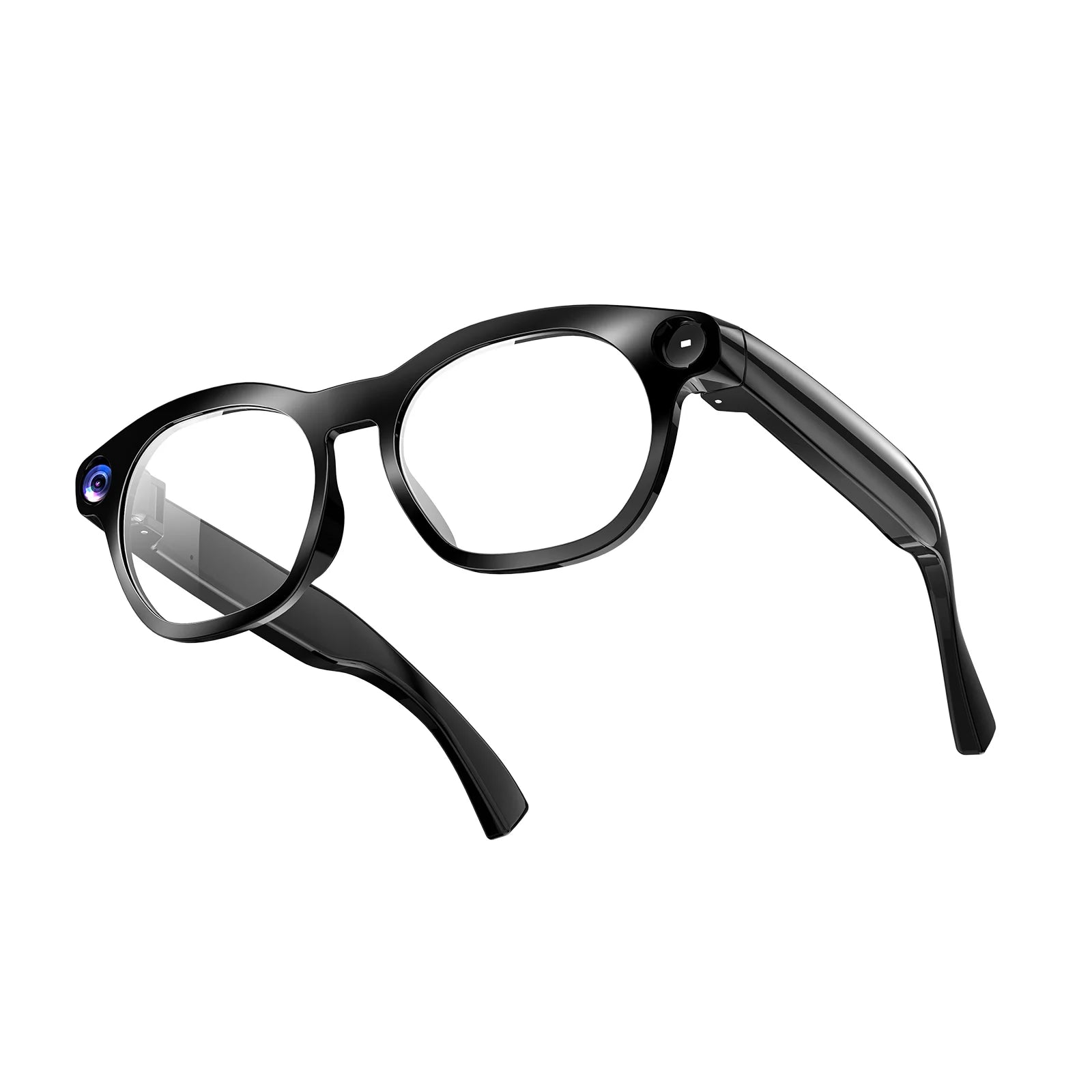
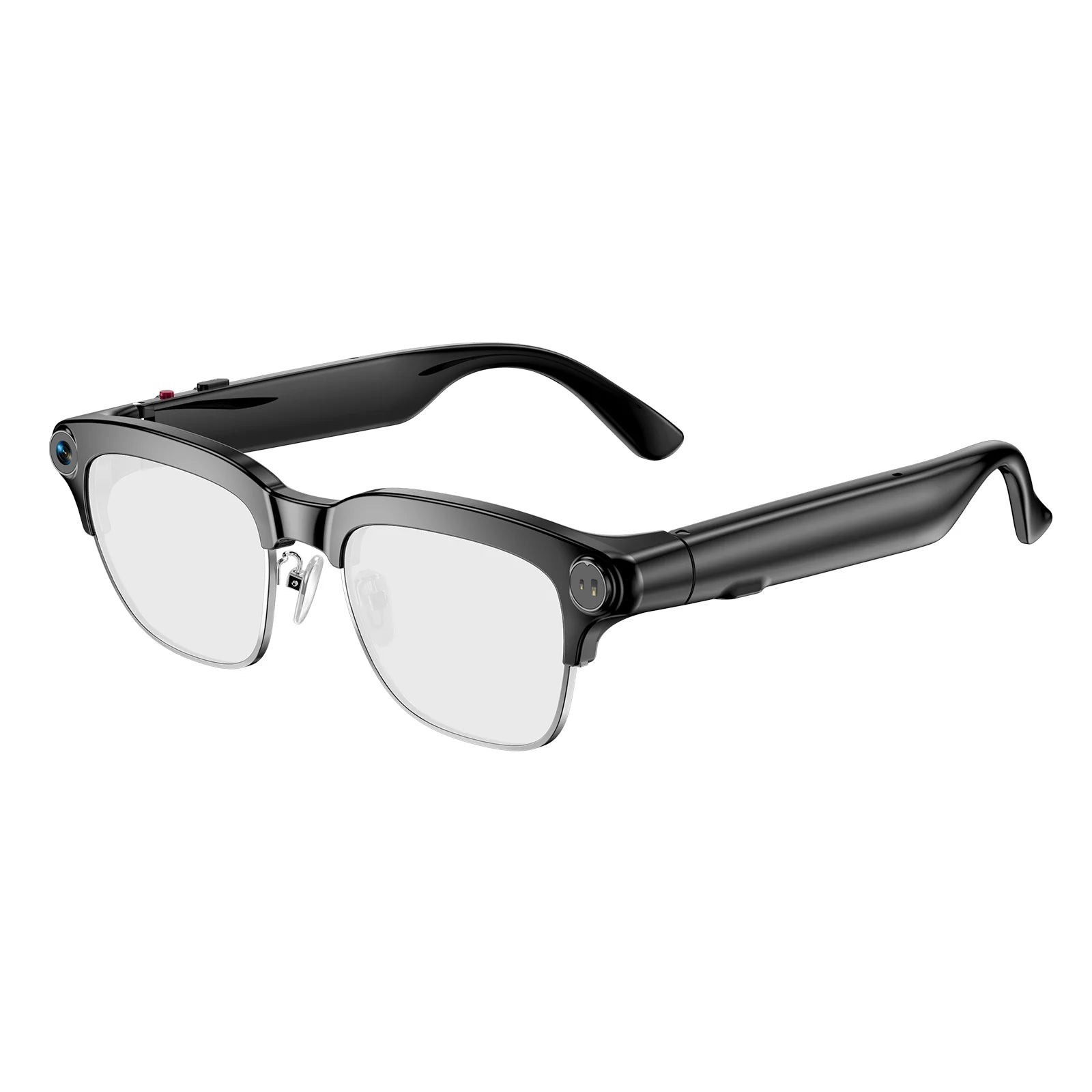
・Sports Smart Glasses emphasize this with 8MP recording and 6-axis stabilization built for motion. AI Glasses add 1080P video and 8MP stills with hands-free recording up to one hour.
Battery Life and Recording Time
Camera and AI features drain batteries quickly. Some glasses only record in short bursts, while others can shoot for an hour or more on a single charge. Think about how you will actually use them:
Short clips: Social sharing and quick captures need only a few minutes.
Long sessions: Vlogging, hiking, or event coverage needs 60+ minutes of continuous recording.
All-day wear: If you mainly want audio, calls, and occasional AI help, look for glasses that last a full day on a single charge.
Remember that advertised battery life is usually measured under light use. Recording video, streaming, and using AI translation all cut into that number. Carry the charging case when you plan to shoot a lot.
Audio, Calls, and AI Controls
Most camera smart glasses double as open-ear headphones. Open-ear audio lets you hear music and calls while still hearing the world around you, which is safer for running, cycling, and commuting. Call quality depends on the microphone array. Dual ENC (Environmental Noise Cancellation) mics help callers hear you clearly in wind or traffic.
AI control is the next layer. Voice commands let you take photos, start recording, or ask questions without reaching for your phone. Some models, like Osawalla Daily Pro Camera Glasse, go further with AI translation across 139+ languages and object recognition. The better the AI integration, the less you need to pull out your phone.
The Verge’s review highlights how the Ray-Ban Meta glasses handle calls and open-ear audio in real-world conditions, and those same principles apply when judging any smart glasses with camera: clear mics, balanced sound, and responsive controls matter as much as the camera itself.
Comfort, Fit, and Lens Options
A camera is useless if the glasses sit in a drawer because they hurt. Weight, balance, and grip are critical. Under 45 grams is a good target for all-day wear, especially if the weight is distributed evenly across the frame.
For sports, look for:
・Non-slip nose pads and temple tips
・Sweat-resistant coatings
・A frame that stays put during movement
・For daily or travel use, consider:
・Photochromic lenses that darken in sunlight
・Prescription compatibility or RX inserts
・Swap-able lenses for different light conditions
・Osawalla Daily Pro Camera Glasse keeps the frame at 40.8 g with IP65 splash resistance, while Osawalla Sport Pro Camera Glasses is built for a secure fit during running, cycling, and gym work.
Software and App Ecosystem
Hardware is only half the experience. The companion app controls firmware updates, gallery management, battery status, and AI settings. A well-designed app should:
Sync photos and videos quickly over Wi-Fi or Bluetooth
Let you manage storage and delete clips easily
Offer clear privacy controls and consent settings
Receive regular firmware updates with new AI features
If the app is slow or confusing, you will use the glasses less. Check recent app-store reviews before you commit.
Privacy and Security Features
This is non-negotiable. Smart glasses with camera sit on your face, pointed at everyone around you. Responsible design includes clear recording indicators, hardware switches, and transparent data policies.
Before buying, check for:
・A visible LED indicator when the camera is active
・A physical button or switch to disable the camera/mic
Encrypted storage or local processing
Clear terms on what data leaves the device
Privacy concerns are not theoretical. Cybernews has reported on users becoming uncomfortable around camera-enabled eyewear and institutions banning recording devices in schools and courts. You can read more about the social and legal considerations in their coverage of Meta smart glasses privacy fears. Respecting other people’s privacy also protects your own reputation.
Osawalla Daily Pro Camera Glasses vs Osawalla Sport Pro Camera Glasses : Which Pair Matches Your Day?
Both models are smart glasses with camera, but they are tuned for different users.
Feature
| Feature | Osawalla Daily Pro Camera Glasses | Osawalla Sport Pro Camera Glasses |
|---|---|---|
| Best for | Everyday AI, travel, translation | Running, cycling, hiking, gym |
| Video | 1080P | Hands-free 8MP recording |
| Photos | 8MP stills | 8MP |
| Stabilization | Built-in | 6-axis stabilization |
| AI | ChatGPT live translation in 139+ languages, object recognition | AI voice control for music, calls, and commands |
| Audio | Open-ear audio, dual ENC mics | Open-ear audio |
| Connectivity | Bluetooth 5.4, Wi-Fi auto-sync | Bluetooth |
| Weight | 40.8 g | Lightweight sports fit |
| Water resistance | IP65 | Sweat-resistant |
| Lenses | Photochromic | Interchangeable / RX insert compatible |
| Learn more | Osawalla Daily Pro Camera Glasses | Osawalla Sport Pro Camera Glasses |
Interchangeable / RX insert compatible
Choose Osawalla Daily Pro Camera Glasses if you want a lightweight daily companion that translates menus, answers questions, and captures clips on command. Choose Osawalla Sport Pro Camera Glasses if your priority is secure fit, smooth action footage, and sweat resistance during workouts.

Common Mistakes to Avoid
Even a great pair of smart glasses with camera can disappoint if you buy for the wrong reasons. Here are the most common pitfalls:
・Chasing resolution over stabilization: A 4K shaky video is harder to watch than a smooth 1080p clip.
・Ignoring weight distribution: 45 g can feel fine for five minutes and heavy after five hours.Forgetting privacy etiquette: Always announce recording in private spaces and respect venue rules.
・Buying without a return window: Fit and comfort are personal, so choose a retailer with at least a 30-day return policy.
・Skipping the charging case: Continuous recording drains batteries fast; a case effectively doubles your usable day.
 FAQ: Smart Glasses With Camera
What are the most important features to look for in smart glasses with camera?
Focus on camera resolution plus stabilization, battery life, comfort, open-ear audio quality, and privacy controls. The best model for you depends on whether you need sports durability, AI translation, or simple hands-free recording.
Are smart glasses with camera legal to wear in public?
In most places, yes, but recording laws vary by country, state, and venue. Many schools, courts, and private businesses now ban recording-enabled eyewear. Always check local rules and respect recording indicators and no-filming signs.
Can I wear smart glasses with camera if I need prescription lenses?
Many models support prescription inserts or direct prescription lenses. Osawalla Sport Pro Camera Glasses supports RX inserts, and Osawalla Daily Pro Camera Glasses’s lightweight frame is compatible with prescription options depending on the retailer. Check the specific product page before ordering.
How long do smart glasses with camera record on one charge?
It varies. Some glasses record only a few minutes at a time, while models like the Osawalla Daily Pro Camera Glasses can record up to one hour continuously. Battery life drops quickly with video, AI translation, and streaming, so carry a charging case for long days.
 Conclusion
Smart glasses with camera features are no longer a novelty; they are practical tools for creators, travelers, athletes, and busy professionals. The right pair depends on how you plan to use them. Prioritize camera quality and stabilization if you shoot video, comfort and fit if you wear them all day, and privacy features if you value trust and compliance.
If you want AI translation and a featherlight daily frame, explore the Osawalla Daily Pro Camera Glasses AI Glasses. If you need a rugged sports companion that stays put through every sprint and trail, check out the Osawalla Sport Pro Camera Glasses . Either way, you’ll spend less time holding a phone and more time seeing the moment.


