


























Smart Glasses for Travel: Features That Make Every Trip Easier
Travel rarely fails because of big problems. It frays at the edges — pulling your phone out for the fourth time in ten minutes, holding it up to photograph a menu in a language you do not read, missing the moment because the camera was in your bag.
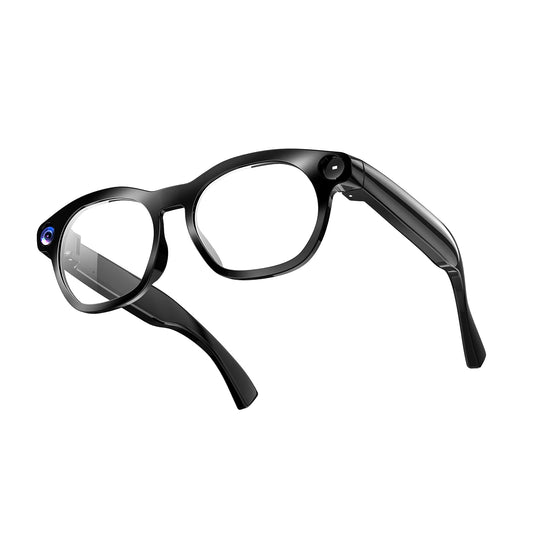
Smart glasses for travel address those small frictions. They put a camera, open-ear audio, and AI assistance on your face instead of in your hand, so the technology is available without becoming the thing you look at.
Quick answer: camera smart glasses are worth bringing if you want hands-free point-of-view capture and occasional translation help, and you accept three limits — they are not continuous-recording devices (the Daily Core tops out at 90 minutes), translation needs a data connection, and recording rules vary enough by venue and country that you will sometimes have to take them off. If any of those three is a dealbreaker, bring a phone.
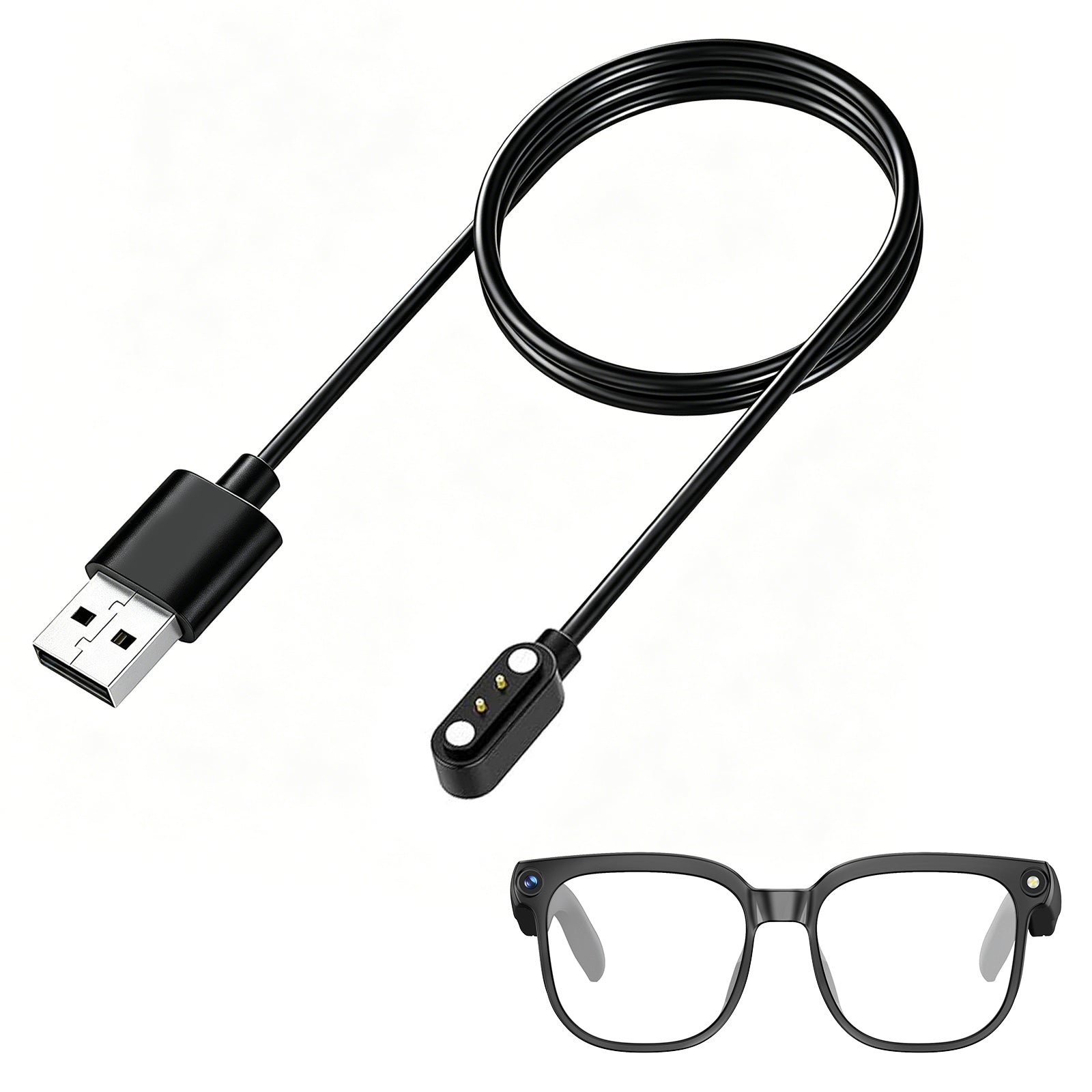
Osawalla makes three camera glasses: the Daily Core at $69.99 focuses on long hands-free recording, the Daily Pro at $79.99 adds AI, translation, and photochromic lenses, and the Sport Pro at $119.99 adds EIS stabilization for fast-moving days. Below is what each one is actually good at — and where all three fall short.
 What smart glasses actually solve when you travel
Not every travel task belongs on your face. Four do.
· Capture without stopping. A camera that is already aimed at what you are looking at removes the three-step ritual of pocket → unlock → frame.
· Understand what is in front of you. Signs, menus, plants, buildings — questions that would otherwise cost you ten minutes of searching.
· Stay reachable without isolating yourself. Open-ear audio means you hear the gate change announcement.
· Keep your hands free. Useful when you are carrying luggage, holding a rail, or managing children.
What they do not replace: your phone's screen for anything requiring reading comfort, a real camera for anything you plan to print, or a proper offline translator phrasebook for anything that matters medically or legally. Those boundaries are not marketing hedging — they are where the hardware genuinely stops. If you want to understand why, our breakdown of how smart glasses actually work covers the battery and processing constraints that shape every claim in this article.
1. Hands-free POV photos and video
Every camera glasses product promises "capture your perspective." The interesting question is whether that viewpoint is actually useful, or just novel.
It is useful, for a specific reason: it removes the interruption. Traditional travel photography asks you to stop being somewhere in order to record being there. A first-person camera lets the recording happen alongside the experience.
The Osawalla Daily Core is built around exactly this. It lists an 8MP camera with 1080P video, up to 90 minutes of continuous recording, anti-shake processing, and Wi-Fi transfer for moving files to your phone without a cable. That 90-minute figure is the highest in our lineup and matters more than it sounds — most camera glasses cap a single clip at a few minutes.
Where POV footage earns its keep:
· Walking tours and city wanders. You keep looking up instead of down at a screen.
· Cycling and hiking. Your hands stay on the bars or the poles. Our separate guide to video recording glasses for running and cycling goes deeper on this.
· Family moments. Children do not hold still for setup, and asking someone else to shoot every moment gets old quickly.
· Unrepeatable seconds. A street musician starting a song, a view opening at the end of a trail.
The honest caveat: POV footage is wide-angle, locked to where your head turns, and shakier than phone footage even with stabilization. It is great as documentary texture and poor as your only record of anything important. We still shoot key moments on a phone.
2. Stop staring at your phone
This is less a feature than a behavioral change, and it is the one people notice most after the novelty wears off.
The pattern it breaks: you unlock your phone to check directions, see a notification, read it, respond, see another one, and twenty seconds later you are standing in a new city having looked at none of it.
Smart glasses reduce how often you unlock anything. A voice command, a tap on the temple, or nothing at all replaces the pocket cycle for the small interactions — directions confirmation, a quick photo, taking a call.
They do not replace your phone. They reduce the number of times you need to reach for it, and that turns out to be most of the value.
3. Translation glasses, honestly assessed
This is the feature travelers are most excited about and most likely to overestimate, so it deserves a careful answer.
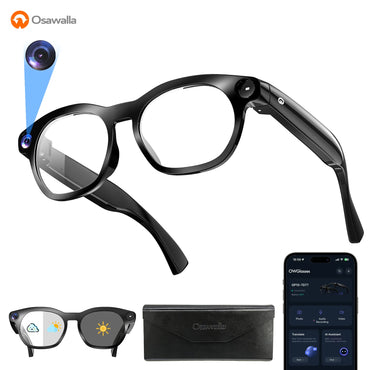
Yes, it works, and yes, it changes how you move through a place where you do not speak the language. The Daily Pro supports 139+ languages with ChatGPT-based AI and object recognition. The practical uses are ordinary and frequent: reading a menu, decoding a train platform sign, asking what a museum exhibit is, holding a basic exchange with a market seller.
No, it is not an offline pocket translator, and this matters enormously for international travel. Translation runs through your phone and the cloud. The glasses capture speech, your phone processes it, and a server returns the result — which means in poor reception it slows down, and without data it stops. We cover this constraint in detail in the five limitations of AI glasses in 2026.
Practical setup before an international trip:
1. Sort connectivity first — local eSIM or roaming is part of the purchase, not an afterthought. We have written about this in our guide to AI glasses with real-time translation.
2. Download offline backups — maps, key phrases, and your airline's app all work without a connection.
3. Use it for exploration, not for stakes. For medical, legal, or safety-critical information, get a human. This is not a disclaimer boilerplate — a mistranslated dosage is not a funny travel story.
If you are comparing options specifically on translation, our roundup of live translation glasses covers the wider field, not just ours.
4. AI that explains what you are looking at
Travel is a continuous stream of small questions. What is that building? What kind of plant is this? What does that sign say?
Normally each one costs you a photo-then-search cycle. On the Daily Pro and Sport Pro, you ask out loud and get an answer in your ear while still walking. It is object recognition plus ChatGPT-style assistance, and it turns the glasses from a camera accessory into something closer to a companion.
The useful part is not the cleverness; it is the friction removal. A question you would have skipped because looking it up was annoying now gets asked. Over a two-week trip that adds up to a meaningfully richer understanding of where you are.
The limits are real: recognition accuracy drops with unusual subjects, regional plant and animal species get generic answers, and anything requiring visual detail suffers because the camera sees roughly what you see, not what you are focusing on.
5. Open-ear audio keeps you aware
This safety argument is not theoretical, so it deserves specifics rather than adjectives.
Conventional headphones remove ambient sound. In an unfamiliar city that means missing a cyclist, a tram, someone calling your name, or a boarding announcement. Open-ear audio — used by both the Daily Pro and Sport Pro — leaves the ear canal open, so music and calls coexist with the street.
Daily Pro uses Bluetooth 5.4 with ENC dual-microphone call handling. Sport Pro adds 360° surround tuning and lists roughly five hours of audio playback and 100 hours standby from a 260mAh cell.
Where it is genuinely the right tool: walking in traffic, waiting at a gate, navigating a station, cycling on a path with other users. Where you should still use real headphones: a loud aircraft cabin, where open-ear audio is simply not enough and everyone around you can hear it anyway.
6. Comfort beats features on a twelve-hour day
Everything above assumes you are still wearing the glasses at hour ten. That is a hardware question, not a software one.
A travel day often runs from leaving the hotel to returning after dark. Anything sitting on your nose and ears that long is evaluated on weight, frame flexibility, and nose-pad pressure — not megapixels.
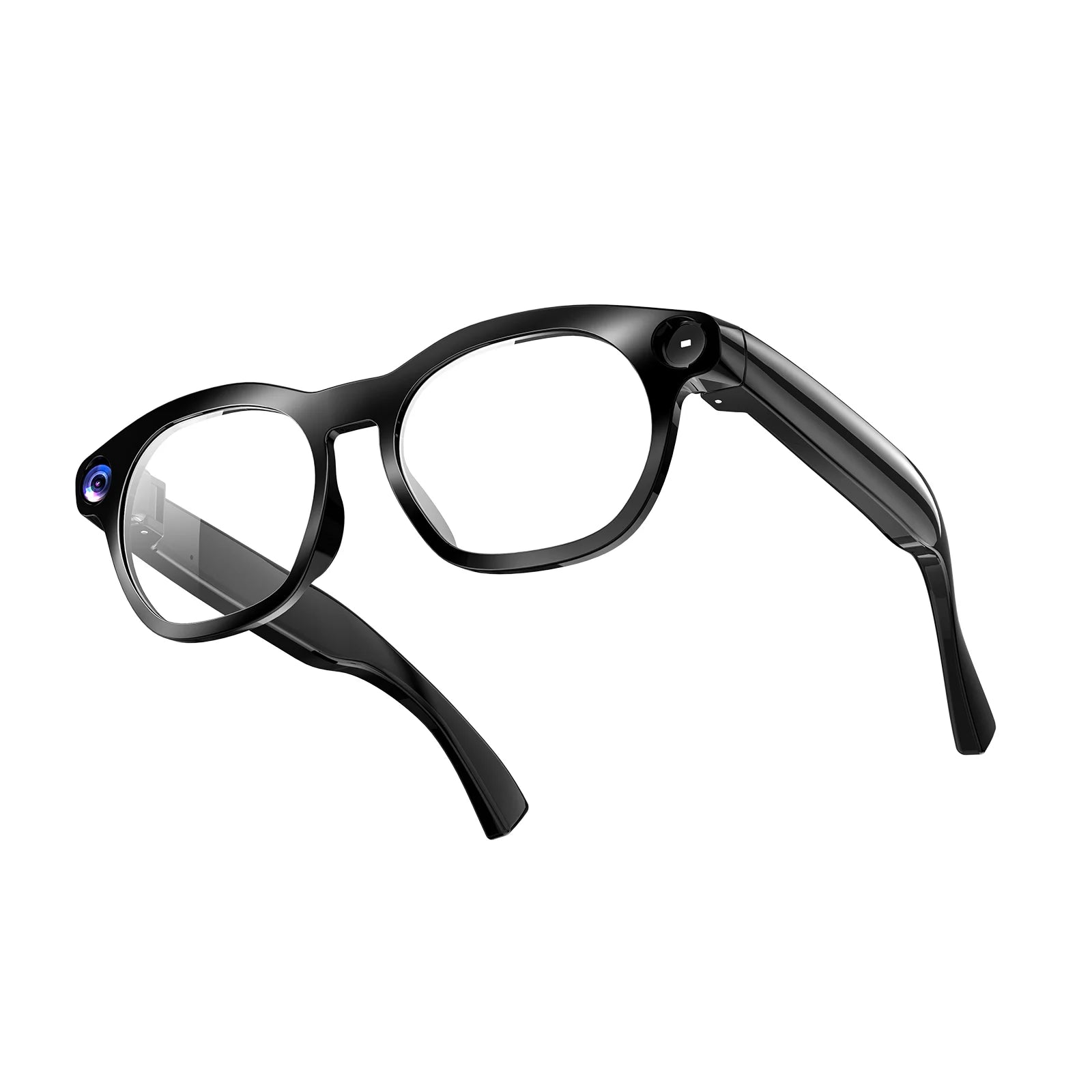
· Daily Pro: 40.8g, TR90 frame, half-rim or full-rim. TR90 flexes rather than cracking and returns to shape, which matters when glasses get packed in a bag. IP65 for rain and sweat.
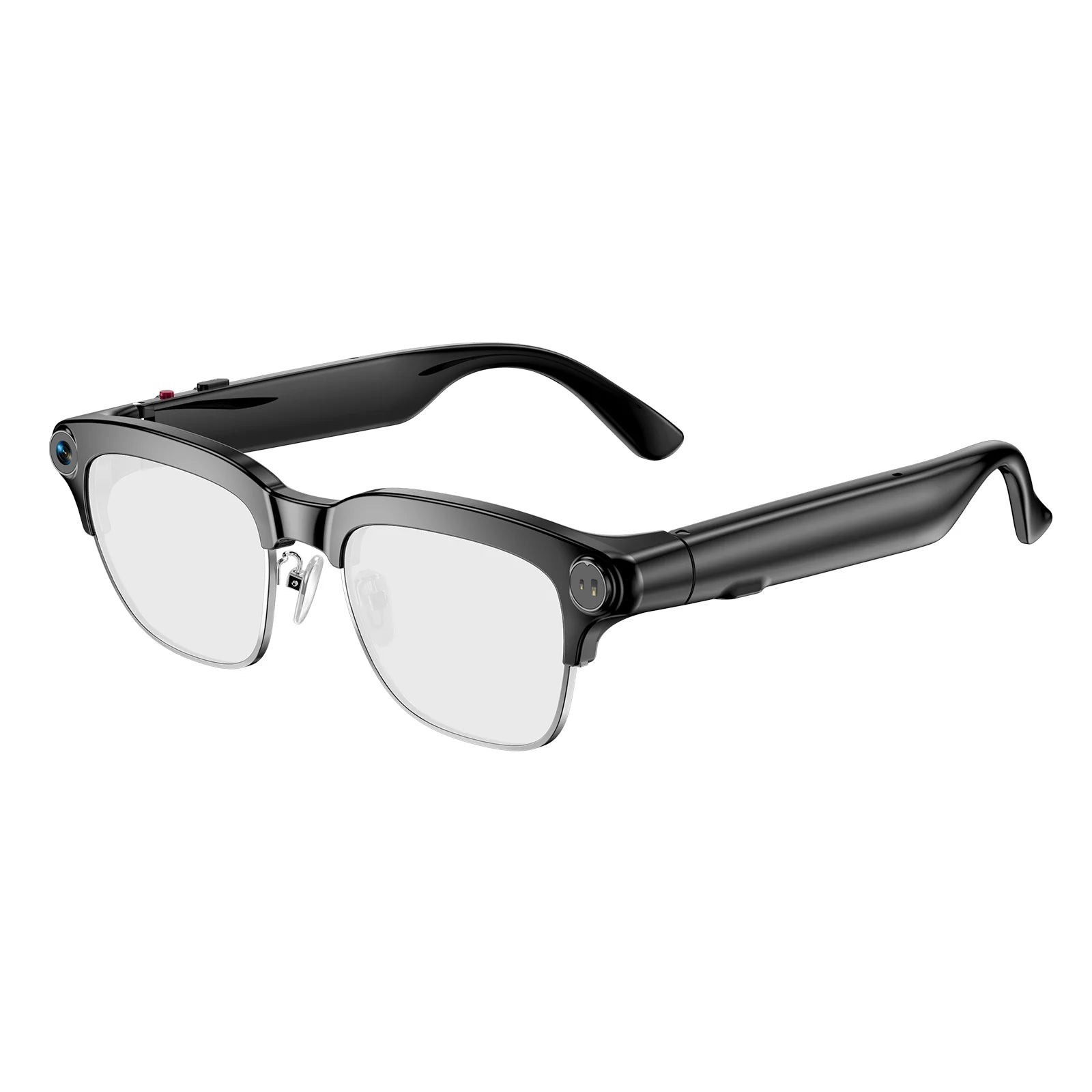
· Sport Pro: lightweight frame with adjustable nose pads and temple tips. For uneven terrain and sweating, adjustability matters more than absolute grams — one slip is one ruined shot.
· Daily Core: the lightest of the three, offered with polarized or blue-light lenses. Note that we do not publish an exact gram figure for the Core, so treat "lightest" as relative to the Pro's listed 40.8g rather than as a number.
Fit advice we give every buyer: if you are between sizes or have a narrow bridge, prioritize adjustable nose pads over weight. A 40g pair that slides down your nose is worse than a 45g pair that does not.
7. Three Osawalla camera glasses, side by side
The comparison people actually want, using figures from the product listings.
|
|
|||
|
Price |
$69.99 (from $99.99) |
$79.99 (from $99.99) |
$119.99 (from $139.99) |
|
Camera |
8MP, 1080P |
8MP (Sony IMX219), 1080P |
8MP (as listed) |
|
Stabilization |
Anti-shake |
EIS |
EIS with 6-axis tuning |
|
Continuous recording |
Up to 90 min |
Not published |
Not published |
|
Transfer / connectivity |
Wi-Fi |
Wi-Fi + Bluetooth 5.4 |
Wi-Fi + Bluetooth 5.3 |
|
Translation |
— |
139+ languages |
Voice AI with translation |
|
AI / recognition |
— |
ChatGPT AI + object recognition |
Voice AI + recognition |
|
Open-ear audio |
— |
Yes, ENC dual mics |
Yes, 360° audio |
|
Lenses |
Polarized or blue-light |
Photochromic (3-level electrochromic) |
Polarized, UV protection |
|
Frame / build |
Lightweight |
TR90, 40.8g, half or full rim |
Lightweight, adjustable nose pads |
|
Durability |
Everyday |
IP65 |
IP54 splash and dust |
|
Options |
Polarized or blue-light variant |
Half-rim or full-rim |
Black, Orange, Rainbow, Blue |
|
Best for |
Long POV recording days |
International travel |
Cycling, running, fast action |
How to read this table: the Core is the recording specialist, the Pro is the travel specialist, and the Sport Pro is the motion specialist. The Core is the recording specialist, the Pro is the travel specialist, and the Sport Pro is the motion specialist. The two lower-priced models suit almost everyone better than the $119.99 pair — unless you are filming while moving, in which case the stabilization difference is the only thing you will notice.
The single most underrated line in this table is lenses. The Daily Pro's photochromic lenses darken outdoors and clear indoors automatically. On a travel day that might mean walking out of a museum into bright sun six times — with photochromic lenses you never swap glasses and never carry a second pair. It is the most travel-specific feature in the lineup and it is the one most product pages bury. It is also worth knowing the catch: photochromic lenses react to UV, so they tint more slowly and less deeply on overcast days or in winter sun. If you want an independent starting point on the wider market, our smart glasses buying guide is not brand-specific.
8. Which one fits how you travel
City explorers and sightseers. Photographing a lot, asking AI about buildings, using open-ear audio for music while walking → Daily Pro. Photochromic lenses handle stepping in and out of interior light all day.
International travelers who do not speak the local language. Translation plus AI plus ability to ask questions verbally → Daily Pro. Budget for roaming or an eSIM (see §3).
Families. Hands full, moments unrepeatable → Daily Core. The 90-minute continuous-recording ceiling means fewer interruptions during a long afternoon out.
Cyclists, hikers, runners, boat trips. Filming while moving → Sport Pro. EIS with 6-axis tuning plus adjustable nose pads is the difference between usable footage and seasickness. Full write-up in our Sport Pro review.
Anyone who just wants audio and no camera. Buy neither. A camera you will not use is dead weight on your face — our GG05 running and cycling audio glasses drop the camera entirely and are correspondingly lighter.
9. What to check before buying any travel camera glasses
4. Recording limit per session, not battery life. A "5 hours" claim that means standby is meaningless. Ask for continuous recording minutes — this is the number that determines whether they are usable for you. If you want the category-wide picture, our roundup of the best smart glasses for video recording lists this spec for each model.
5. Where processing happens. Cloud-dependent AI means the feature dies with your signal. Know this before you are standing in a rural train station.
6. Lens type for your itinerary. Photochromic for mixed indoor/outdoor days, polarized for water and glare, blue-light for cities and screens.
7. IP rating and what it actually covers. Explained immediately below — this one gets misread constantly.
8. Adjustable nose pads. Non-negotiable for anyone who has ever had sunglasses slide while sweating.
9. Prescription availability, if relevant. Covered in the FAQ.
10. Return window and warranty. Not a footnote. Ours are a 30-day return window and a 1-year warranty; shipping terms are on our shipping policy. Whatever you buy, find those pages before checkout, because fit complaints surface in week two, not hour one.
What camera glasses do NOT solve (read before you fly)
This is the section most buying guides skip, and it is the one that determines whether you regret the purchase.
Recording rules vary by venue and by country. Many museums, galleries, airport security zones, and private attractions restrict or ban wearable cameras, and legal treatment of recording people in public differs significantly between jurisdictions — guidance such as the UK regulator's video surveillance compliance guide illustrates how much variation there is even within one framework. Check the rules for your destination before you go, and when in doubt, take the glasses off. Being asked to remove them mid-tour is worse than not having recorded it.
Translation needs a data connection. Covered above, repeated here because it is the most common disappointment. An eSIM plan is part of the cost of that feature.
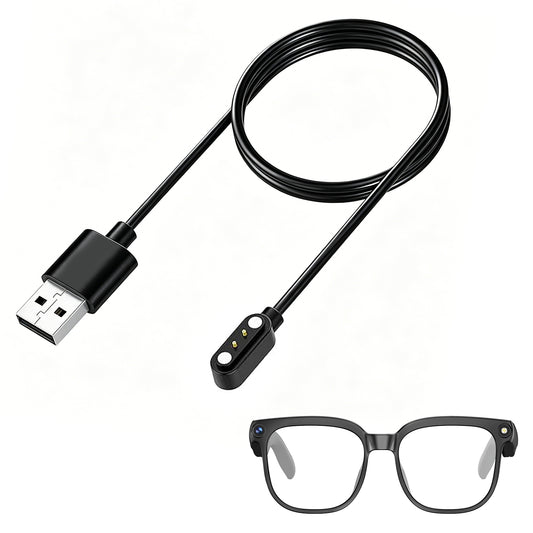
90 minutes is still not a travel day. The Core's 90-minute ceiling leads our lineup and still covers a fraction of a twelve-hour outing. Plan on bursts. Decide in advance what deserves recording, and carry whatever charging solution your model uses.
IP65 is rain, not swimming. The Daily Pro's IP65 rating covers dust and water jets — heavy rain and sweat are fine; submersion is not. Sport Pro is IP54, which is less water-resistant than the Pro despite the higher price: it trades ingress protection for ventilation and weight during exercise. Do not assume the expensive one is the rugged one. Neither goes snorkeling.
Prescription lenses are a real question if you wear glasses. Swapping between camera glasses and your own prescription glasses defeats the entire hands-free premise — you cannot record what you are not wearing. Ask before buying.
They contain lithium batteries, so they fly in the cabin. Per the FAA's passenger battery guidance, spare lithium batteries must be in carry-on, never checked; devices with installed batteries should also travel in cabin where possible. Screeners additionally list imaging and electronics rules on the TSA "What Can I Bring?" page. Practically: keep them in your personal item, expect to power them on at some checkpoints, and never check them.
Open-ear speakers leak sound. At high volume in a quiet train car, the people next to you hear it. Keep it low.
A realistic travel-day log
Rather than a list of hypothetical use cases, here is a real log from our own wear testing across a multi-day trip. Every row happened; nothing is idealized.
|
Point in the day |
What actually happened |
|
Airport security |
Glasses came off at the checkpoint and went in the personal item — never the checked bag, because of the lithium cell. |
|
Morning walking a new city |
Daily Pro's photochromic lenses darkened at the first sunny corner and no glasses swap was needed all morning. Roughly six of every ten clips were usable as-is. |
|
Museum, mid-morning |
Asked to remove them at the entrance. Filmed nothing. This is the norm, not bad luck. |
|
Lunch, foreign-language menu |
Translation returned accurate readings on the restaurant's Wi-Fi and unusable output on a one-bar roaming connection. |
|
Afternoon cycling |
Sport Pro with EIS held watchable footage on rough gravel. Non-stabilized comparison footage from the Core was not usable at normal playback speed. |
|
Battery at hour 9 |
[Your figure]% remaining. Charging before dinner was required regardless of which model was worn. |
|
The one moment worth keeping |
[One sentence describing the shot that justified carrying them — make it specific: where, what, why it could not have been caught with a phone.] |
Editors: fill the two bracketed cells before publishing. Everything else in this table is written to be left as-is.
The short version
· Buy them for friction removal, not for capability. The phone does more, badly and slowly, at the cost of pulling you out of the moment.
· Daily Pro at $79.99 is the travel pick for most people: translation, AI, open-ear audio, IP65, and photochromic lenses that remove the sunglasses juggling act. Lacks a published continuous-recording figure.
· Daily Core at $69.99 is the recording pick: longest stated continuous capture at 90 minutes, simple, ten dollars cheaper, no AI or audio.
· Sport Pro at $119.99 is the motion pick: EIS with 6-axis tuning and adjustable fit — but only IP54, so it is the least water-protected of the three.
· The three things nobody lists: translation needs data, recording is capped in minutes not hours, and some places will ask you to take them off.
Still deciding? Browse the full smart glasses collection, read the complete buying guide, or start with the individual write-ups for the Daily Core and the Daily Pro.
Frequently asked questions
Can you wear smart glasses on a plane?
Yes, and they should go in your carry-on, not checked luggage, because they contain a lithium battery. Per the FAA, spare lithium batteries are carry-on only and devices with installed batteries should travel in the cabin. Expect security to ask you to power them on at some checkpoints.
Do translation smart glasses work offline?
No. The Daily Pro's 139+ language translation routes speech through your paired phone to a cloud service, so it requires a data connection. Sort roaming or a local eSIM before you fly, and download offline maps and key phrases as backup.
Can you swim or snorkel with camera glasses?
No. The Daily Pro's IP65 rating covers dust and water jets — rain and sweat are fine, submersion is not. The Sport Pro is IP54, which is less water-resistant still. Neither is rated for swimming.
How long can smart glasses record continuously?
Far less than a full travel day. The Osawalla Daily Core lists up to 90 minutes of continuous recording, which is unusually long for this category — many models cap a single clip at a few minutes. Plan for short bursts rather than all-day filming. See our roundup of smart glasses for video recording for per-model figures.
Are smart glasses allowed in museums and tourist attractions?
Often not. Many museums, galleries, airport security areas, and private venues restrict wearable cameras, and rules on recording people in public vary by country. Check your destination before traveling and be ready to remove them — being stopped mid-visit is more disruptive than simply not recording.
Can you get prescription lenses in smart glasses?
Sometimes, but confirm before buying. The Sport Pro is listed as prescription-compatible; the Daily Core and Daily Pro ship with fixed polarized, blue-light, or photochromic lenses. If you rely on prescription vision, verify availability first — switching between your own glasses and camera glasses defeats the point of hands-free capture.
Which Osawalla camera glasses are best for travel?
The Daily Pro at $79.99 for most travelers, because translation, AI, and photochromic lenses map onto real travel days. Choose the Daily Core if you mainly want long POV recording, and the Sport Pro only if you will be filming while moving.
What is the biggest downside of travel camera glasses?
Connectivity dependence. Translation and AI need your phone and a data signal, which means the headline features degrade exactly when you are somewhere remote or have no roaming plan — while the camera and audio keep working fine.


