


























Osawalla Daily Pro Camera Glasses: A Complete Guide to Its Smart Features
Smart glasses are becoming more than just a wearable accessory. They are evolving into a more natural way to capture moments, access information, listen to content, and stay connected—without constantly reaching for a smartphone.
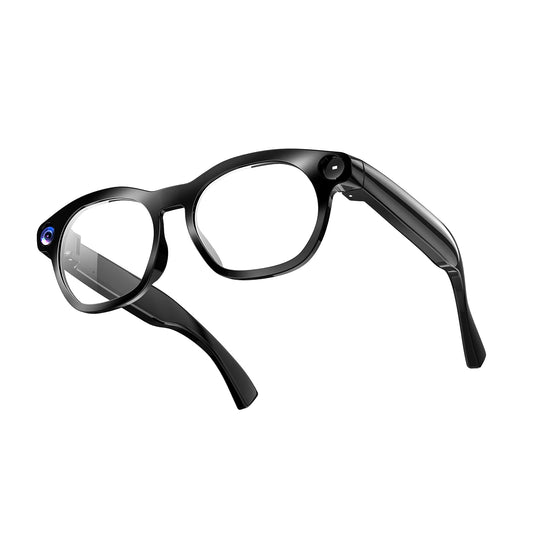
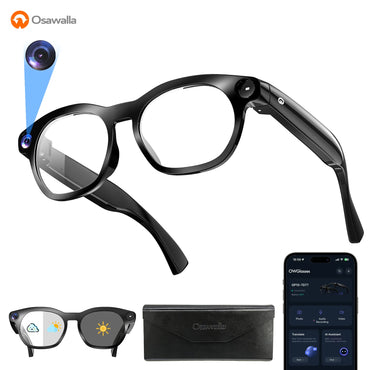
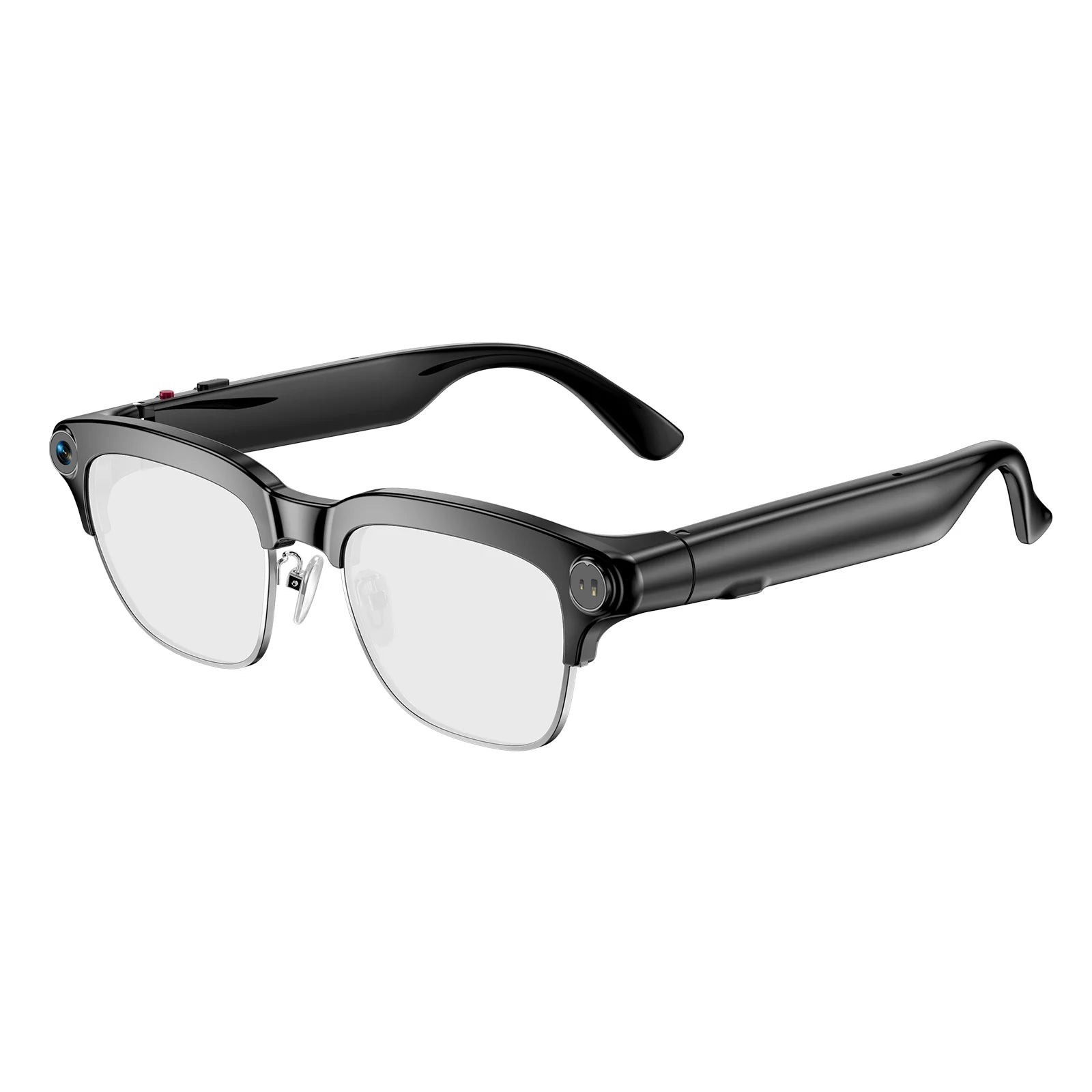
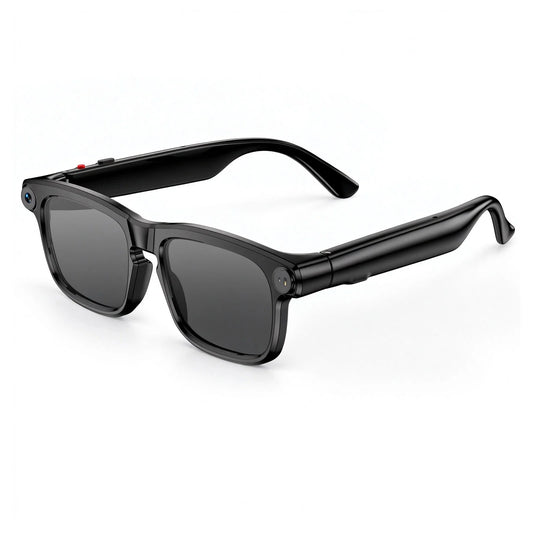
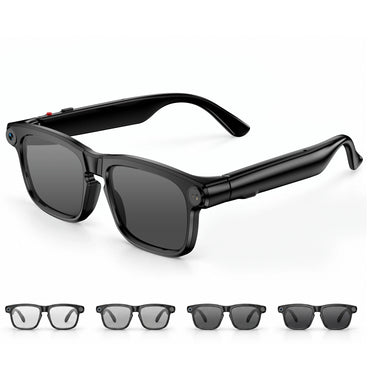
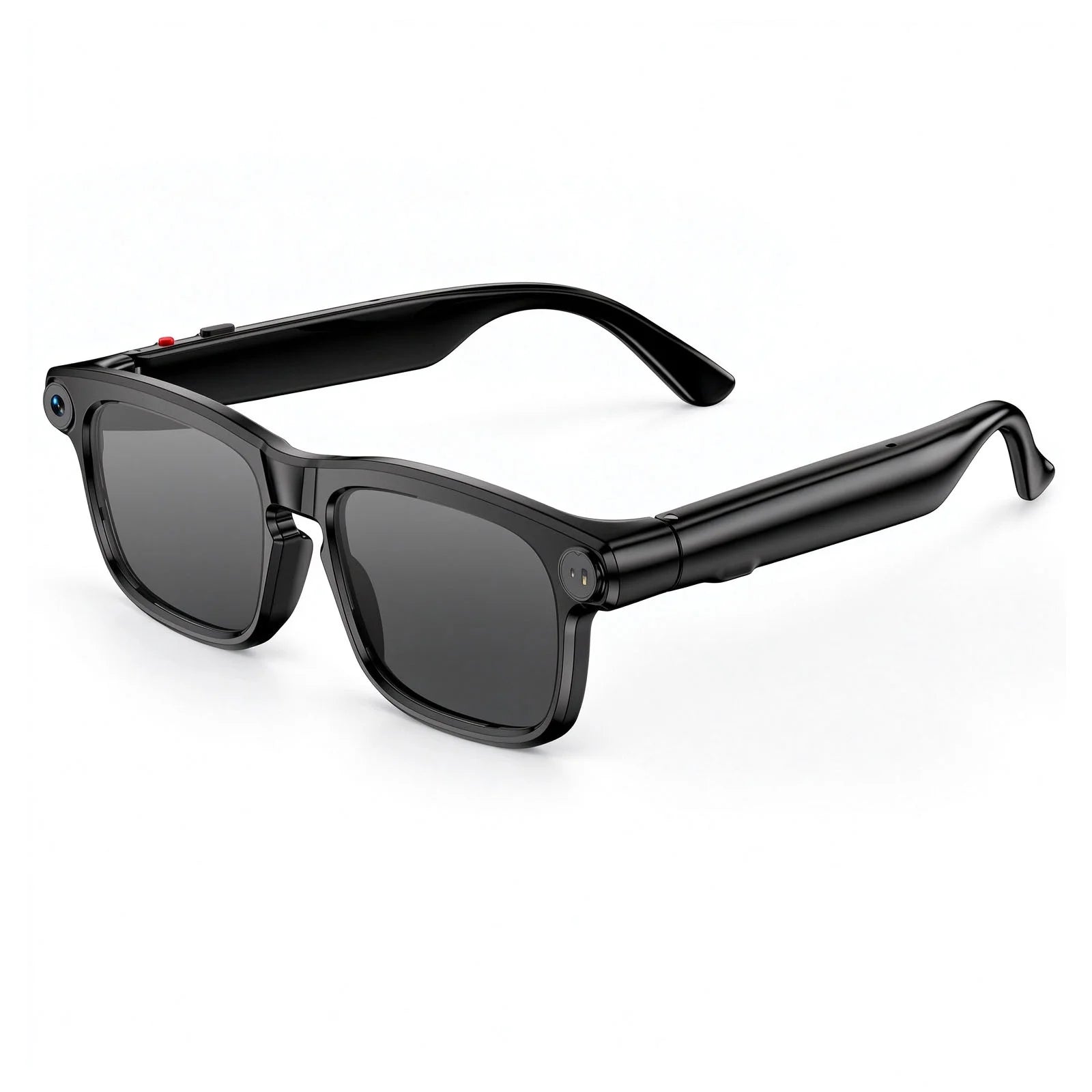
The Osawalla Daily Pro Camera Glasses are designed around this idea. Combining a built-in camera, AI image recognition, voice assistance, open-ear audio, hands-free calling, and intuitive controls, they bring multiple everyday functions into a familiar pair of glasses.
Whether you're traveling, walking, working, listening to music, taking a call, or capturing something interesting in front of you, the Daily Pro is designed to keep technology within reach while keeping your hands free.
And getting started is simple.
Getting Started: Download the Hey Cyan App
Before using the smart features of your Osawalla Daily Pro Camera Glasses, download the Hey Cyan app on your smartphone. The app serves as the connection hub between your smartphone and the glasses, allowing you to pair your device and access the connected smart experience.
There are two simple ways to download the app.
You can use your smartphone to scan the QR code provided with the glasses, which will guide you to the app download.

Alternatively, search for “Hey Cyan” in the application marketplace on your Android or Apple smartphone, then download and install the app.
Once the app is installed, you're ready to connect your glasses.
Connect Your Daily Pro Camera Glasses
Connecting the glasses to your smartphone only takes a few steps.
First, make sure Bluetooth is enabled on your smartphone. Then turn on your Daily Pro Camera Glasses by pressing and holding the front physical button on the right side for approximately two seconds. An audio indication will confirm that the glasses have powered on.
Next, open the Hey Cyan app. If you're using the app for the first time, register an account as required. Select “Connecting Devices,” choose the corresponding glasses model, and tap “Connect.”
Once the connection is complete, your glasses are ready to use.
After the initial Bluetooth pairing, the Daily Pro can automatically reconnect to your smartphone when the devices are within connection range. This means you don't have to go through the entire pairing process every time you use them.
Pair once. Put them on. Get back to your day.
Capture What You See, From Your Perspective
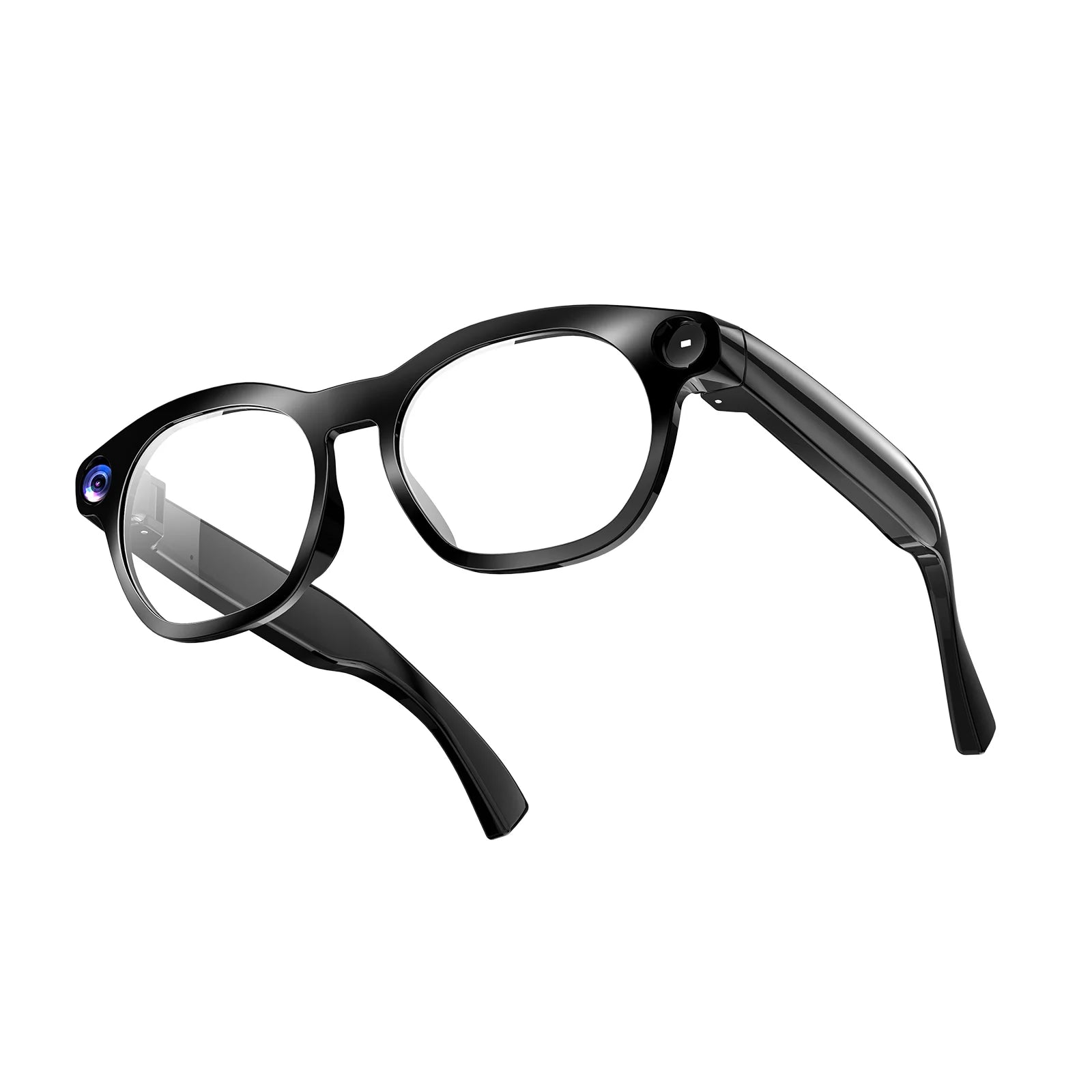
One of the defining features of the Osawalla Daily Pro is its built-in camera.
Unlike a smartphone camera, which requires you to hold your phone in front of you, the camera is integrated directly into the glasses. This allows you to capture photos and videos from a more natural first-person perspective.
When the glasses are powered on, a simple click of the front physical button allows you to take a photo. To start video recording, double-click the front physical button. During recording, you can click the same button to save or pause the video.
This makes the camera particularly convenient when you want to capture something without interrupting what you're doing.
A new place you've discovered.
A moment you want to remember.
Something unexpected happening in front of you.
Instead of reaching for your phone first, your glasses are already there.
Your perspective becomes the camera.
AI Image Recognition: Turn What You See Into Information
The camera isn't only designed to capture memories. It can also become a starting point for AI interaction.
The Osawalla Daily Pro features AI image recognition, allowing the glasses to use the camera to recognize visual information in front of you.
When the glasses are powered on, double-click the physical button to activate AI image recognition. The camera captures the visual information in front of you, allowing the AI system to analyze and recognize what you're looking at.
This creates a more natural way to interact with information.
Instead of stopping, taking out your phone, opening an app, taking a picture, and searching for an answer, the process can begin directly from your point of view.
Look. Recognize. Understand.
It's a small change in interaction, but it can make technology feel much more immediate.


Hey Cyan: Your Hands-Free AI Voice Assistant
Visual recognition is only one part of the experience.
The Daily Pro also features the Hey Cyan voice assistant, giving you a hands-free way to interact with AI.
To activate voice control, press the rear physical button once while the glasses are powered on, or simply use the voice command “Hey Cyan.”
Once activated, you can communicate with the assistant using your voice rather than typing on your smartphone.
This makes the glasses useful in situations where your hands are occupied or you simply don't want to interrupt what you're doing.
You can be walking through a new city, exploring outdoors, working on a task, or carrying something in both hands.
Instead of stopping to look at a screen, you can simply speak.
Ask naturally. Listen. Keep moving.
Open-Ear Audio Keeps You Connected to Your Surroundings
The Daily Pro isn't just designed to see and understand. It is also designed to let you hear.
With open-ear audio, you can listen to music, hear voice assistant responses, and handle phone calls without relying on traditional in-ear headphones.
The open-ear design keeps audio close to you while allowing you to remain aware of the sounds around you.
That makes it suitable for everyday activities such as walking, traveling, working, commuting, and exploring outdoors.
You can listen to what you want without completely disconnecting from the environment around you.
Stay connected to your audio—and to the world around you.
Music Control Without Reaching for Your Phone
Once your music is playing, you can control it directly from the glasses through the right-side touch-sensitive control.
The controls are designed around simple gestures so that common audio adjustments don't require you to take out your smartphone.
A double tap plays or pauses your music.

A triple tap goes to the previous song

Press and hold to move to the next song.
Swipe forward to increase the volume, or swipe backward to decrease it.
The result is a more natural listening experience. Your phone can stay in your pocket while the controls remain right where you need them.
Less screen interaction. More uninterrupted listening.
Hands-Free Calling When You Need It
The Daily Pro also brings phone calls into the glasses, allowing you to manage incoming calls without holding your smartphone.
When you receive an incoming call, a click of the front physical button lets you answer it. A double click allows you to reject the call, while clicking the front button during a conversation lets you end the call.
Combined with the built-in microphone and open-ear audio, this provides a convenient hands-free way to stay connected while you're moving.
Whether you're walking through a busy day or simply don't want to reach for your phone, your conversation can stay with you.
Your calls, without taking your phone out.
Physical Buttons and Touch Controls Work Together
The Daily Pro uses both physical buttons and touch-sensitive controls, giving different functions their own intuitive way of interaction.
The physical controls are designed for important functions such as powering the glasses on and off, taking photos, recording video, managing calls, activating AI image recognition, and launching the voice assistant.
The right-side touch-sensitive area is primarily designed for music and audio controls, including playback, track selection, and volume adjustment.
This combination provides a balance between tactile control and quick touch gestures.
You don't need to look at a screen to operate the most frequently used functions.
Press when you need control. Tap when you need speed.
Smart LED Indicators Keep You Informed
Although the Daily Pro is designed to operate without constant interaction with your phone, the glasses still provide visual feedback through their built-in LED indicators.
Different light behaviors indicate different operating states.
The blue LED can indicate functions such as powering on, successful connection, manual disconnection, video recording, AI image recognition, and voice assistant activity.
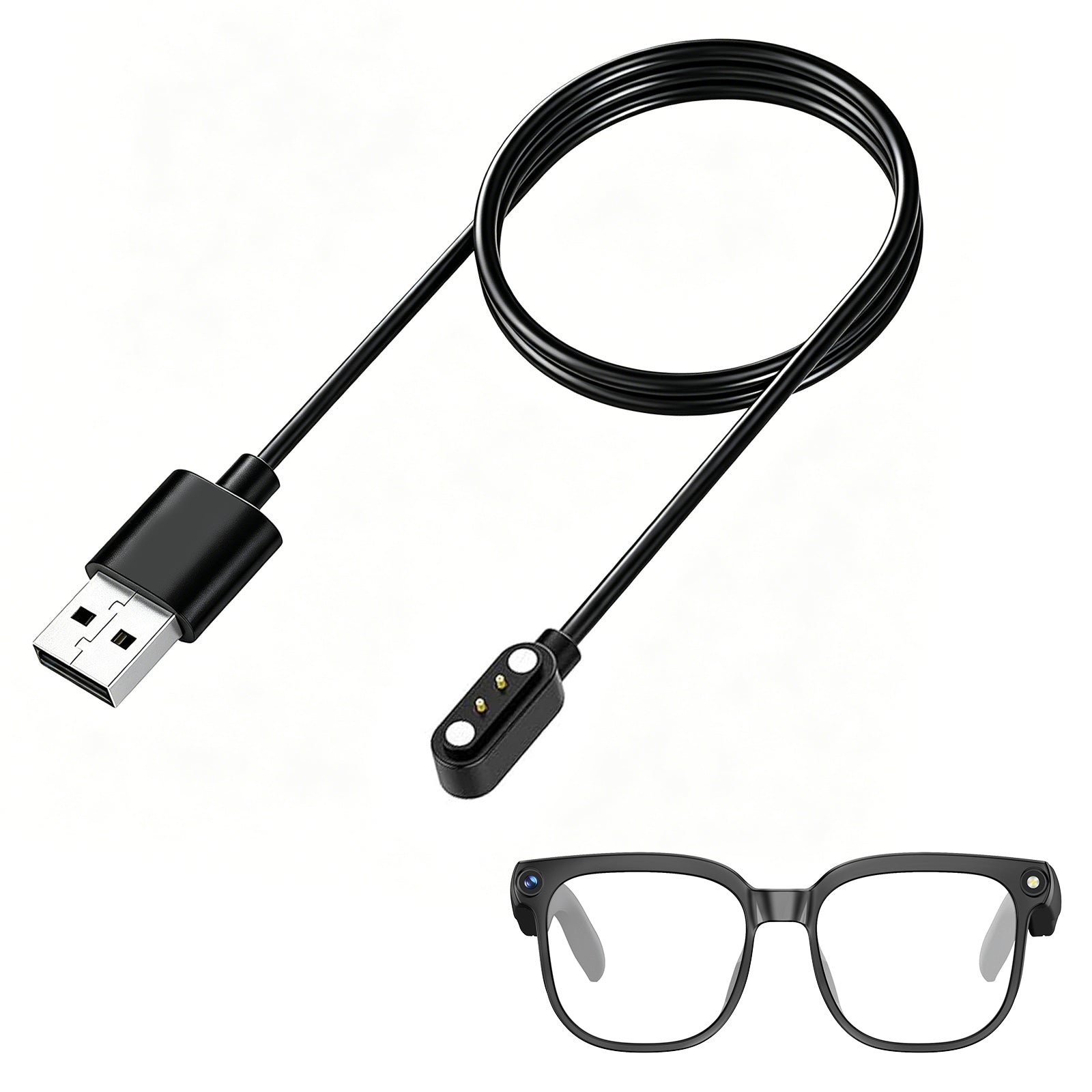
The red LED is used for power-off and charging indications, while the charging status changes as the glasses reach a full charge.
The LEDs also provide feedback during photography and other camera-related operations.
These subtle indicators help you understand what your glasses are doing without having to open the app or check your smartphone.
Designed for Everyday Moments
The real value of smart glasses isn't simply the number of functions they have. It's how naturally those functions fit into everyday situations.
On a trip, the camera can capture your journey from your own perspective while AI image recognition can help you interact with what you're seeing.
During a walk, open-ear audio lets you enjoy music while staying aware of your surroundings.
When a call comes in, you can answer it without reaching for your phone.
When you need information, you can ask Hey Cyan instead of stopping to type.
And when something unexpected happens, your camera is already where you need it to be.
The technology stays close, while your attention can remain on the experience itself.
One Pair of Glasses, Multiple Ways to Stay Connected
The Osawalla Daily Pro Camera Glasses bring several everyday technologies together in one wearable experience.
A camera captures the world from your perspective.
AI image recognition helps you interact with what you see.
Hey Cyan gives you hands-free access to a voice assistant.
Open-ear audio lets you listen to music, calls, and AI responses while remaining connected to your surroundings.
Physical buttons and touch controls give you quick access to essential functions.
And through the Hey Cyan app and Bluetooth connection, your glasses stay connected to your smartphone for a seamless everyday experience.
The goal isn't to add another complicated device to your routine.
It's to make the technology you already use feel more natural, more immediate, and more hands-free.
See more. Capture more. Stay connected. Keep moving.
Osawalla Daily Pro Camera Glasses — smart technology designed to fit naturally into everyday life.


