


























How Do Smart Glasses Work? The 8 Components Inside the Frame
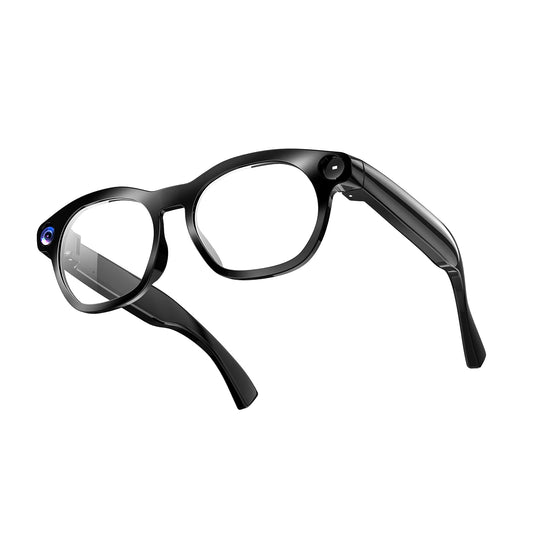
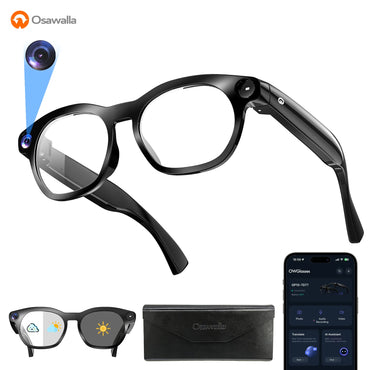
A pair of camera glasses weighing 40.8 g contains an 8MP camera module, two microphones, a system-on-chip, a 290 mAh battery, a Bluetooth 5.4 radio, motion sensors and enough onboard storage to hold a short 1080p clip — all distributed through a frame that still has to sit on your nose for eight hours without hurting.
That last part is the actual engineering problem. Fitting the electronics in is difficult; fitting them in and keeping the frame under 50 g is what separates a product people wear from one that ends up in a drawer.
Here is what each component does, and what you actually notice as the wearer.
|
Component |
What it does |
What you experience |
Osawalla spec |
|
Camera |
Converts light into image data |
Photos and 1080p video, hands-free |
8MP, 1080p, EIS stabilization |
|
Microphones |
Convert sound into an electronic signal |
Voice commands, calls, translation |
Dual mics with ENC |
|
Processor |
Runs camera, audio, radio, power |
How fast the glasses respond |
System-on-chip, model [[VERIFY]] |
|
Battery |
Powers everything |
Hours of use — but see the caveat below |
290 mAh (Daily Pro) |
|
Bluetooth / Wi-Fi |
Links glasses to phone and AI services |
App sync, AI answers, music |
Bluetooth 5.4 |
|
Sensors |
Detect motion and whether you're wearing them |
Auto pause, responsive controls |
Wear + motion detection |
|
Storage |
Holds photos and clips before sync |
How much you can shoot offline |
|
|
Controls and charging contacts |
Physical input and power |
Button / touch operation, charging |
Frame-integrated |
 What's actually inside the frame
A traditional pair of glasses needs a frame, two lenses, two hinges, nose pads and temples. Smart glasses add an entire electronic system to that structure, and almost all of it has to live in one place: the temples.
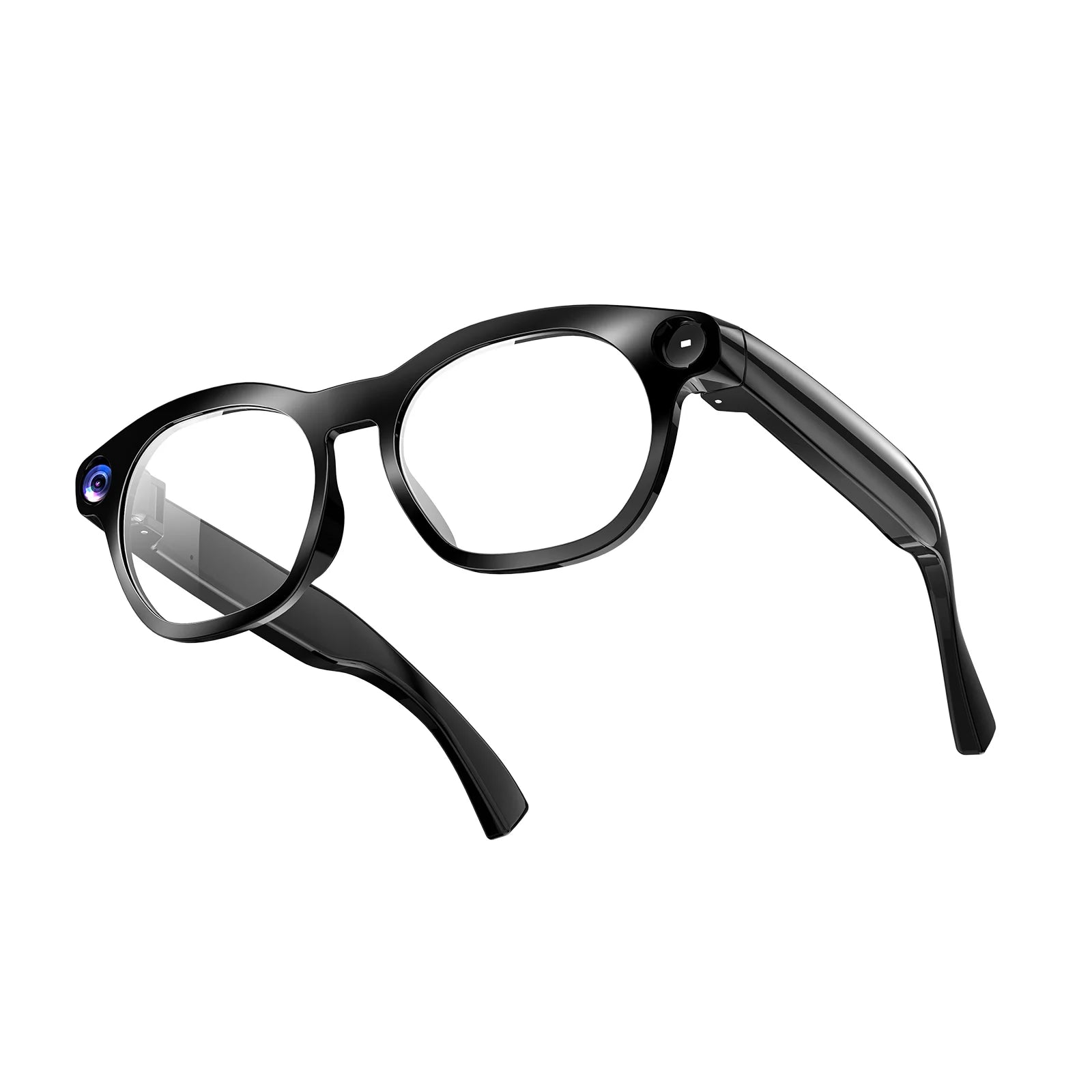
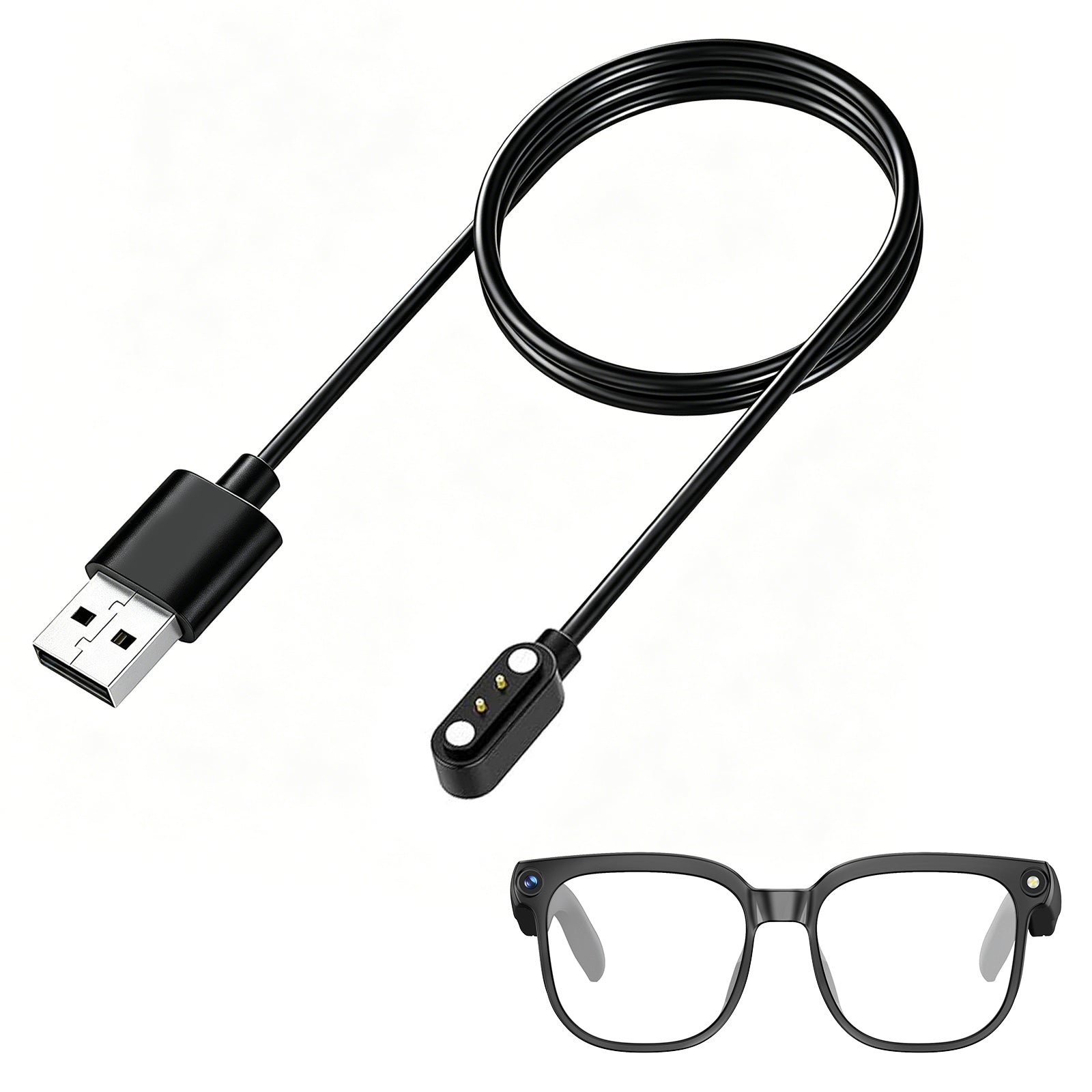
The temples are the only long, enclosed volumes available. That is where batteries, circuit boards, speakers, antennas and charging contacts go. The front frame holds the camera, because the front of a frame naturally points where your eyes point.
1. The camera
An 8MP camera module in the bridge of the frame captures roughly what you are looking at. Because it sits close to your eye line rather than in your hand, the result is a first-person perspective — the kind of shot you cannot get by holding a phone at arm's length.
Resolution is the number on the box, but it is not what decides whether footage is usable. On the Osawalla Daily Pro, the 8MP sensor records 1080p with EIS (electronic image stabilization), and it is the stabilization that matters when you are walking. Unstabilized 1080p shot while moving is unwatchable; stabilized 1080p is fine.
Field of view, lens position and low-light behaviour matter more than megapixels once you pass about 8MP.
2. Microphones
Microphones are what turn smart glasses from a camera into something you can talk to. Two of them, positioned on the frame, pick up your voice and feed it to software that decides what you asked for.
Placement is harder than it sounds. The mics sit close to your mouth but also close to everything else — traffic, wind, other people. This is why camera glasses use dual microphones with ENC (environmental noise cancellation): one captures your voice, the other samples the room, and the difference is what gets sent onward.
The chain looks like this:
Voice → microphone → noise cancellation → processing → AI → audio response
3. The processor
Something has to take camera data, audio, Bluetooth traffic, sensor readings and power management and keep them from colliding. That is a compact system-on-chip in the temple.
This is where wearable design becomes a series of trade-offs. A faster chip handles AI features better, but it draws more power and generates more heat — and this is a device pressed against your head. There is no fan, no heatsink and very little room. Manufacturers end up choosing a chip that is good enough rather than the fastest one available, and offloading heavier work to the connected phone.
4. The battery — and the number that surprises people
The battery usually sits in one temple, sometimes split across both. On the Daily Pro it is a 290 mAh cell.
Here is the thing worth knowing before you buy any camera glasses: playback hours and recording hours are not the same number, and the gap is large.
The Daily Pro's 290 mAh is rated for roughly seven hours of audio playback. The Daily Core is specified for around 90 minutes of continuous recording. Both numbers are real. They measure different workloads — running a Bluetooth radio and a speaker costs far less than keeping an image sensor, a processor and storage active while writing video.
In practice, treat camera glasses as headphones that can also record for about an hour and a half at a time, not as a camcorder you can leave running. If a listing advertises battery life without saying which activity it was measured during, that number is not usable.
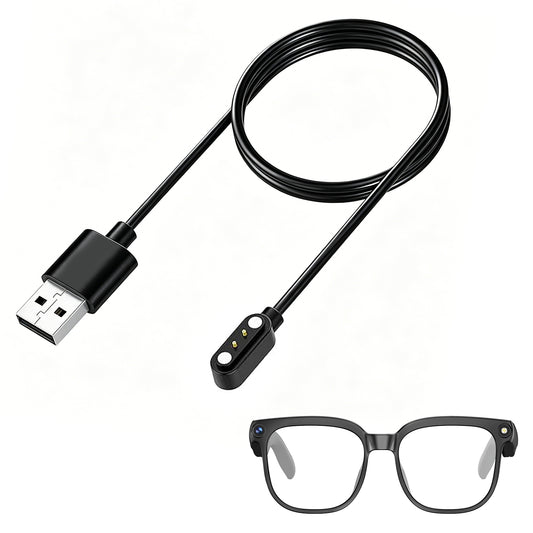
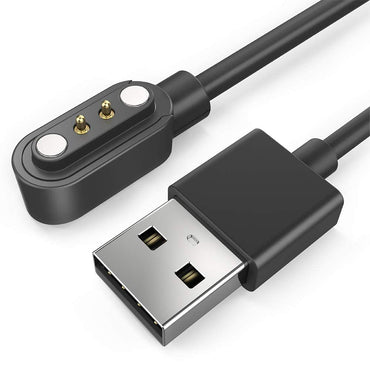
Charging design matters as much as capacity. Magnetically aligned contacts or a charging case mean you are not unplugging tiny connectors from a frame, which is both fiddly and a common failure point.
5. Wireless connectivity
Bluetooth 5.4 handles the short-range link to your phone, and through it, everything the glasses cannot do alone: cloud AI, translation, photo backup, app settings.
Some processing happens on the glasses. Most of the useful AI does not — it needs a phone and a network:
Smart glasses → Bluetooth → phone → app → AI service → audio response back to your ear
The split matters when you are travelling. Features that need a network will not work in airplane mode or with no signal, while photo and video capture generally will.
6. Sensors
Small motion and wear-detection sensors handle the things you should not have to think about: pausing when you take the glasses off, adjusting behaviour when you start moving, waking on a button press.
Working sensors are invisible. You only notice them when they fail.
7. Storage
Photos and clips are written to local storage first, then synced to the phone app over Bluetooth or Wi-Fi. Storage capacity sets how much you can shoot before you have to offload, which matters on a long day out or a flight.
[[VERIFY: local storage capacity for each model — currently not published on osawalla.com product pages as of Sept 2026. Publish it if confirmed; if it is genuinely not spec'd, delete this section rather than guess.]]
8. Controls and charging contacts
Buttons or a touch strip on the temple handle capture and volume. Charging contacts sit where they can meet a dock or case without being exposed to sweat.
Button placement is a real design decision: too far forward and you press it by accident, too far back and you cannot find it without taking the glasses off.
How the parts work together
None of these components is impressive alone. What makes AI glasses different is one continuous chain:
See → capture → process → understand → respond
You look at something. The camera captures it. The processor prepares it. It goes over Bluetooth to your phone and on to an AI service. The answer comes back as audio through the open-ear speakers.
Translation works the same way through a different input. You hear someone speak; the mics capture it with noise cancellation; speech-to-text converts it; the translation engine (Osawalla supports 139+ languages) processes it; the result arrives as audio. Point the camera at a menu instead and the same thing happens through visual recognition.
What makes this feel different from using a phone is not that any single step is new. It is that none of the steps requires you to pull a device out of your pocket.
Why fitting it into a frame is the hard part
Making electronics smaller is not the hard part. Making them wearable is.
Weight distribution decides whether a frame is comfortable, because the whole thing rests on two square centimetres of nose bridge and two contact points behind your ears. A battery in the left temple shifts balance to the left. A camera in the bridge adds weight at the worst possible place. Thicker temples hold more electronics and press harder.
This is why published frame weight is the single most useful specification on a listing — and why a comfortable 40.8 g frame beats a feature-rich 55 g one. We went through the seven design details that actually determine comfort in a separate guide, but the short version is: nose bridge load, temple length and bend, hinge tension, pad adjustability and where the battery sits.
For a wearable, physical design is the technology. A pair of glasses you stop wearing has no features.
What camera glasses still can't do well
Two honest limitations, because they are the most common reasons people return these:
Continuous recording is short. Around 90 minutes on the Daily Core, and the figure drops further if you are recording in bright sun with stabilisation running. This is physics — a battery small enough to sit in a temple cannot power a camera for eight hours.
Single clips may be capped. Some camera glasses limit individual recordings to a fixed length to manage heat and file size. [[VERIFY: whether Osawalla models apply a per-clip limit, and the length. Third-party listings have quoted a 3-minute cap but this is not confirmed on osawalla.com — do not publish without checking.]]
Neither is a defect. Both are worth knowing before you buy, and both are the kind of detail that separates a useful review from a press release.
Recording in public: the privacy question
Camera glasses look close enough to ordinary eyewear that people often cannot tell whether they are recording. That ambiguity is the main ethical issue with the category, and it is worth addressing directly.
A few practical rules:
The recording indicator exists for a reason. Most camera glasses include an LED or on-screen prompt when capture is active. Do not cover it or disable it. It is the only signal bystanders get.
Assume the local rules apply to you. Recording laws vary by country, state and venue. Some jurisdictions require consent from everyone being recorded; gyms, schools, cinemas and many workplaces prohibit recording outright regardless of what the law allows.
Audio is the sensitive part. In several jurisdictions, capturing video in public is permitted while capturing audio without consent is not. If you are unsure, disable audio recording rather than risk it.
Ask first in private settings. The technology is new enough that social norms are still forming, and being the person who settles them badly is not worth a clip.
Hardware makers share responsibility here. A visible indicator, an audible shutter cue and clear in-app disclosures are design decisions, not afterthoughts.
Which Osawalla frame puts those parts where
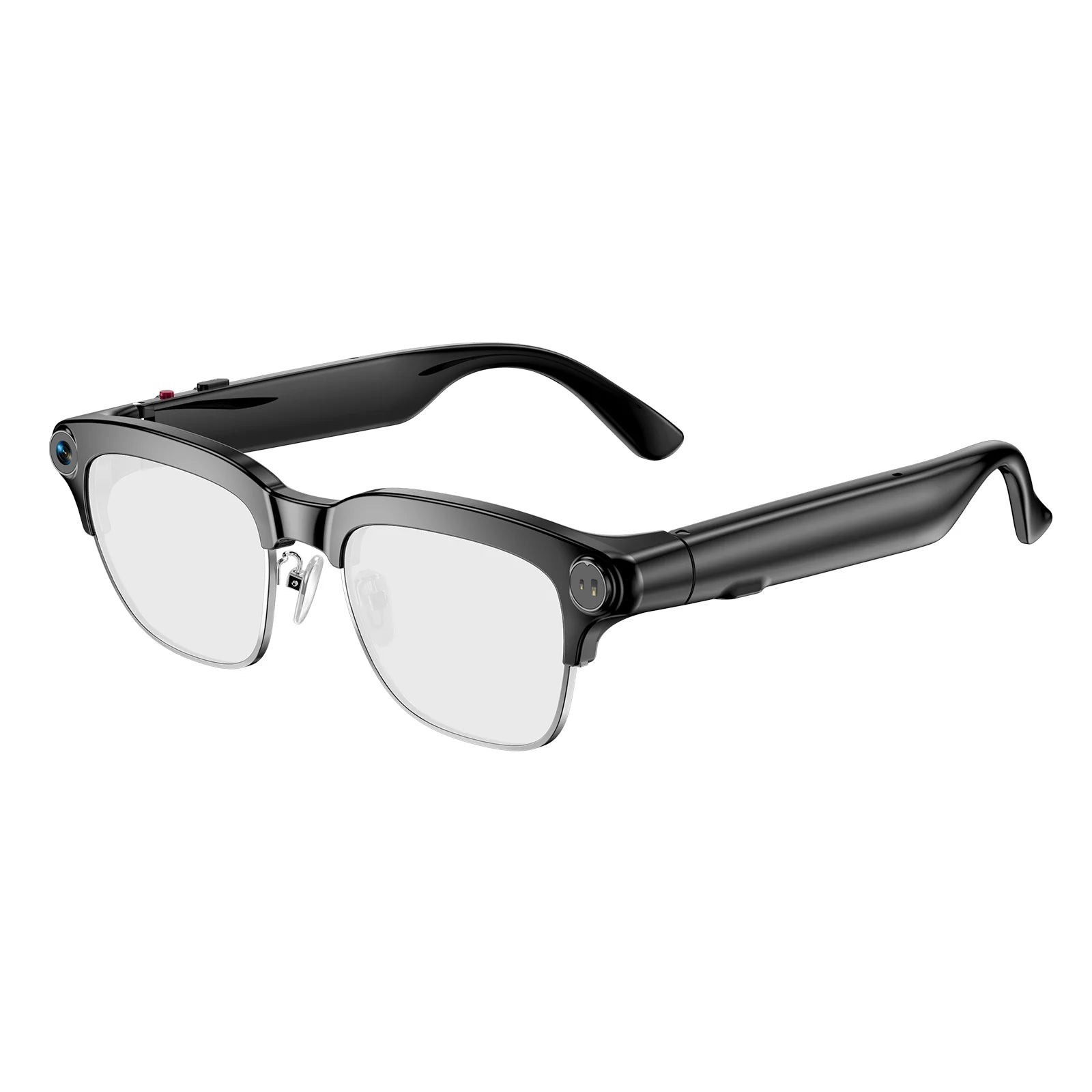
All four frames below share the same architecture — camera, dual microphones, processor, battery, Bluetooth, sensors, storage. What differs is how each one distributes weight and what it protects against.
|
Model |
Weight |
Frame / protection |
Lenses |
Best for |
Price |
|
38.9 g |
Standard |
Polarized or blue-light |
First pair, everyday snapshots |
$69.99 |
|
|
40.8 g |
TR90 · IP65 |
Photochromic |
Commuting, travel, indoor-to-outdoor |
$79.99 |
|
|
49.5 g |
PC · IP54 · adjustable non-slip fit |
Polarized |
Running, cycling, hiking |
$119.99 |
|
|
39 g |
Standard |
Electrochromic, tints in 0.5s |
Audio and calls only, no camera |
$57.99 |
Daily Core is the lightest camera frame at 38.9 g and the cheapest way to find out whether hands-free capture suits you. Around 90 minutes of continuous recording.
Daily Pro is the one to look at if you move between indoors and outdoors all day. The photochromic lenses remove the need to switch between glasses and sunglasses, the TR90 frame is the most forgiving material of the three for long wear, and IP65 means rain is not a problem. 40.8 g.
Sport Pro trades roughly nine grams for grip and impact resistance. The adjustable non-slip fit is the point: at running pace, a frame that shifts is a frame that ruins every shot. IP54 and polarized lenses, 49.5 g.
Chic Core has no camera at all. It is included here because if what you actually want is open-ear audio and calls, it is 39 g and $57.99 — and a frame without a camera is a frame people will wear all day.

FAQ
Do smart glasses need a phone to work?
Partly. Capture works standalone once the glasses are set up, but syncing photos, cloud AI, translation and calls need a Bluetooth or Wi-Fi connection to the app. Android 9.0+ or iOS 13.0+ is required.
How long can smart glasses record video?
Far less than their playback figure suggests. The Osawalla Daily Pro's 290 mAh cell is rated around seven hours of audio playback, while the Daily Core is specified for roughly 90 minutes of continuous recording. Always check which activity a battery number refers to.
Can people tell when smart glasses are recording?
There is a recording indicator, and some models give an audible cue — but a bystander has to be close and paying attention. Assume that people cannot tell, and act accordingly.
Are camera glasses heavier than normal glasses?
Yes, typically by 15–25 g. A standard acetate frame is 20–30 g; camera glasses run roughly 38–50 g. Where that weight sits matters as much as the total.
Do camera glasses work with prescription lenses?
[[VERIFY — depends on whether Osawalla offers prescription inserts. Confirm before publishing, or cut the question.]]
Can I use them for video calls?
They handle audio well. Video calling requires the camera feed to be shared, which depends on app support — check the current app rather than assuming.
Where the category goes next
Every component described here already exists in a frame you can wear. What improves next is not the feature list — it is the ratio of capability to weight.
More efficient chips mean less battery for the same work, which means less weight in the temple. Better stabilization makes 1080p footage shot while walking look like it was shot standing still. On-device AI removes the phone round-trip and the latency that comes with it.
The direction that matters is the least visible one: the technology should stop asking for your attention.
Frames and prices referenced are Osawalla products. Specifications are as published on osawalla.com in September 2026 and may change.
Internal links used in this article
|
Anchor text |
Target |
|
Osawalla Daily Pro |
`/products/ai-smart-glasses-with-camera-1080p-video-translation-osawalla-gp02` |
|
Daily Core |
`/products/osawalla-daily-core-camera-glasses` |
|
separate guide (comfort) |
`/blogs/news/why-your-smart-glasses-feel-uncomfortable-7-design-details-that-matter-osawalla` |
|
Sport Pro |
`/products/osawalla-sport-pro-camera-glasses` |
|
Chic Core |
`/products/osawalla-chic-core-smart-audio-glasses` |
Suggested additional internal links to add
· Camera section → `/products/osawalla-sport-pro-camera-glasses` (EIS mention)
· Translation section → Daily Pro product page (139+ languages)
· Closing → smart ring blog posts, if you want to cross-link categories
Link List
· Osawalla Daily Pro — https://www.osawalla.com/products/ai-smart-glasses-with-camera-1080p-video-translation-osawalla-gp02
· Daily Core — https://www.osawalla.com/products/osawalla-daily-core-camera-glasses
· a separate guide — https://www.osawalla.com/blogs/news/why-your-smart-glasses-feel-uncomfortable-7-design-details-that-matter-osawalla
· Sport Pro — https://www.osawalla.com/products/osawalla-sport-pro-camera-glasses
· Chic Core — https://www.osawalla.com/products/osawalla-chic-core-smart-audio-glasses


