



























Smart Glasses Battery Life Explained: Real Numbers, Real Trade-Offs
 Quick answer: what smart glasses battery life actually looks like
If you read one section, read this one.
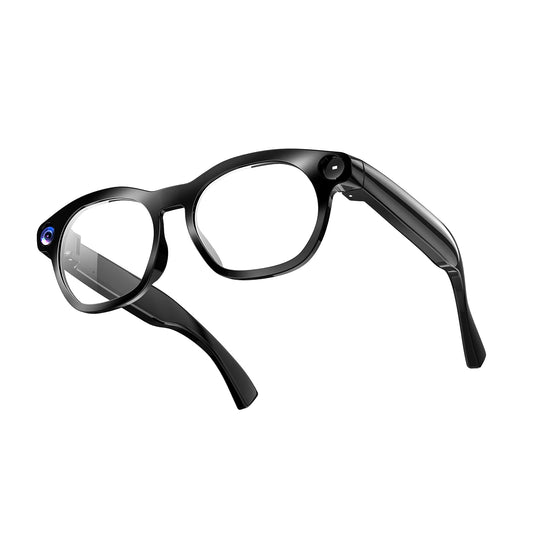
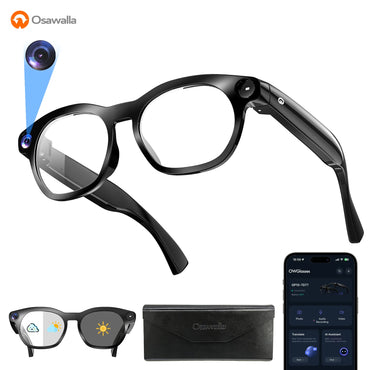
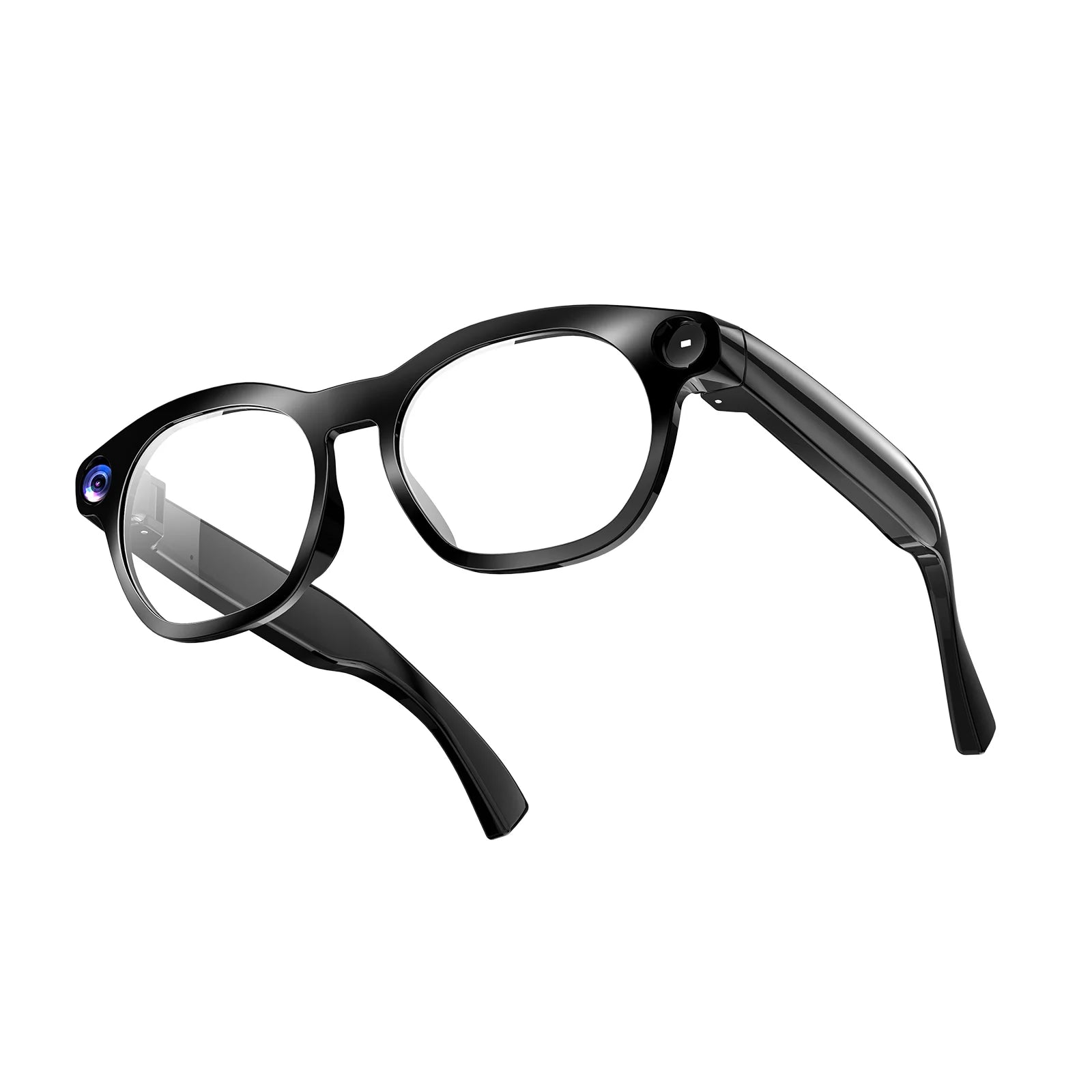
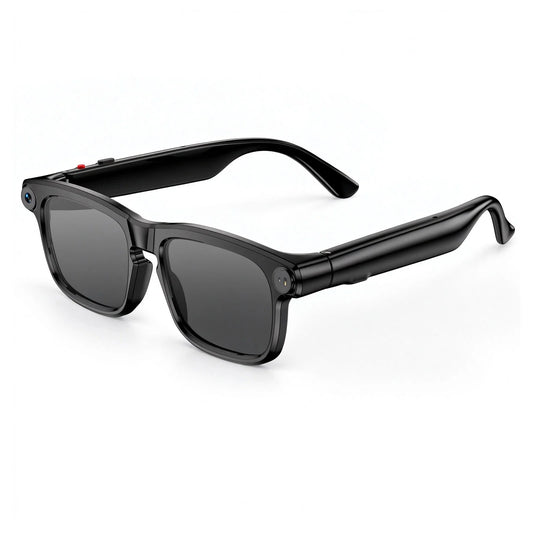
· Recording is the limit, not music. On the Osawalla Daily Core, continuous 1080P recording tops out at about 90 minutes, while mixed everyday use — occasional photos, some calls, intermittent AI queries, a couple of hours of music — covers roughly a full day.
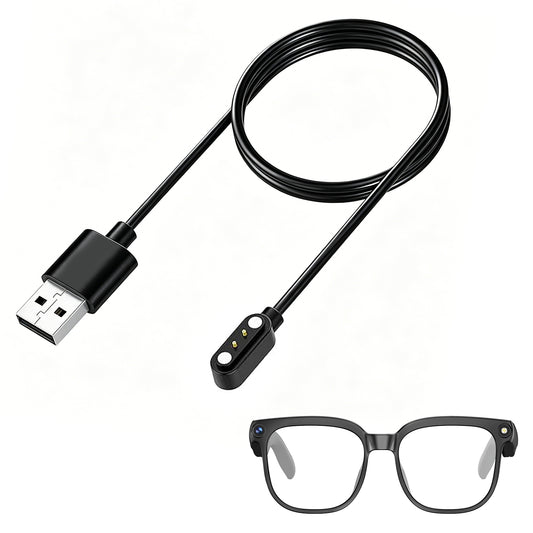
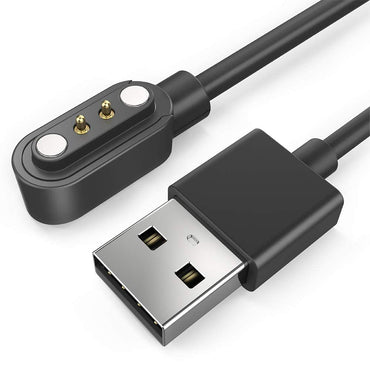
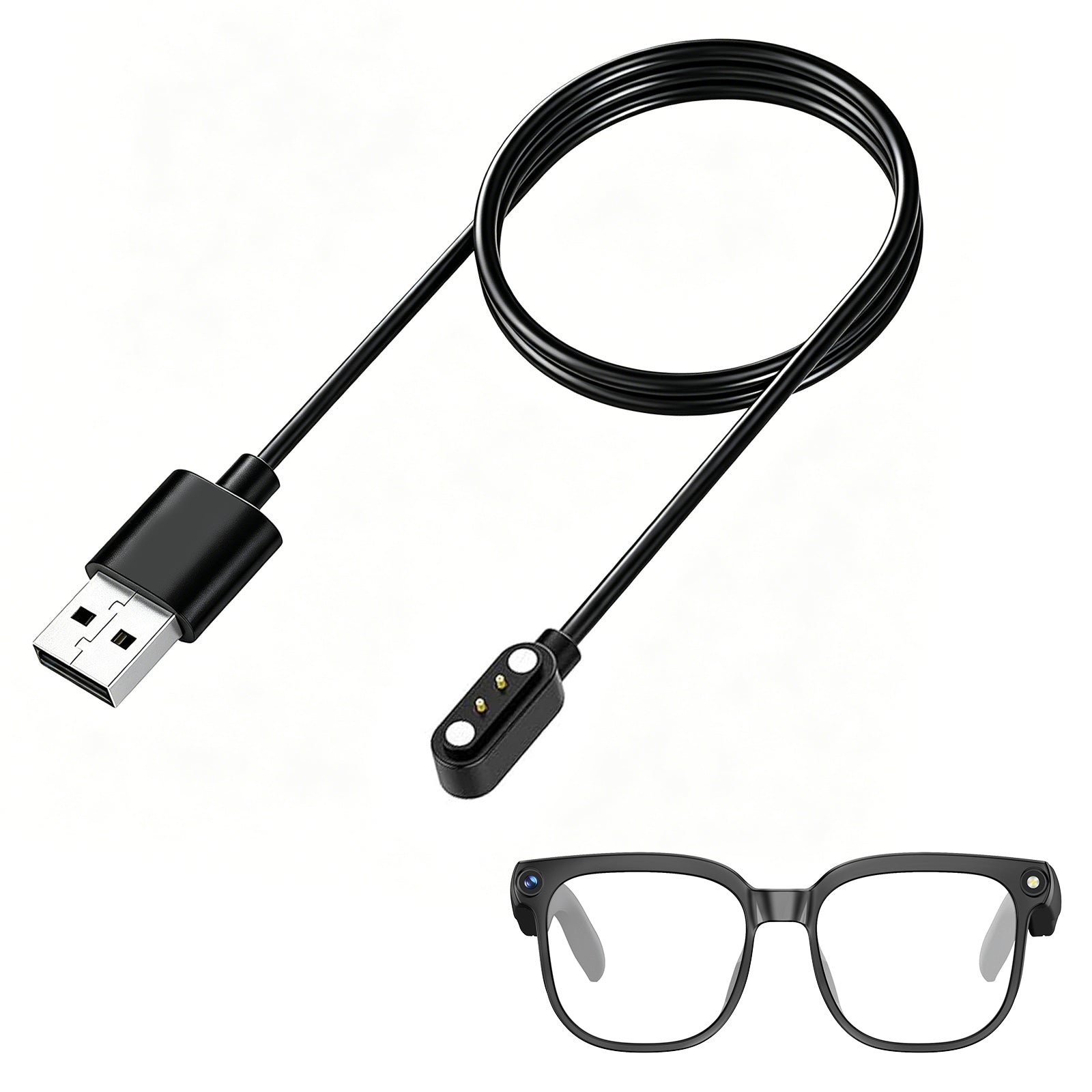
· A full charge takes about two hours. The Daily Core charges over a magnetic USB-C cable from any 5V/1A or 5V/2A adapter; the red indicator light goes out when charging completes.
· Low battery is not the same as dead. Below 15% charge, the Daily Core disables camera and data functions so Bluetooth calling and voice control keep working.
· mAh is a capacity figure, not a runtime promise. Two pairs with the same battery capacity can behave very differently once voltage, chipset efficiency, and firmware have taken their cut.
· Heat and weak signal quietly cost you time. Both force the device to work harder for the same result.
Everything below explains why those numbers look the way they do, and how to use them to choose a pair that survives your actual day.
1. What "smart glasses battery life" actually measures
A product page can list five different battery numbers, and they are not interchangeable. Knowing which one applies to you is most of the work.
|
Specification |
What it actually tells you |
Who should care most |
|
Music playback time |
Runtime while streaming audio over Bluetooth |
Commuters, podcast listeners |
|
Call time |
Runtime with mic and voice transmission active |
Remote workers, frequent callers |
|
Continuous recording time |
How long the camera can keep writing video |
Vloggers, travellers, athletes |
|
Standby time |
Runtime while worn but mostly idle |
Light users |
|
Charging time |
How long to refill the battery from empty |
Travellers, shift workers |
|
Battery capacity (mAh) |
Stored charge — not runtime on its own |
Comparison shoppers |
Two rules make these numbers much easier to read.
First, treat each figure as a single-task measurement. "Up to seven hours of music" does not mean seven hours of music plus four hours of calls. It means seven hours if music is essentially all you do.
Second, treat mAh as context rather than a verdict. Milliamp-hours describe stored charge; runtime is what remains after voltage, chipset efficiency, firmware behaviour, and your own usage pattern have taken their share. That is why a bigger number does not automatically win — and why capacity alone tells you nothing about how a cell will age. For a plain-language walkthrough of lithium-ion behaviour over a battery's life, Battery University's guide to prolonging lithium-based batteries is a solid reference.
2. Smart glasses battery life by activity: what drains it fastest
This is the section most buyers skip, and the one that actually predicts whether you will be happy with a purchase.
|
Activity |
What is running |
Relative drain |
Which spec to check |
|
Worn, camera off (standby) |
Bluetooth link, sensors |
Lowest |
Standby time |
|
Music over open-ear audio |
Bluetooth audio + speaker drivers |
Low to moderate |
Music playback time |
|
Voice calls |
Mic, uplink, noise processing |
Moderate |
Call time |
|
AI assistant / translation requests |
Mic plus wireless round trip to phone or cloud |
Moderate to high, in bursts |
Rarely published |
|
1080P video recording |
Sensor, image processing, encoding, storage writes |
Highest |
Continuous recording time |
|
Wi-Fi file transfer |
Wi-Fi radio sustained + storage reads |
High while active |
Rarely published |
The ordering reflects a general pattern across wearable cameras rather than a laboratory measurement of one model: moving pixels and writing files costs more energy than playing audio.
Music playback and Bluetooth calls are not the same task
Music is a steady, predictable load — a wireless link plus audio output. Calls add microphone input, voice transmission, and usually noise processing, which is why call time is quoted separately and is typically lower.
Signal quality matters too. A weak or unstable link makes a device spend extra energy maintaining the connection. The low-power link behaviour that modern glasses rely on is defined in the Bluetooth Core Specification, though how efficiently any given pair implements it is a design choice you will only see in the runtime figures.
AI features draw power in bursts
AI queries are intermittent: mic on, request sent, response played back. Each burst is short, but a day of frequent translation or assistant use adds up — particularly when the processing happens on a connected phone or in the cloud rather than on the glasses themselves.
If real-time translation is a core reason you are buying, read our guide to AI smart glasses with real-time translation. The connectivity model described there is exactly what determines the battery cost.
Temperature and environment move the number
Battery chemistry is sensitive to temperature, and eyewear has a specific problem: it sits on your face in direct sun. Charging outside the manufacturer's recommended range is the particular thing to avoid, and the extremes matter far more than the middle. The mechanism is explained well in Battery University's article on charging at high and low temperatures.
3. Why video recording is the real limit on camera glasses
For camera glasses, "how long does the battery last" is the wrong question. The useful question is: how much of that time can I spend recording?
Recording keeps several subsystems awake at once — the camera sensor, the image processor that compresses raw frames into video, and the storage writing those frames. Stabilisation processing adds more. Nothing comparable happens while you are listening to a podcast.
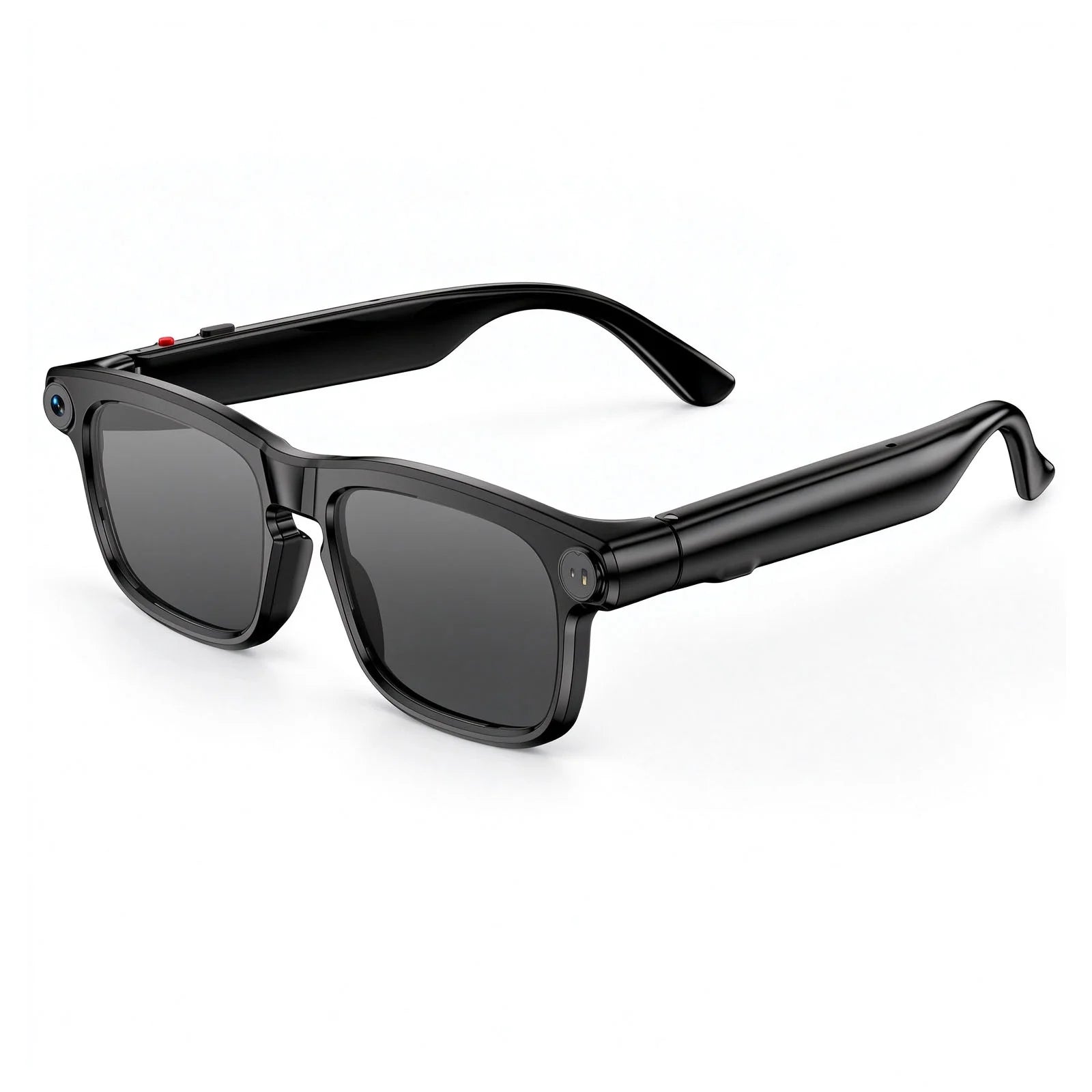
Here is what that looks like on a real product. The Osawalla Daily Core is rated for 90 minutes of continuous 1080P recording, which is the practical ceiling for a long capture session. The same pair, used for a normal day of occasional photos, some calls, intermittent AI queries, and a couple of hours of music, is described as lasting roughly a full day. Same battery, entirely different day.
Three scenarios make the trade-off concrete.
A day of sightseeing. Short clips, photos between stops, music on the walks. The camera works in bursts, so recording time is rarely the binding constraint.
A travel vlog. Long continuous takes of streets, landmarks, and conversations. Now the 90-minute figure decides your day, and you plan charging around it.
A workday of calls. Music, calls, and occasional AI help. Audio and call ratings matter; recording time is irrelevant.
This is why a single headline battery number cannot describe a camera wearable. If a product page quotes only music playback or a vague "all-day battery" claim, do not assume that figure applies to video. Our guide to smart glasses with camera: what to look for covers the recording specs worth asking for, and how smart glasses work: components inside the frame shows where that power actually goes.
If your main use case is sport, the same logic applies at higher intensity — see video recording glasses for running and cycling.
4. Charging time vs. usage time: plan for both
Usage time decides how long you can go. Charging time decides how quickly you recover. On a travel day, the second one usually bites first.
On the Daily Core, a full charge takes about two hours using the magnetic USB-C cable that attaches to the right temple, with any standard 5V/1A or 5V/2A adapter. The red indicator light switches off when charging finishes. If you want a spare or a replacement, there is a dedicated magnetic charging cable for Osawalla smart glasses.
Two hours is short enough for an overnight habit and long enough to ruin a rushed morning. That gap is where most battery disappointment happens, and it is worth designing around:
· Before you leave: glance at the battery level. Two minutes, done.
· Before a long capture session: charge first, even if the level looks fine.
· During a long break: top up if a power source is available and the manufacturer allows it.
· At the end of the day: put them on charge so tomorrow starts full.
Travel adds one more consideration. Spare batteries and power banks have their own rules in aircraft cabins and checked luggage, so if you fly with a charging case or spare cell, check the FAA's lithium battery guidance for travellers before you pack.
Also worth confirming before you buy: whether the included case actually charges the glasses. Plenty of cases are storage only, and not every frame uses the same connector.
5. How to estimate your daily battery budget
You do not need a spreadsheet. You need to identify your heaviest single activity and check the spec that matches it.
Step 1 — Split your day into tasks. A list of what you actually do, not one total number.
Step 2 — Find the heaviest task. Recording, calls, or music — whichever you do longest.
Step 3 — Match it to a published figure. That number, not the headline claim, is your realistic planning figure.
Step 4 — Leave a margin. Do not plan to hit the advertised maximum every day. Battery condition, temperature, signal quality, and firmware all move it.
A worked example using the Daily Core:
|
Planned activity |
Estimated time |
Rating that applies |
Rough battery cost |
|
Music on the commute |
2 hours |
Music playback |
Low |
|
Short clips and photos |
~15 clips |
Recording, in bursts |
Moderate |
|
Voice calls |
45 minutes |
Call time |
Moderate |
|
AI / translation queries |
~20 queries |
Rarely published |
Moderate, in bursts |
|
Standby, worn |
Rest of day |
Standby |
Lowest |
That day fits comfortably inside a mixed-use full-day rating. Swap the 15 clips for three continuous 30-minute takes, though, and you land on the 90-minute recording ceiling. The battery has not changed; the ask has.
The lesson generalises: plan against your dominant activity, and read maximum figures as reference points rather than promises. For the wider decision, see how to choose the right smart glasses.
6. Seven habits that genuinely extend smart glasses battery life
None of these change the physics. All of them change how much of the battery you waste.
1. Record with intent. Continuous recording is the most expensive thing the glasses do. Short, deliberate clips cost less power and less storage.
2. Turn off what you are not using. If your model lets you disable Wi-Fi or a background connection, do it when you are not transferring files. Keep the Bluetooth link your active features depend on.
3. Transfer files while plugged in. Wi-Fi transfers are a sustained load. Doing them near a power source costs you nothing.
4. Keep firmware current. Updates do not guarantee longer runtime, but manufacturers do ship power-management and connectivity fixes. Battery University's article on charging lithium-ion is useful background on why charge behaviour matters across a cell's life.
5. Keep them out of temperature extremes. Heat is the one that hurts wearables most, because the glasses sit in direct sun on your face. Do not leave them on a dashboard, and let them return to a normal temperature before charging if the manual says so. If you wear them outdoors in strong sun regularly, do smart glasses work in bright sunlight covers the lens and heat side of that question.
6. Use the charger that came with them. Cheap adapters and dirty magnetic contacts cause slow or incomplete charging that looks exactly like a dying battery. Keep contacts clean and dry.
7. Check before anything important. A long journey, an event you want to record, a stack of calls — thirty seconds of checking beats an interruption.
7. What to compare before you buy
Battery specs only make sense next to comfort, camera quality, and connectivity. A bigger battery adds weight to something worn on your nose for hours, and a twelve-hour battery inside an uncomfortable frame is twelve hours you will never use. Comfort is not a soft consideration; the design details are set out in why your smart glasses feel uncomfortable.
Five questions, in order:
Are the ratings specific? Separate figures for music, calls, recording, and standby. A single unexplained number is a red flag.
Is charging convenient for your routine? Connector type, included accessories, full charge time, and whether the case charges. Frequent travellers should weight this heavily — see smart glasses for travel.
Do the specs match your dominant activity? Camera-first and music-first buyers should be reading different numbers. Our complete guide to choosing smart glasses walks through the decision.
Will you actually wear them for hours? Weight, temple pressure, and fit determine whether a long battery life gets used at all.
Are the gaps admitted? Honest product pages distinguish playback maxima from recording reality. Where a figure is not published, ask — do not assume the most favourable version.
Where the Osawalla range fits
|
Model |
Type |
What is published about battery and charging |
|
Camera glasses, 1080P |
90 min continuous recording; roughly a full day of mixed use; ~2 h full charge via magnetic USB-C |
|
|
AI camera glasses with translation |
Full battery figures: check the product page |
|
|
Camera glasses, 6-axis stabilisation |
Full battery figures: check the product page |
|
|
Audio glasses, no camera |
Full battery figures: check the product page |
We publish the figures we can substantiate for each model, and we would rather write "check the product page" than quote a number we cannot stand behind. If a specific runtime decides your purchase, that is a fair question to ask before you order.
8. Frequently asked questions
How long does smart glasses battery life usually last?
Most current models cover a day of mixed light use, and considerably less if you record continuously. Compare figures measured under similar conditions and match the figure to your dominant activity.
Do smart glasses use more battery when recording video?
Yes. Recording keeps the sensor, image processor, and storage active simultaneously, which costs more than standby or audio playback. On the Daily Core the practical ceiling is about 90 minutes of continuous 1080P.
How long does it take to charge smart glasses?
It varies by model and charging method — the Daily Core takes roughly two hours for a full charge. Check whether the stated time refers to a complete charge from empty under specified conditions.
Does a higher mAh rating always mean longer battery life?
No. mAh measures stored charge, not operating time. Runtime also depends on voltage, chipset efficiency, firmware, and usage pattern, so a larger capacity in a less efficient device can lose to a smaller one.
Does Bluetooth drain a smart glasses battery quickly?
Bluetooth uses power, but the impact depends on connection quality and whether audio is actually playing. A stable link with music playing is a very different load from a struggling connection with nothing playing.
Can I use smart glasses while they are charging?
Only if the manufacturer says so. Do not assume it is supported; check the manual for your specific model.
How can I tell if the battery is wearing out?
A clear drop in runtime under similar conditions can indicate battery ageing, though software updates, connectivity, and changed habits can look identical. Battery University's guide to prolonging lithium-based batteries explains the ageing mechanism, and the EPA's page on used lithium-ion batteries covers what to do when a cell is genuinely at the end of its life.
Should I charge smart glasses every night?
Follow the manufacturer's recommended routine. Overnight charging is convenient for most people; the things that actually matter are avoiding temperature extremes and using the supplied or approved charging equipment.
 Final thoughts
Smart glasses battery life is not a number on a specification sheet. It is the relationship between the charge you have, the features you use, and the hours you spend wearing them.
The practical approach is straightforward: read activity-specific figures rather than headline claims, treat recording time as the real ceiling on camera models, plan charging around your heaviest day rather than your average one, and weigh battery against comfort — because a battery you never get to use is not a feature.
Get those four things right and smart glasses stop being a gadget you have to remember to charge, and become something you can rely on — commuting, exploring a new place, or capturing a moment as it happens.


