

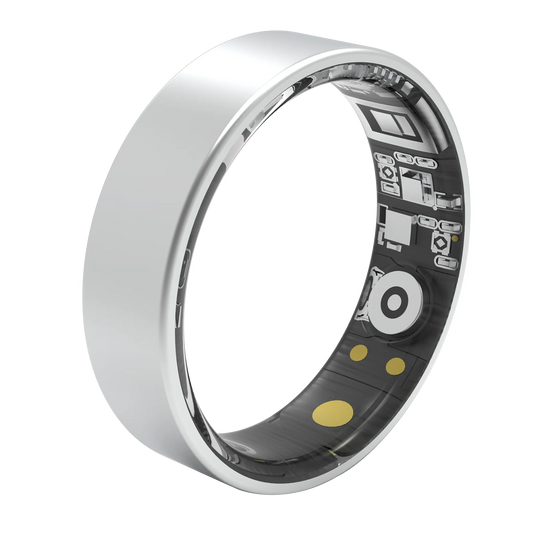
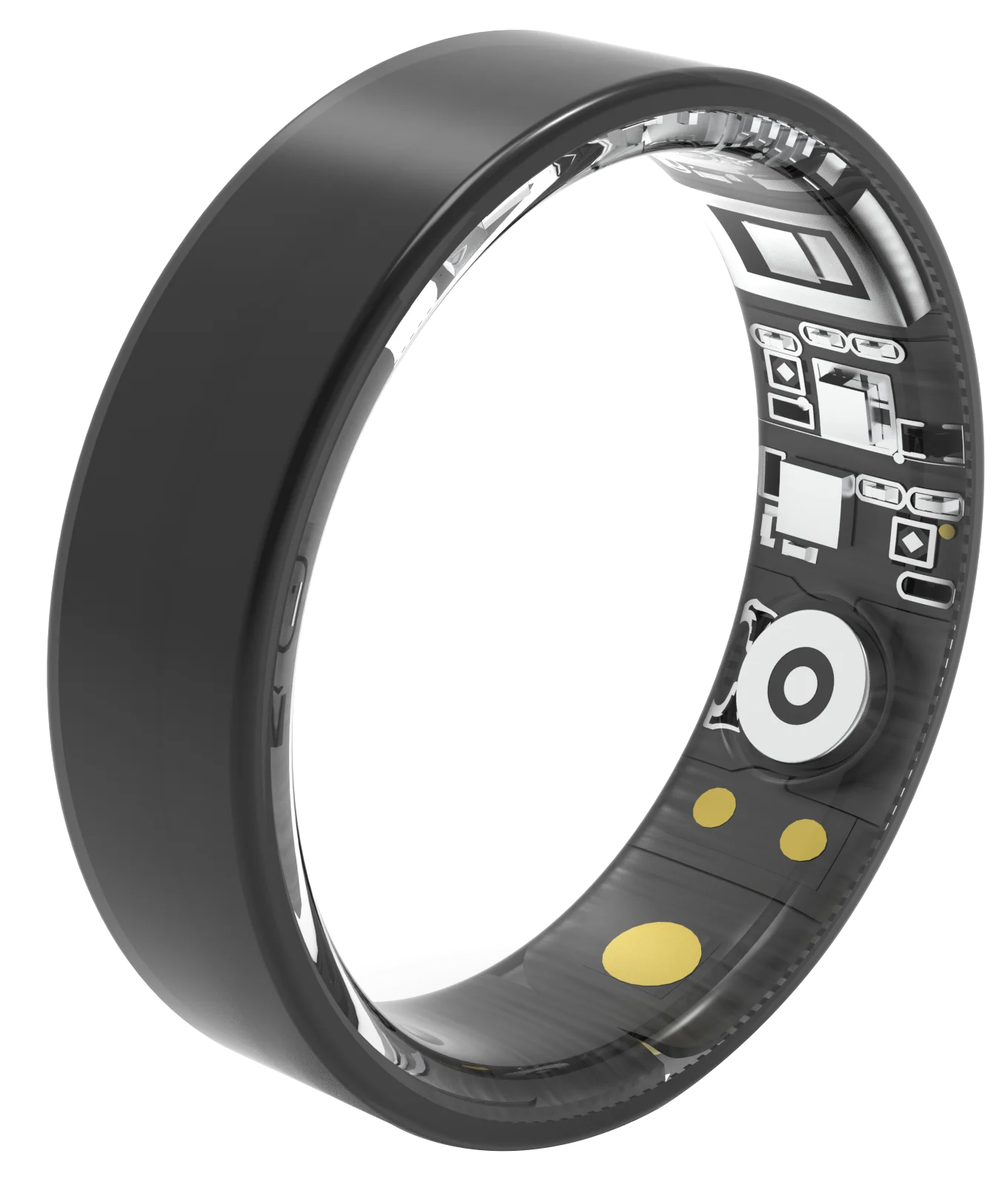
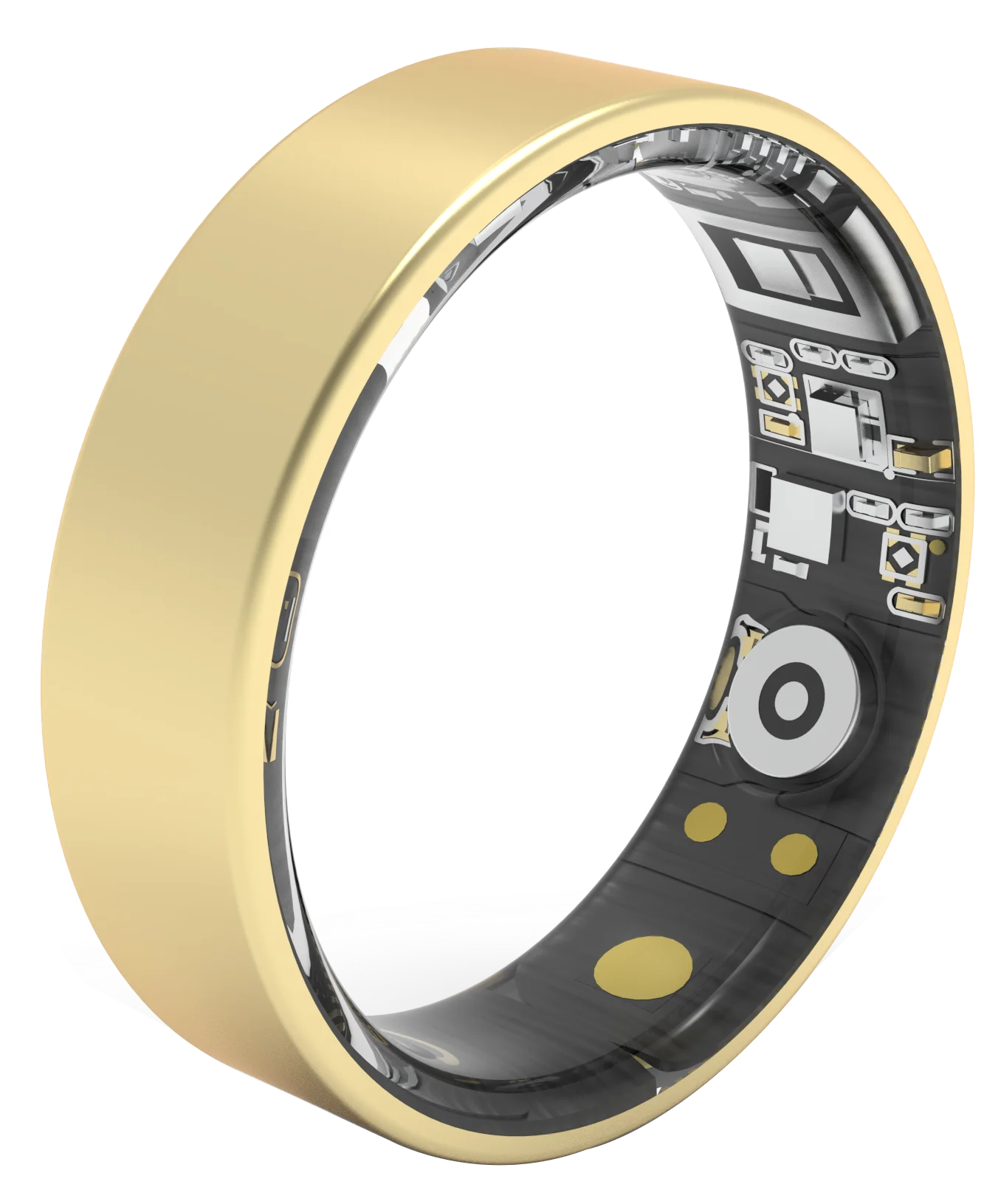




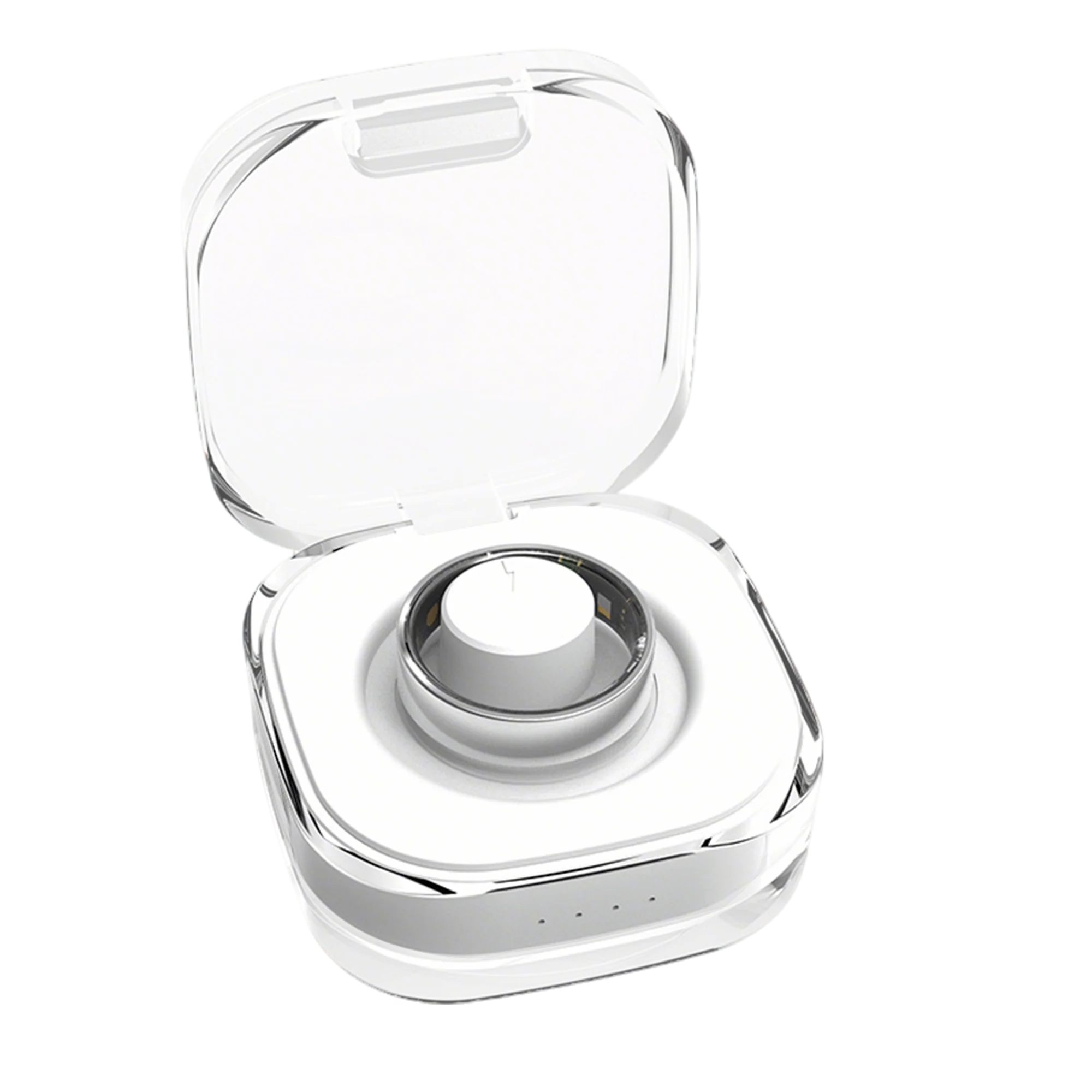


Osawalla Signature Pro Smart Ring
SKU:RP02-S-7
Couldn't load pickup availability


• 24/7 Health Monitoring
• Smart Fitness Tracking
• Advanced Sleep Tracking
• Lightweight Comfortable Design
• Long Battery Life & No Subscription App
- Free Shipping
- 30-day easy return
- 1-Year Warranty


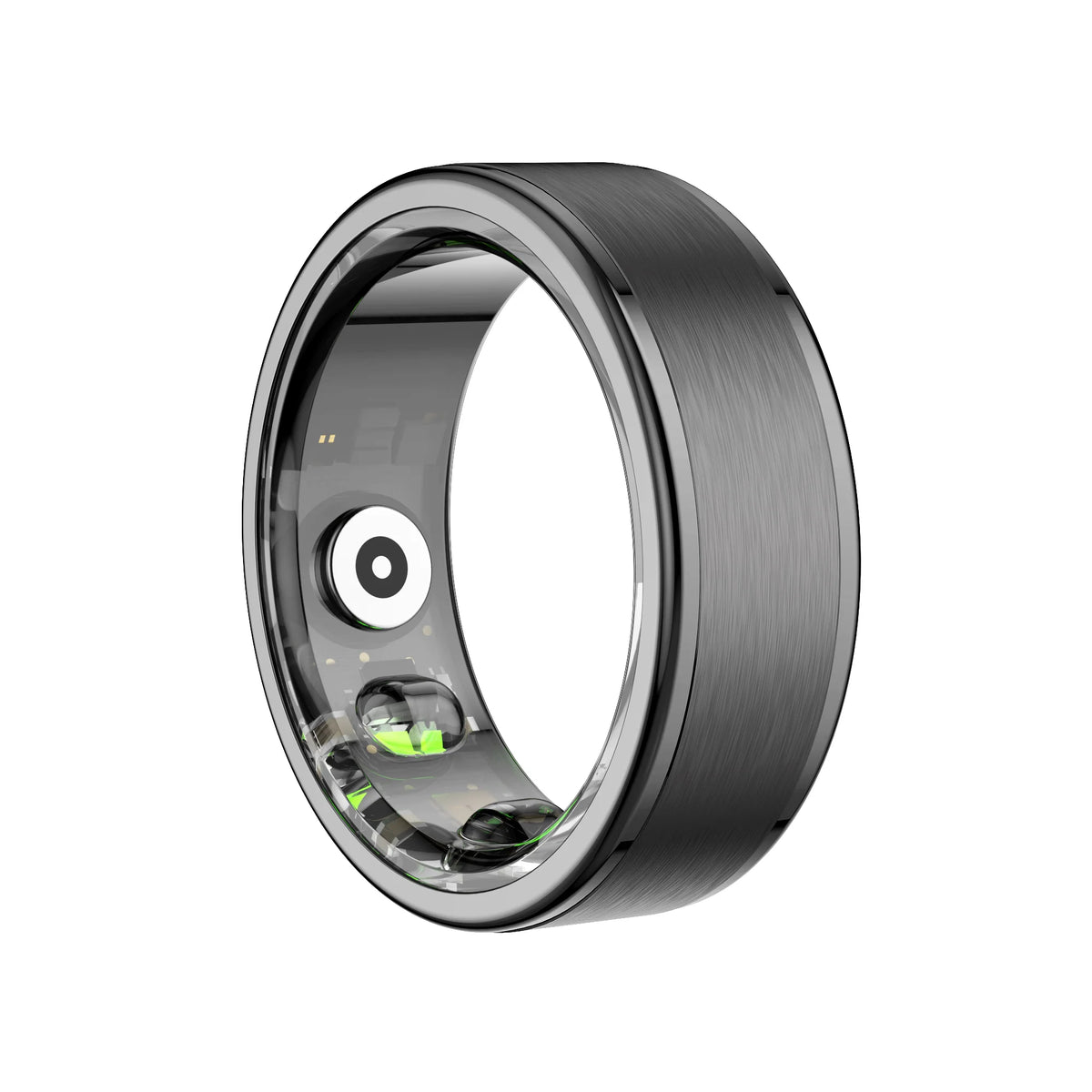


I loved this smart ring. It has an elegant, modern design, is comfortable to wear, and is very practical for tracking physical activity and sleep. I think it’s an excellent option for anyone who wants to monitor their wellness without having to wear a smartwatch all the time. Highly recommended!
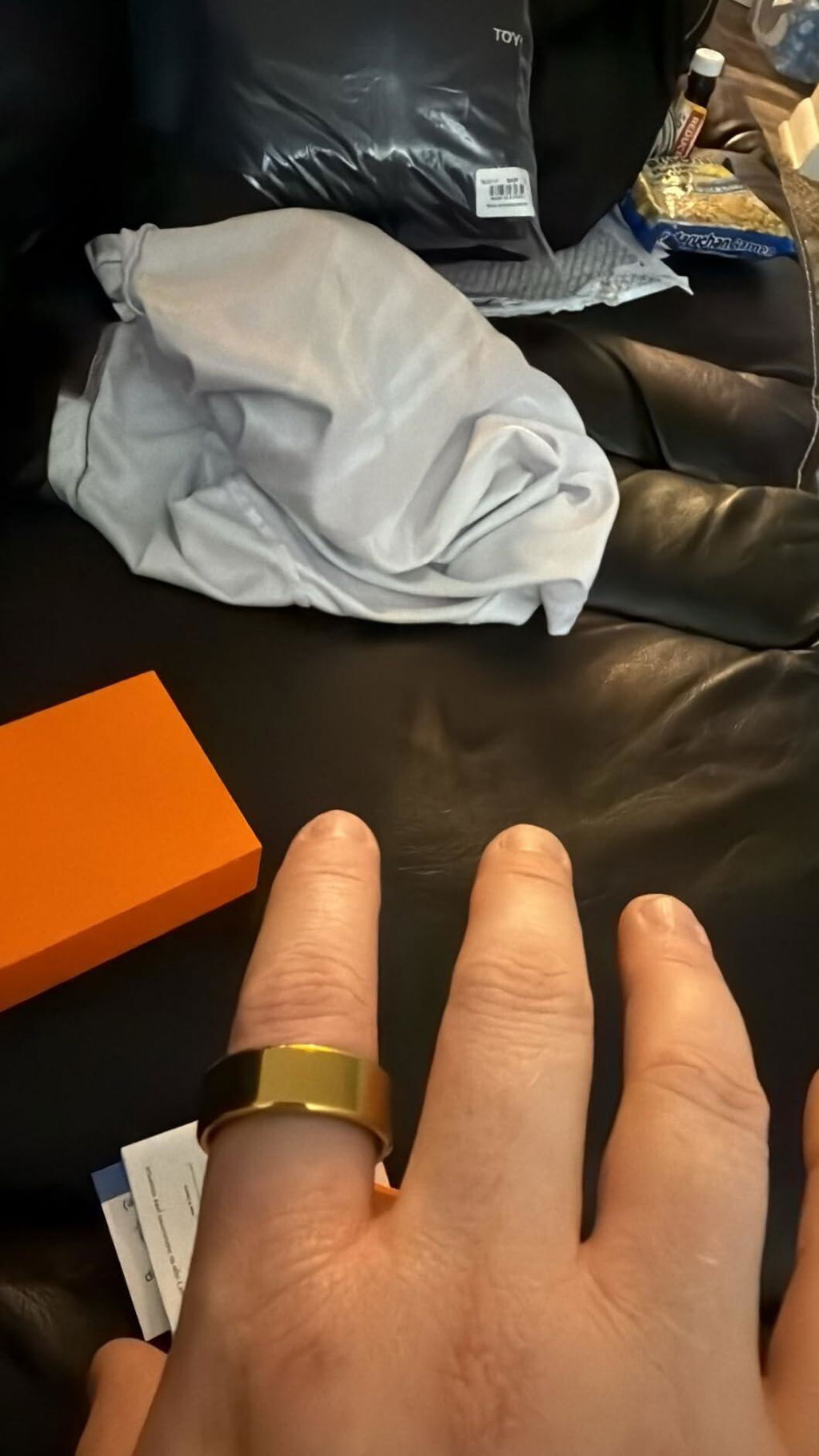
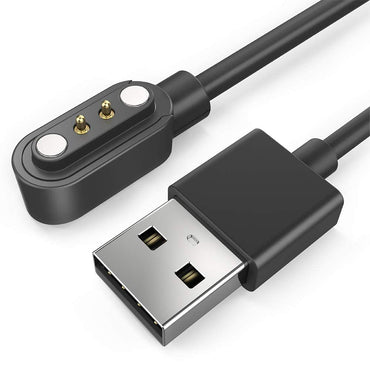
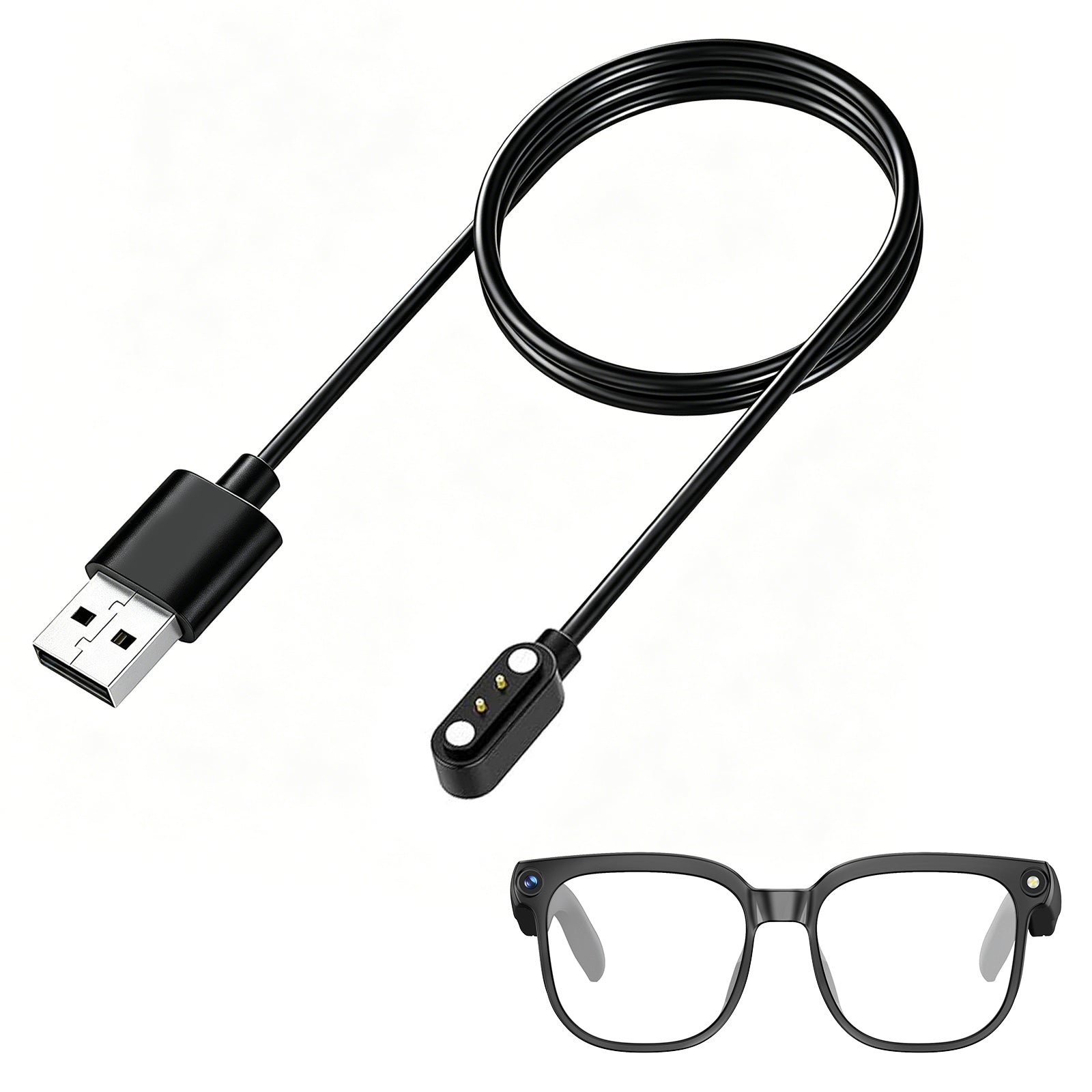
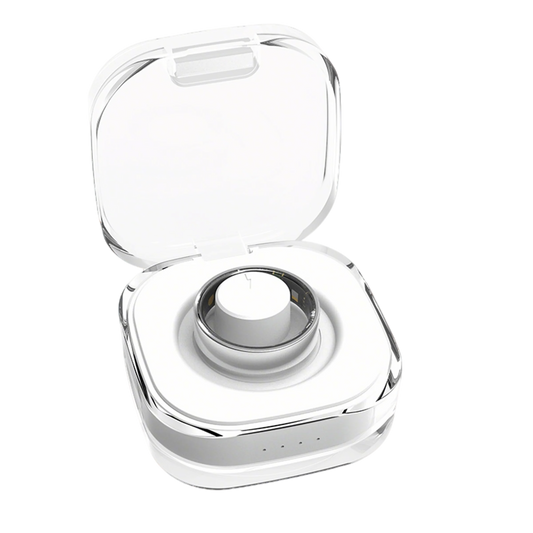
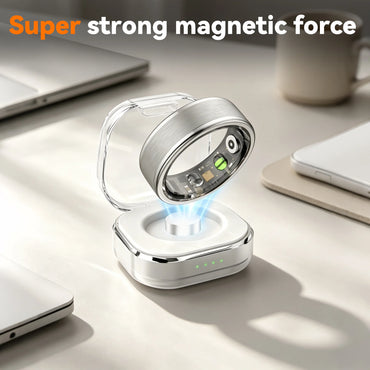
Love it. This is great for all ages. The ring in the images is Silver, Size 8. Comes with 3 bands, it's charging case with charging cable, and 3 color protection bands. It features a charging display with battery charging percentage. And a glow around the base. Truly a must have for virtually anyone who may need to be monitored due to health concerns in the realm of oxygen in blood & heart rate in an app that can be used far from the individual wearing it.
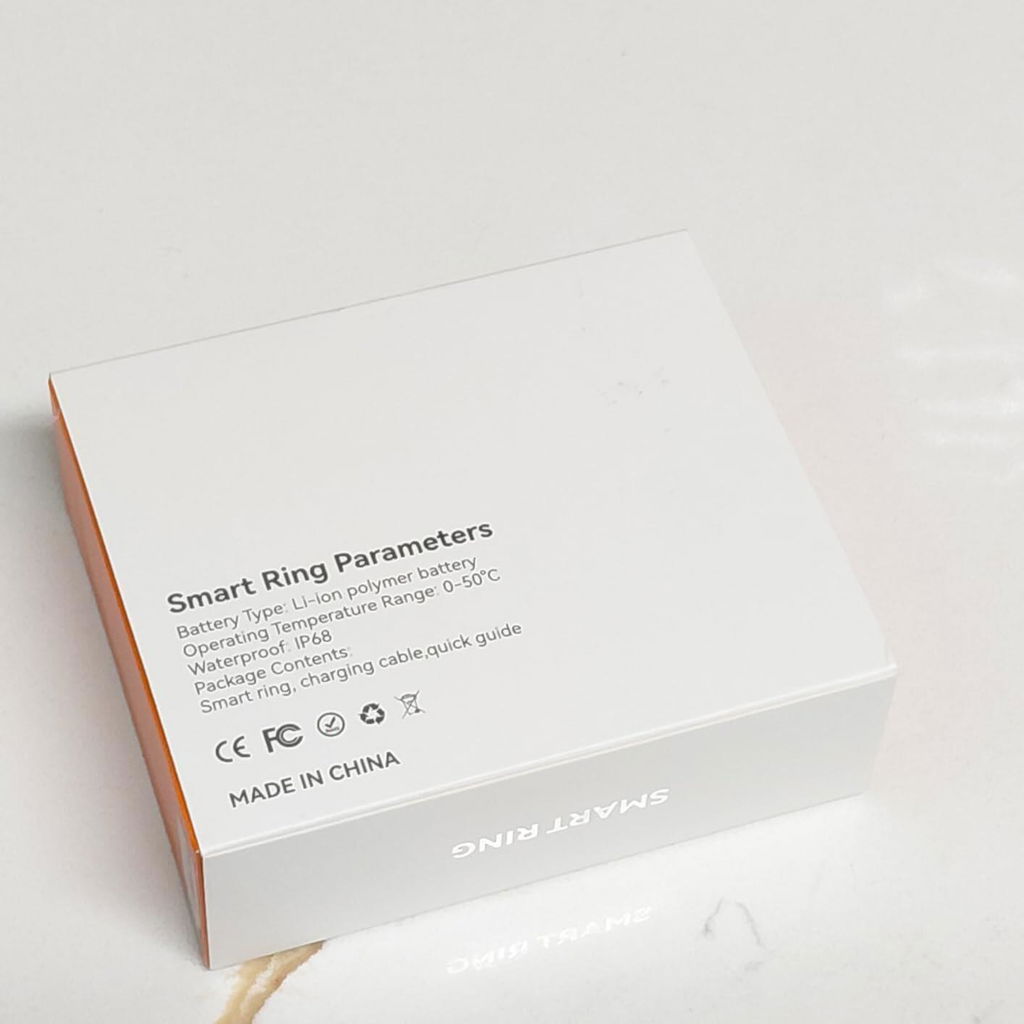
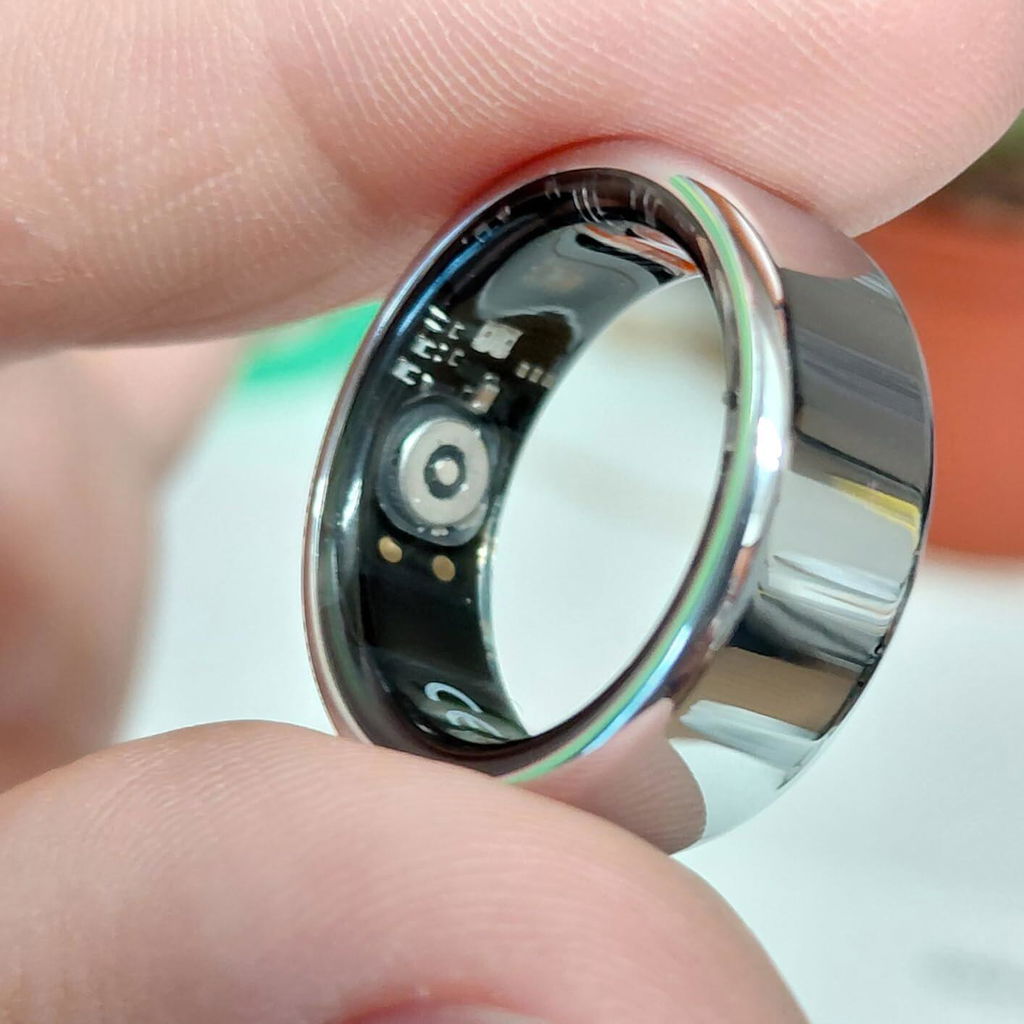
The best ring I have bought so far ! True to size and no charge for the app love it !!
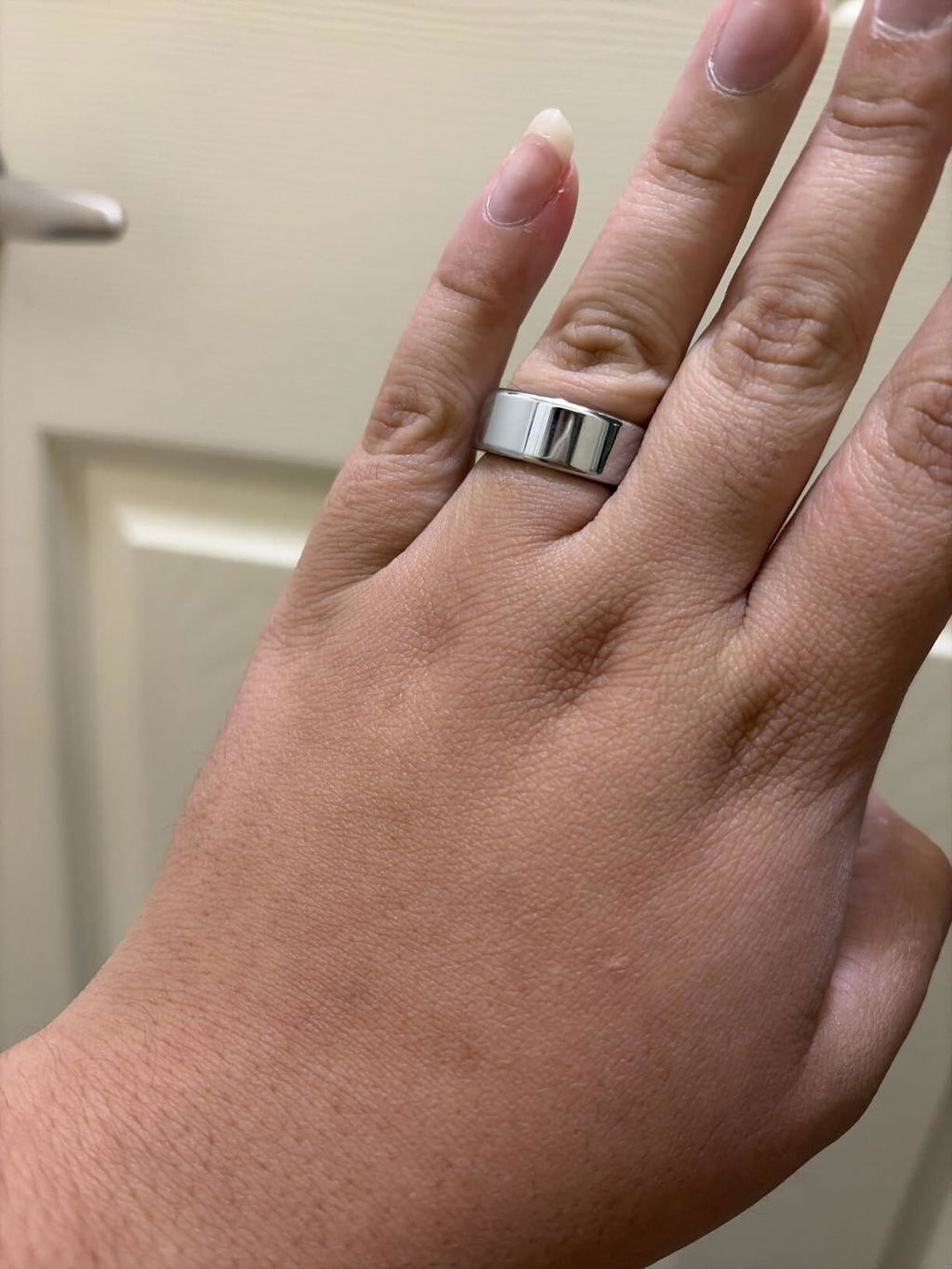
I was pleasantly surprised by how comfortable this smart ring is. It’s lightweight, has a nice design, and doesn’t feel bulky during the day. What I like most is that I can wear it without feeling like I’m wearing another device
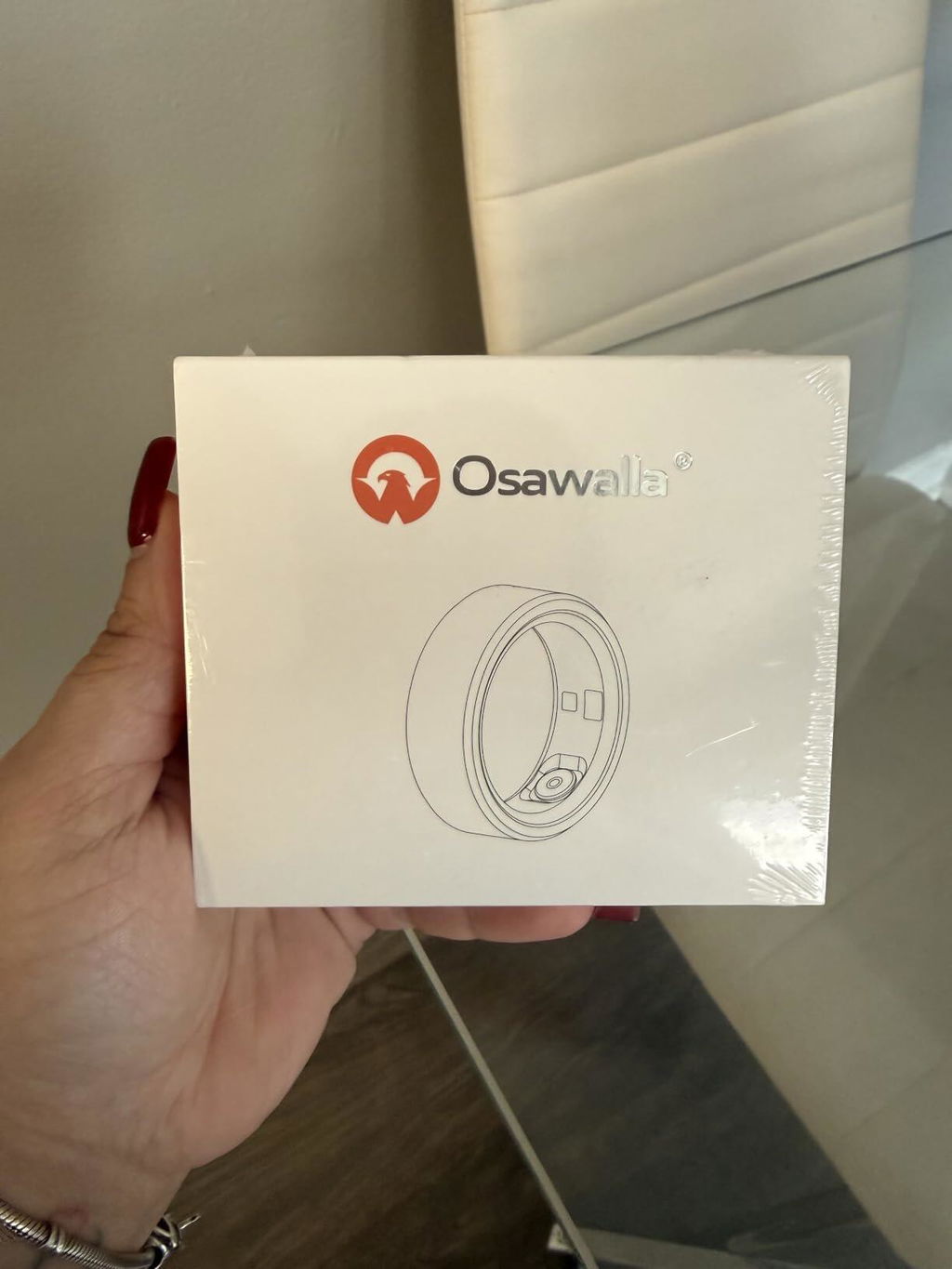
I quite liked the ring, it looks nice on and it's not uncomfortable to wear during the day. I liked being able to test its functions and so far it has worked well. The size also fit me well and it feels light. For the price, I think it's pretty good.
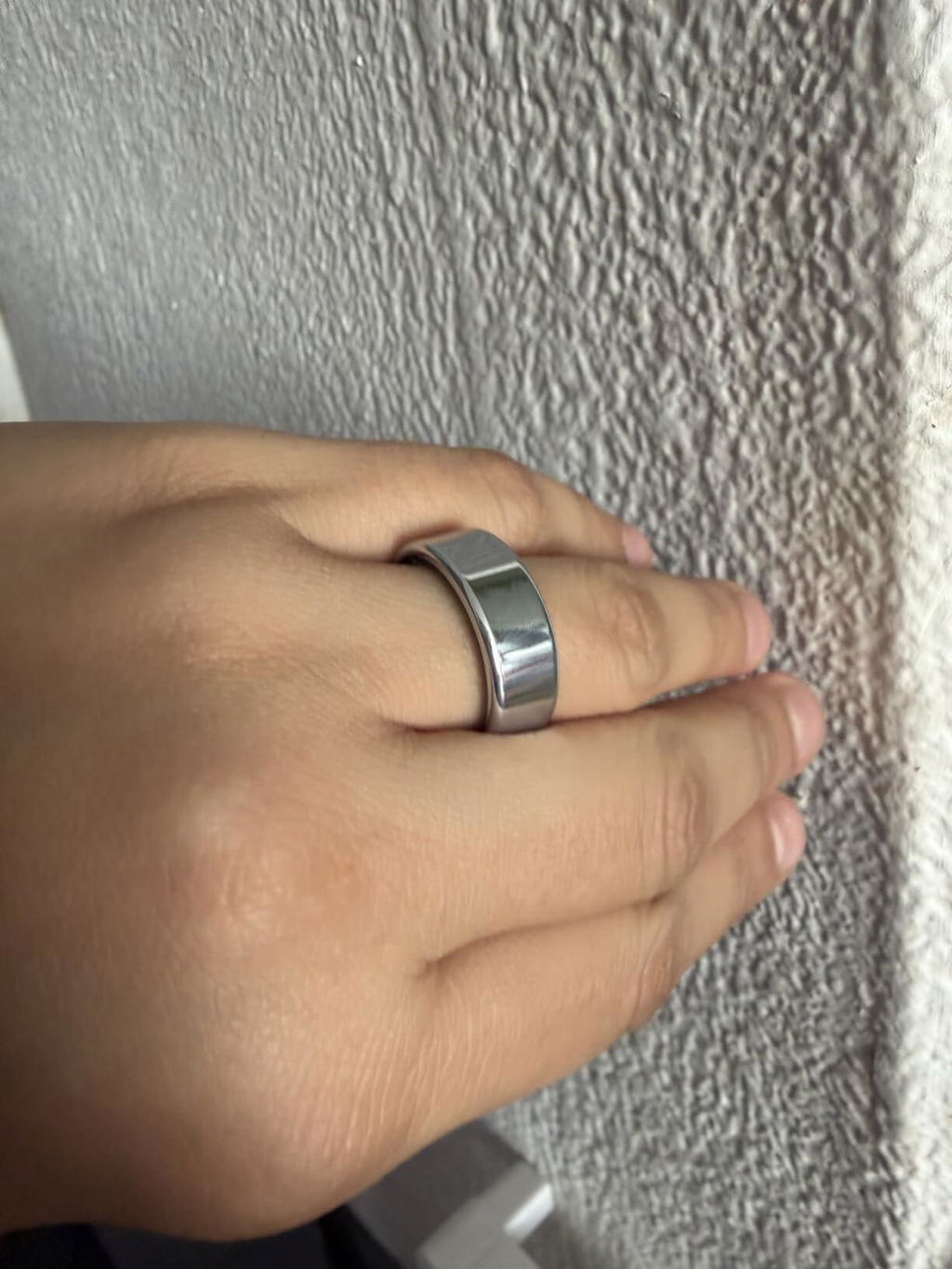
Does as expected, but sizing was wrong
Still testing the ring to see how accurate its results are
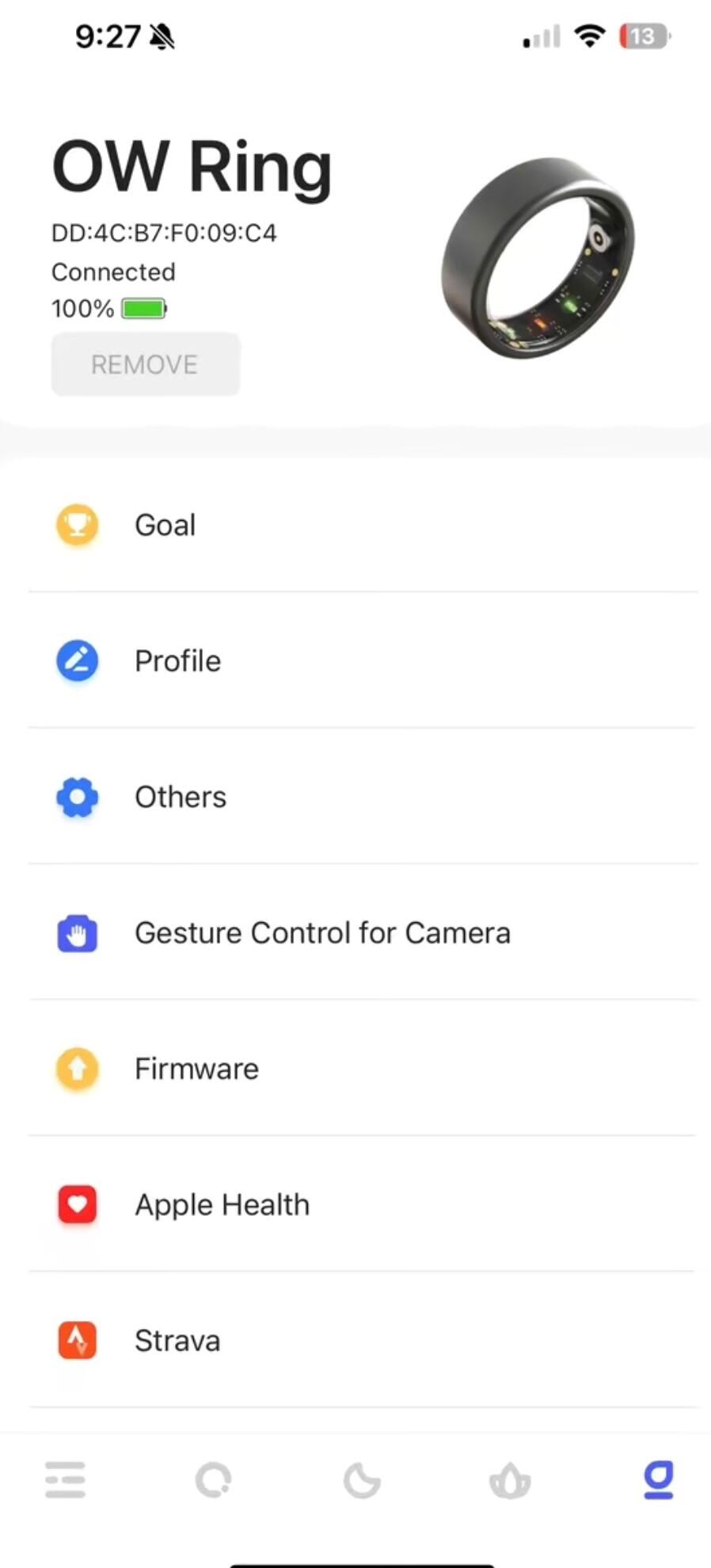
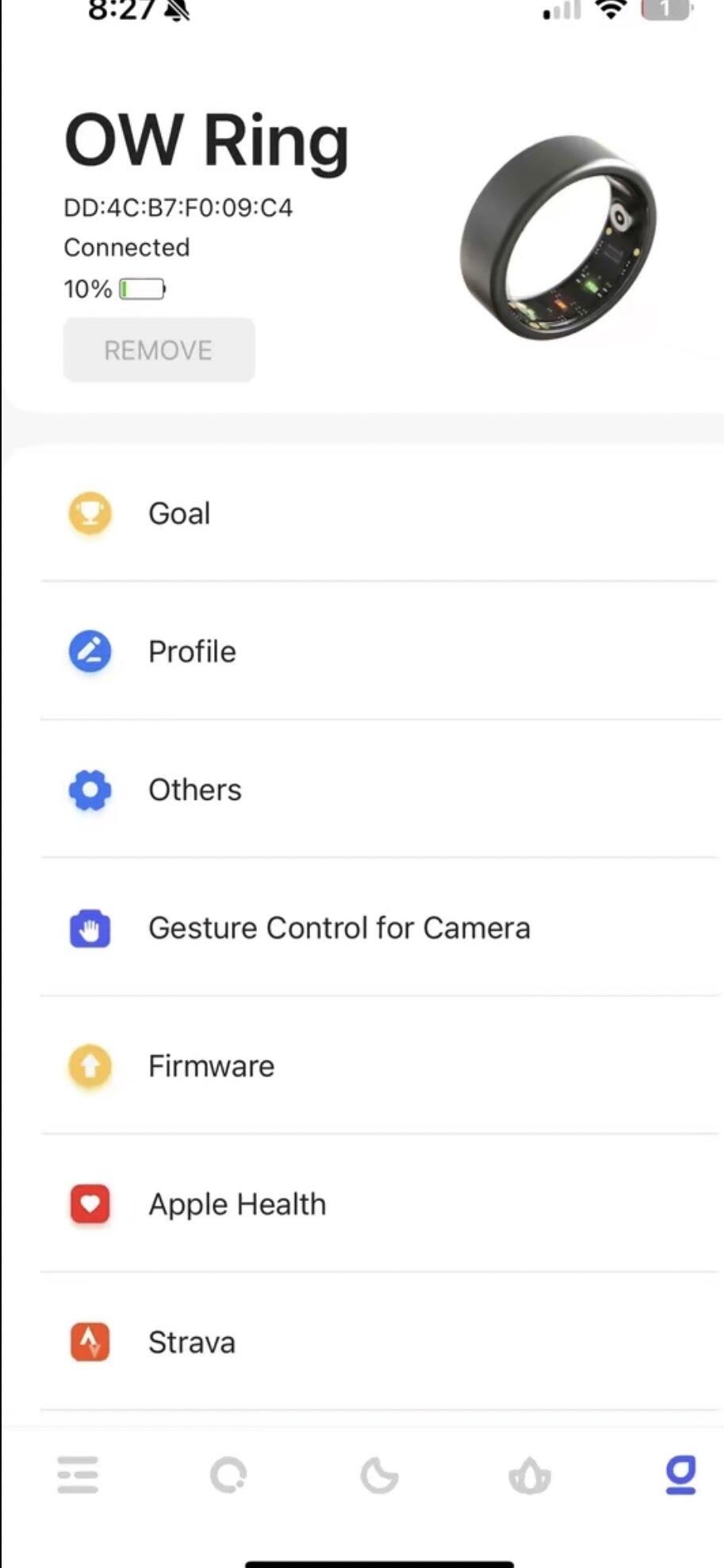
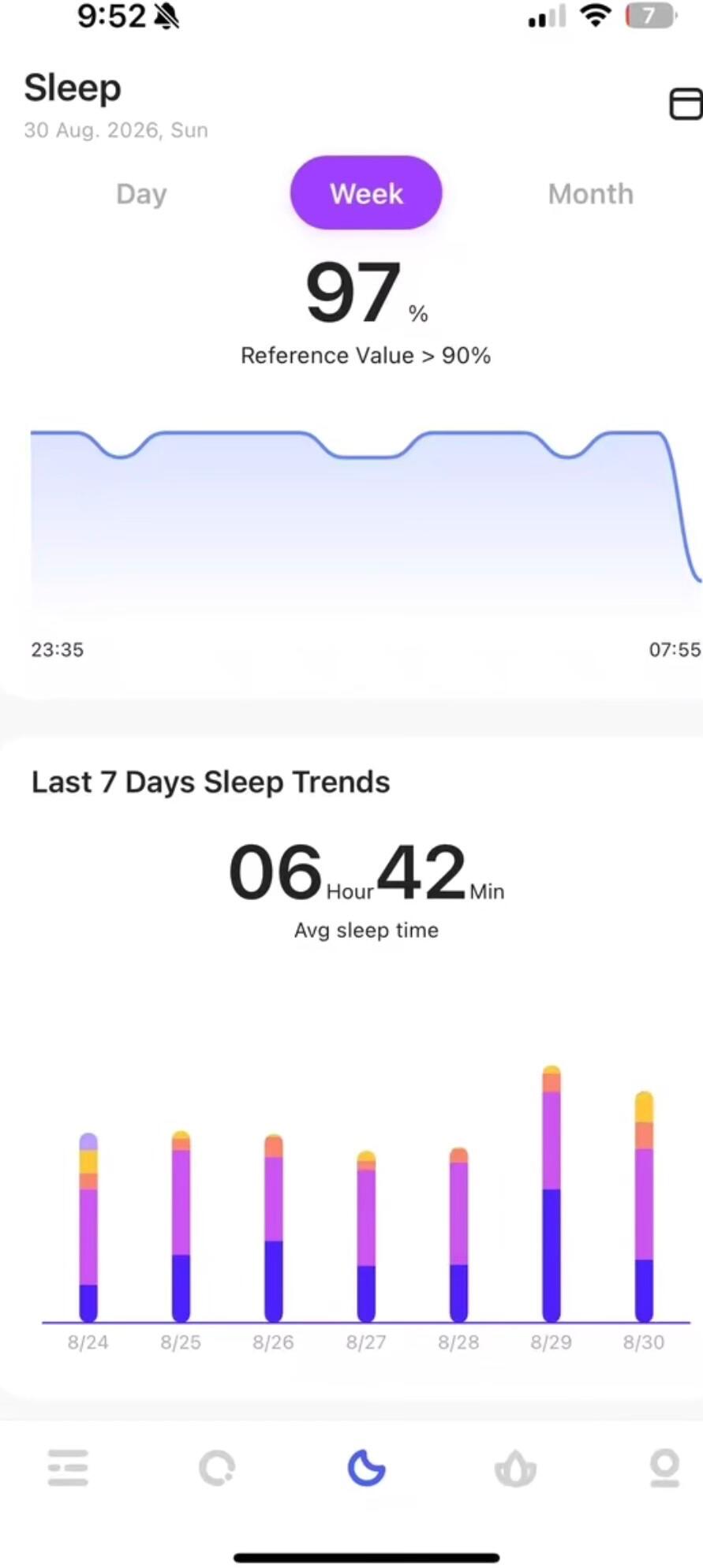
I really like how this ring looks. The silver finish is pretty, and it feels lightweight on my finger. It has options to check my heart rate, daily steps, sleep, and blood oxygen levels. I like that it comes with its own charging case, which is also practical for keeping the ring protected when I’m not wearing it. The most important thing for me is that it doesn’t require a subscription, which is exactly what I was looking for.
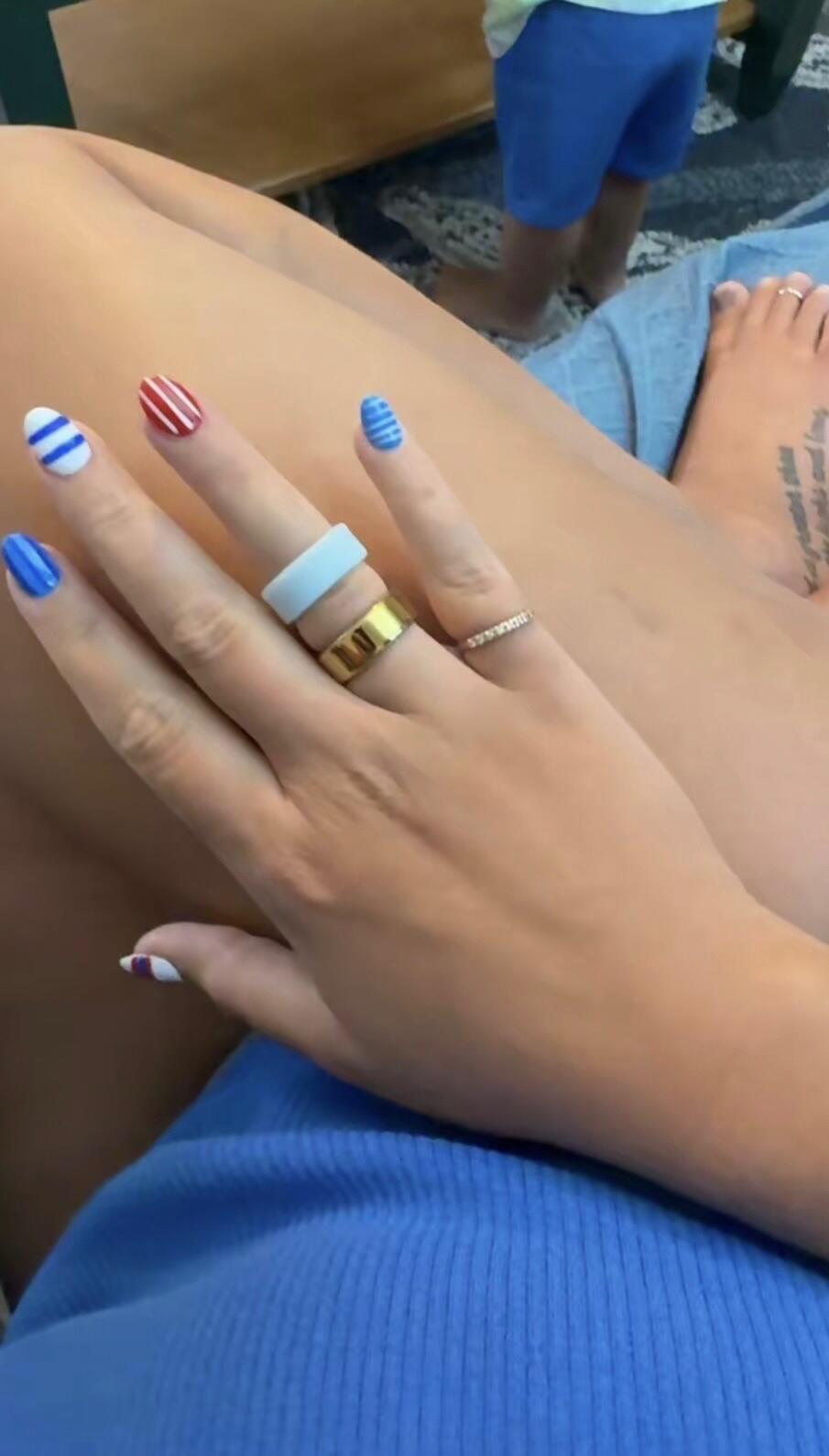
My ring came to me fast .it was easy to set up.the app was easy to understand. My ring fits well.
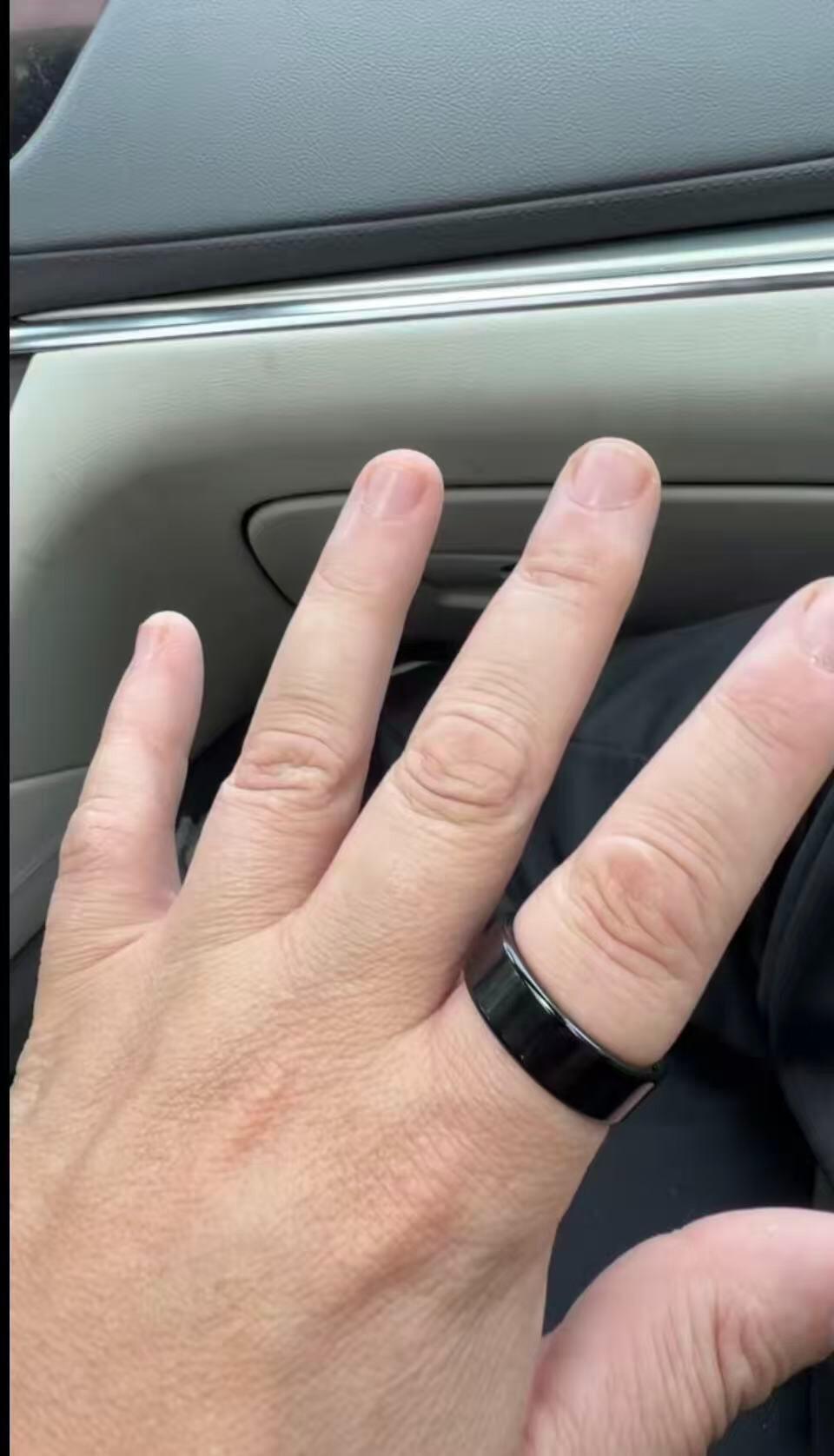
Estoy muy satisfecha con esta compra. El anillo inteligente llegó muy bien empaquetado y se nota que es un producto de buena calidad. Es cómodo de usar, tiene un diseño elegante y fue muy fácil de configurar. La batería dura bastante y el estuche de carga es muy práctico. La aplicación funciona bien y permite ver fácilmente los datos de actividad, sueño y frecuencia cardíaca. En general, ofrece una excelente relación calidad-precio
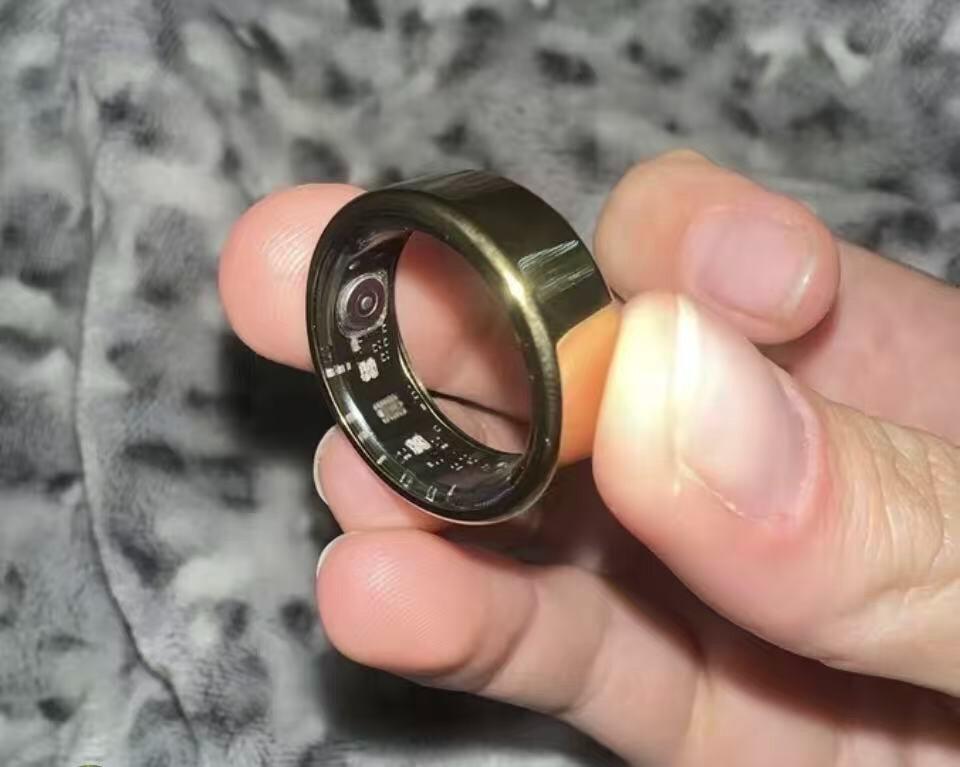
This Smart Ring is very nice, the perfect size, and seems to be of very good quality. I installed the app and it connected easily. It tells me my sleep hours at night, my oxygen levels, the number of steps I take—basically everything I need to know about my body throughout the day. Shipping was a little slow, but that’s a minor issue. Highly recommended.
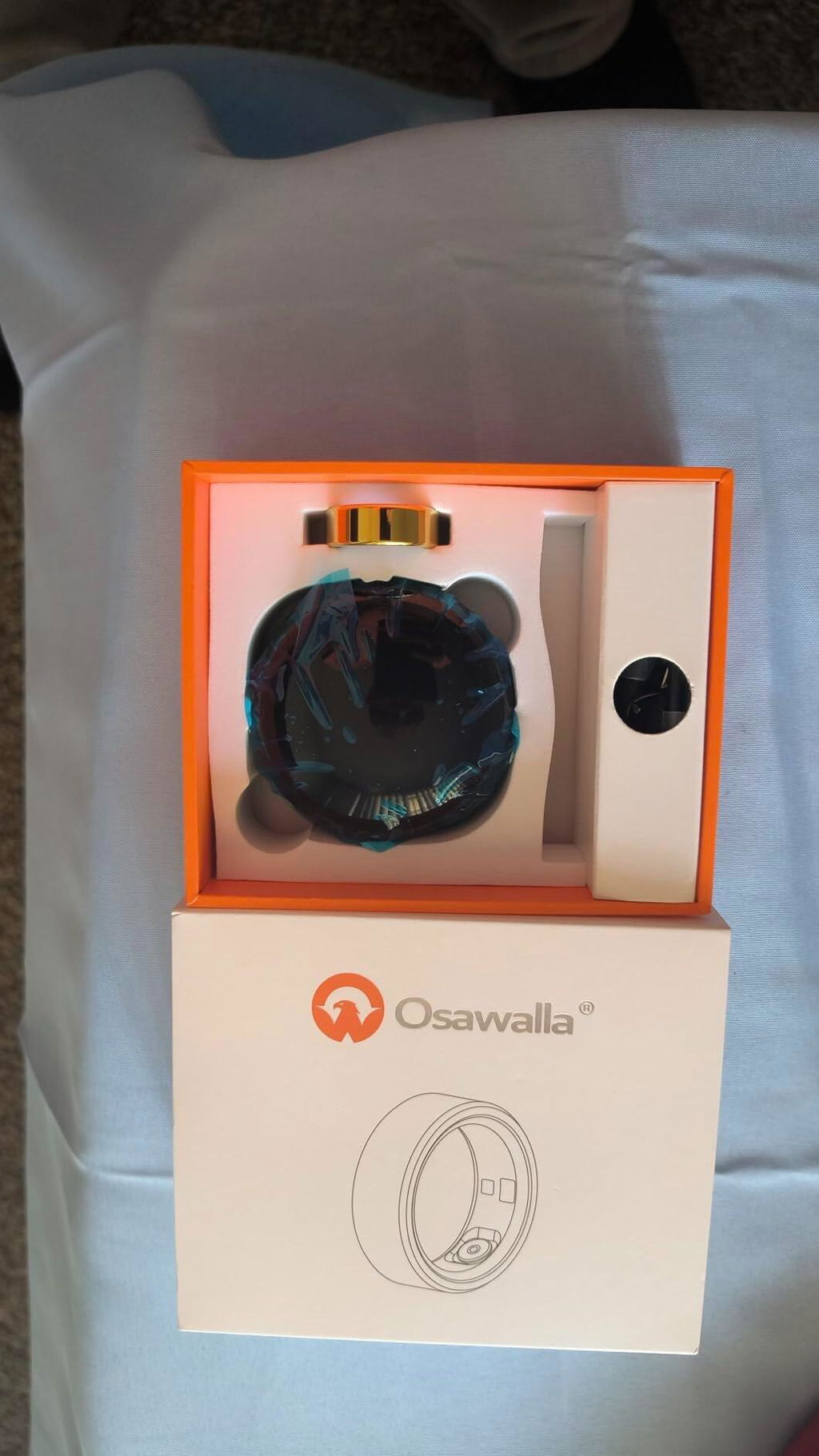
I’ve been using this ring for a while now to keep track of my physical performance and daily sleep and it has worked perfectly I was looking for a discreet device rather than a bulky watch and this ring checked all the boxes. It consistently tracks heart rate steps and sleep quality with no issues the battery life is great and the waterproof feature gives peace of mind for everyday use. Plus it syncs quickly and it’s awesome to have all your health metrics in one place without Highly recommend
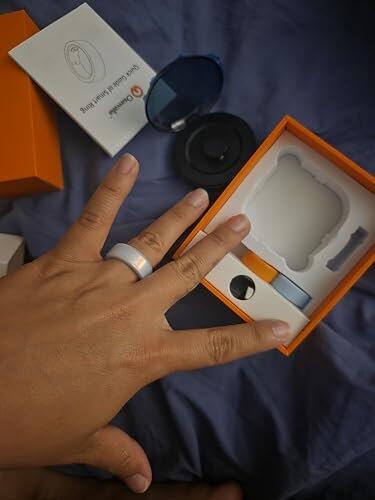
I was honestly shocked by how much I loved this ring. For such a low cost it is extremely accurate. The app updates in real time and is quite user friendly. I would one hundred percent recommend it if you’re looking for a cheap alternative to the aura ring. It tracks my sleep, steps, heart rate, blood oxygen, etc. The charging case is really cool too, as it is wireless and charges full battery in less than an hour. I was able to wear this ring for two weeks without charging it! Customer service is very responsive and reasonable too!
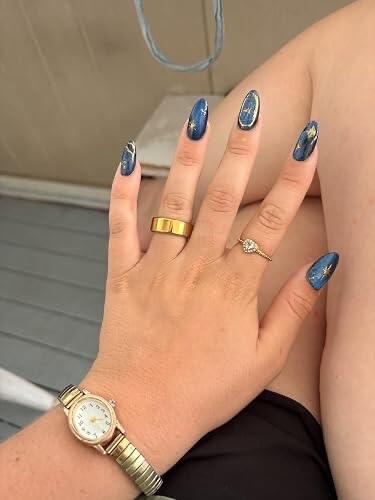
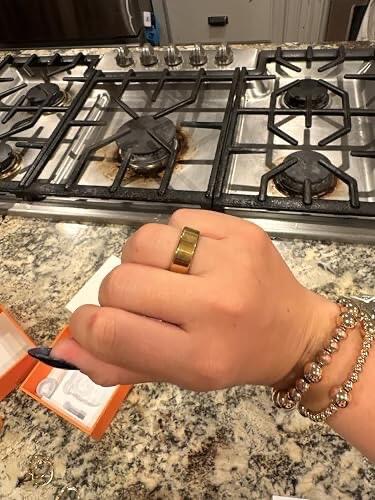
What I like the most is how useful it is for tracking my health. It monitors my heart rate, blood oxygen levels, steps, and sleep, and the app is easy to understand. I’ve been paying more attention to my sleep quality, and it actually helped me improve my routine. The meditation feature is also a nice bonus when I want to relax.Another big plus is that there’s no subscription fee, which is rare for devices like this. You just connect it and start using all the features. It’s also waterproof (IP68), so I don’t have to worry about washing my hands or getting caught in the rain. Battery life is pretty solid, and charging is simple. Overall, it feels like a high-quality product that does exactly what it promises.
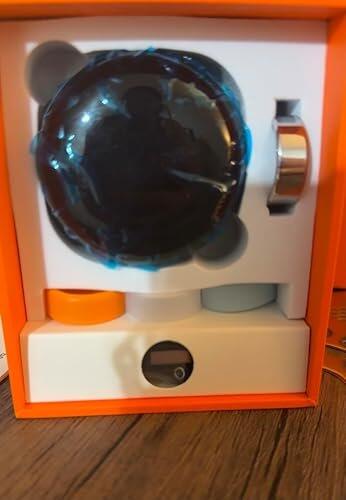
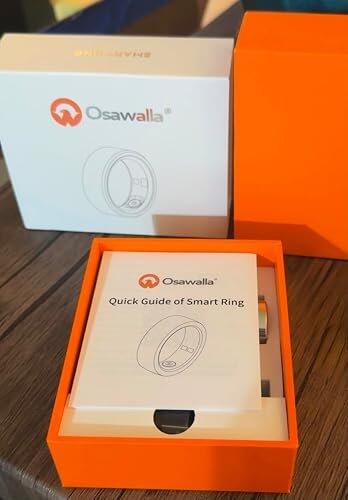
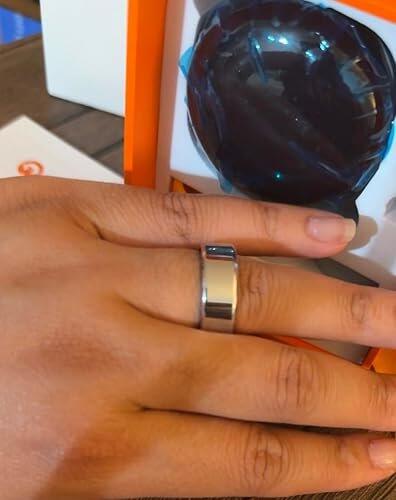
Really impressed with this smart ring! I never wear jewelry but this one’s comfy for all-day use. Health tracking is super accurate, even detects my 20-min naps. Tiny and stylish enough as daily decor, great packaging for gifting—I bought one for my mom’s birthday. Charging case with battery screen is handy, great value overall.
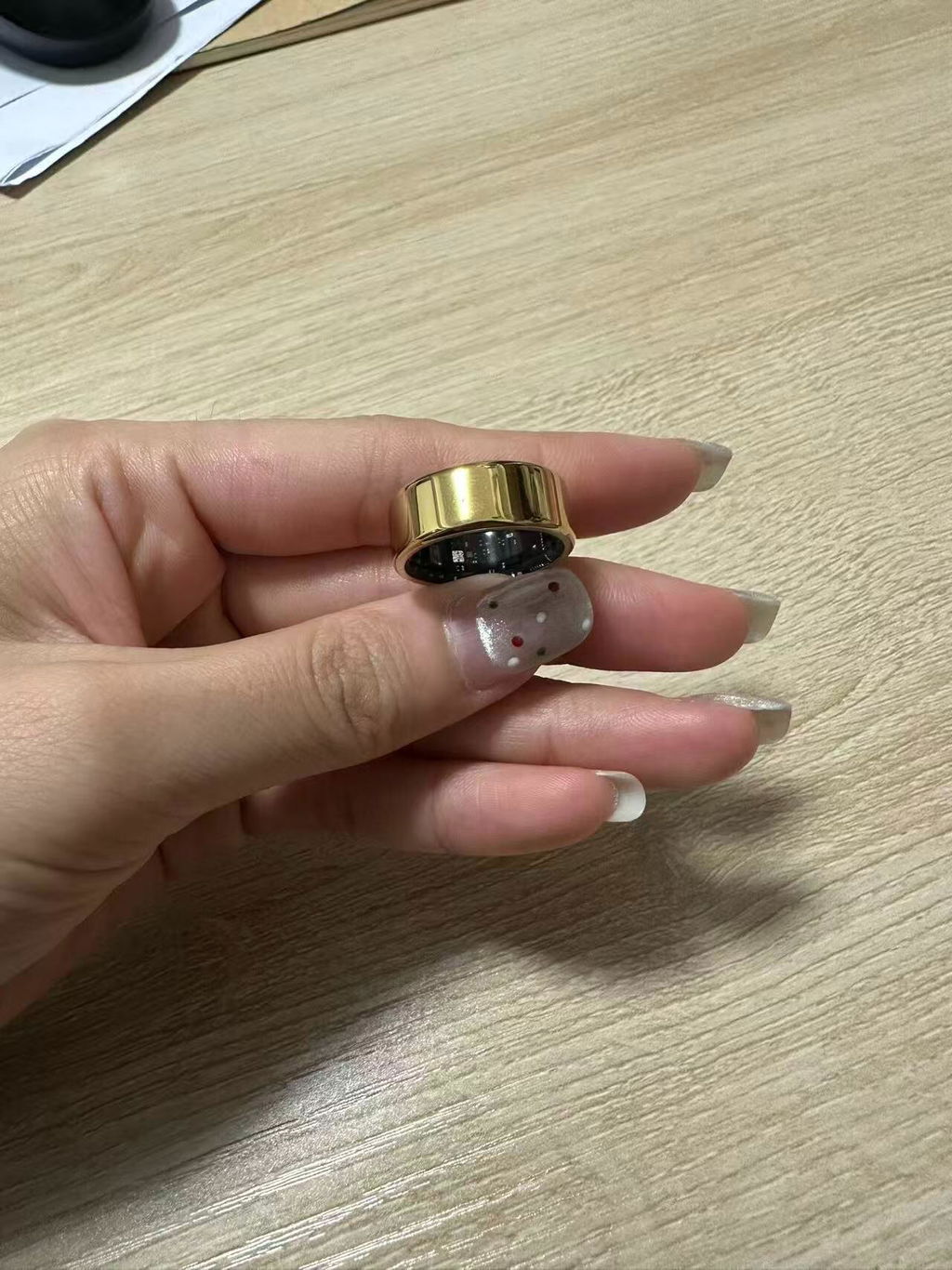
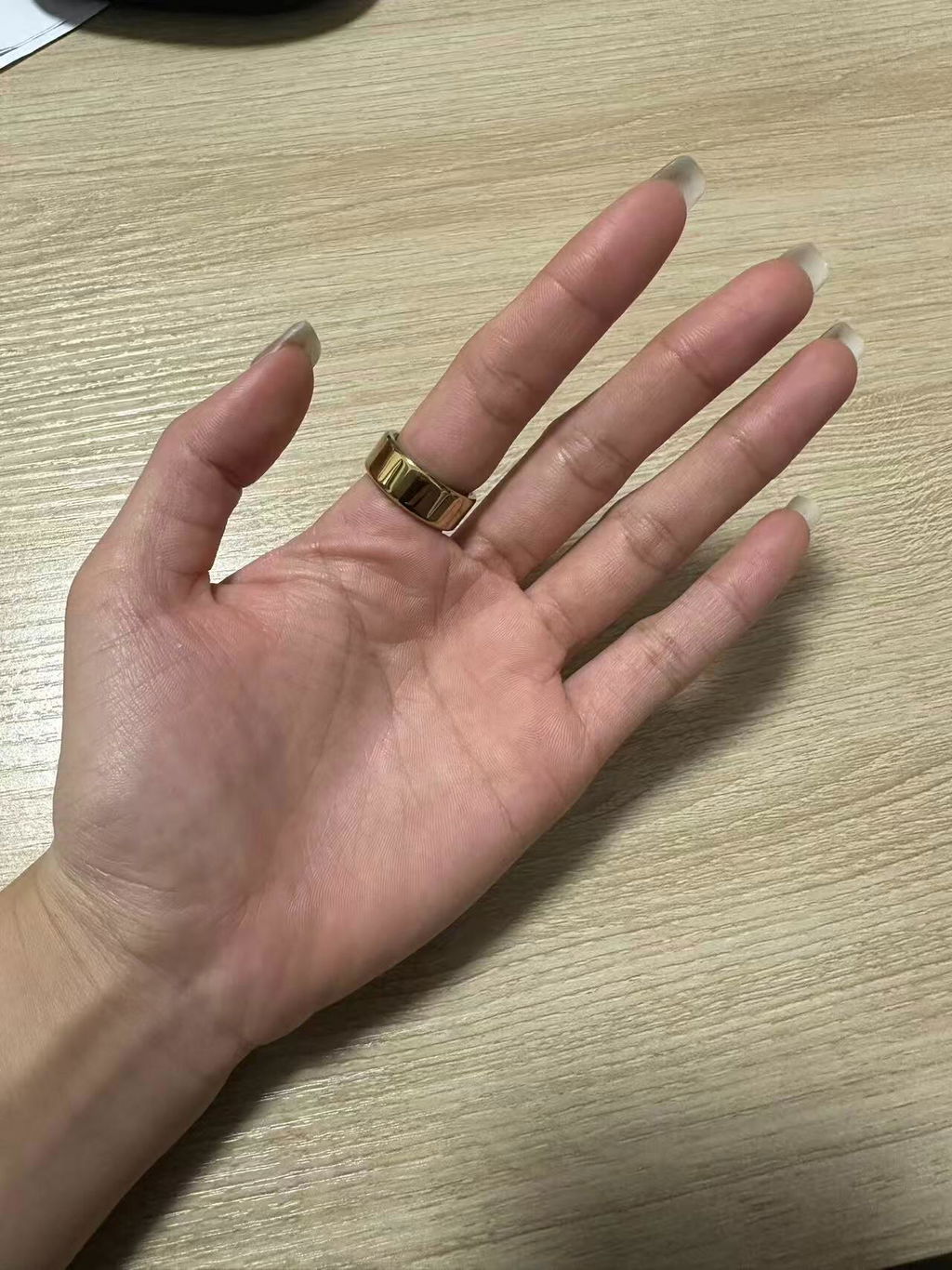
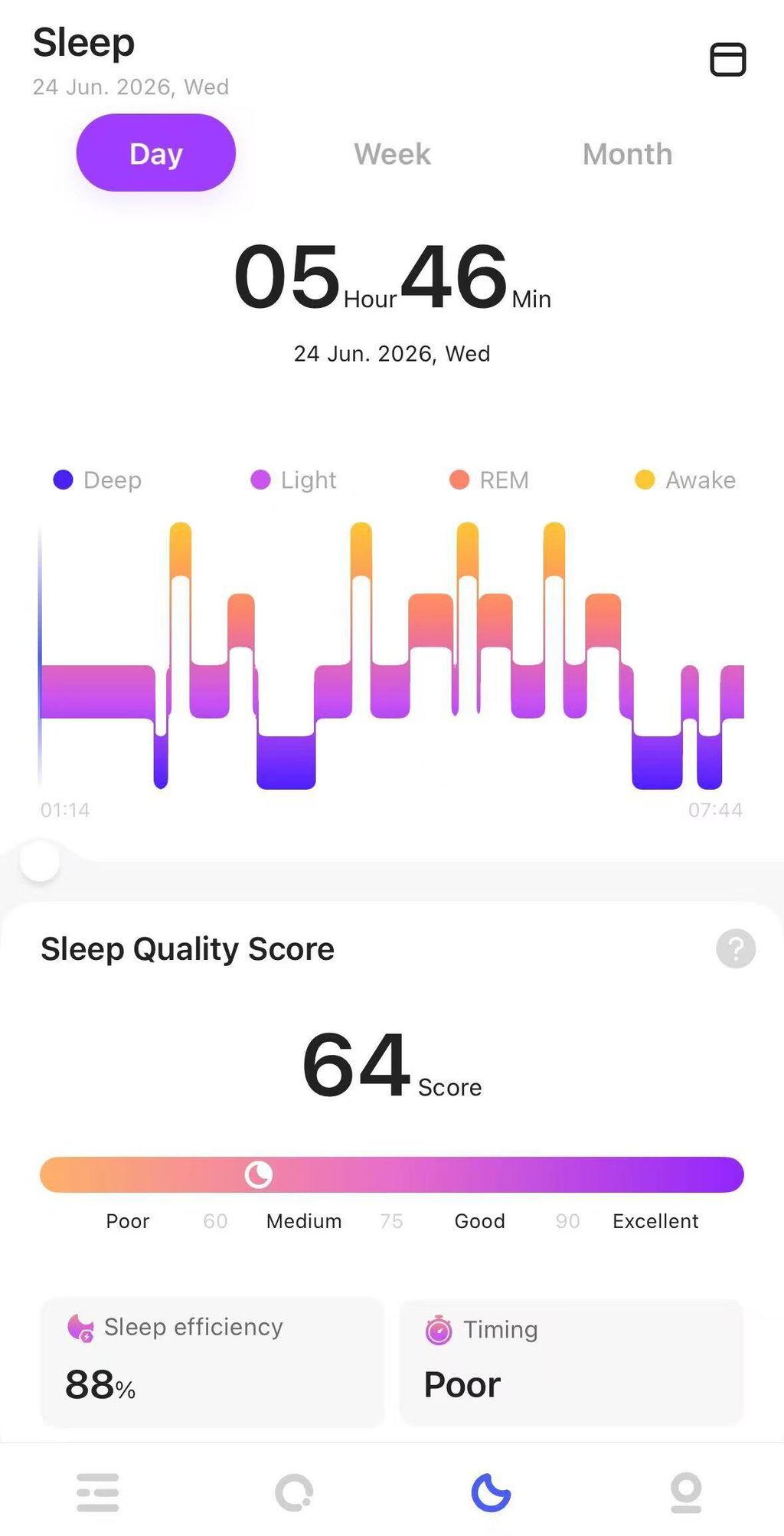
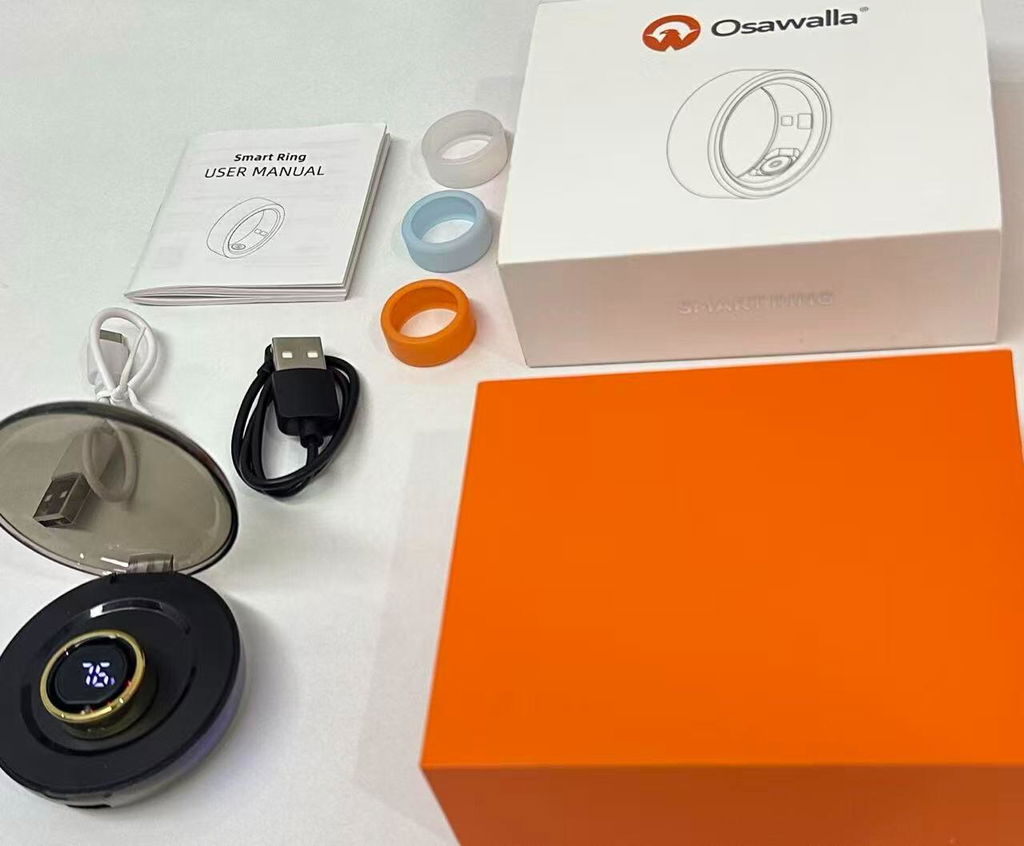
The sleep tracking and health insights are easy to understand, and the app is very user-friendly. I hardly notice I'm wearing it, making it much more comfortable than a smartwatch for continuous monitoring.
The ring feels well-made and provides data on sleep, activity, and overall well-being.highly recommend it!
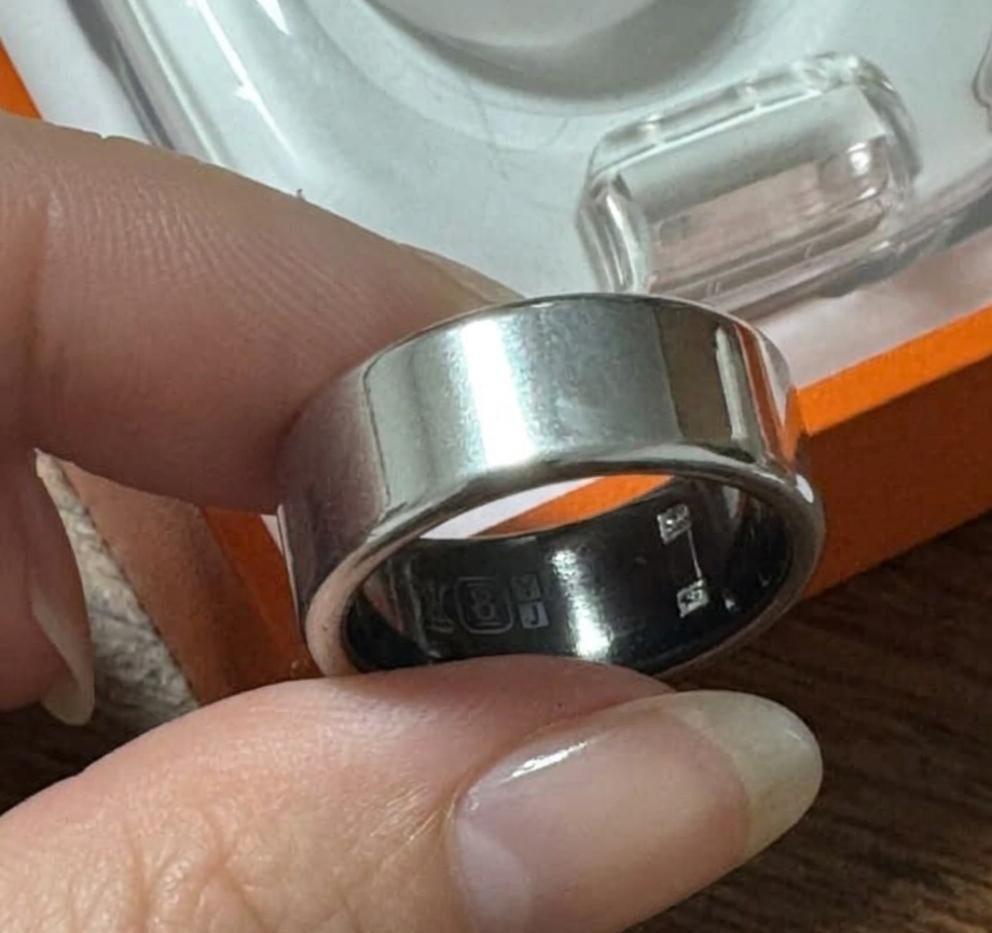
I’ve only been wearing this ring for about a week now - so I’m not sure how accurate and everything is quite yet! I got this in hopes to track my sleep, and maybe see what factors (that I don’t already know about) can set off headaches for me! •Comes with a charger you can put on the ring itself & a charging case. (Charging the case is super fast) •Easy to use, you just slip it on. I got it in a size 10 and that’s what I normally wear on that finger and I would say it fits as it should! •Has a long battery life, when it came it was at 50% I believe? I’ve only charged it 1x after that and it’s still pretty much fully charged! •Seems pretty resistant to scratches. It comes with rubber covers to protect from scratches, but I’ve found that they make the ring turn on the finger more. •FREE TO USE NO SUBSCRIPTION. That was the biggest feature I was most excited for. Again, I haven’t had it for very long (only a week) so I can’t speak on the health benefits quite yet - but I love it so far!
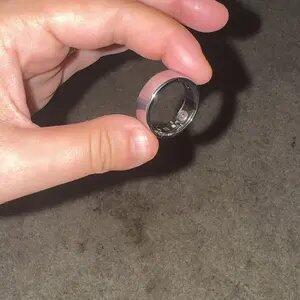
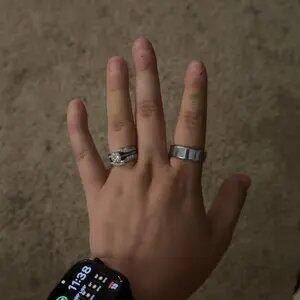
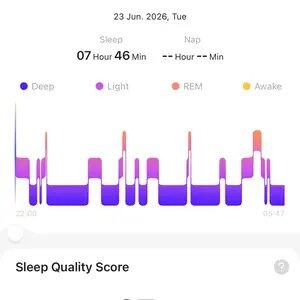
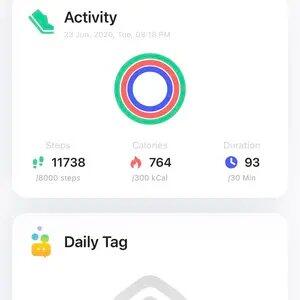
This smart ring is fantastic! It tracks my sleep and activity. I normally wear US‑size‑8 rings, and size‑9 fits me perfectly for this model.
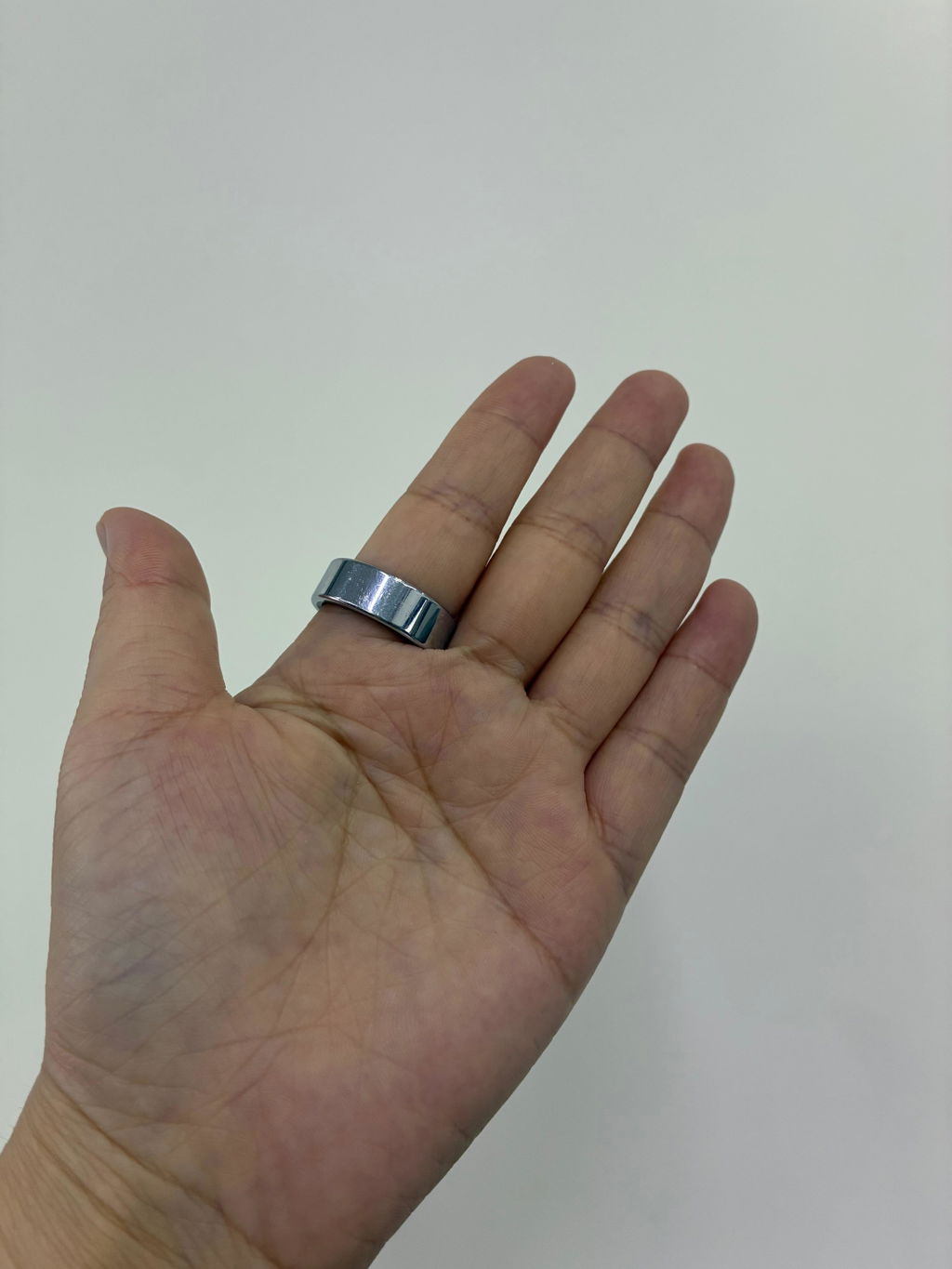
LOVEEEE THIS! It has so many excellent features, including water resistance and amazing battery life. It fits true to size, was super easy to set up, and I wear mine every day. I absolutely love it! I also really appreciate that there’s no subscription required. One of my favorite features is that it helped me notice that I was having some issues while sleeping that I hadn’t noticed before. Overall, I’m extremely happy with it and would definitely recommend it! ❤️
No issues with connectivity and is a durable product. This Smart ring keeps track of my steps, sleep, heart rate, blood oxygen, HRV and menstrual cycle. It also keeps track of weekly and monthly records. And the best part is the price!
I’m really impressed with this smart ring! It has a sleek and modern design, and it feels comfortable to wear throughout the day. I love that it can help track important information like heart rate, blood oxygen, steps, and sleep. It’s also waterproof and doesn’t require a subscription, which is a great plus. Overall, it’s a stylish and convenient fitness tracker that makes it easy to keep track of your daily activity and wellness. I’m very happy with it and would definitely recommend it!
Frequently Asked Questions
How to check device battery level?
When the device is successfully connected to the app, you can check the device battery level in your profile.
How to connect the device?
1. Turn on your phone's Bluetooth, go to the app's homepage or your profile, tap "Add Device," then tap "Scanned Devices." After successful connection, data will sync to the app.
2. Devices charging will be displayed first. If you have multiple devices, this makes it easier to find them while they are charging.
How to sync device data?
1. Ensure the device and phone are connected. Data will sync periodically.
2. You can also manually pull down the screen on the app's homepage to actively sync device data to the app.
3. If the above steps do not resolve the issue, we recommend restarting Bluetooth and reopening the app to reconnect.
How to unpair the device?
When the device is successfully connected to the app, tap "Remove Device" in your profile to unpair it.
Device pairing failed/Device not found?
1. Check if the device has power. Plug the device into a charger or a computer's USB port to ensure it has power.
2. Check if other phones nearby have connected to the device. Unpair the device on another phone and then pair it with your current phone.
3. Try restarting Bluetooth. If the device has power and the phone still cannot find it, try restarting your phone's Bluetooth.
4. Ensure Bluetooth and location services are enabled and keep the device close to your phone.
Why is there no sleep data when I wear the device to sleep?
Excessive body activity during sleep / poor sleep quality may cause the device to detect a non-sleep state.
How to monitor sleep?
1. The device records sleep based on activity level and wear detection. When a person sleeps, they are generally in a static state. When they turn over or move their hands, the device's sensors record changes in activity, constantly tracking changes caused by body movement and determining whether the person is asleep.
2. To accurately and effectively monitor sleep, we have set unique monitoring conditions. Only data that truly meets the conditions will be recorded as valid sleep data.
How to monitor sleep time?
1. During deep sleep, muscles relax, cerebral cortex cells are fully rested, and limbs do not move significantly. During light sleep, body activity is more frequent.
2. The device works by monitoring hand movements, gradually transitioning from light movement to stillness throughout the night to determine sleep state. It calculates the duration of deep and light sleep based on each person's sleep cycle.
Why isn't the device counting steps?
1. The device does not count steps when a person is asleep and inactive. For example, upon waking in the morning, the device only starts counting steps when the person is awake.
2. Step counting involves an automatic learning process, adapting to different individuals' behaviors.
What factors affect the accuracy of step counting?
The information settings interface requires accurate personal information, including gender, height, weight, age, and stride length (the system automatically recommends a stride length value based on height). This data affects sensor detection and calculation. Additionally, arm swing posture and stride length may also affect step counts.
Why are heart rate, blood oxygen, and other measurement functions not displaying values/inaccurate data?
1. When performing any measurement, the sensor inside the device should be firmly against the fingertip. Gaps between the fingertip and the device will affect the accuracy of the monitoring data.
2. Avoid wearing the device too loosely, having the sensor pressed against the back of the finger during measurement, or clicking the measurement button too frequently.
Is the device waterproof?
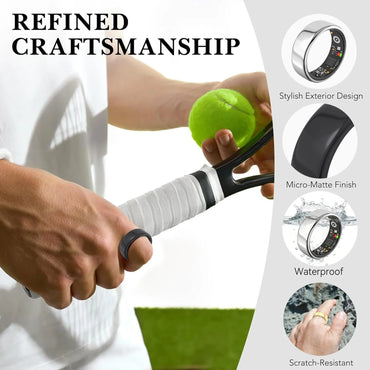
The device has an IP68 waterproof rating. Splashes and water in daily life will not affect the use of the ring. It can be worn while showering or swimming. After getting wet, please dry the device promptly for better maintenance.
How to wear the device correctly?
1. Choose the finger you usually wear the device on. The sensor inside the device should be firmly against the fingertip. When testing, rotate the device; the skin of your finger should rotate slightly with the rotation of the device.
2. Avoid wearing the device too loosely or having the sensor pressed against the back of the finger during measurement.
How to charge the device?
Simply connect the charging cable to the charging port of the device. A red light inside the device will flash during charging, and a green light will flash when charging is complete.
How long does it take to fully charge the device?
It generally takes 1 hour to fully charge.


