























Last updated: October 28, 2026 · By [Osawalla Team] · Product prices and specs verified October 28, 2026
Quick answer: To shoot better POV video with smart glasses, do five things — (1) pick one subject and frame it before you press record, (2) turn your head slowly and pause between views, (3) keep the subject in even light and avoid backlighting, (4) record 5–15 second clips instead of one long take, and (5) test audio in the actual environment first. Resolution matters far less than framing, movement, light, and sound.
What's in this guide
- Understand what POV video does best
- Frame the scene before you press record
- Move your head more deliberately
- Use light to your advantage
- Record short clips with a clear purpose
- Think about audio, not just the camera
- Edit for the viewer, not for the camera
- Protect privacy when recording in everyday places
- Choose smart glasses based on the footage you want
- Frequently asked questions
Smart glasses make first-person video recording easier by putting a camera close to your natural line of sight. You can walk through a market, demonstrate a hands-on task, or capture a moment with both hands free. But wearing a camera does not automatically make every clip look good.
The best smart glasses POV video is not necessarily the longest or the highest-resolution recording. It is footage that gives viewers a clear sense of what happened, where you were looking, and why the moment mattered.
Whether you are creating travel clips, everyday lifestyle content, product demonstrations, or outdoor videos, a few simple techniques make your footage noticeably more useful and more enjoyable to watch. This guide explains how to improve framing, movement, lighting, audio, and editing when using smart glasses for first-person video recording.
1. Understand What POV Video Does Best
POV stands for point of view. Instead of filming yourself from across the room, you capture a scene from approximately your own perspective.
That makes POV camera glasses particularly useful when the action happens in front of you and your hands are occupied.
- Travel: Walking through a street market, exploring a landmark, or showing how you order food in an unfamiliar city.
- DIY and tutorials: Demonstrating how to assemble a product, prepare a meal, or complete a small repair.
- Lifestyle content: Capturing a walk with a dog, a visit to a café, or an everyday activity without holding a phone.
- Outdoor activities: Recording selected moments from a hike, a bike stop, or a recreational outing.
- Product demonstrations: Showing how an item looks and works from the user's perspective.
POV recording has limitations, too. A camera mounted on glasses follows your head rather than tracking your hands independently. If you look away from the task, the camera looks away as well.
For scenes that require precise composition, close-up detail, or a stable view of your face, a phone, tripod, or dedicated camera may still be the better choice. The most effective approach is to use smart glasses for the moments they capture naturally, rather than forcing them to replace every camera in your kit.
Knowing what each model is built for helps too — see tip 9 for a model-by-model breakdown.
2. Frame the Scene Before You Press Record
One of the most common mistakes with smart glasses video is assuming that whatever you look at will automatically make a compelling shot.
Your eyes move constantly. You glance at signs, check the path ahead, look at people speaking, and shift attention between objects. A video preserves those movements, including the ones that do not help tell the story.
Before recording, take a second to identify the main subject. Ask yourself three questions:
- What should the viewer notice first?
- What is happening around that subject?
- Is there anything distracting from the main action?
For example, when filming a coffee-making demonstration, begin with the counter and ingredients. Move your attention deliberately to the coffee being poured, then to the finished cup. Avoid repeatedly scanning the room unless that movement provides useful context.
Keep the subject in a natural viewing area
The camera's field of view depends on the model, and it may not match exactly what your eyes perceive. A subject that looks prominent to you may appear smaller or farther away in the recorded clip.
Test your framing before an important recording. Film a short sample, transfer it to your phone, and check whether the subject is easy to identify. This simple test is more useful than relying only on the camera's megapixel count.
Do this 30-second framing test before a paid or important shoot:
- Stand about an arm's length from a object with text on it (a cereal box works well).
- Record 5 seconds, then transfer the file.
- Check whether the text is readable on a phone screen, not just on a laptop.
If the text is not readable at arm's length, move closer for close-up work. Both Osawalla Daily Core and Sport Pro record 8MP photos and 1080P video, so the resolution is not the limiting factor — your distance is.
3. Move Your Head More Deliberately
Smart glasses can capture natural first-person footage, but quick head movements often make video uncomfortable to watch.
Imagine turning your head rapidly to follow a cyclist, looking down at a phone, and then turning toward a friend. Each movement becomes part of the recording. Even when a camera offers electronic image stabilization, stabilization cannot make every sudden movement disappear.
Try these techniques instead:
- Turn slowly: Rotate your head smoothly when revealing a new view. Aim for roughly two seconds per 90-degree turn.
- Pause before changing direction: Give the viewer a moment to understand each scene — 2–3 seconds is usually enough.
- Walk at a comfortable pace: Fast movement creates more visual motion and can make details harder to see.
- Keep important actions in view: If you are demonstrating something, avoid looking around while the action is happening.
- Record short sequences: Separate a walk-through into several clips instead of recording one long, constantly moving video.
A useful practice is to record a five-second clip while standing still, then another while walking slowly. Compare the results on your phone. You will quickly learn how your particular glasses respond to movement.
What about image stabilization?
Electronic image stabilization (EIS) uses image processing to reduce some visible camera movement. It can improve footage captured while walking or moving, depending on the implementation.
However, stabilization does not eliminate every shake, rolling movement, or motion blur, and it cannot compensate for poor framing. Think of it as a margin of improvement, not a substitute for moving deliberately.
If movement is the hard part of your footage, start with the model built for it.
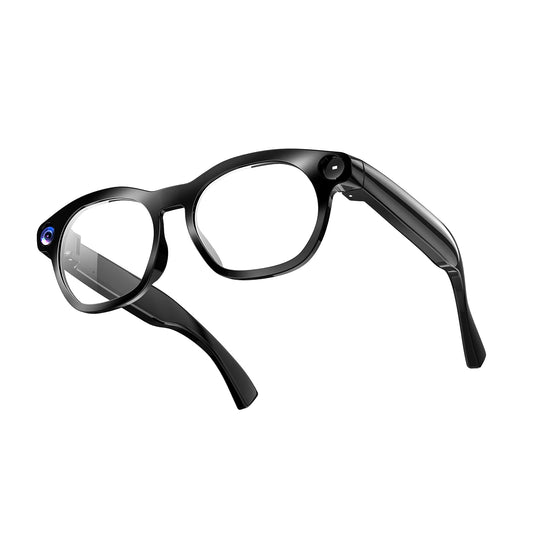
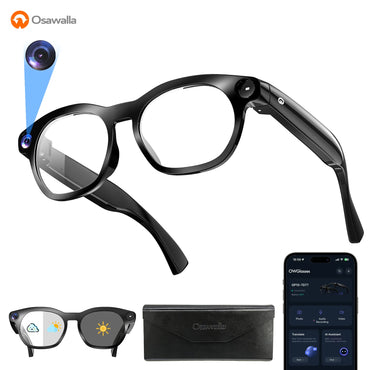
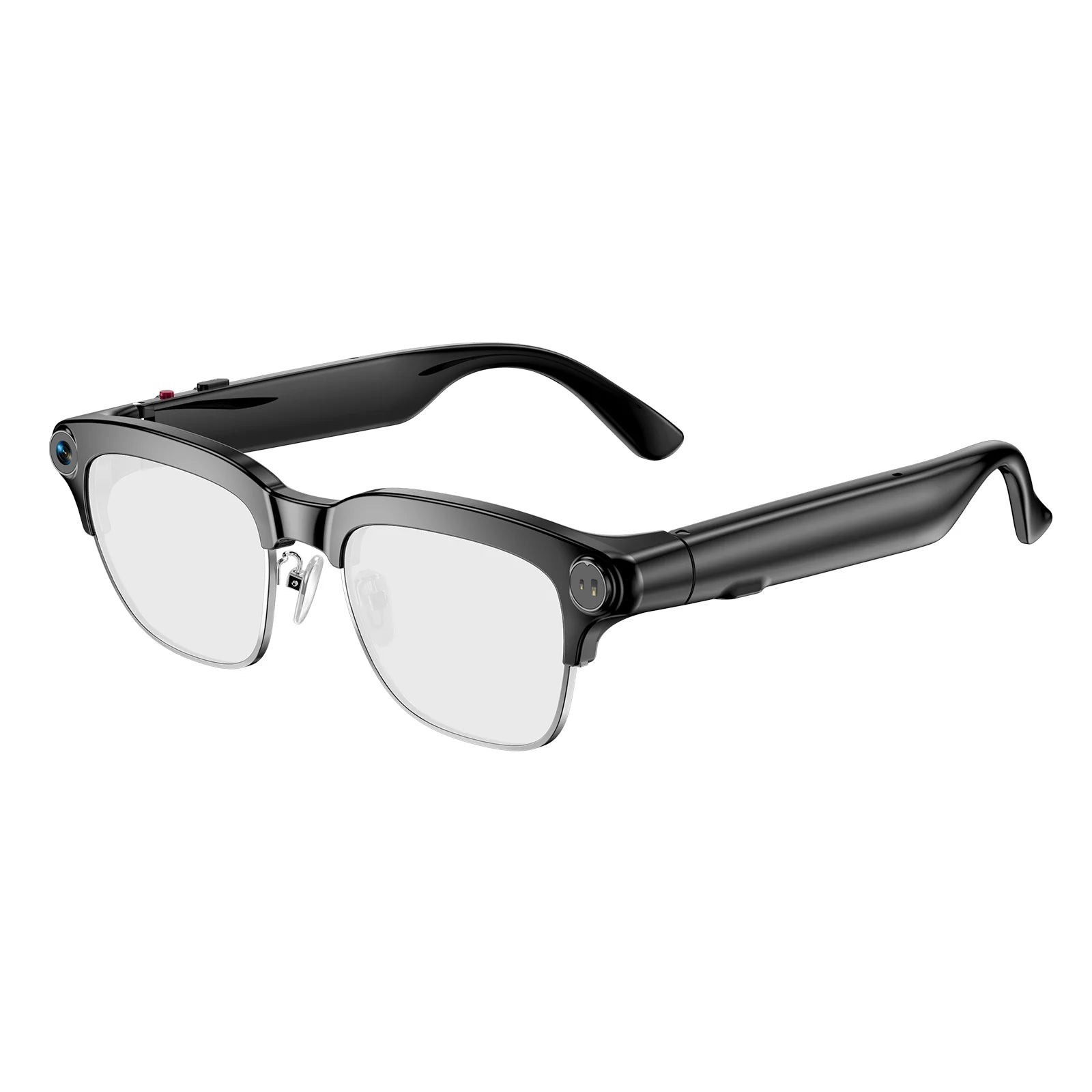
Osawalla Sport Pro Camera Glasses — $109.99 (list $139.99) — is the model Osawalla positions for fast action. Its product page lists EIS stabilization, an 8MP camera, polarized lenses, and splash protection, plus voice AI for hands-free start and stop. Osawalla's own Sport Pro review describes the system as 6-axis anti-shake; the product page itself specifies EIS.
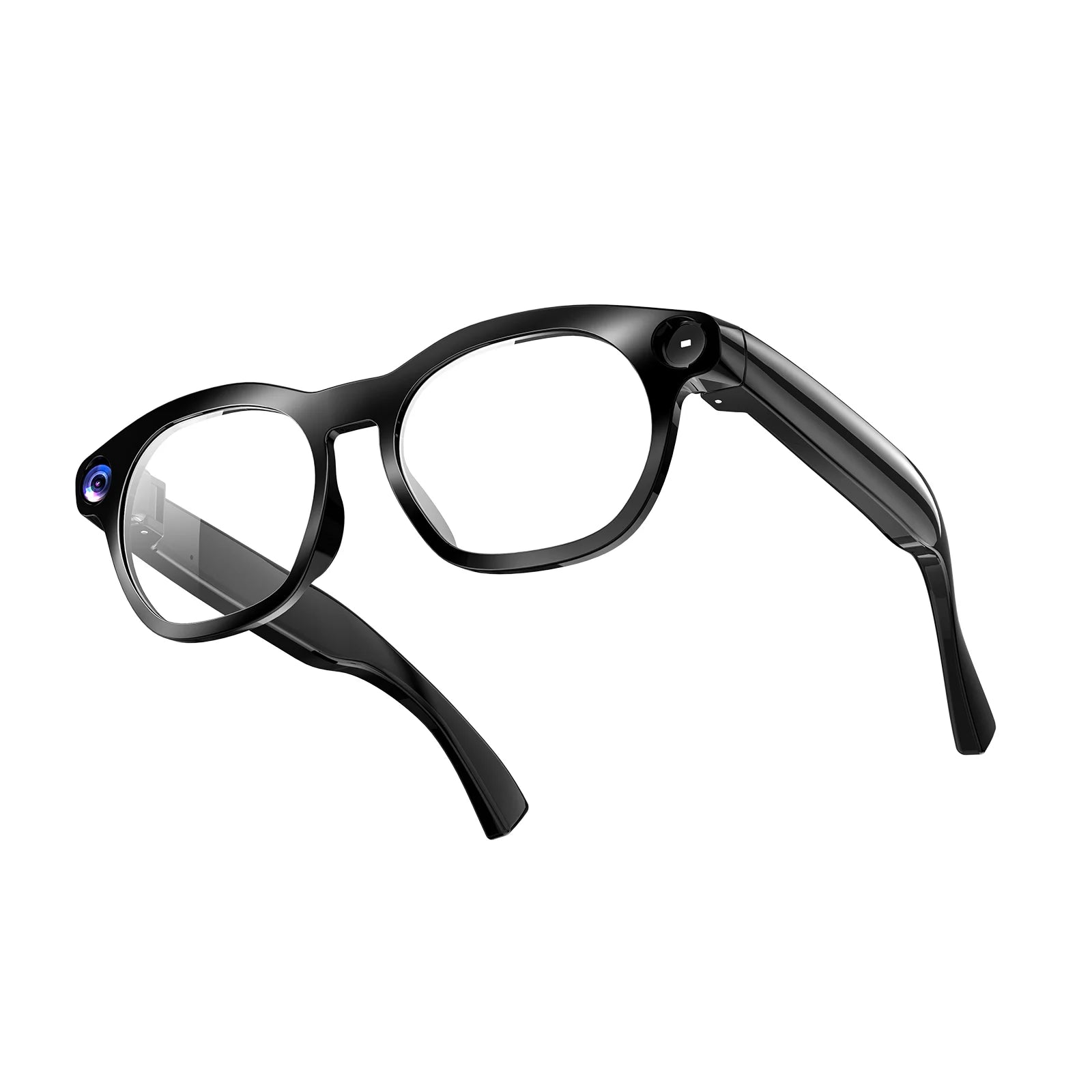
For everyday walking rather than sport, Osawalla Daily Core Camera Glasses — $69.99 (list $99.99) — lists anti-shake technology alongside 1080P recording.
Check current availability and specifications on the product page before ordering.
4. Use Light to Your Advantage
Lighting has a major influence on video quality. A camera that produces attractive footage outdoors may struggle in a dim restaurant or at night.
When recording during the day, try to keep the main subject in reasonably even light. Strong backlighting can make a person or object appear dark if the camera cannot balance the bright background with the subject.
Indoors, look for a window or another broad source of light. Avoid pointing directly toward a bright window while the subject remains in shadow.
For evening scenes, remember that a higher resolution does not guarantee better low-light footage. Sensor performance, exposure, movement, and image processing all matter.
A few practical habits help:
- Film important details in good light when possible.
- Avoid sudden changes between very bright and very dark environments.
- Give the camera a moment to adjust when entering a different lighting condition.
- Review night footage before relying on it for an important memory or project.
Lens tint and camera exposure are separate things
If your smart glasses use photochromic or electrochromic lenses, remember that lens tint and camera exposure are separate considerations. A lens that darkens outdoors does not automatically mean the recorded video will have better exposure — in some cases a darker lens means less light reaching the sensor.
Polarized lenses are a different story: they mainly cut glare and reflections, which can make outdoor footage look cleaner. Both Sport Pro and Daily Core are offered with polarized lens options.
One honest caveat: Osawalla does not publish a UV400 rating or a visible light transmission (VLT) percentage for these lenses, so treat polarization as a glare-reduction feature rather than a certified eye-protection specification.
For a deeper look at shooting in strong sun, see Do Smart Glasses Work in Bright Sunlight?
5. Record Short Clips With a Clear Purpose
Long recordings can be convenient, but they are not always better content. A ten-minute recording may contain only a few moments worth sharing. Shorter clips are easier to review, organize, transfer, and edit, and they help you manage battery use.
Before you press record, decide what the clip should capture:
- A five- to ten-second view of a street or landscape.
- A short sequence showing the steps of a hands-on task.
- A brief first-person view of entering a shop or approaching a destination.
- A few seconds of an activity that would be difficult to film while holding a phone.
These are creative guidelines, not fixed recording limits. Your ideal clip length depends on the activity and the model's recording capabilities. For a longer tutorial, record separate sections — the setup, the main action, and the result — so each clip has a clear purpose.
Plan for battery and storage
Video recording generally consumes more power than simple audio playback, and continuous recording time varies by model, recording settings, and conditions.
Only one Osawalla camera-glasses model publishes a continuous-recording figure: the Daily Core, listed at 90 minutes of continuous recording. If you need a guaranteed window for a long tutorial or event, that published number is the one you can actually plan around.
Before a long day of filming:
- Charge the glasses fully.
- Check available storage if your model provides that information.
- Confirm how footage is transferred. Daily Core supports WiFi transfer, which removes the cable step entirely.
- Do not assume that a published music-playback figure represents continuous video-recording time — check the specification for the activity you intend to use.
Shooting away from a charger all day?
The Glasses Charging Capsule — $29.99 (list $45.99) — is a pocket-sized backup power source designed exclusively for Daily Core Camera Glasses. It is the simplest way to extend a day of POV shooting without returning to a wall outlet.
Need a replacement cable instead? The magnetic Smart Glasses Charger — $9.90 — uses 2.54mm pin spacing and is only compatible with Osawalla GP02 and GP04 models. Confirm your model before ordering.
More detail in Smart Glasses Battery Life Explained.
6. Think About Audio, Not Just the Camera
A first-person video can look good and still feel incomplete if the sound is distracting. Background noise, wind, clothing movement, and the position of the microphone all affect the audio captured by camera glasses. Performance varies by model, and not every pair of smart glasses publishes the same microphone specifications.
To be specific about Osawalla: the company does not publish microphone count or noise-cancellation specifications for its current camera glasses. If sound quality is central to your video, plan around that uncertainty rather than assuming a spec.
If sound matters, try a short test in the actual environment before filming a full sequence:
- Record 15 seconds where you plan to shoot and listen back on headphones, not on the glasses.
- For a spoken tutorial, choose a quieter location when possible.
- Outdoors, be aware that wind can make speech hard to understand — a light windscreen or turning your back to the wind helps.
- For a silent visual demonstration, decide whether natural sound adds value or whether captions or narration added in editing would work better.
Open-ear speakers are primarily designed to deliver audio to the wearer. Do not assume that the speakers themselves will produce high-quality audio for a recording — playback speakers and recording microphones serve different purposes.
For more detail on what affects calls and listening performance, see our guide to smart glasses audio quality in noisy places.
7. Edit for the Viewer, Not for the Camera
First-person footage can feel immersive because it shows a scene from the wearer's perspective. But a long sequence of unedited head movements may leave viewers confused about what they are supposed to notice.
Use this five-step workflow:
- Review the clips. Identify the clearest moment in each. Remove accidental movements, long pauses, and unrelated activity.
- Put events in order. Arrange clips so the viewer understands what happened first, what followed, and what the result was.
- Keep transitions simple. A clean cut between two useful moments usually beats added effects.
- Check the sound. Listen for wind, sudden volume changes, and unclear speech, and reduce distracting audio where appropriate.
- Export for the intended platform. Check the platform's current aspect-ratio, resolution, and file requirements before exporting.
Do not assume every smart-glasses video is automatically ready for social media. Depending on the model, you may need to transfer the original file, crop it, trim it, add captions, or adjust the framing.
The goal is not to make every clip look heavily edited. It is to remove distractions while preserving the feeling of being there.

8. Protect Privacy When Recording in Everyday Places
Convenient recording also comes with responsibility. Smart glasses can look similar to ordinary eyewear, so people nearby may not immediately realize that a camera is active. Before filming, consider the setting and the people who may appear in the frame.
- Ask permission before recording people in private or sensitive situations.
- Follow venue rules in workplaces, schools, gyms, museums, and other restricted spaces.
- Avoid capturing confidential documents, computer screens, or personal conversations without permission.
- Respect local recording and consent laws.
- Keep recording indicators visible and follow the manufacturer's instructions.
If you are filming a tutorial or product demonstration at home, check the background before recording. Mail, account details, screens, and other private information can enter a first-person shot without you noticing.
For a broader discussion of responsible recording, read our guide to camera glasses privacy.
9. Choose Smart Glasses Based on the Footage You Want
Not every smart-glasses model is designed for the same job. Before buying, decide whether your priority is everyday capture, sports, audio, or AI features.
| Your main goal | What to look for |
|---|---|
| Everyday POV clips | Simple recording controls, comfortable fit, and an easy transfer workflow |
| Walking and travel videos | Useful stabilization, manageable weight, and suitable battery performance |
| Sports footage | A secure fit, appropriate protection rating, and model-specific stabilization |
| Tutorials and demonstrations | Clear close-range framing, reliable controls, and useful recording duration |
| Audio without a camera | An audio-focused model rather than paying for camera features you do not need |
For camera-equipped eyewear, compare resolution alongside stabilization, recording duration, frame comfort, and file-transfer options. A high-resolution specification alone does not tell you whether footage will be easy to watch.
Osawalla models compared
| Model | Price | Camera | Best for | Published highlights |
|---|---|---|---|---|
| Sport Pro Camera Glasses |
$109.99 |
Yes — 8MP | Running, cycling, hiking, fast action | EIS stabilization; polarized lenses; splash protection; open-ear audio; voice AI with translation and recognition |
| Daily Core Camera Glasses |
$69.99 |
Yes — 8MP, 1080P | Travel, commuting, everyday POV, tutorials | 90-minute continuous recording; anti-shake; WiFi transfer; polarized or blue-light lens options |
| Chic Core Smart Audio Glasses |
$57.99 |
No camera | Audio, calls, AI translation — not video | 39g frame; electrochromic lenses that tint in 0.5s; Bluetooth 5.4 open-ear audio; AI translation, meeting notes, voice Q&A |
Important: Chic Core has no camera. If POV video is the reason you are buying, choose Sport Pro or Daily Core.
A note on the Daily Pro Camera Glasses ($79.99): it adds ChatGPT-powered AI, object recognition, 139+ language translation, a 40.8g TR90 frame with IP65 protection, and photochromic lenses. It was showing sold out at the time of writing — check current availability before planning a purchase around it.
A 60-second buying checklist
- Decide whether you actually need a camera — if not, an audio model costs less and weighs less.
- If you shoot while moving, make stabilization a hard requirement, not a nice-to-have.
- If you shoot long tutorials, look for a published continuous-recording figure, not just a battery estimate.
- Check how files reach your phone — WiFi transfer saves a step every single time.
- Confirm lens options (polarized, blue-light, prescription support) match where you shoot.
You can browse the current range on the Osawalla store or check smart glasses accessories for chargers and spare cables. Also useful: Smart Glasses With Camera: What to Look For and Video Recording Glasses for Running and Cycling.
Frequently Asked Questions
Are smart glasses good for POV videos?
They can be useful for short first-person clips, hands-free demonstrations, travel moments, and selected outdoor activities. Results depend on the camera, stabilization, lighting, and how deliberately you move.
How do I make smart glasses footage less shaky?
Move your head slowly, pause before changing direction, walk at a steady pace, and use a model with suitable stabilization if your activity involves movement. Osawalla's Sport Pro lists EIS stabilization and is positioned for fast action. Review a sample clip to understand the camera's actual performance.
Can smart glasses replace a phone camera?
Not in every situation. Smart glasses are convenient when you need both hands free, but a phone or dedicated camera may offer more control over composition, zoom, framing, and low-light shooting.
How long should I record with camera glasses?
There is no universal ideal duration. Short, purposeful clips are often easier to review and edit, but longer recordings may suit demonstrations or events. If you need a guaranteed window, the Osawalla Daily Core publishes 90 minutes of continuous recording — check the specific limit for any other model.
Do I need to edit smart glasses videos?
Not always. A well-framed clip may be ready to share as it is. Editing becomes useful when you need to remove unnecessary movement, shorten pauses, improve audio, add captions, or combine several clips into a story.
Do all Osawalla smart glasses record video?
No. Sport Pro and Daily Core have 8MP cameras. Chic Core is an audio-first model with no camera.
Final Thoughts: Make the Moment Worth Watching
The real advantage of smart glasses is not simply that they can record video without your hands holding a camera. It is that they make it easier to capture useful first-person moments without constantly interrupting what you are doing.
Start with a clear subject, move deliberately, use available light, record with a purpose, and review your footage before sharing it. These habits improve your results regardless of the model you wear.
The best smart glasses POV video is the one that helps someone else understand the moment from your perspective — without unnecessary movement, distracting sound, or a complicated editing process.
Compare the camera, stabilization, comfort, and recording features that fit your needs across the Osawalla range, or start with the two camera models: Daily Core at $69.99 for everyday and tutorial capture, and Sport Pro at $109.99 for movement-heavy footage.
How we verified this guide
Product names, prices, and specifications in this article were checked directly against osawalla.com product pages on October 28, 2026. Prices and availability change; always confirm on the product page before purchasing. Where Osawalla does not publish a specification — microphone count, noise cancellation, UV400, VLT, and a numeric water-resistance rating for Sport Pro — we say so rather than estimating.


