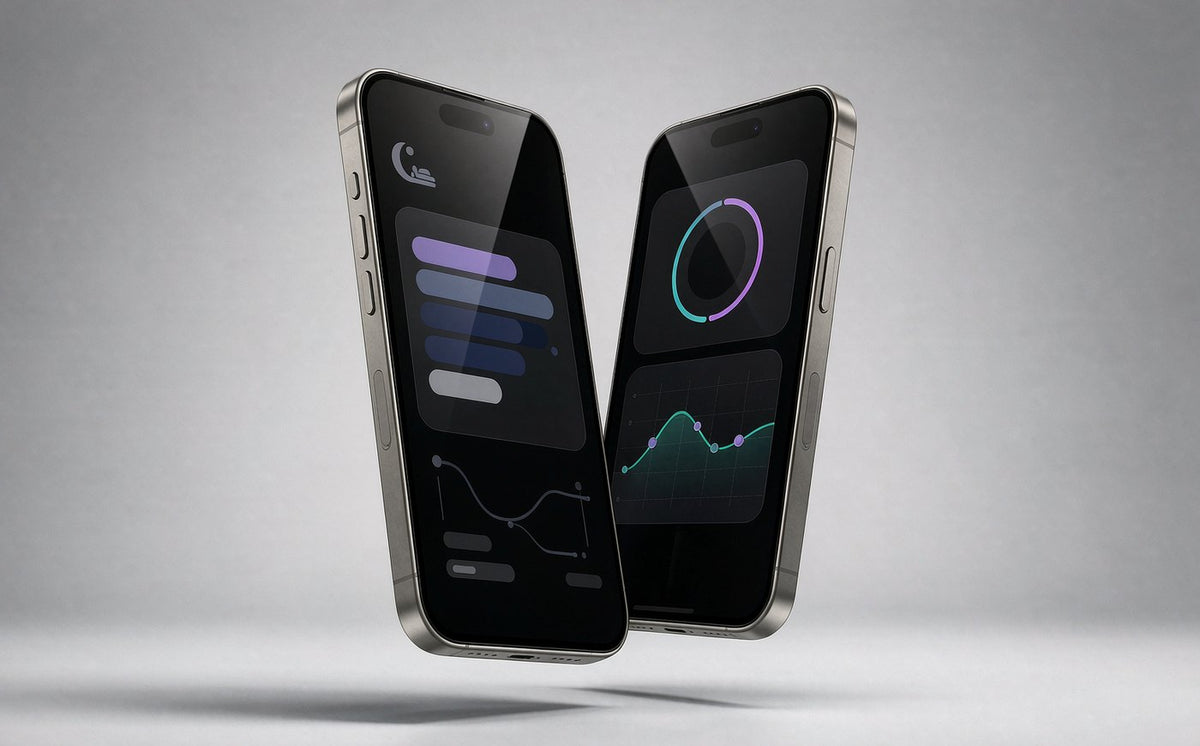
OWRingアプリ
健康、睡眠、活動 —
すべてあなたの指の上に。
リングセンサーデータを歩数、睡眠段階、心拍数、HRV、ストレス、血中酸素、AI を利用した回復レポートなどの明確な洞察に変換するクリーンな毎日のダッシュボード。

五つのタブで、全体像を一つに。
毎日のサマリー、回復に関する洞察、睡眠分析、サポート、デバイス設定の間を移動します。
 ホーム
 回復
 睡眠
 サポート
 プロフィール
アプリが追跡するすべてのもの
各メトリクスを開くと、日、週、月の傾向を示す詳細ビューが表示されます。


あなたの一日が一目でわかる
ホーム(Home)タブには、活動、回復、睡眠、ワークアウト、心拍数、血中酸素、HRV、ストレス、月経周期がまとめて表示され、一か所でスクロールして確認できます。
- Activity rings for steps, calories, and active duration
- Recovery card with AI health report status
- Daily Tag mood and lifestyle notes


アクティビティとトレーニング
歩数、距離、カロリー、活動時間を追跡します。ワークアウトは自動的に検出されるか、GPS ルートと毎週の MET 分の合計とともにワークアウト履歴にリストされます。
- Day / Week / Month activity views
- Automatic workout detection
- 7-day goal rings and peer comparison


睡眠科学
目覚めると、睡眠時間、睡眠段階、質スコア、心拍数、HRV、血中酸素、夜間の運動状態など、完全な睡眠レポートが表示されます。
- Deep, Light, REM, and Awake stage breakdown
- Sleep quality score with latency and efficiency
- 7-day and monthly sleep trends


心臓の健康
終日の心拍数、心拍数ゾーン、血中酸素飽和度を明確なグラフと教育的コンテキストで監視します。
- Resting, sleeping, and workout heart rate
- Heart-rate zones based on your profile
- SpO2 measurements and last 7 records


HRVとストレス
心拍変動とストレスレベルを一日を通して記録します。どちらの指標にも説明があり、ご自身の基準値と比較できます。
- All-day HRV trends and sleep HRV
- Stress ratio: Relaxed, Normal, Medium, Stressed
- Built-in educational guidance for each metric


AI 回復レポート
一度タップするだけで、活動、睡眠、安静時心拍数、HRV、ストレスを分かりやすい回復状況の要約にまとめた、その日のAIレポートを作成できます。
- One-tap “Generate today’s report”
- Personalized insights based on your data
- Tracks recovery trends over time

女性の健康
月経周期追跡は、カレンダーとリマインダーのサポートにより、生理期間と排卵時期を予測します。
- Period and ovulation predictions
- Custom notification reminders
- Visual calendar with color-coded phases
すでに使用しているアプリに接続します
ワークアウトと健康データを Apple Health および Strava と同期します。手動でエクスポートする必要はありません。


[プロファイル] タブから一度認証します。リングデータは Apple Health に流れ、ワークアウト記録は Strava に直接プッシュできます。
追跡以上のもの
ジェスチャー、ファームウェア、デバイス設定はすべてアプリに組み込まれています。

ジェスチャーカメラ制御
リングを付けた手を振ると携帯電話のカメラのシャッターが切れます。ハンズフリーで写真を撮るのに便利です。
- No extra remote needed
- Works from the OWRing app camera view

デバイスとファームウェアの管理
[プロファイル] タブからバッテリー レベル、MAC アドレス、ファームウェア バージョンを確認し、無線アップデートをインストールします。
- Battery and connection status
- One-tap firmware upgrade
- Goal, profile, and measurement-interval settings
アプリギャラリー
OWRing アプリの実際の画面。


三つのステップで始めましょう
複雑な設定はありません。装着してペアリングし、アプリを開きます。
- 1
指輪を着けて
ぴったりフィットする指をお選びください。リングが緩んでいると回転し、センサーの読み取り値が弱くなる可能性があります。
- 2
アプリとペアリングする
OWRing をダウンロードし、アカウントを作成し、Bluetooth でリングをペアリングします。
- 3
データを確認してください
[ホーム] タブを開くと、今日のアクティビティ、回復、睡眠の概要が表示されます。
必要なときに助けてください
[サポート] タブをタップして、OWRing チームとの会話を開始します。サイズ設定、セットアップ、ファームウェアに関する質問のいずれであっても、サポートはアプリに組み込まれています。
- In-app chat support
- Device info ready to share
- Sizing and exchange assistance
医療ではなくウェルネス。 OWRing は消費者向けのウェルネス デバイスおよびアプリであり、医療モニターではありません。