




















As wearable technology rapidly advances, one of the most frequently asked questions we receive from modern consumers and tech enthusiasts is regarding media consumption on the go. Specifically, users want to know if it is possible to watch Netflix on smart glasses. The short answer is yes, but the execution involves navigating a complex web of digital rights management (DRM), display protocols, and audio synchronization. In this comprehensive guide, we will explore the technical realities, the required hardware, and how to optimize your mobile cinema experience.

From our experience in the wearable technology sector, understanding the distinction between augmented reality (AR) displays and smart audio eyewear is crucial. While some devices are built to project massive virtual screens in front of your eyes, others are designed to deliver immersive, situational audio while you view a physical screen. Whether you are commuting, flying, or simply relaxing at home, we will detail exactly how to successfully watch Netflix on smart glasses in 2026.
Table of Contents
- 1. The Technical Reality: How to Watch Netflix on Smart Glasses
- 2. Understanding DRM and HDCP Compliance
- 3. Types of Hardware to Watch Netflix on Smart Glasses
- 4. Optimizing the Audio and Visual Environment
- 5. Health Tracking During Extended Viewing
- 6. The Future of Wearable Media Consumption
- 7. Summary Table: Watch Netflix on Smart Glasses Setup
- 8. Frequently Asked Questions (FAQs)
- 9. Authoritative References
1. The Technical Reality: How to Watch Netflix on Smart Glasses
To watch Netflix on smart glasses, the hardware must establish a secure, high-bandwidth connection between the source device (your smartphone, tablet, or laptop) and the lenses themselves. The most reliable method currently available is a direct wired connection utilizing USB-C DisplayPort Alternate Mode (DP Alt Mode). This protocol allows a compatible smartphone to output raw video and audio signals directly to the micro-OLED or micro-LED projectors embedded within the eyewear.
When you connect a pair of visual smart glasses to a DP Alt Mode compatible device, the glasses essentially act as an external monitor. Because the connection is hardwired, latency is practically nonexistent, which is vital when you watch Netflix on smart glasses to ensure perfectly synced dialogue and action. Wireless casting technologies, such as Miracast or Apple AirPlay, are sometimes supported by intermediary adapter hubs, but we recommend a direct wired connection whenever possible to preserve battery life and eliminate streaming stutters.
2. Understanding DRM and HDCP Compliance
The most significant hurdle consumers face when they attempt to watch Netflix on smart glasses is High-bandwidth Digital Content Protection (HDCP). Streaming giants like Netflix employ strict digital rights management protocols to prevent piracy and unauthorized screen recording. If any link in the hardware chain—the phone, the cable, the adapter, or the glasses themselves—fails to support the requisite HDCP standards, Netflix will block the video output.
From our experience troubleshooting wearable media setups, a failure in HDCP compliance usually results in a frustrating scenario: the user can hear the audio and see the Netflix user interface, but the actual movie or television show displays as a black screen. To seamlessly watch Netflix on smart glasses, we recommend verifying that the display hardware is explicitly HDCP 1.4 or HDCP 2.2 compliant. Without this compliance embedded in the firmware of the glasses, viewing protected streaming content is technologically impossible.
3. Types of Hardware to Watch Netflix on Smart Glasses
The wearable technology market is segmented into several distinct categories. To successfully watch Netflix on smart glasses, you must choose the right hardware ecosystem based on your viewing preferences.
Extended Reality (XR) Display Glasses
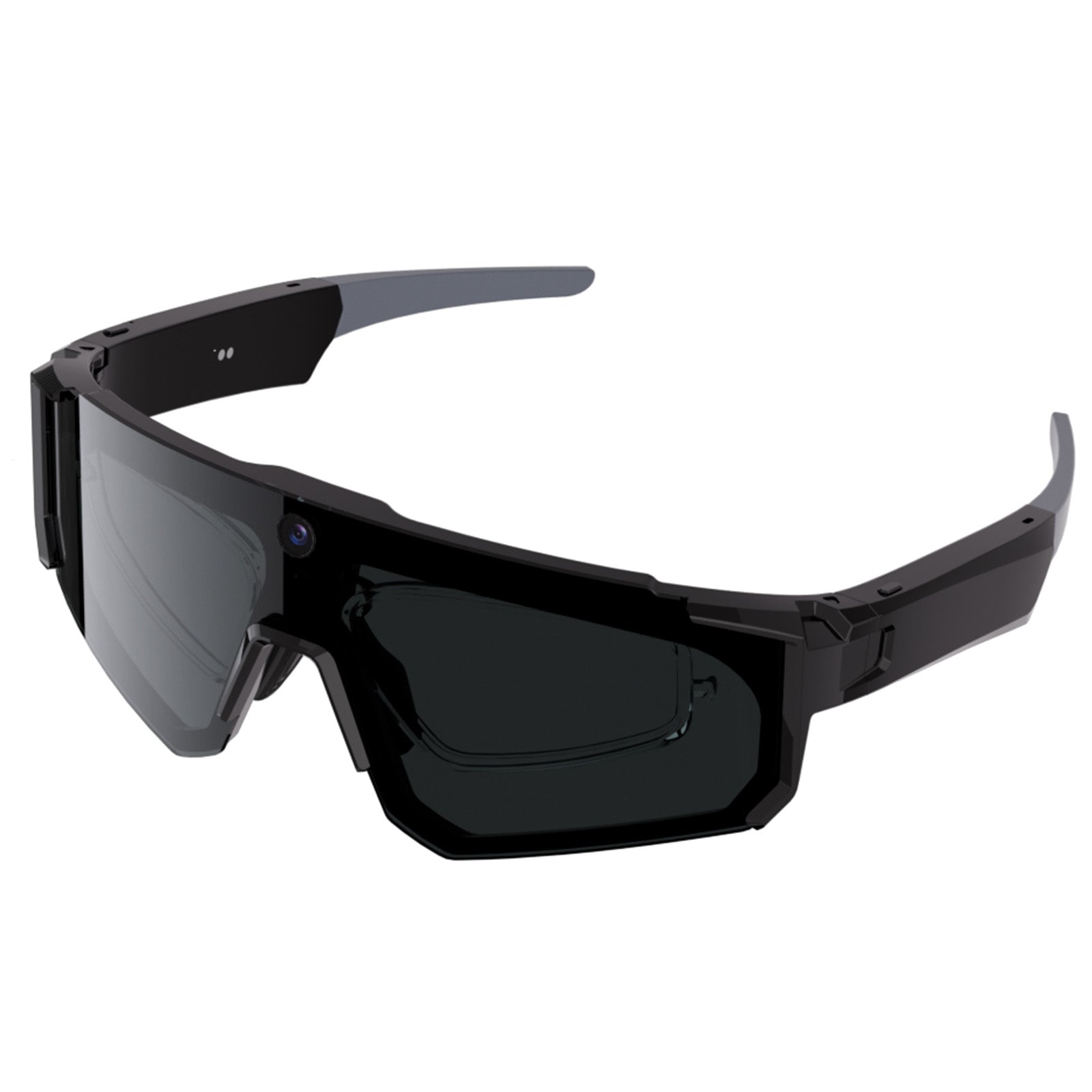
These devices are engineered with dual micro-displays that project a virtual screen—often perceived as a 130-inch to 200-inch display—directly into your field of view. They are tethered to a source device and are specifically designed for media consumption and productivity. For an in-depth look at the top contenders in this category, we suggest reviewing our latest smart glasses 2026 guide and our breakdown of the top new smart glasses 2026.
Smart Audio and Environmental Glasses
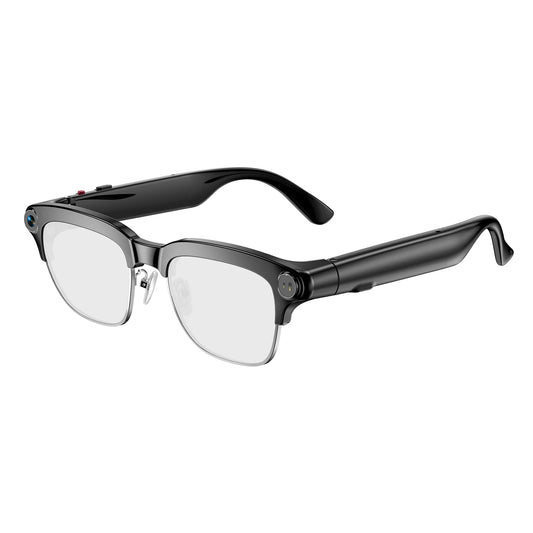
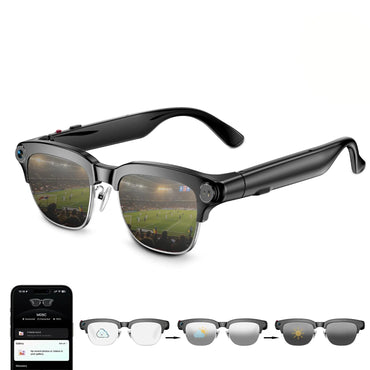
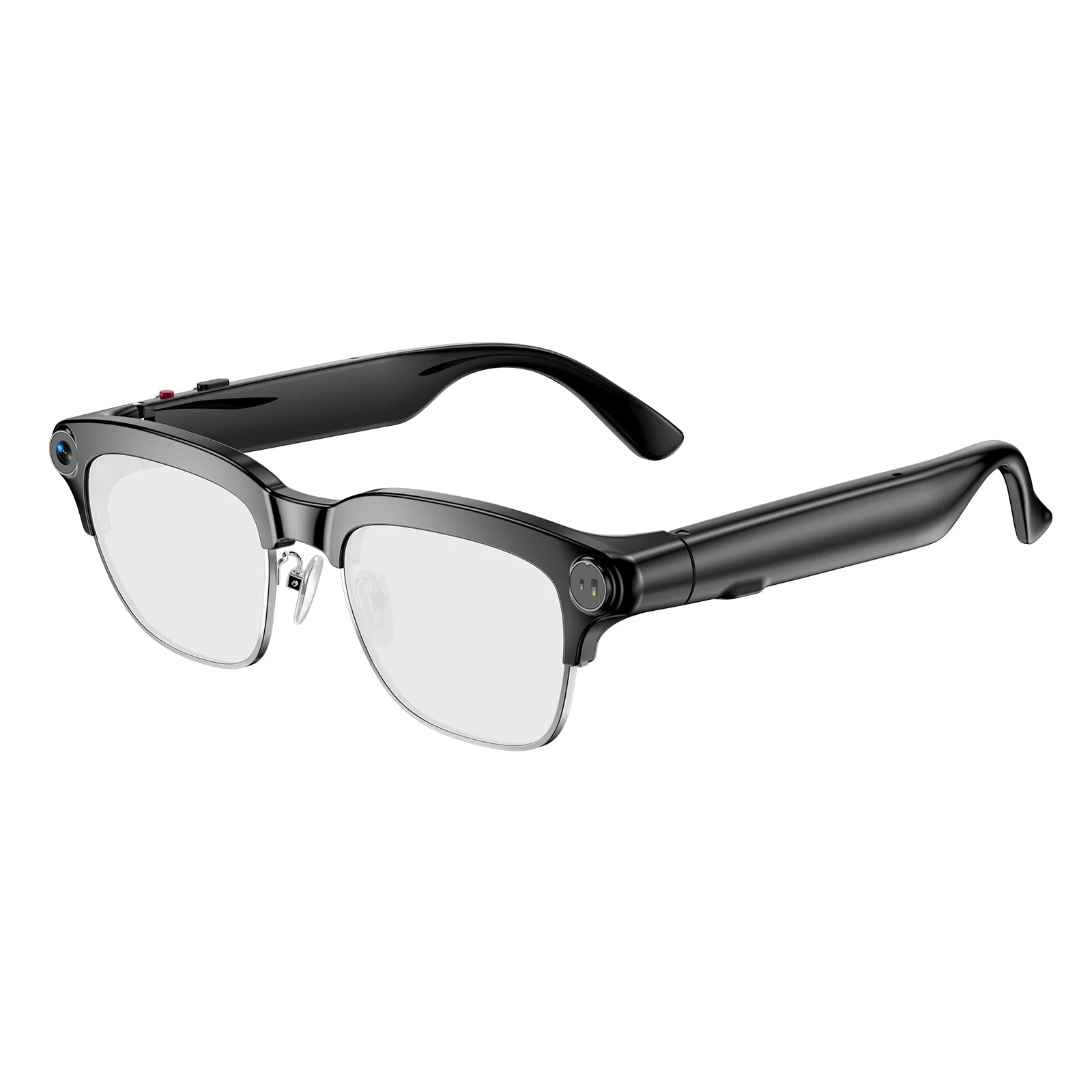
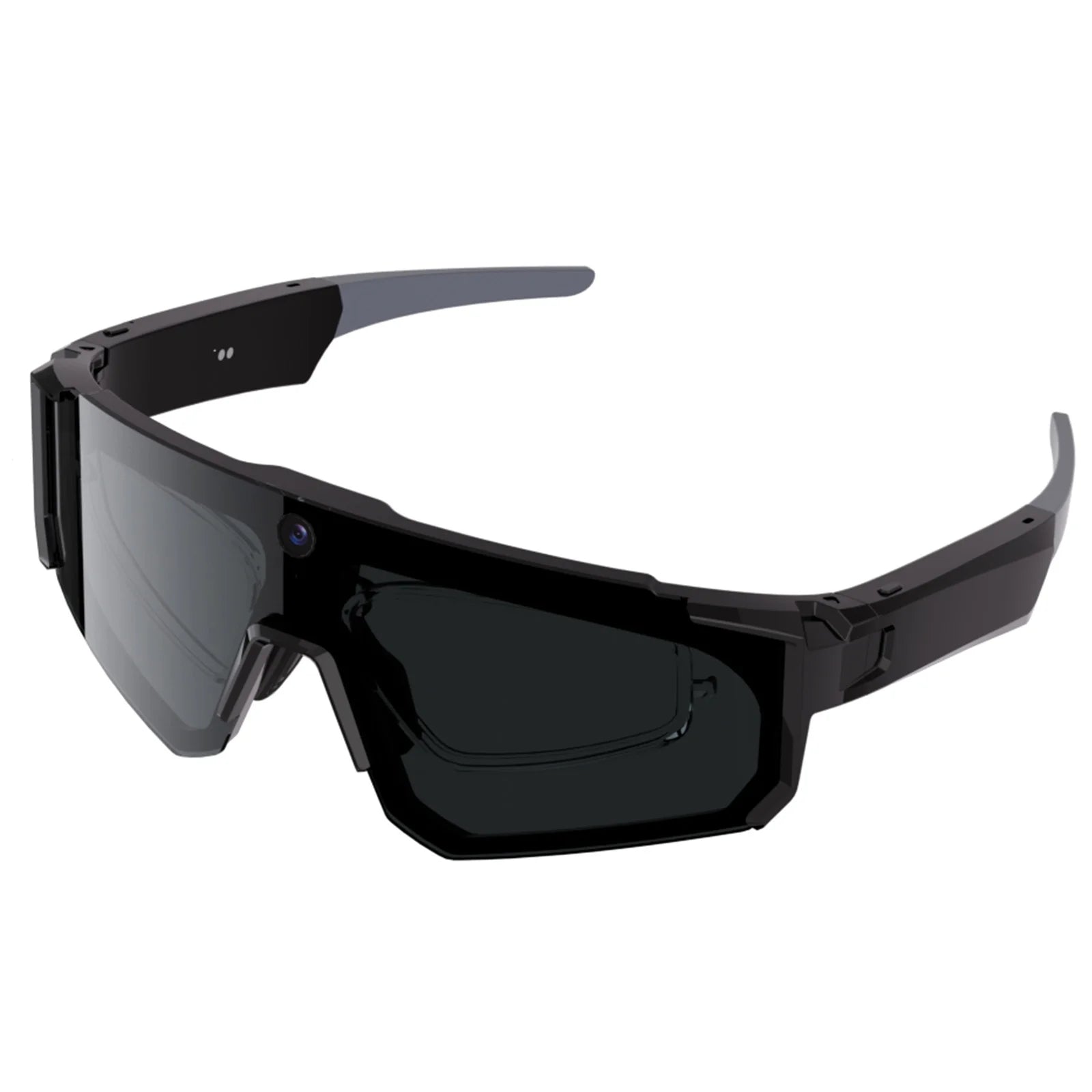
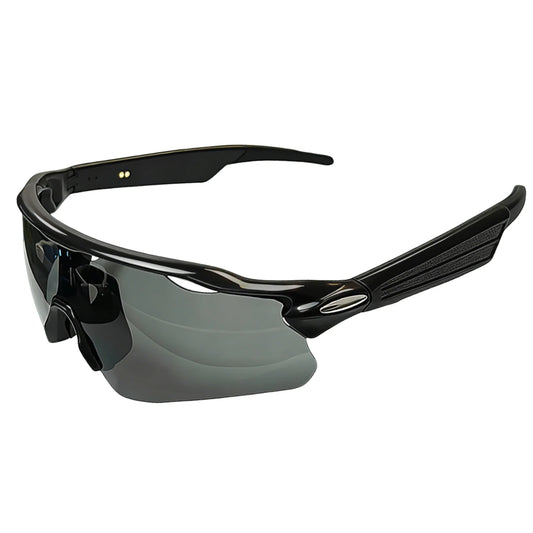
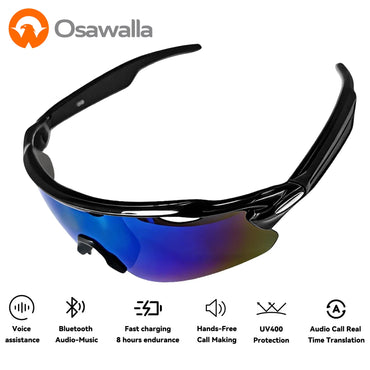
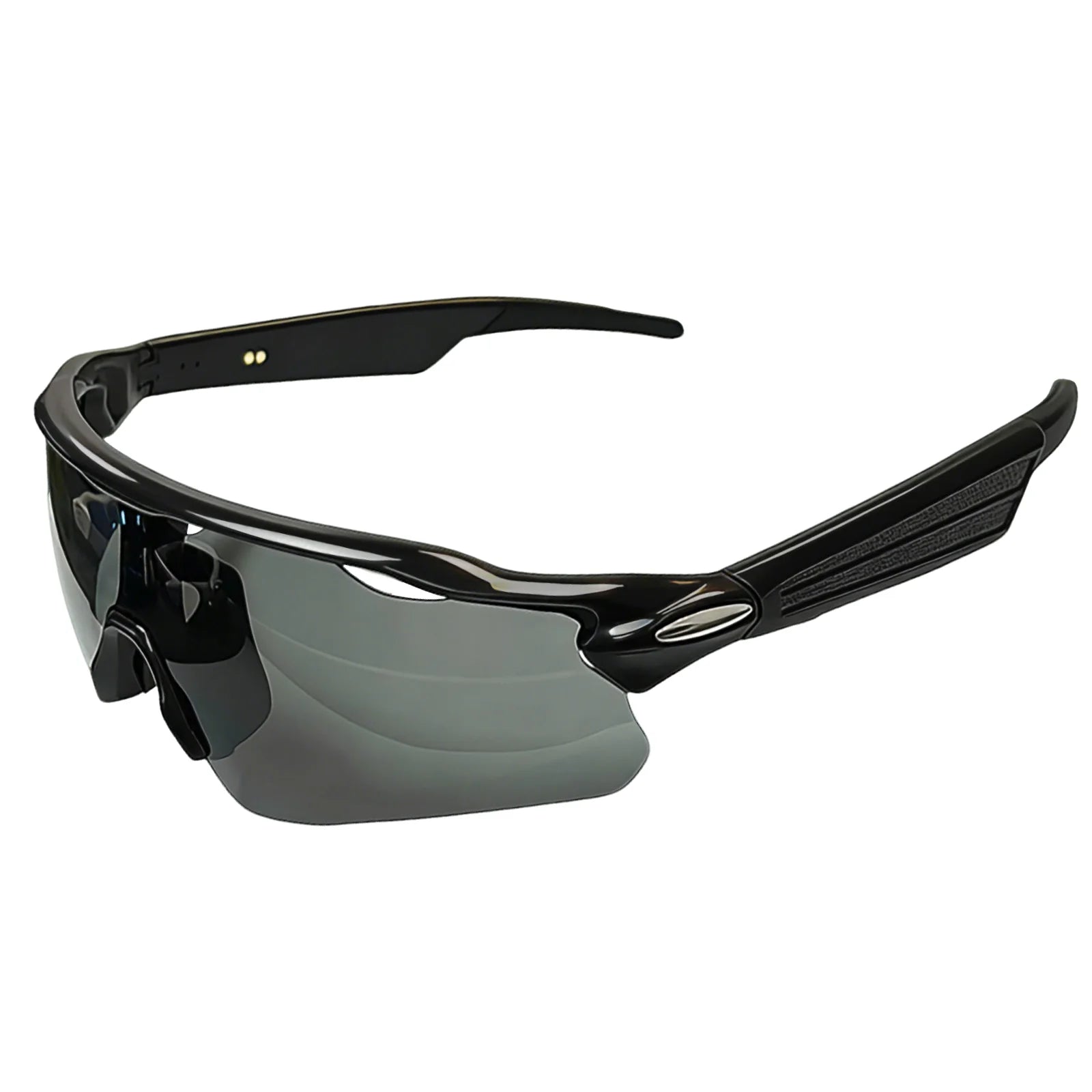
Not everyone wishes to have a screen projected directly into their retinas, as it can cause fatigue during long viewing sessions. Many users prefer to watch Netflix on a traditional tablet or smartphone while utilizing smart glasses to manage their audio and visual environment. This is where Osawalla excels. Our GG06 electrochromic smart glasses feature Bluetooth 5.4 for lossless audio streaming, dual-mic noise reduction, and a revolutionary 1-second tint adjust.
If you are watching content on a bright train or sunny park bench, the electrochromic lenses instantly adapt to block out glare, allowing you to view your screen perfectly while delivering immersive audio directly to your ears. They are the ideal companion for those exploring smart wearable glasses for active lifestyle needs.
4. Optimizing the Audio and Visual Environment
To truly enjoy the experience when you watch Netflix on smart glasses, the acoustic environment is just as critical as the visual output. Most AR display glasses suffer from inadequate built-in speakers that leak sound to bystanders and lack bass resonance. We recommend pairing visual display glasses with high-fidelity audio wearables or utilizing versatile audio-first smart glasses.
Furthermore, managing external light is essential. Watching a dark, cinematic scene is difficult if ambient sunlight is bleeding through the lenses. Electrochromic technology, as featured in our product lines, solves this by allowing the user to electronically dim the lenses to match the viewing environment. Whether you are using dedicated display visors or our advanced audio sunglasses, controlling glare is the secret to a premium viewing experience.
5. Health Tracking During Extended Viewing
Binge-watching your favorite series can inadvertently impact your daily wellness, particularly your sleep architecture and resting heart rate. At Osawalla, we believe that staying connected to your well-being should not stop when the entertainment begins. Those who frequently watch Netflix on smart glasses often sit stationary for hours, which can affect cardiovascular circulation and induce eye strain.
We highly recommend integrating physiological monitoring into your daily routine. By utilizing the Osawalla fitness tracker bracelet, you gain 24/7 health monitoring, including heart rate, SpO2, Heart Rate Variability (HRV), stress levels, and advanced sleep tracking. This ensures that while you indulge in digital entertainment, you maintain a clear understanding of your physical health and recovery metrics.
6. The Future of Wearable Media Consumption
The ability to watch Netflix on smart glasses is merely the beginning. As we look toward the horizon, the integration of spatial computing, lighter micro-displays, and advanced ambient occlusion will redefine how we consume media. The industry is rapidly moving toward untethered standalone glasses that operate on custom Android-based systems, allowing users to download streaming applications directly to the eyewear.
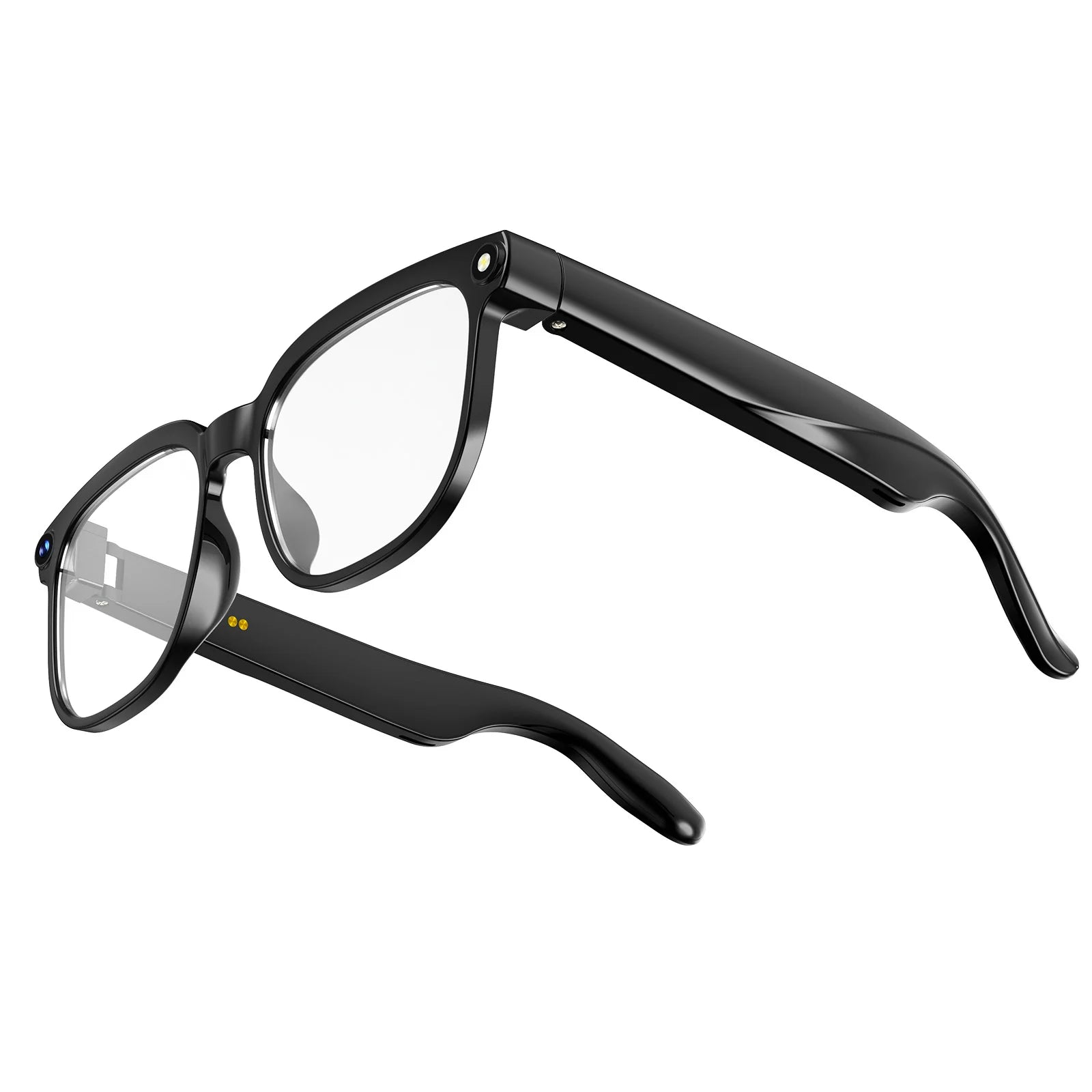
For further insights into where this technology is heading, including advancements in mixed reality and integrated optics, we encourage readers to explore our analysis on the future of smart glasses technology and the smart glasses applications 2026. Additionally, for those interested in recording their own content, our reviews on the smart glasses with camera review and best smart sunglasses with camera provide excellent guidance.
7. Summary Table: Watch Netflix on Smart Glasses Setup
| Connection Method | Required Hardware | HDCP Compliance Risk | Best Use Case |
|---|---|---|---|
| Direct USB-C (DP Alt Mode) | Compatible Smartphone + XR Glasses | Low (Most reliable method) | High-definition viewing during flights or commutes. |
| Wireless Casting Adapter | Miracast/AirPlay Hub + Glasses | High (Netflix frequently blocks wireless DRM) | Viewing non-DRM content or specific supported hubs. |
| Native Android OS | Standalone AR Glasses with Wi-Fi | Low (If Netflix app is natively supported) | Untethered viewing at home without draining phone battery. |
| Physical Screen + Audio Glasses | Tablet/Phone + Osawalla GG06 | None (Screen handles video natively) | Immersive audio and glare control while viewing a physical screen. |
8. Frequently Asked Questions (FAQs)
9. Authoritative References
To ensure a comprehensive understanding of the digital rights, display protocols, and technological standards required for wearable media consumption, we recommend consulting the following authoritative sources:
- Netflix Help Center: HDCP and External Displays - Official documentation regarding DRM protocols and external monitor requirements for streaming.
- USB Implementers Forum (USB-IF): USB Type-C and DisplayPort Alt Mode - Technical specifications governing how mobile devices output high-definition video to wearable technology.
- IEEE Standards Association: Wearable Technology and XR - Academic and engineering standards for augmented reality displays and latency optimization in consumer electronics.


