

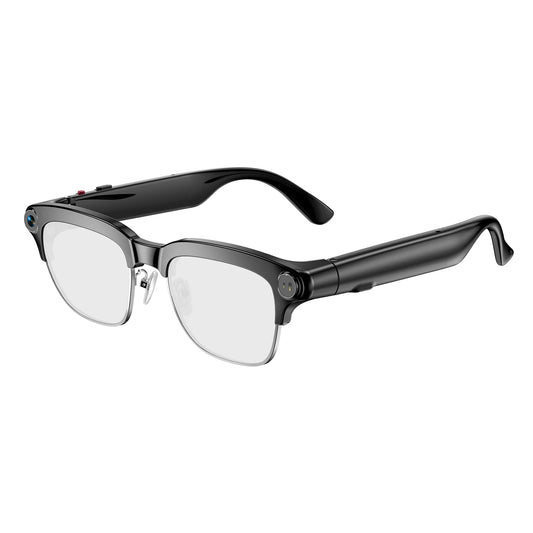
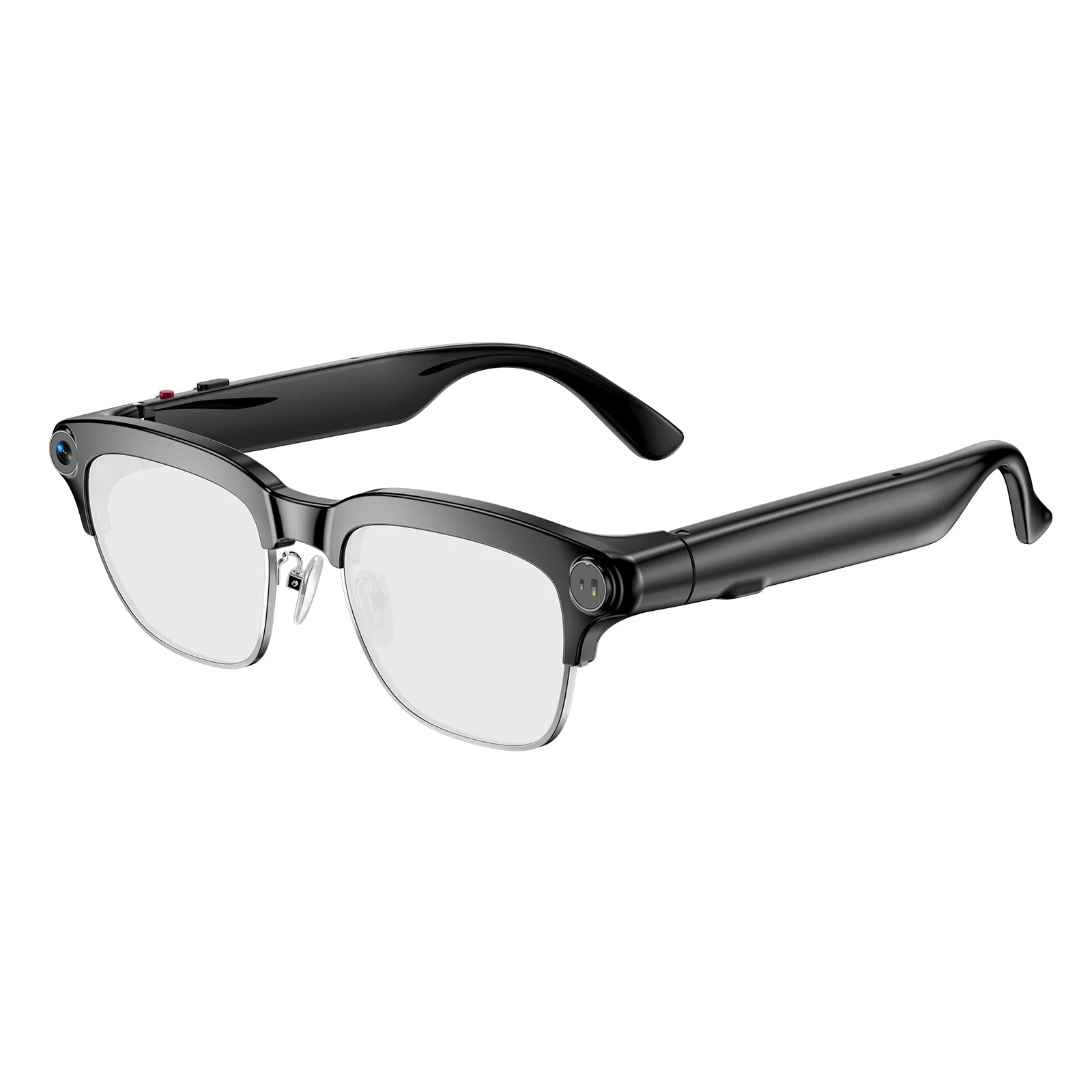







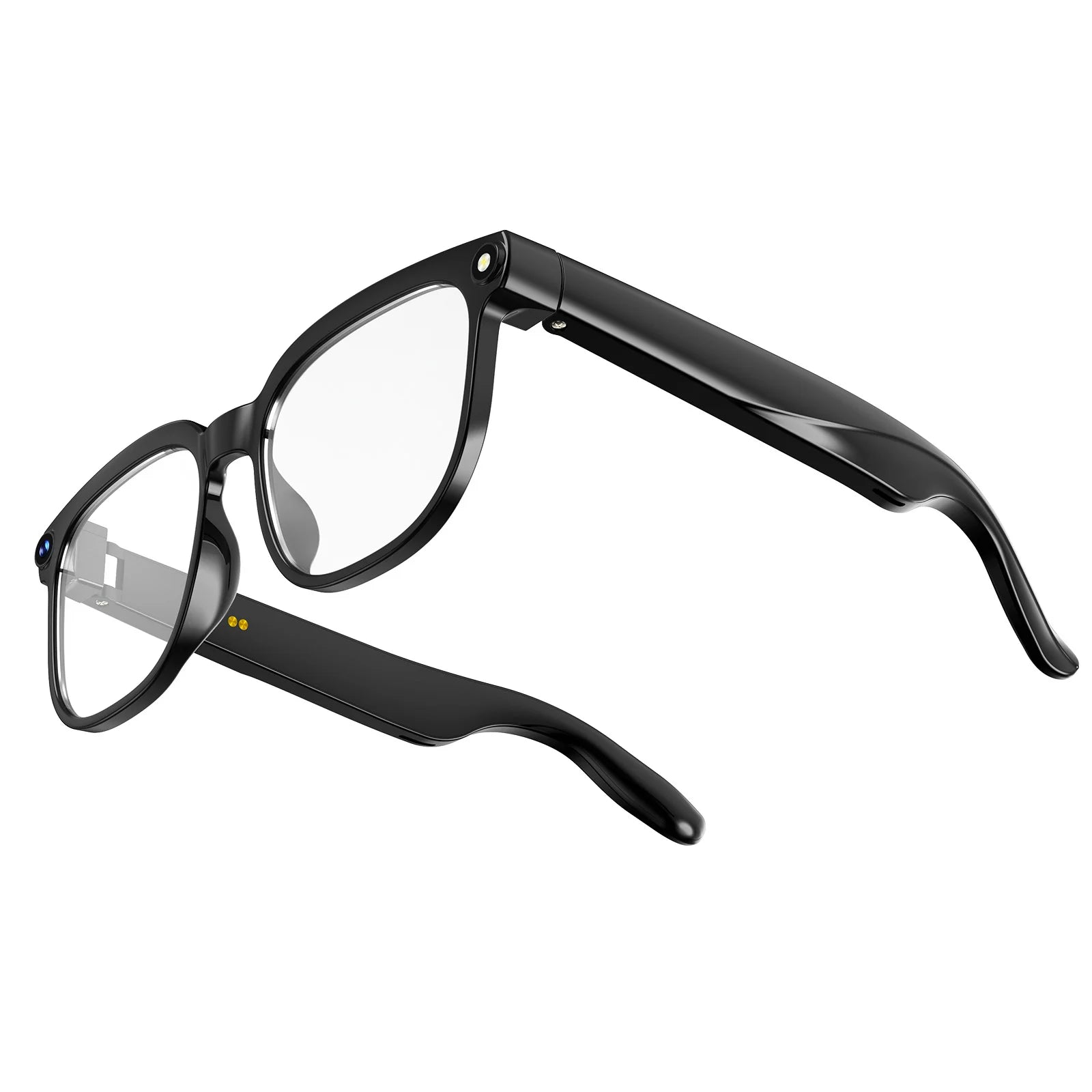





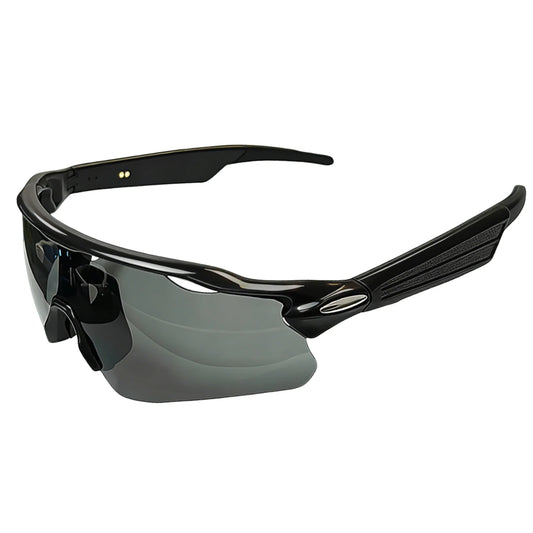
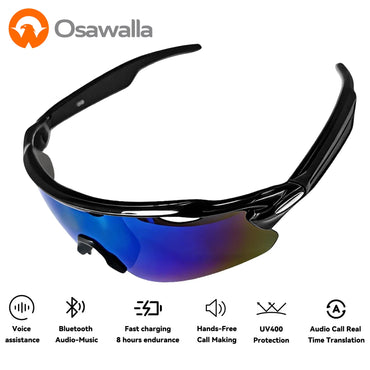
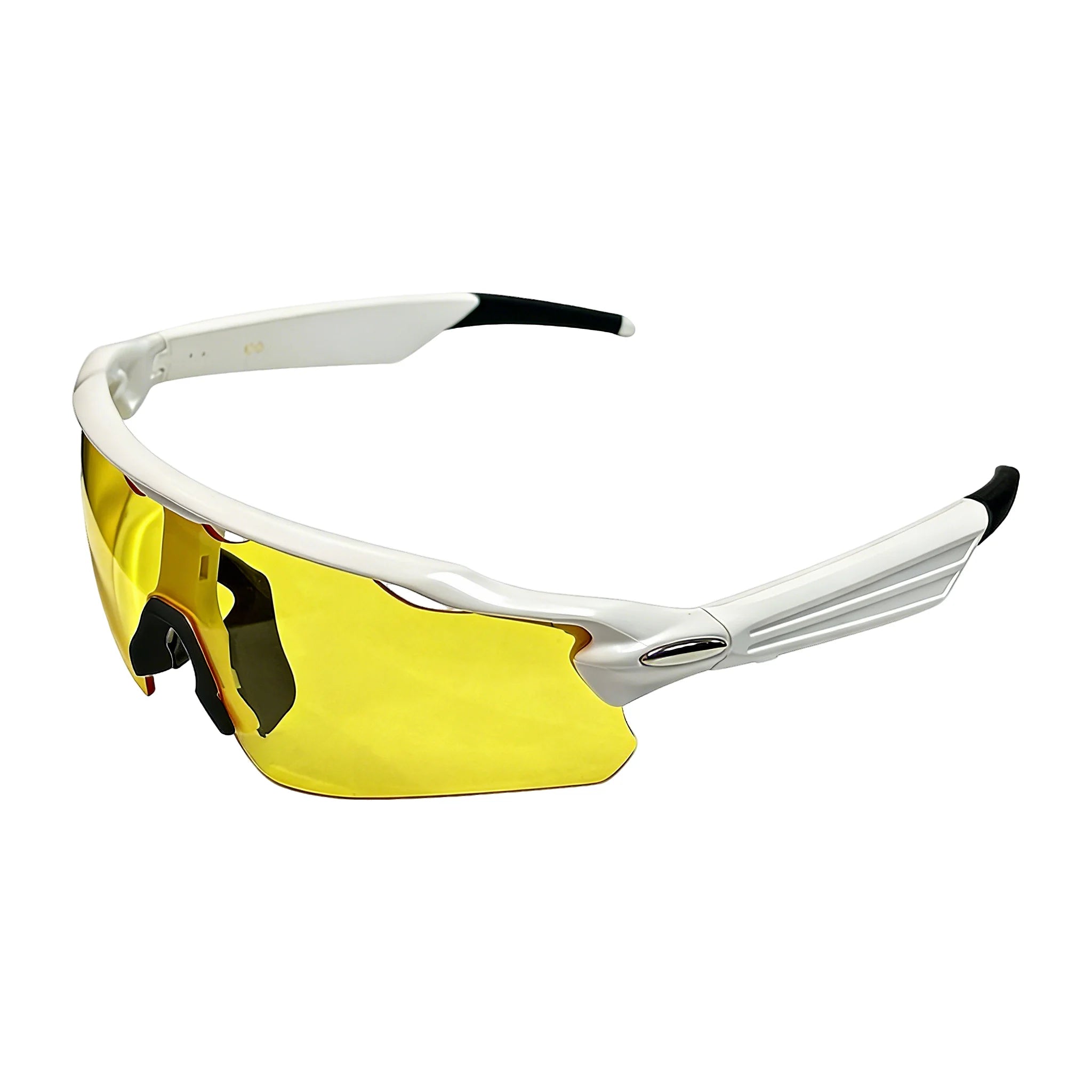
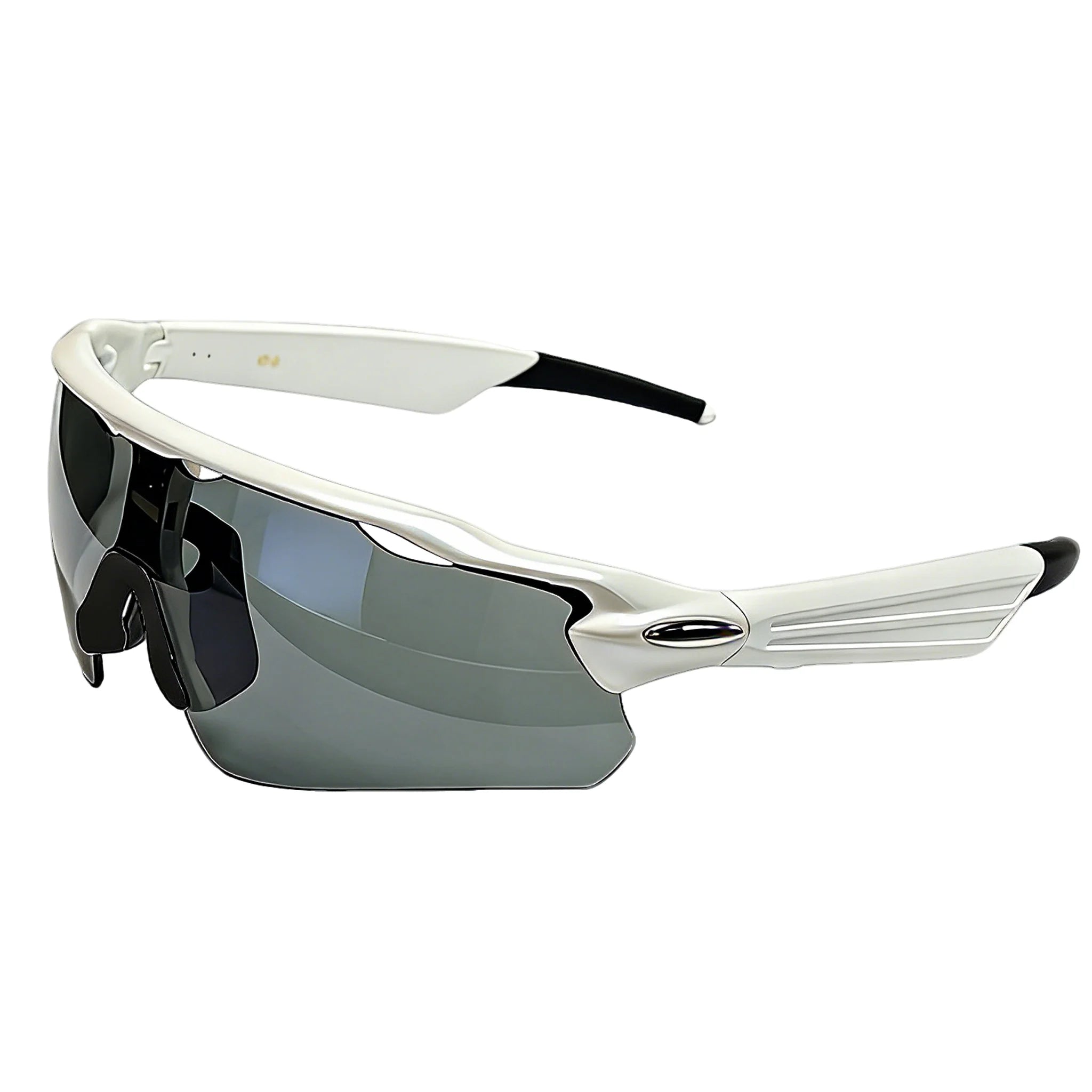
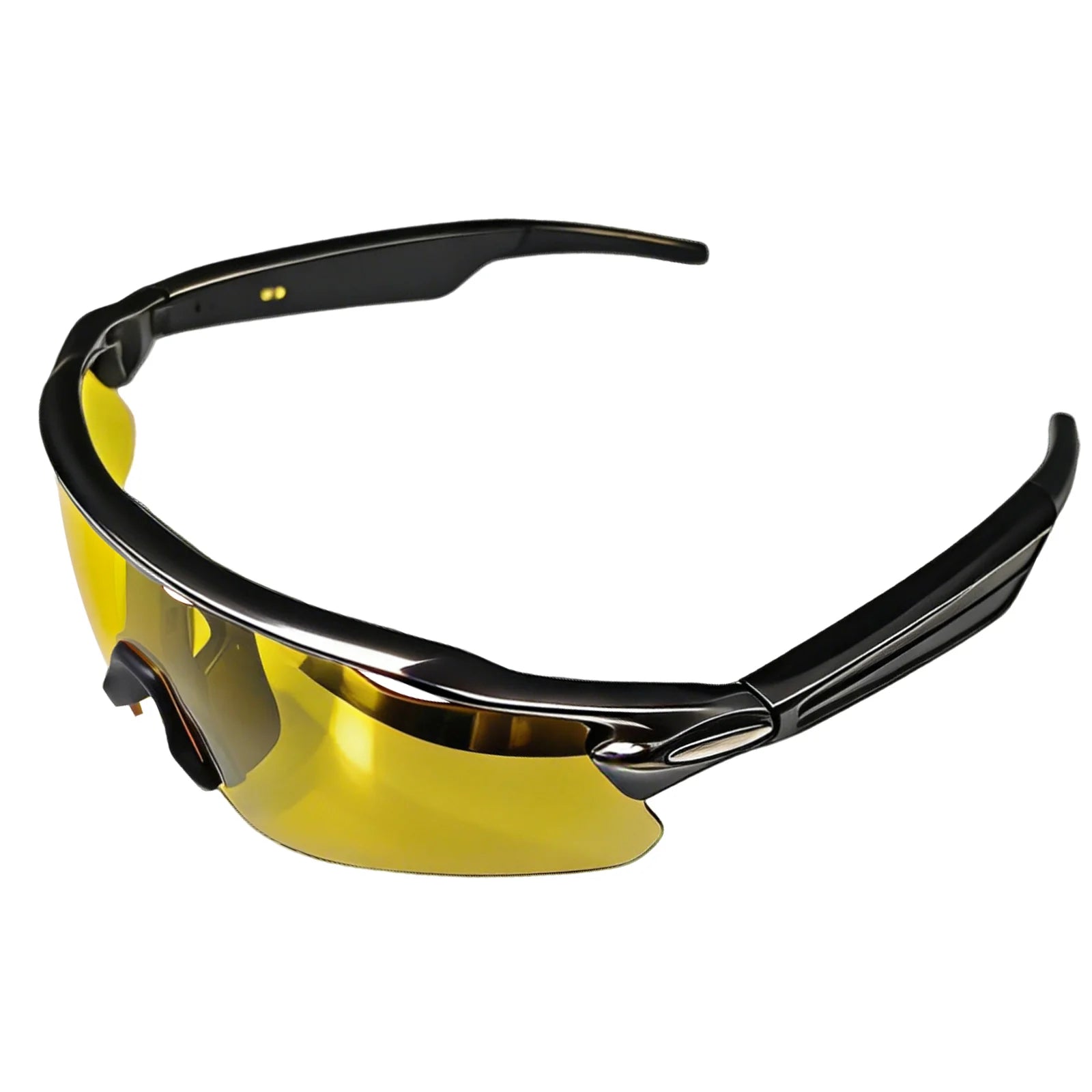
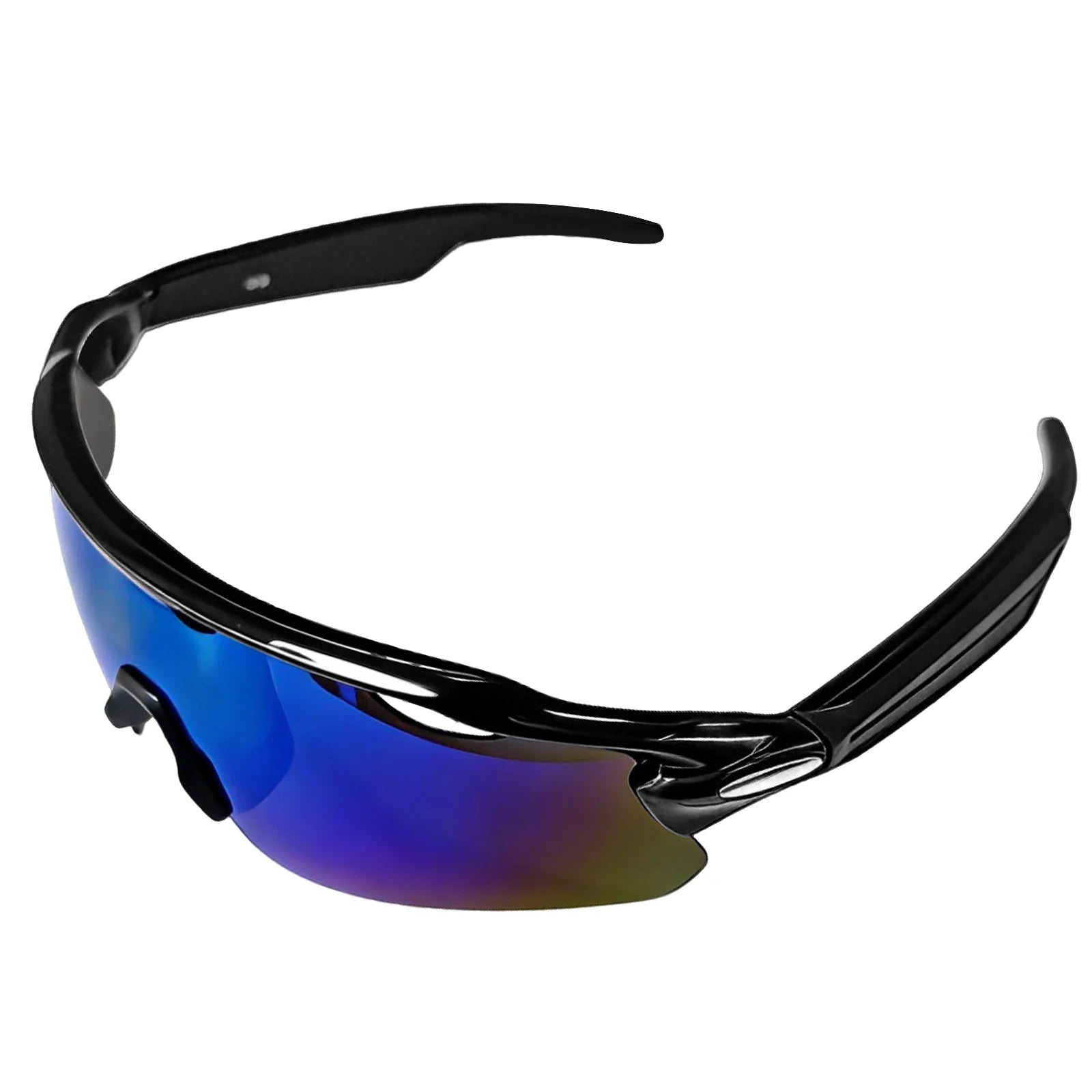











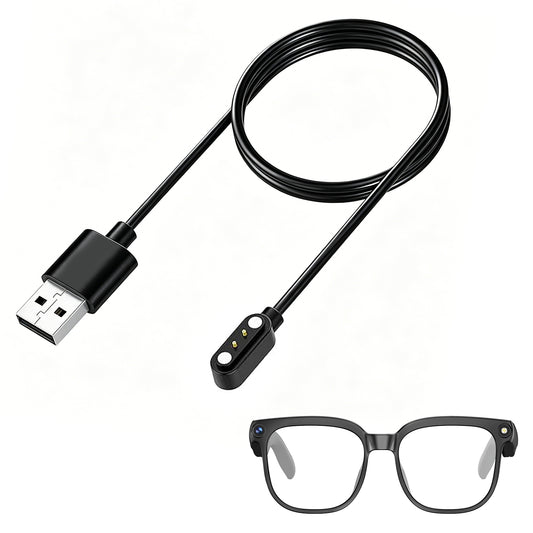
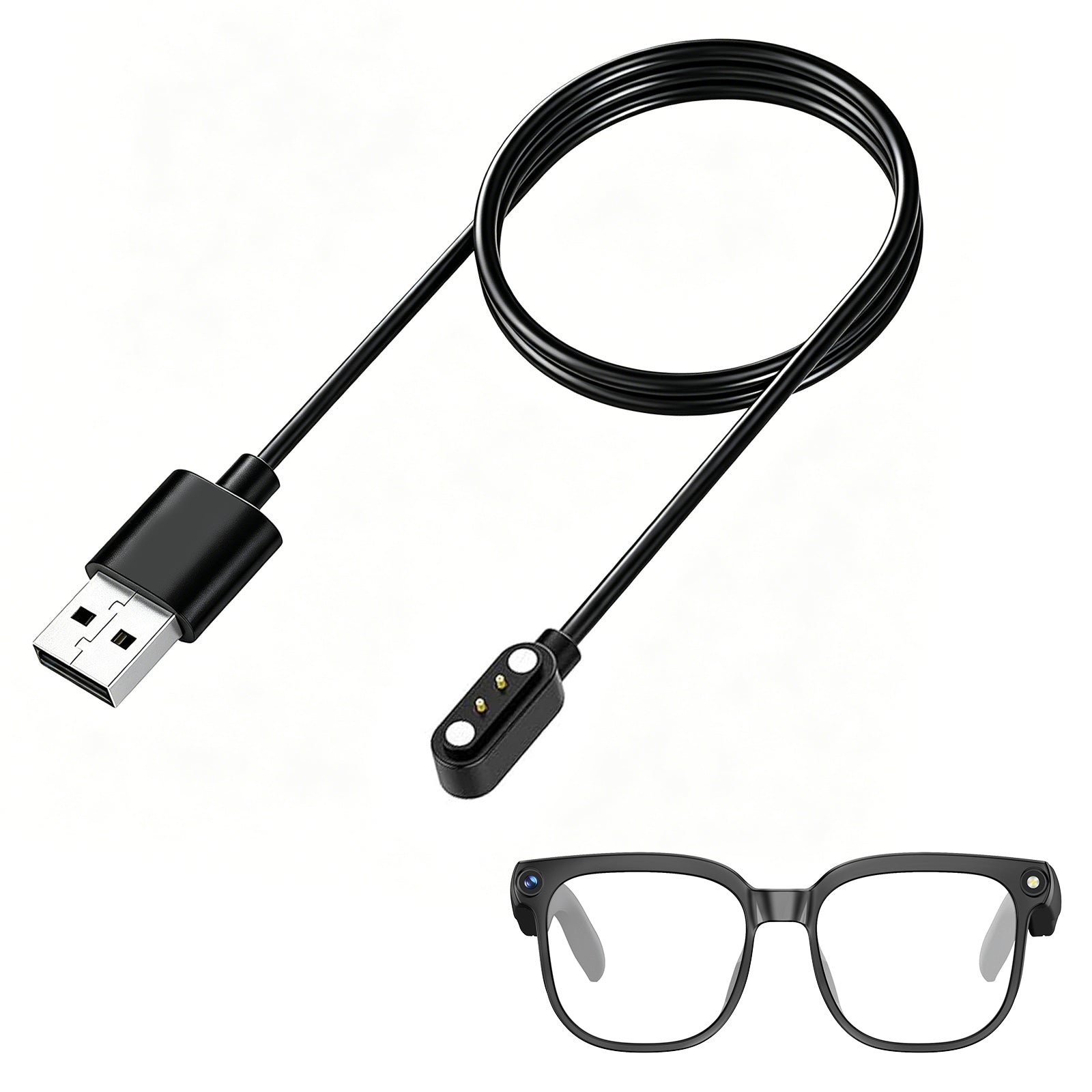


Gafas inteligentes GP02 con cámara
SKU:GP02-B03
No se pudo cargar la disponibilidad de recogida


- 【Video HD 1080P y captura de fotos de 8MP】Estas gafas inteligentes con cámara HD de 8MP y antivibración toman fotos nítidas y videos estables de 1080P. Cada clip dura 3 minutos con hasta 1 hora de grabación continua con manos libres, ideal para vlogs de viajes y filmaciones al aire libre.
- 【Reconocimiento de objetos con IA y traducción en tiempo real】El asistente de voz "Hey Cyan", impulsado por ChatGPT, ofrece respuestas instantáneas. Cuenta con reconocimiento en tiempo real de puntos de referencia, menús y plantas, además de traducción bidireccional en más de 139 idiomas para viajes, estudios y negocios.
- 【Sincronización automática y llamadas de voz claras】Bluetooth 5.4 y Wi-Fi sincronizan automáticamente las grabaciones con tu teléfono. Los micrófonos duales ENC reducen el ruido de fondo para llamadas claras; los controles táctiles ajustan el volumen, responden llamadas y activan la IA, adecuados para el trayecto al trabajo, la conducción y la oficina.
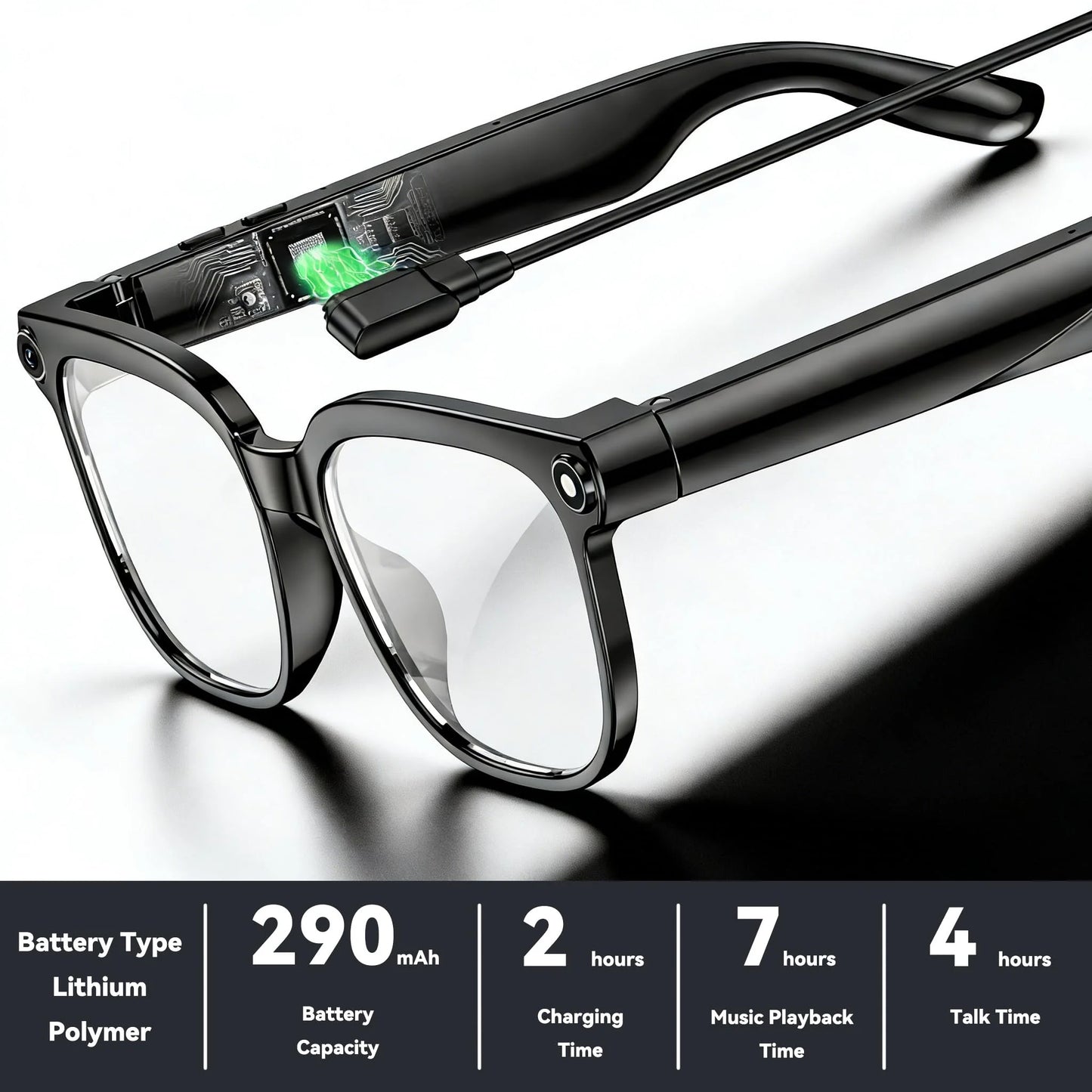
- 【Ultraligeras de 40,8 g (0,09 lb) para comodidad durante todo el día y batería de larga duración】Con solo 40,8 g, el armazón TR90 con patillas de ABS y lentes de PMMA no causan tensión en la nariz para usarlas todo el día. El diseño a prueba de salpicaduras IP65 con batería de 290 mAh soporta 7 horas de reproducción de música y 7 días en espera para viajes largos.
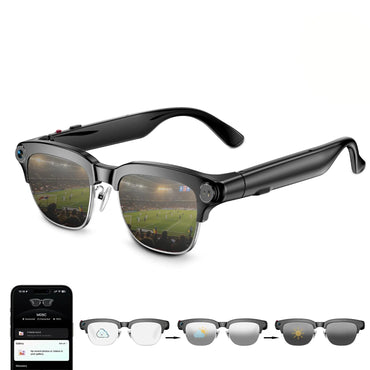
- 【Lentes fotocromáticas】Estas gafas con cámara tienen lentes fotocromáticas automáticas que se oscurecen con la luz solar para bloquear los rayos UV. Nota: La decoloración de las lentes se ralentiza con poca radiación UV en invierno; el servicio de atención al cliente está disponible para consultas.
- Envío gratis
- Devolución fácil en 14 días
- Garantía de 1 año




Frequently Asked Questions
No sound coming from the glasses?
1. Confirm the glasses are powered on and connected to your phone.
2. Check your phone's Bluetooth settings to see if the glasses are connected.
3. Try unpairing and re-pairing the glasses.
4. Restart both the glasses and your phone's Bluetooth, then re-pair the glasses.
Do the smart glasses need to be connected to a phone?
Some functions (such as data synchronization, making and receiving calls, and transferring photos) require a Bluetooth/Wi-Fi connection to the phone app, but basic functions (such as taking photos, recording audio, and recording video) can be used independently once connected to the app.
Bluetooth connection failure?
1. Ensure the glasses are in pairing mode (power on the glasses until the indicator light flashes).
2. Delete your phone's Bluetooth history (remove old devices in Bluetooth settings).
3. Restart both your phone and glasses.
4. Try connecting with another phone (to determine if the problem is with the glasses or the phone).
5. Restore factory settings.
Bluetooth frequently disconnects?
1. Use close to your phone (ideally within 3 meters).
2. Turn off other Bluetooth devices (to reduce interference).
3. Update your glasses and the app.
Which app version should I download? System compatibility?
1. For a better user experience, please download the latest version of the app.
2. Your phone system needs Android 9.0 or higher, or iOS 13.0 or higher to install and use.
How do I control taking photos or videos?
1. You can learn how to take photos and videos on the homepage.
2. You can learn how to control it in My - New User Guide.
Can I answer calls? How is call privacy protected?
Bluetooth calls are supported, but open speakers may leak sound. For privacy calls, it is recommended to use a headset or lower the volume.
Will there be a prompt when taking photos/videos/recording audio?
There will be a prompt via indicator light or sound, but please be aware of local privacy regulations to avoid unauthorized filming of others.
Why does WiFi connection fail when importing photos/videos/audio?
1. Ensure your phone's Wi-Fi is turned on and can connect to the glasses' Wi-Fi during import.
2. Ensure both the glasses and your Wi-Fi are up-to-date.
3. Restart the glasses and the app.
Where are photos/videos/audio recordings stored?
1. Primarily stored in the glasses' local memory (temporary storage).
2. After connecting, they can be transferred to the app.
What happens when local storage is full?
It is recommended to periodically connect to the app to sync data. After syncing: Content uploaded to the app will automatically have its local storage space on the glasses cleared and released.
Will synced content be lost?
No, storage is permanent unless you manually delete it.


