






If you are an iOS user looking to step into the world of intelligent wearables, you are undoubtedly asking one critical question before making an investment: do smart glasses work with iPhone? In the rapidly evolving tech landscape of 2026, the short answer is a resounding yes. However, the practical, everyday reality is far more nuanced. While the hardware connectivity is universal, the software experience exists on a spectrum ranging from seamless integration to functionally restricted.
At Osawalla, we engineer and evaluate advanced eyewear solutions daily. From our experience, we know that Apple maintains a notoriously strict "walled garden" approach to its operating system. This means that while third-party smart glasses can communicate with your iPhone perfectly fine over Bluetooth, they do not always receive the same deep system-level privileges afforded to first-party accessories like the AirPods or Apple Watch. We recommend that consumers fully understand exactly which features will translate to their iOS devices seamlessly, and which features might require a slight workaround.

In this authoritative guide, we will break down exactly how smart glasses work with iPhone ecosystems today, covering everything from wireless connection protocols and camera synchronization to AI voice assistant limitations. Whether you are researching the top new smart glasses 2026 has to offer, or looking for specific athletic wearables, this guide will provide the clarity you need.
Table of Contents
- Summary Table: iOS Compatibility Breakdown
- The Foundation: How Smart Glasses Connect to Your iPhone
- What You Can Do: Unlocking iPhone Features
- The Apple Walled Garden: Understanding Limitations
- Active Lifestyles: Where iPhone Pairing Shines
- The Future: Apple's Impending Entry into Smart Glasses
- Frequently Asked Questions (FAQs)
- Expert References
Summary Table: iOS Compatibility Breakdown
To give you a clear baseline of what to expect when pairing modern intelligent eyewear with your iPhone, we have compiled a summary of core features and their typical iOS compatibility status as of 2026.
| Feature Category | iOS Compatibility Status | Protocol Used |
|---|---|---|
| Audio & Music Streaming | Excellent (Universal) | Bluetooth (A2DP) |
| Phone Calls & FaceTime Audio | Excellent (Universal) | Bluetooth (HFP) |
| Photo & Video Transfer | Excellent (App Required) | Wi-Fi Direct / BLE |
| Push Notifications | Good (Read-only via App) | Bluetooth Low Energy |
| Third-Party AI Assistants | Good (App must be open/background) | Companion App Sync |
| Native Siri Voice Commands | Limited (Passthrough only) | Bluetooth Mic Passthrough |
| iMessage Dictation & Reply | Restricted (Requires phone unlock) | iOS Security Protocols |
The Foundation: How Smart Glasses Connect to Your iPhone
To understand how smart glasses work with iPhone models, you must look at the underlying wireless communication protocols. Your iPhone uses industry-standard Bluetooth technology, which means any pair of smart glasses can establish a foundational connection just like a standard pair of wireless headphones. The initial handshake is handled by Bluetooth Low Energy (BLE). BLE is incredibly power-efficient, allowing the glasses to maintain a constant connection to your phone for hours without draining your iPhone's battery. This connection is responsible for pushing simple data, such as incoming caller ID, basic notifications, and battery status updates.
For more demanding tasks, such as streaming Spotify playlists or participating in a high-fidelity conference call, the connection shifts to advanced Bluetooth audio profiles. This guarantees clear, lag-free sound delivery to the open-ear speakers integrated into the frames of the glasses.
However, when dealing with heavy media files—a critical consideration if you are reading a smart glasses with camera review—Bluetooth is far too slow. To transfer high-definition photos or 4K video clips from the glasses to your iPhone's camera roll, the companion app will temporarily create a local Wi-Fi Direct connection. This establishes a high-speed bridge between the two devices, pulling the media directly into your iOS Photos app seamlessly. From our experience, the stability of this Wi-Fi bridge is what separates premium eyewear brands from cheap, unoptimized alternatives.
What You Can Do: Unlocking iPhone Features
When investigating the myriad of smart glasses applications 2026 has introduced, iPhone users will find that the vast majority of core features perform flawlessly. The integration is driven entirely by the manufacturer's companion application available in the Apple App Store.
Hands-Free Audio and Calls: Once paired, your smart glasses act as the default audio output for your iPhone. You can listen to Apple Music, follow turn-by-turn directions from Apple Maps, and answer phone calls without ever pulling your device out of your pocket. The directional speakers allow for spatial awareness—a massive safety benefit when walking through busy city streets.
Media Capture and Sharing: The ability to capture first-person POV photos and videos is a primary selling point for these devices. When using the best smart sunglasses with camera technology, your iPhone acts as the processing hub. You snap a photo using a button on the glasses or a voice command, and the image is instantly queued for download to your iPhone. Once the media is in the companion app, it is securely exported to your iOS Photos library, ready to be shared via AirDrop, iMessage, or social media platforms.
AI Integration: In 2026, artificial intelligence is the beating heart of wearable technology. Glasses powered by third-party AI models (like Google Gemini or Meta Llama) rely on your iPhone's cellular data connection to process queries. You can ask your glasses to translate a sign you are looking at, summarize a recipe, or calculate currency conversions. The glasses send the audio to the iPhone app, which pings the cloud, and the answer is whispered directly into your ear. It is a highly effective, futuristic experience that works perfectly on iOS.
The Apple Walled Garden: Understanding Limitations
While we can confidently confirm that smart glasses work with iPhone securely and efficiently, we must address the systemic limitations imposed by Apple. Apple heavily restricts how third-party hardware interacts with deep iOS functions to protect user privacy and security.
The most noticeable friction point involves native messaging and Siri integration. If you are wearing third-party smart glasses, you cannot seamlessly dictate a text message through iMessage using the glasses' native AI. Apple forces all iMessage data through its own encrypted pipelines. If you trigger the glasses' AI and say, "Send a text message to John," the companion app cannot access your iOS contacts or the Messages app directly to execute the command. Instead, you must rely on Bluetooth mic passthrough to trigger Siri (usually via a long press on the glasses' touch panel). Siri will process the command, but depending on your iPhone's lock screen settings, it may still require you to authenticate with FaceID before sending the text.
This is the primary trade-off iPhone users face today. You gain access to incredible hardware and superior camera technology from third-party manufacturers, but you must accept that the voice assistant will not have root-level control over your iPhone's native applications.
Active Lifestyles: Where iPhone Pairing Shines
Despite these minor software limitations, pairing smart glasses with an iPhone is an absolute game-changer for athletes and outdoor enthusiasts. When you are moving at high speeds, looking down at an iPhone screen to check your pace, change a song, or read a notification is inherently dangerous.
If you are exploring the market for smart wearable glasses for active lifestyle use, the combination of hands-free operation and iPhone connectivity provides a distinct competitive advantage. You can record your trail run, listen to an audiobook, and maintain complete situational awareness simultaneously.
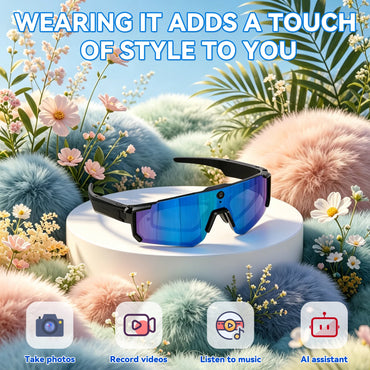
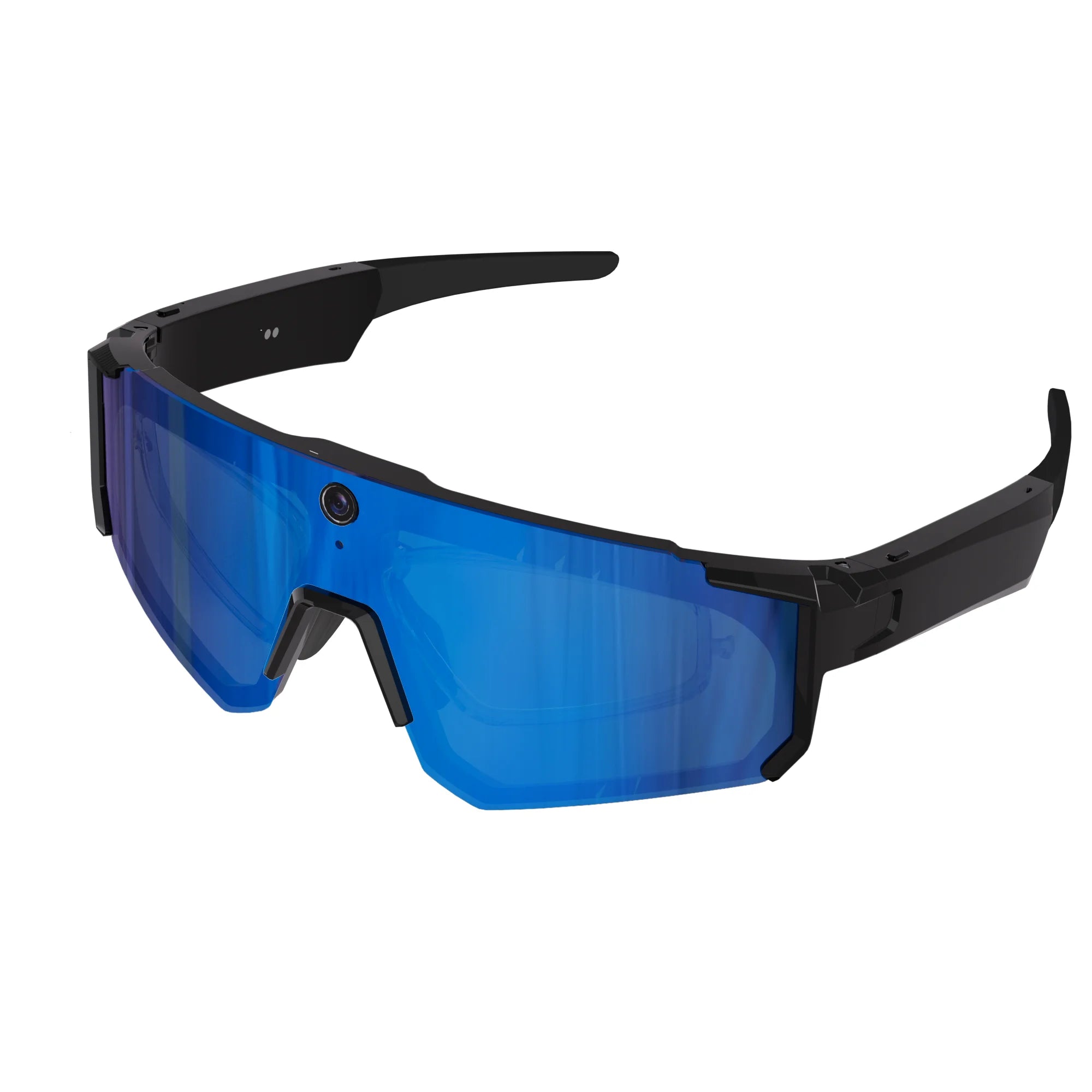
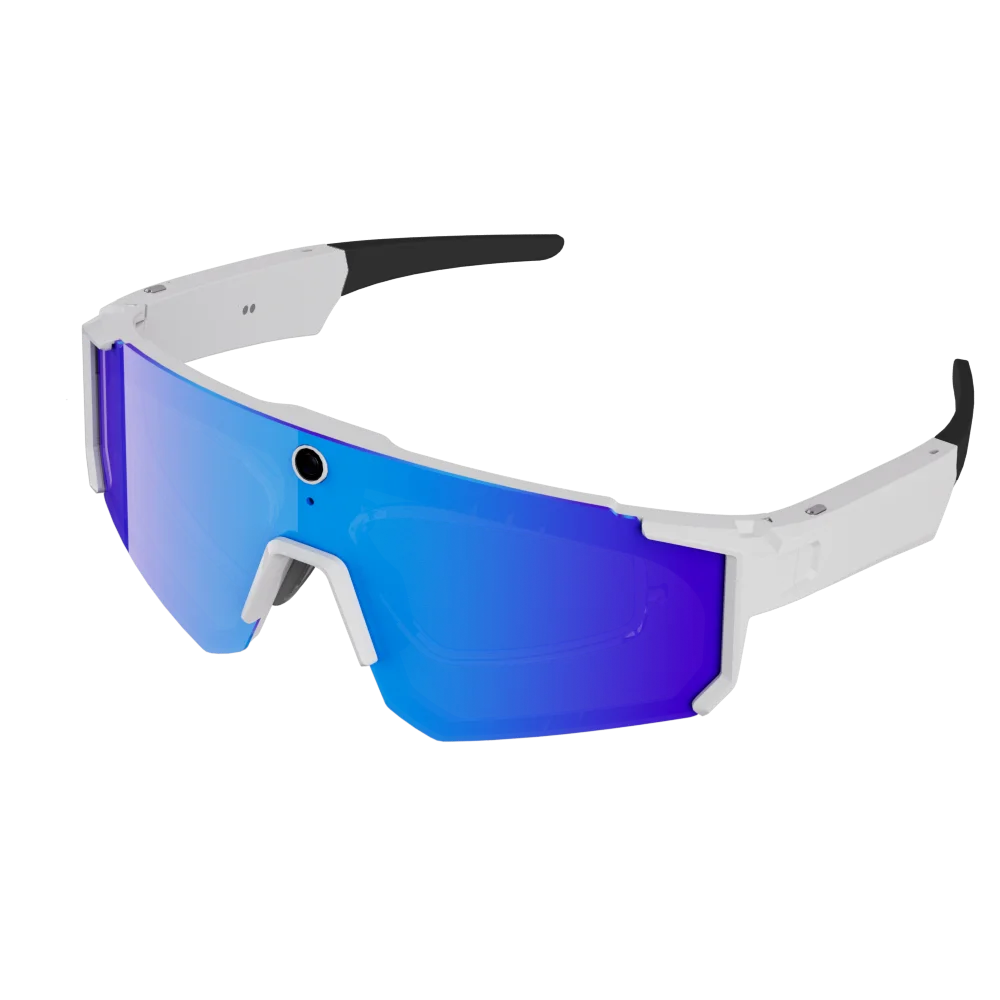
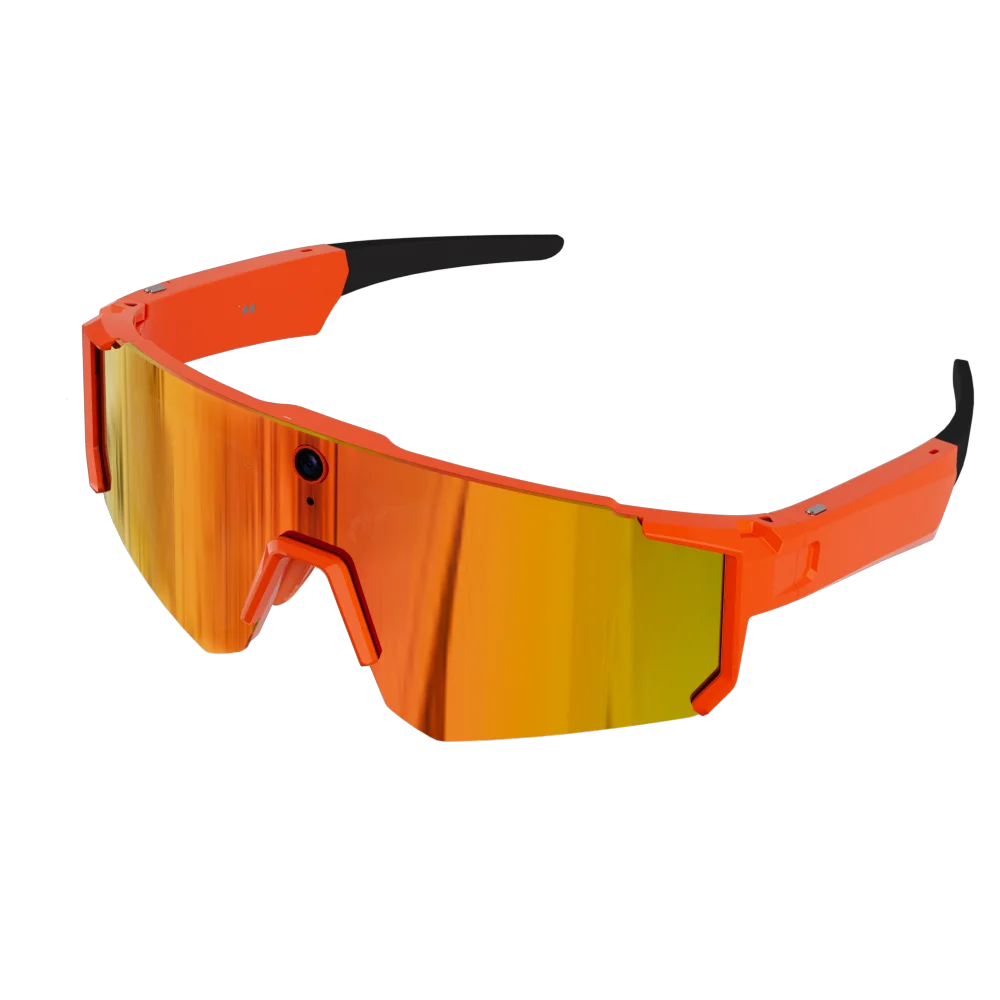
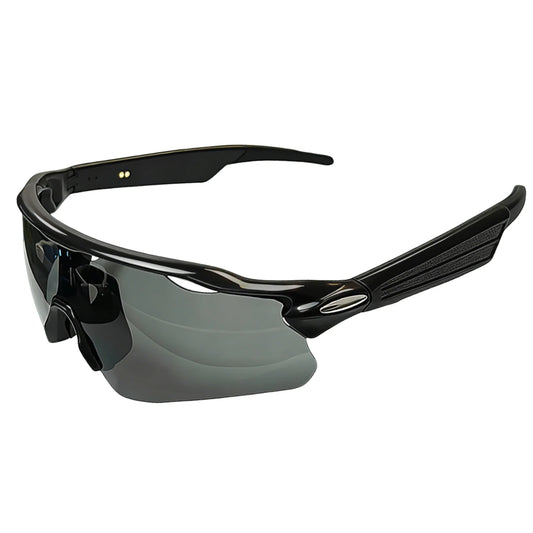
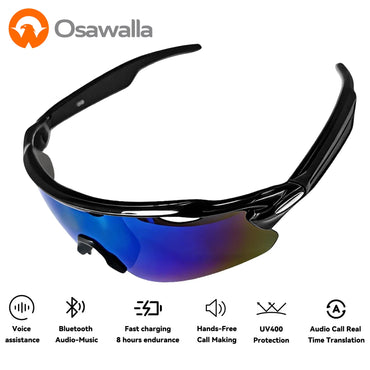
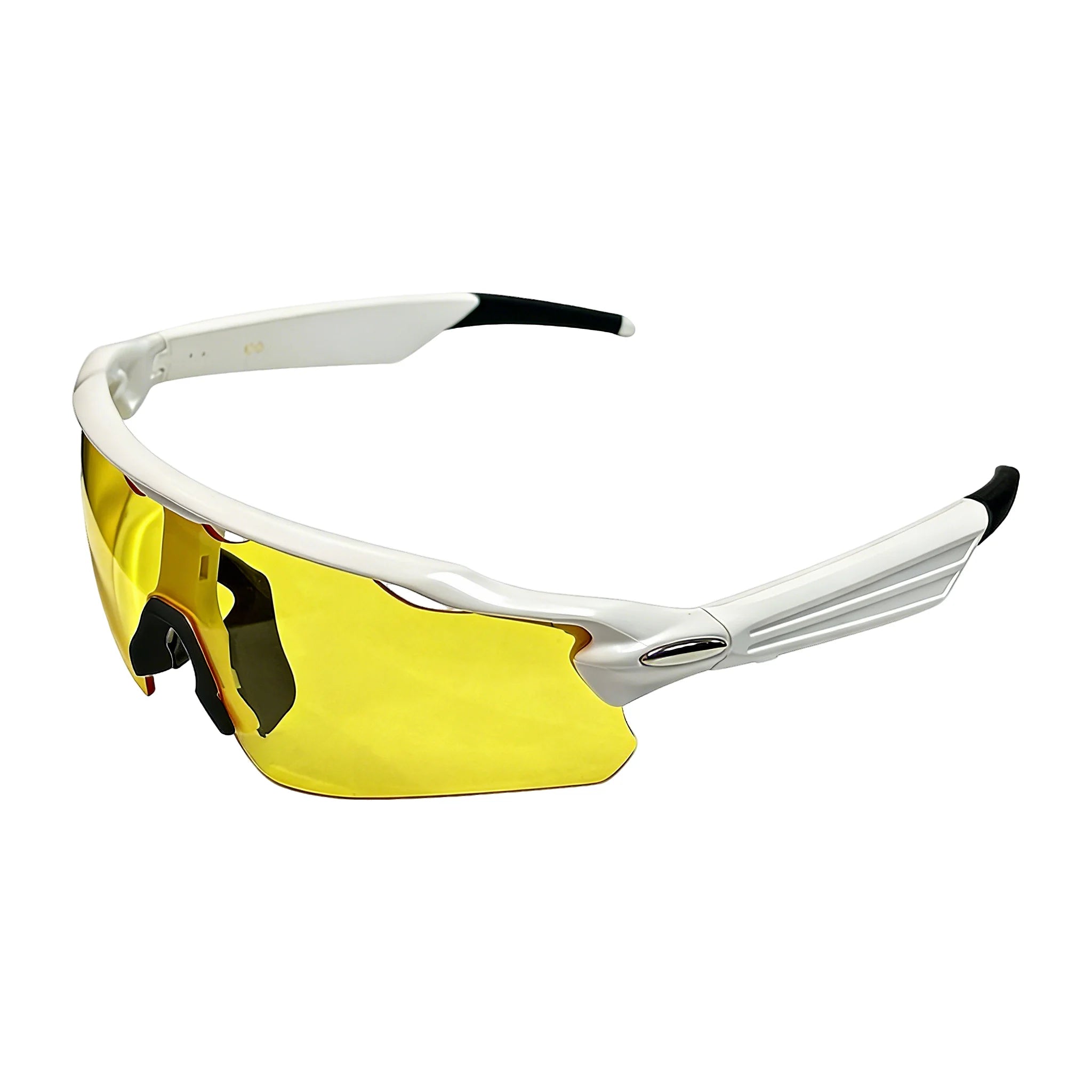
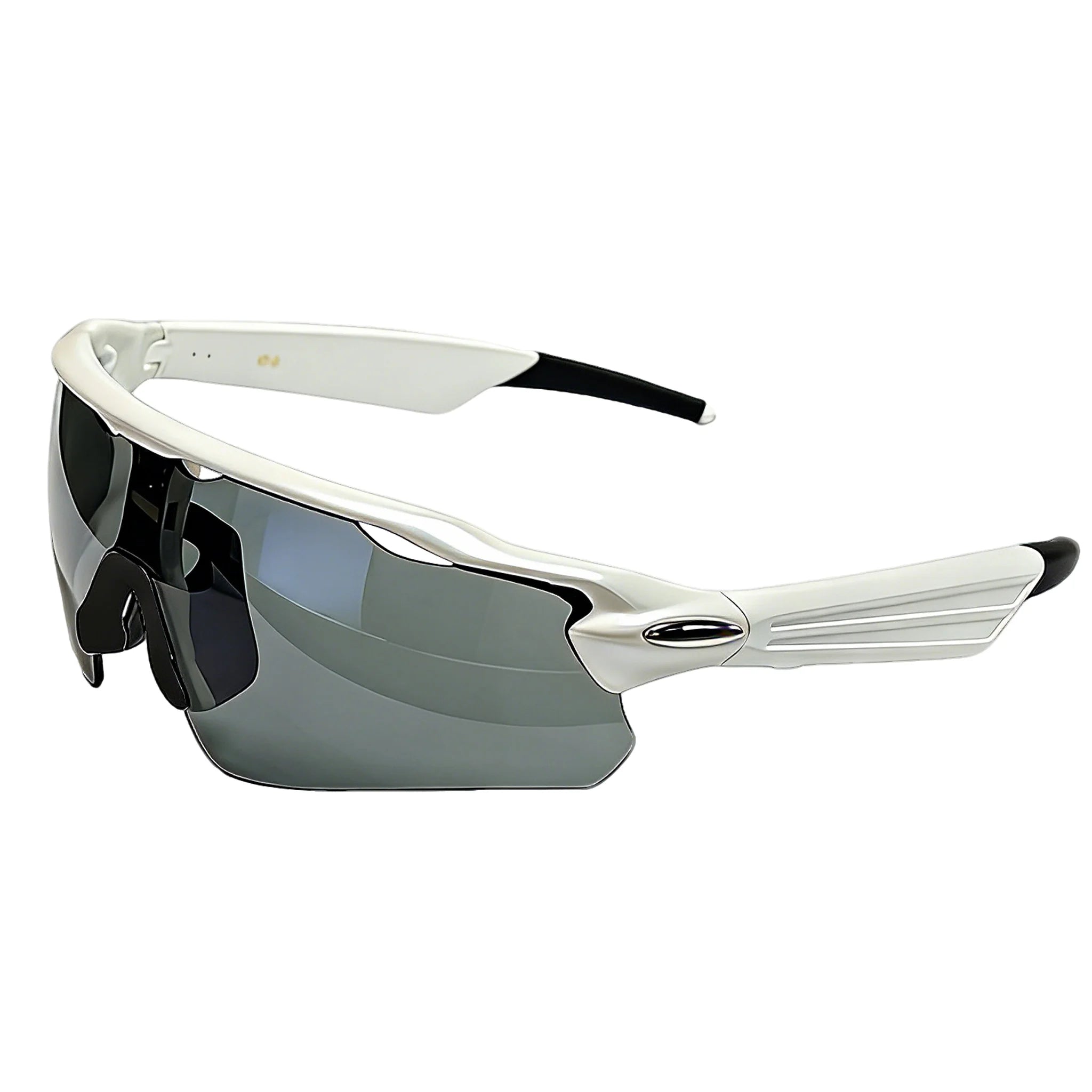
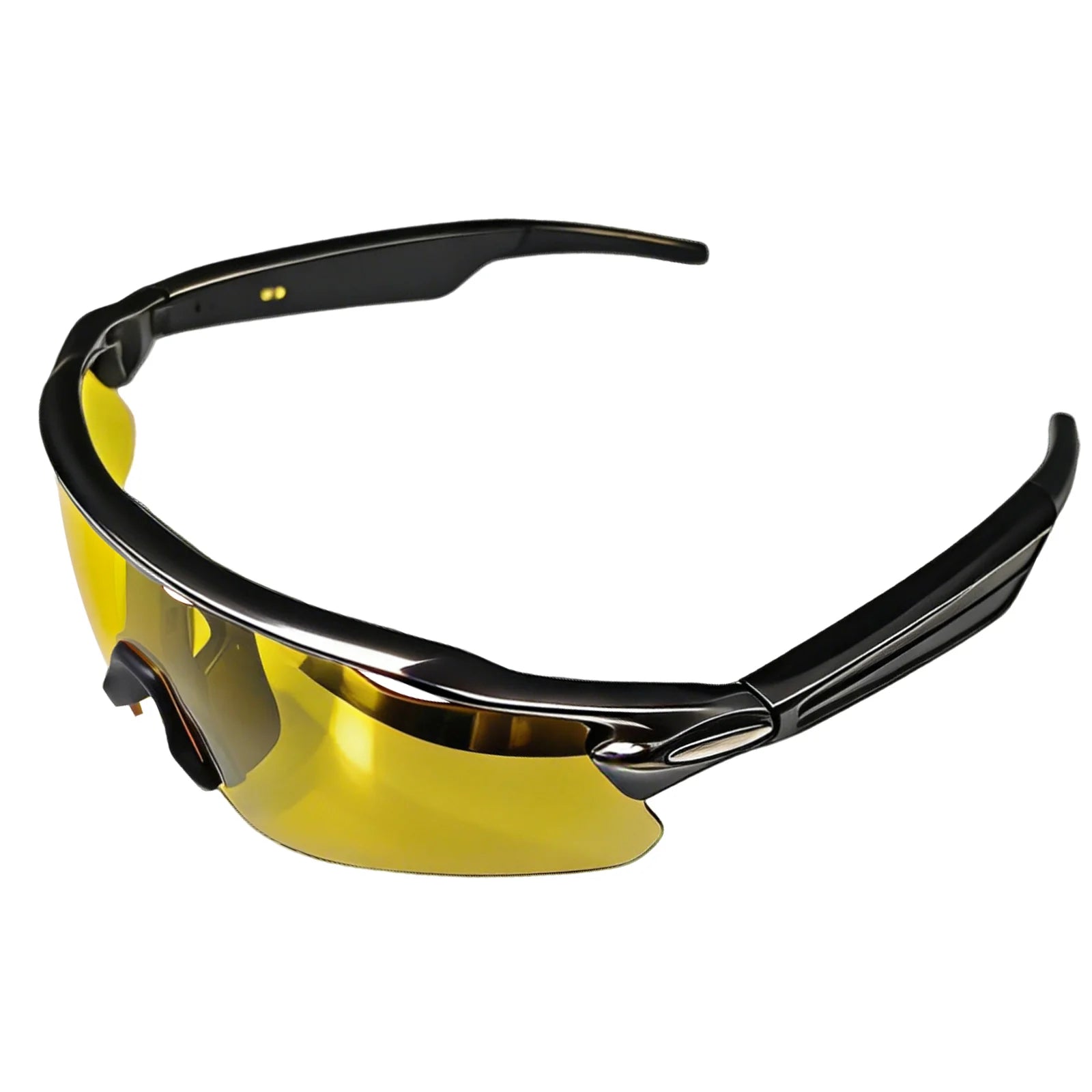
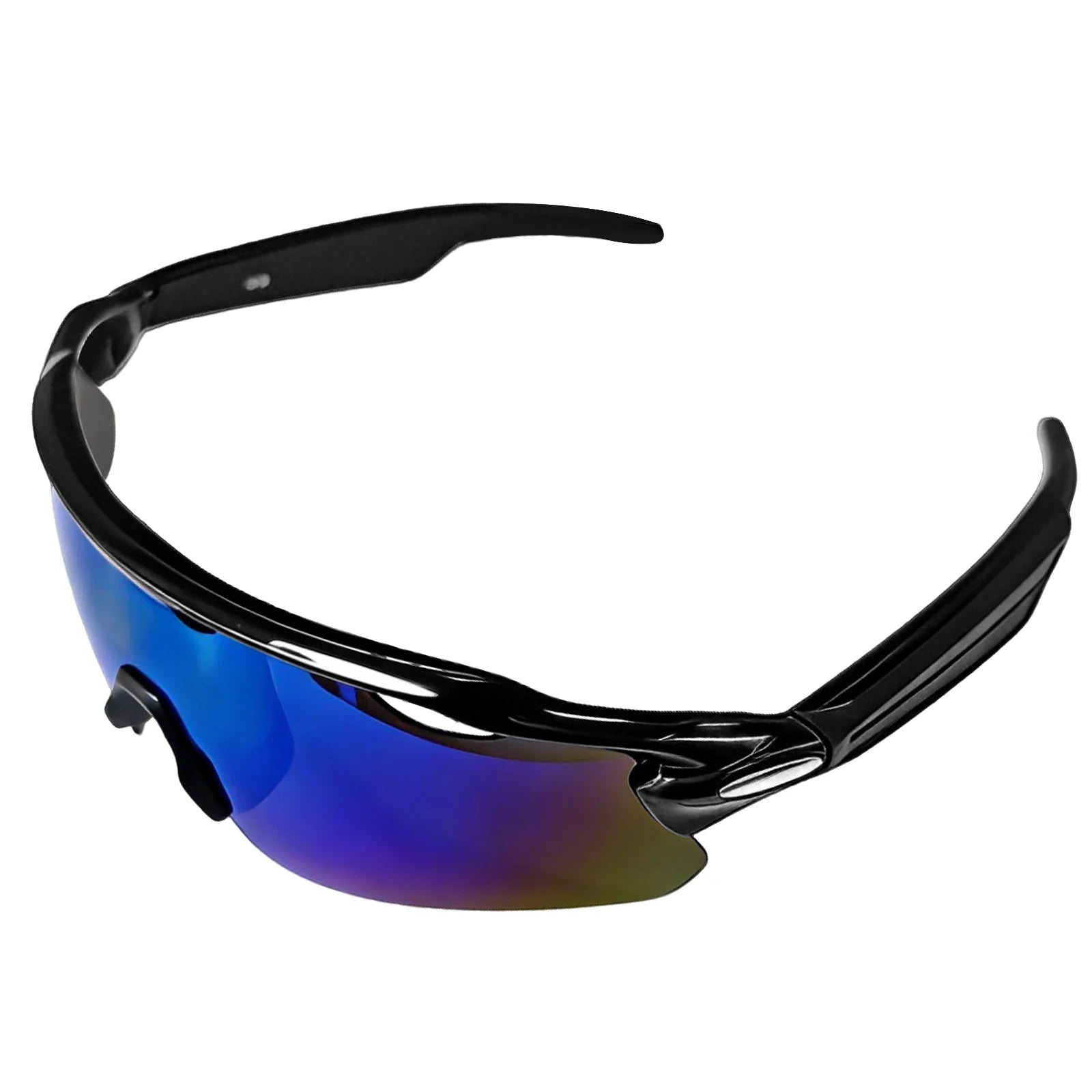
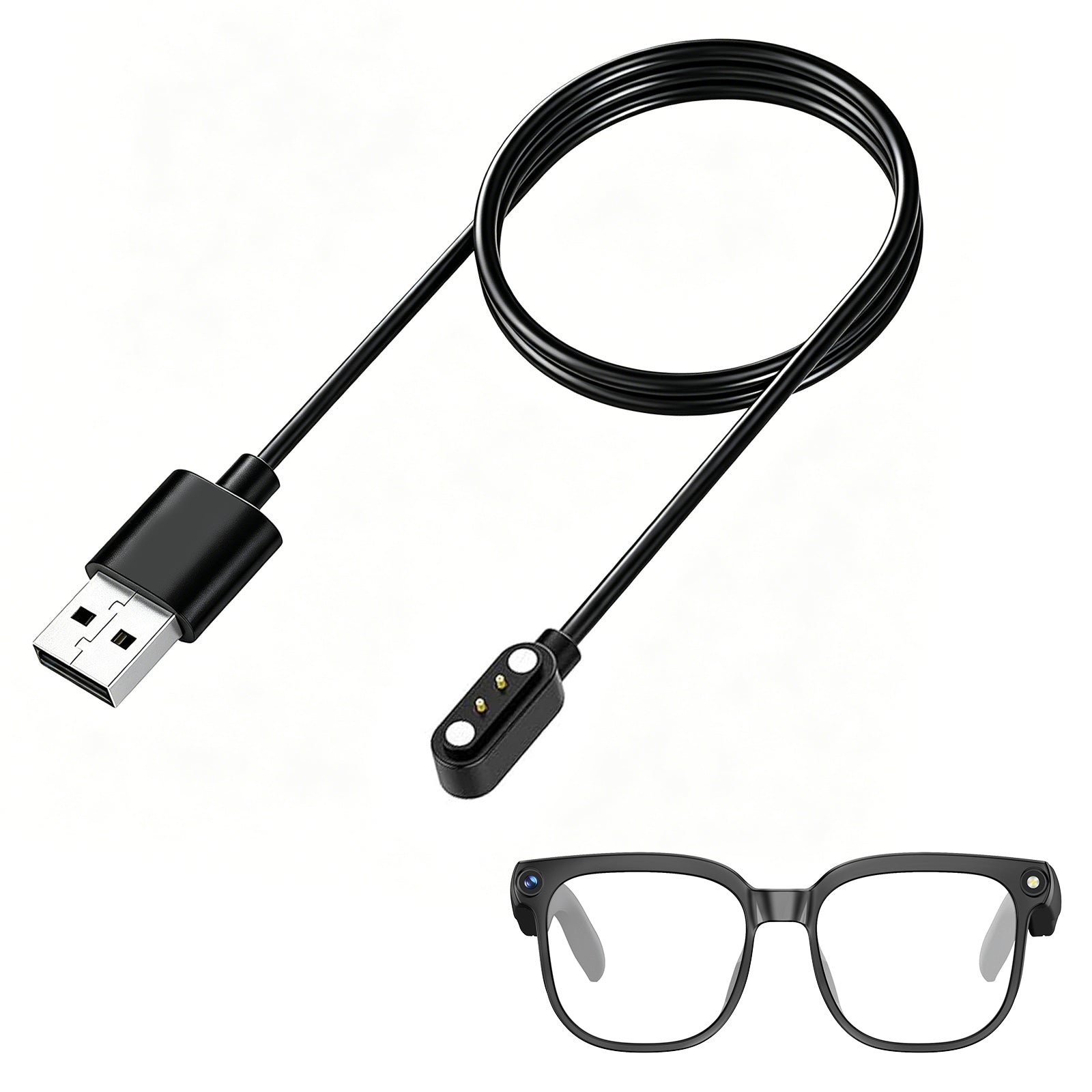
Product Spotlight: GP04 Running & Cycling Video Glasses
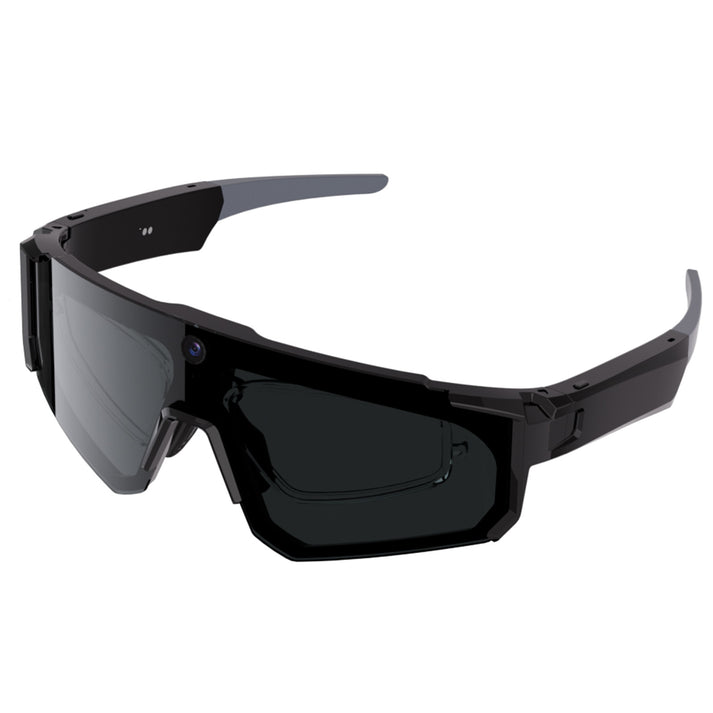
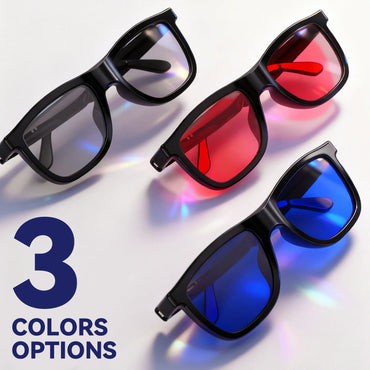
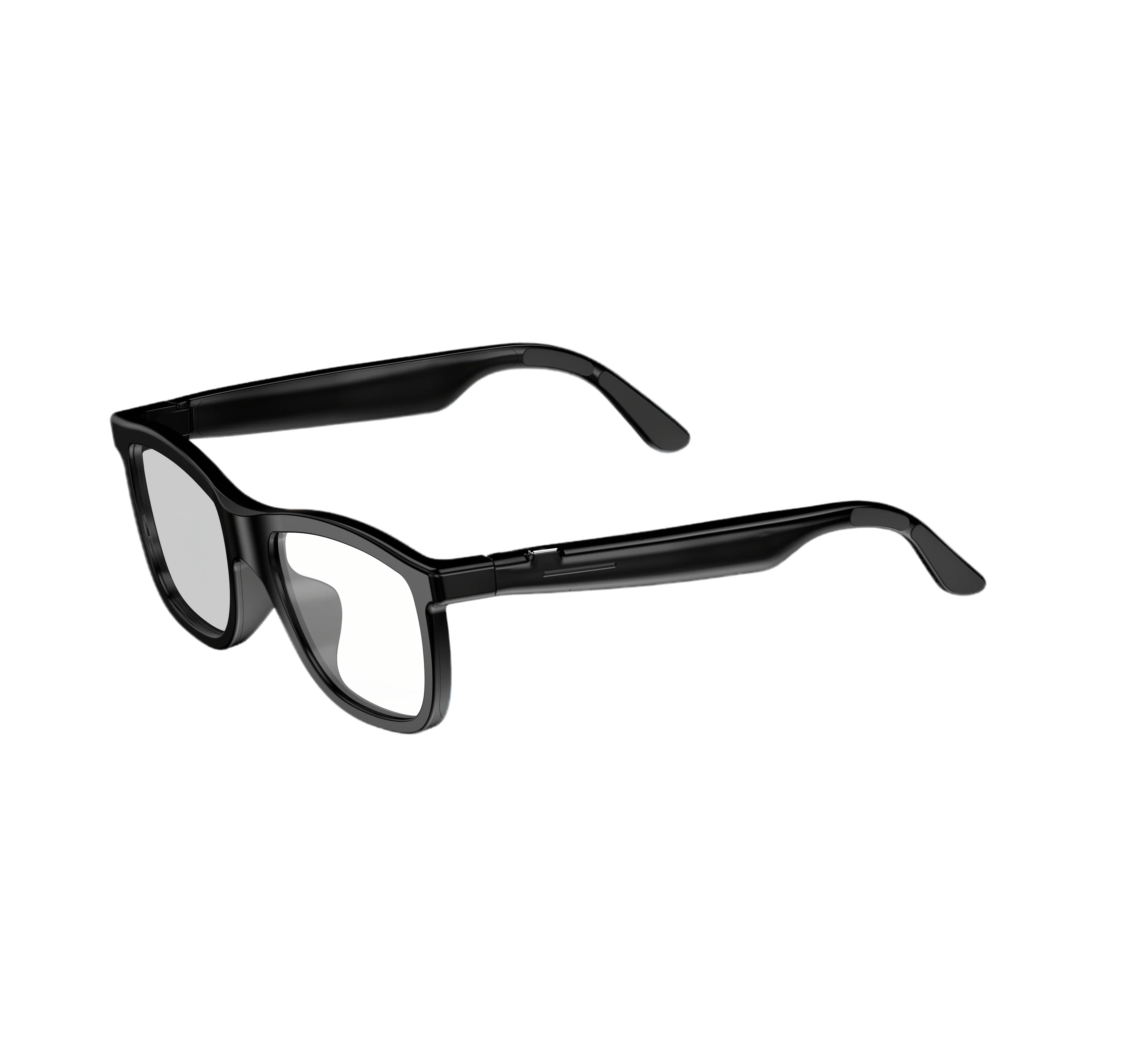
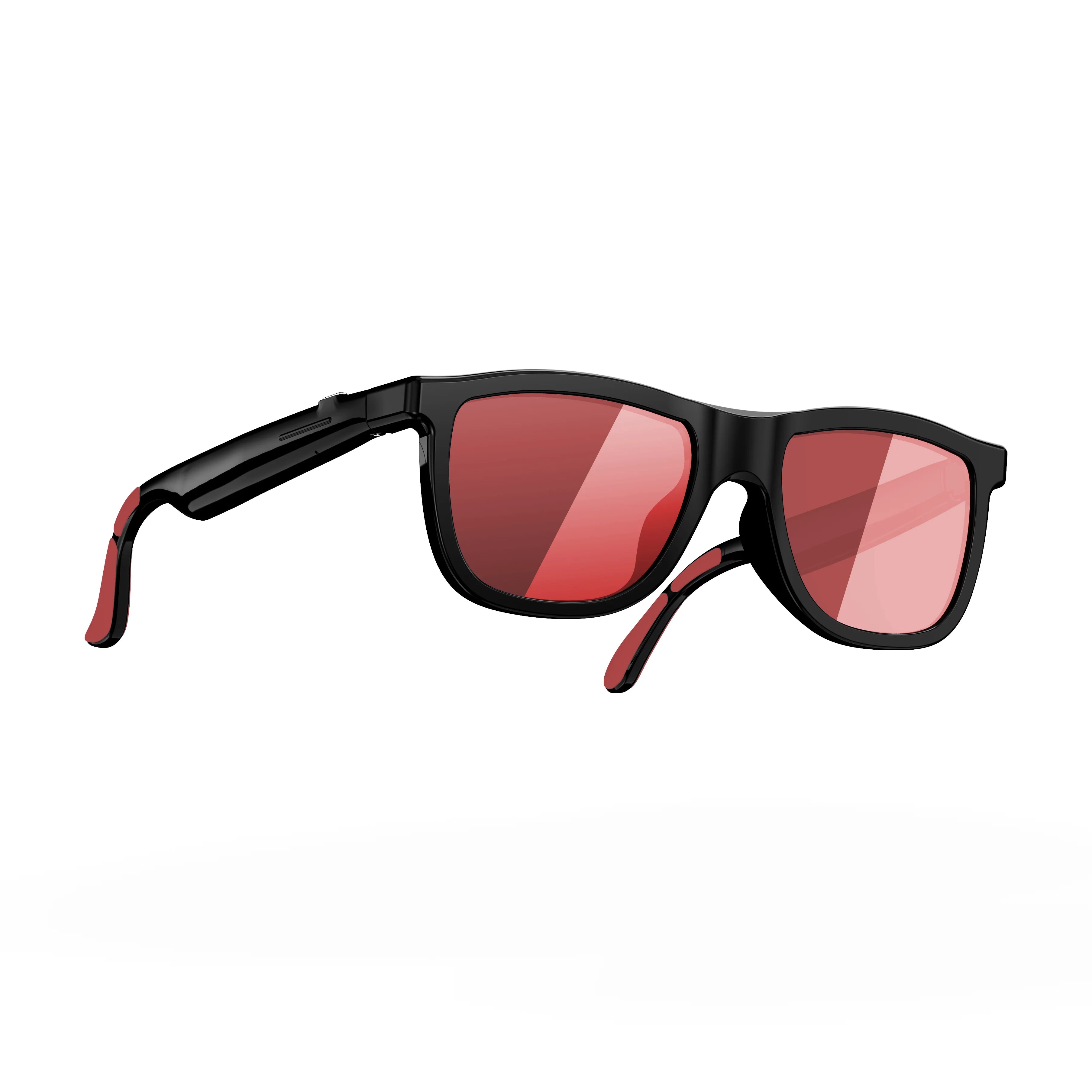
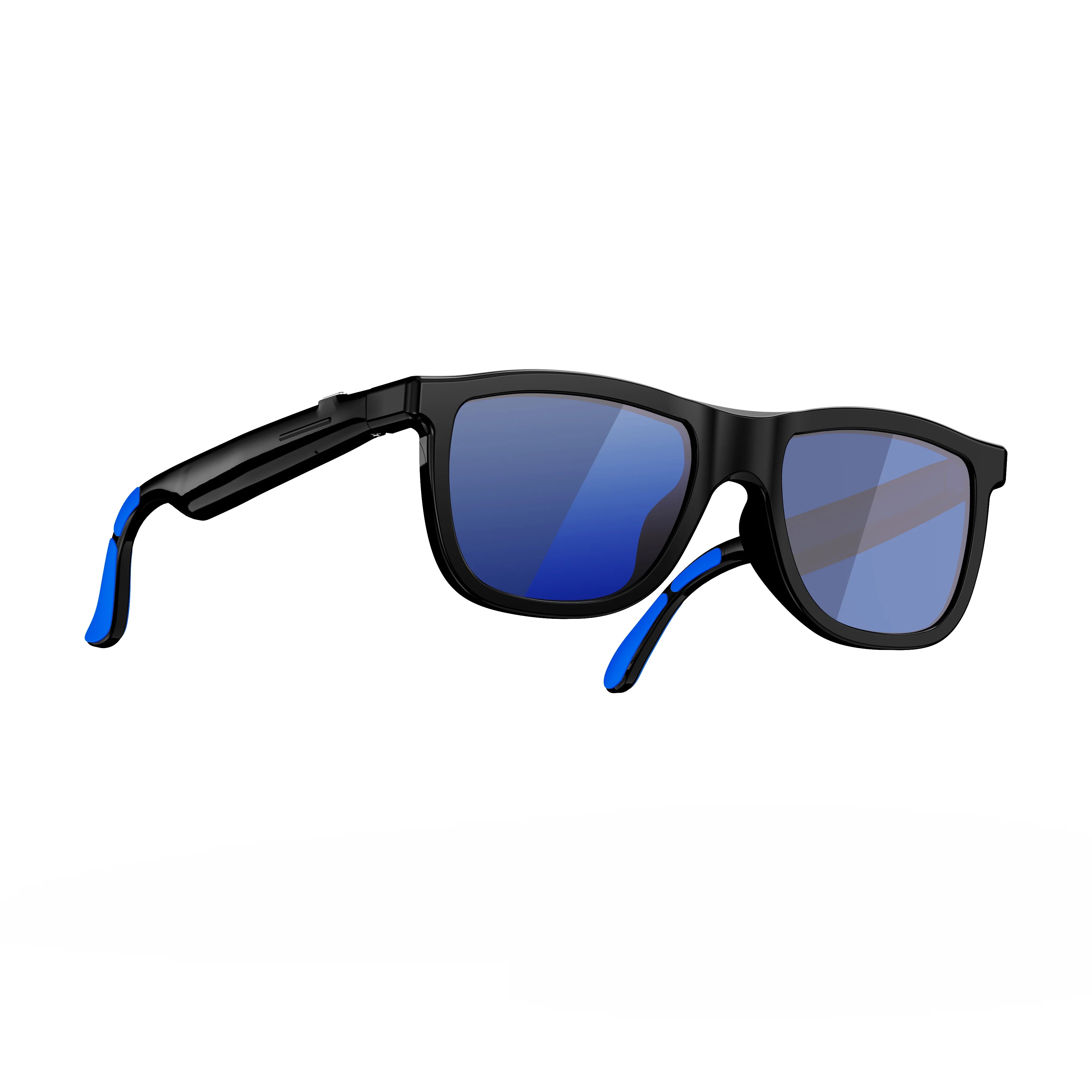
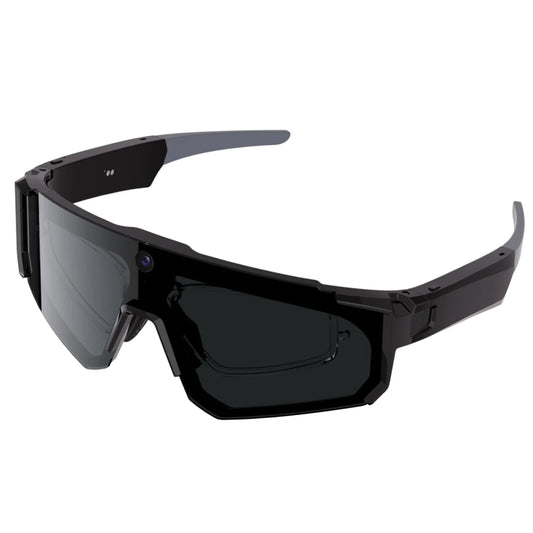
【Designed for Running & Active Sports】 Built as lightweight running sunglasses for men and women, these smart glasses are ideal for running, cycling, hiking, and workouts. Flexible, bendable temple arms with silicone anti-slip tips provide a secure fit that stays in place during movement.
【Hands-Free 8MP Camera Glasses】 Capture photos and videos from your natural point of view with an integrated 8MP HD camera. These camera glasses are perfect for sports recording, travel, daily activities, and first-person moments—no phone or handheld camera needed. They sync directly with your iPhone's camera roll for instant sharing.
【6-Axis Stabilization for Smoother Video】 Equipped with a 6-axis stabilization sensor, these running glasses help reduce motion shake when you’re moving. Ideal for fast-paced activities like running or outdoor sports where steady footage matters.
【Open-Ear Audio & AI Voice Control】 The open-ear audio design allows you to listen to music, take calls, and use voice commands while staying aware of your surroundings. Built-in AI voice assistant enables hands-free interaction for work, travel, and everyday use.
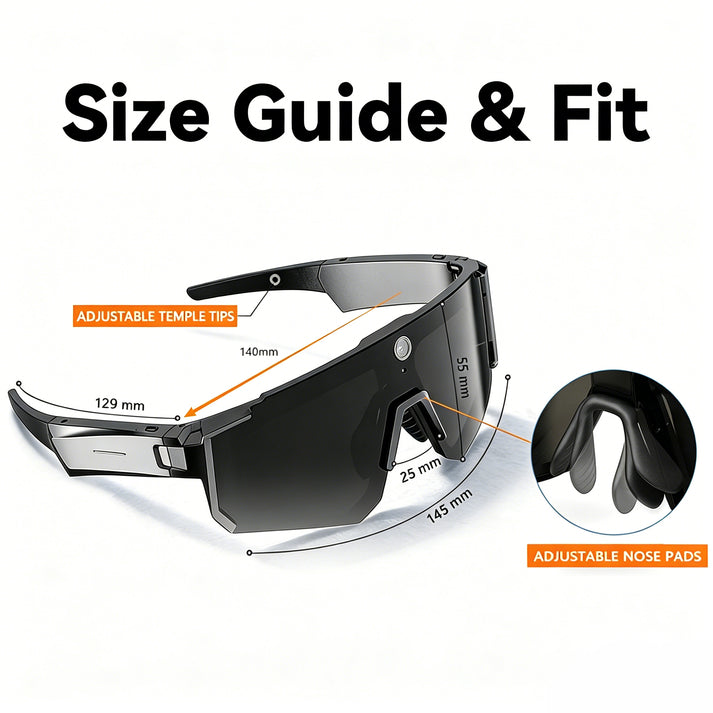
【Comfort Fit with Interchangeable Lenses】 Designed for long wear, these sunglasses feature adjustable nose pads and a lightweight frame. Interchangeable high-clarity lenses adapt to different activities, and the included RX inner frame supports prescription lens users.
The Future: Apple's Impending Entry into Smart Glasses
When analyzing the future of smart glasses technology, we cannot ignore the elephant in the room: Apple is currently developing its own first-party smart glasses, heavily rumored for a late 2026 or early 2027 release. Industry analysts project that Apple's hardware will bypass all current iOS limitations by integrating directly with Apple Intelligence and Siri at a root level.
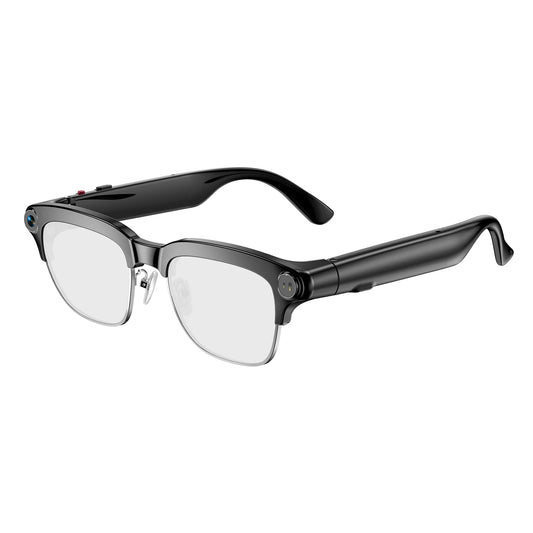
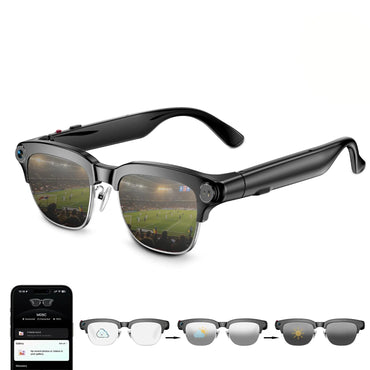
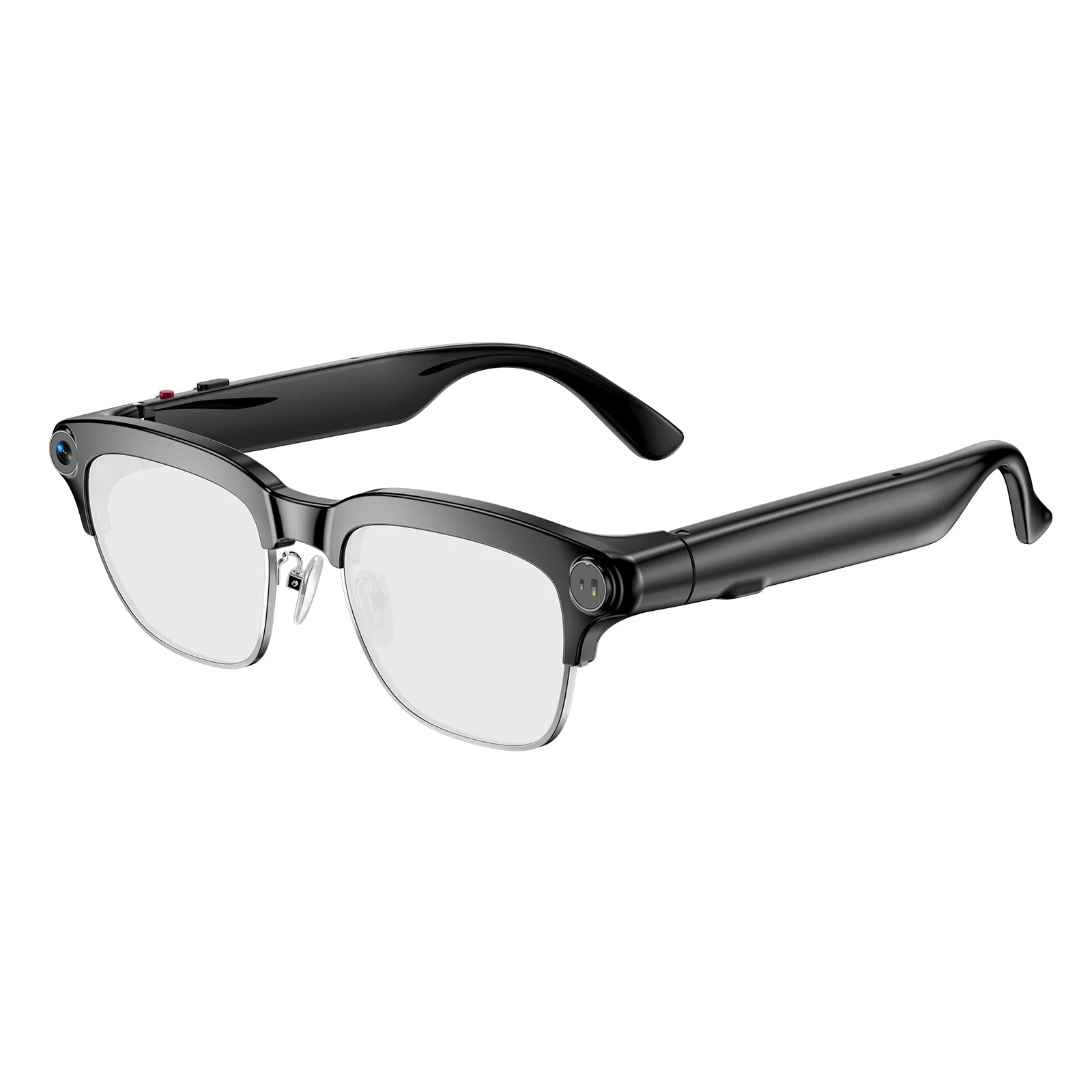
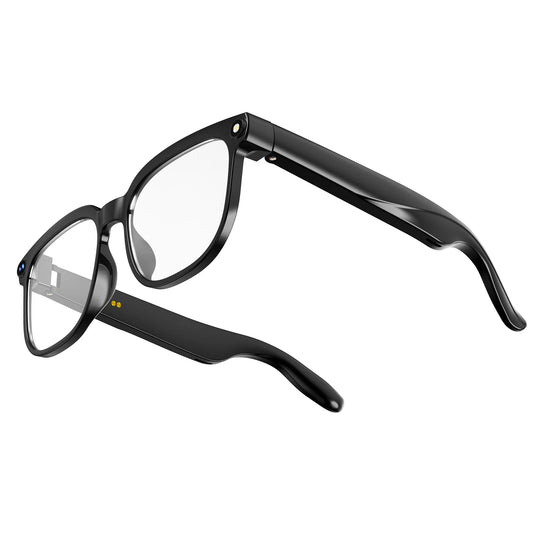
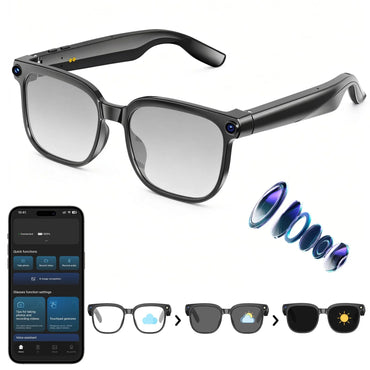
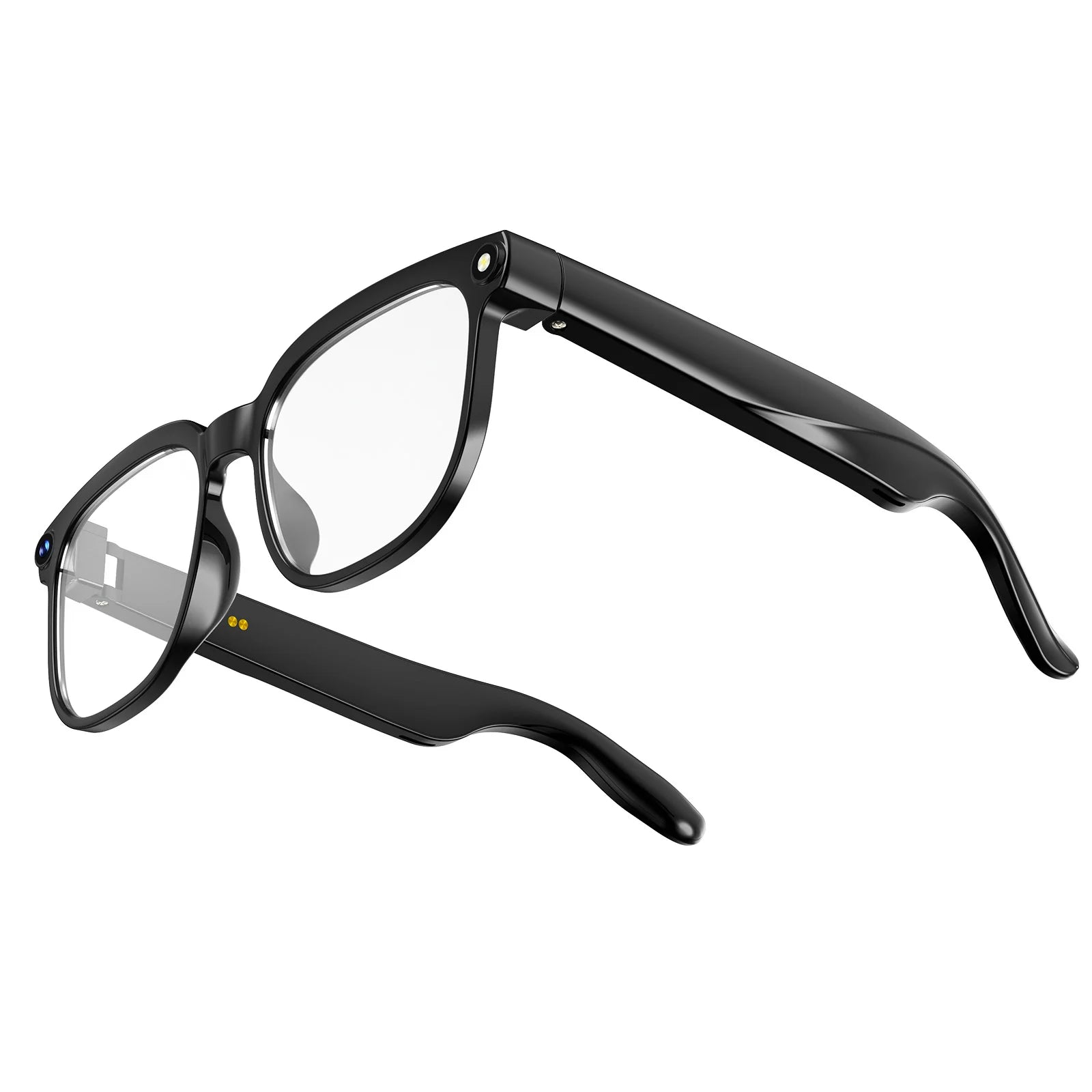
However, we recommend that consumers do not wait simply based on rumors. The current generation of third-party smart glasses provides exceptional value today. Models like our GG06 electrochromic smart glasses offer advanced indoor-to-outdoor lens transitions and premium audio that integrate wonderfully with iOS via companion apps right now. By the time Apple releases their first generation—likely at a massive premium price point—you will have already enjoyed years of hands-free, augmented convenience with current market leaders.
Frequently Asked Questions (FAQs)
Expert References
To ensure technical accuracy regarding iOS integration and upcoming hardware timelines, our engineering team references the following authoritative tech publications:
- AppleInsider: Smart glasses race heats up as Apple prepares late-2026 entry. A comprehensive look at how Apple plans to integrate future wearables with the iOS ecosystem. Read the report here.
- Even Realities: What Do Smart Glasses Do? Features, Uses & Limitations. An objective breakdown of the exact capabilities and hardware constraints of modern intelligent eyewear across both iOS and Android platforms. Read the analysis here.


