



















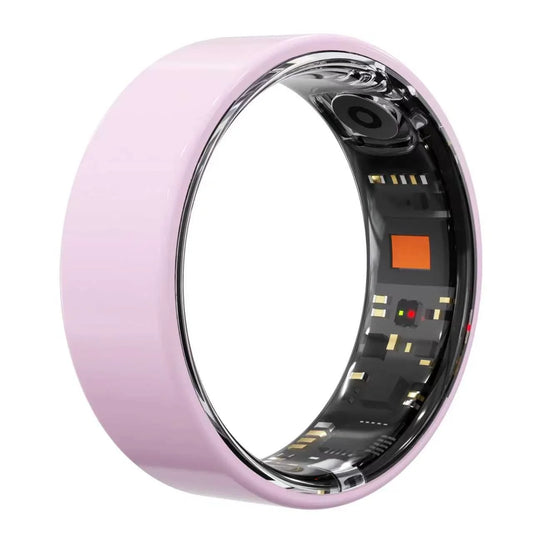
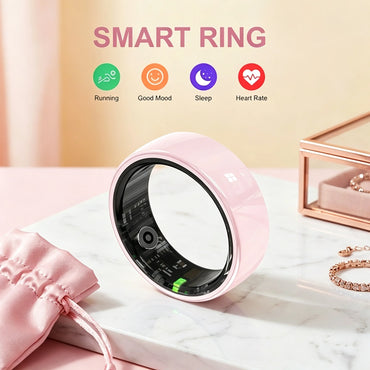







Smart rings are the next frontier of wearable technology — compact, discreet, and packed with health-tracking power. But there's one mistake almost every first-time buyer makes: guessing their Osawalla smart ring size. Unlike a watch band you can loosen or tighten, a ring needs to fit exactly right. Too loose, and the sensors lose contact with your skin. Too tight, and you'll hate wearing it by day two. That's why Osawalla built the osaring sizer — a free tool inside the Da rings app that lets you test your exact size in under 60 seconds, before you ever place an order.
At a Glance: Free sizing tool · Under 60 seconds · iOS & Android · Prevents inaccurate readings · No returns for the wrong size.
 Why Ring Sizing Makes or Breaks Your Experience
A smart ring is fundamentally different from a regular ring. It doesn't just sit there — it works. The sensors on the inner band need constant, gentle contact with your skin to deliver accurate readings for heart rate, blood oxygen, HRV, and sleep stages. If the ring rotates, slides, or pinches, you lose both data accuracy and comfort. Get the size wrong and you don't just waste money on a device you won't wear — you undermine the very reason you bought a health ring in the first place.
Here's the part most buyers miss: ring size is not the same as your usual jewelry size, and it's rarely the same on different fingers. A size that feels fine for a fashion ring can be a disaster for a sensor-packed health ring. That's why eyeballing it — or assuming your regular ring size carries over — is a gamble you don't want to take Forgot you're wearing it
Easy on, easy off
The difference between "too tight" and "perfect" is often less than a millimeter. OsaRing Sizer exists to take that guesswork off the table.
| Fit State | What Happens | Why It Hurts |
|---|---|---|
| Too Loose | Sensors lose skin contact · Ring spins on finger · Higher risk of losing it | Inaccurate health readings |
| Too Tight | Uncomfortable all-day · Skin irritation over time · Hard to remove for charging · Poor sleep tracking | Can't wear it continuously |
| Perfect Fit | Consistent sensor contact · Accurate 24/7 data · Forget you're wearing it · Easy on, easy off | Best experience — accurate & comfortable |
2. How OsaRing Sizer Works
Finding your size takes about a minute, and you only need your phone:
Download the OwRing app from the App Store or Google Play — it's free and available on both iOS and Android.
Open OsaRing Sizer from the app's home screen. You'll see an on-screen ring sizing guide.
Place your finger on the guide and follow the alignment instructions. The app uses your phone's camera or an on-screen reference to measure your ring size.
Get your size instantly — the app recommends the perfect Osawalla ring size for each finger you plan to wear it on.
Test the fit by wearing the recommended size for a few minutes. It should feel snug but not tight, with no pinching when you make a fist.
osaring sizer on-screen ring sizing guide shown inside the OwRing app
A quick tip: measure at the end of the day, when fingers are at their largest, and keep your hand warm. Cold fingers shrink, and sizing then leads to a ring that's too tight by midday. If you're between two sizes, go with the larger one and confirm with the in-app fit test.
3. What You Get With the Right Size — Inside the Osawalla Smart Ring
Once you've found your perfect fit with osaring sizer, here's everything your Osawalla smart ring can do:
3.1 Comprehensive Health & Fitness Tracking
Multiple sensors track heart rate, blood oxygen (SpO₂), HRV, and sleep status with clinical-grade accuracy. The CDC's guide to measuring heart rate explains why consistent resting-heart-rate data is one of the most useful signals for tracking fitness and recovery — and a correct fit is what makes that data trustworthy day after day.
3.2 Sleep Tracking You Can Trust
Built-in sensors capture full sleep cycles and even short naps. The OwRing app displays sleep metrics, heart rate trends, and SpO₂ trends with dedicated day and night viewing modes, so you can review your data in the most comfortable way. Per the Sleep Foundation's guide to heart rate variability, overnight HRV is a leading indicator of recovery — and it's only reliable when the ring stays put on your finger all night.
3.3 Core Difference: Social Health Data Sharing
What truly sets Osawalla apart is selective, secure health data sharing through exclusive social features on the OwRing app. Share sleep and fitness metrics with family members for remote wellness tracking. Join fitness challenges and build accountability with people you care about. For the full picture, see our Osawalla vs ordinary smart ring comparison.
3.4 Comfortable, Unisex & Waterproof Design
Crafted from stainless steel and weighing just 3.6 grams, this ring is designed for every hand. The unisex profile disappears on your finger, and with 5 ATM waterproofing, you never need to take it off — shower, swim, sweat, repeat.
3.5 Long Battery Life & Hassle-Free Charging
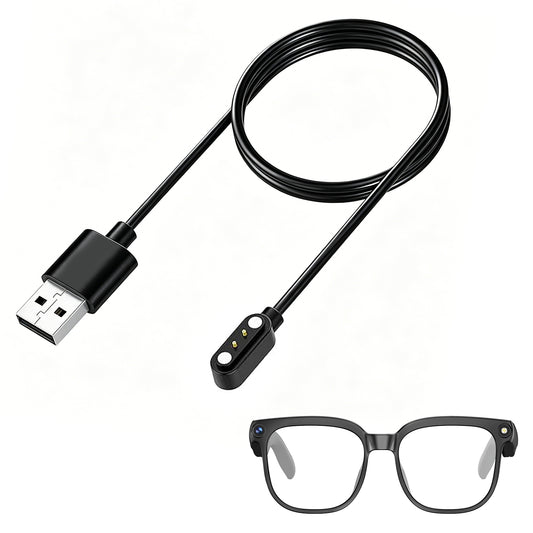
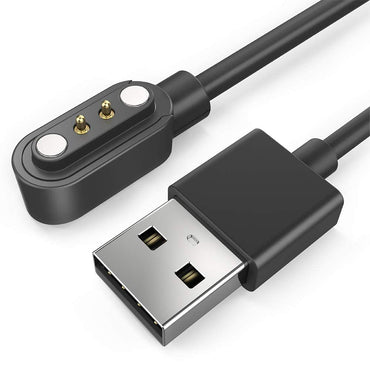
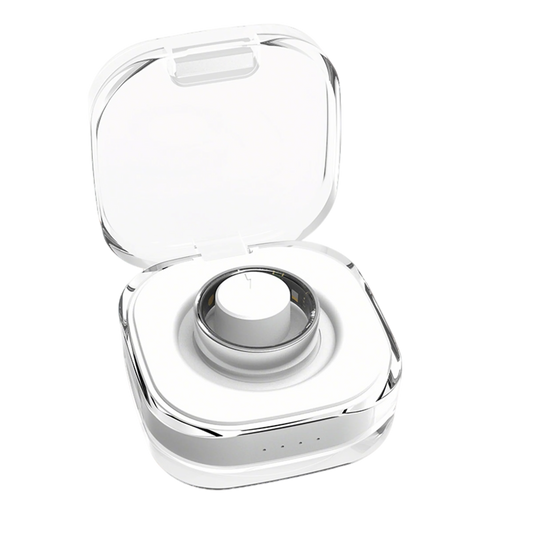
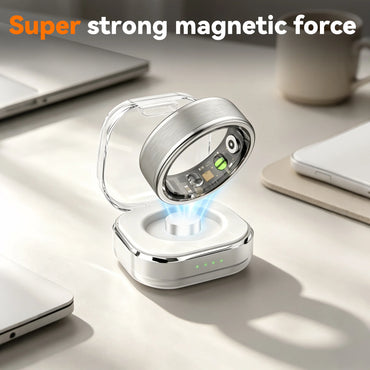
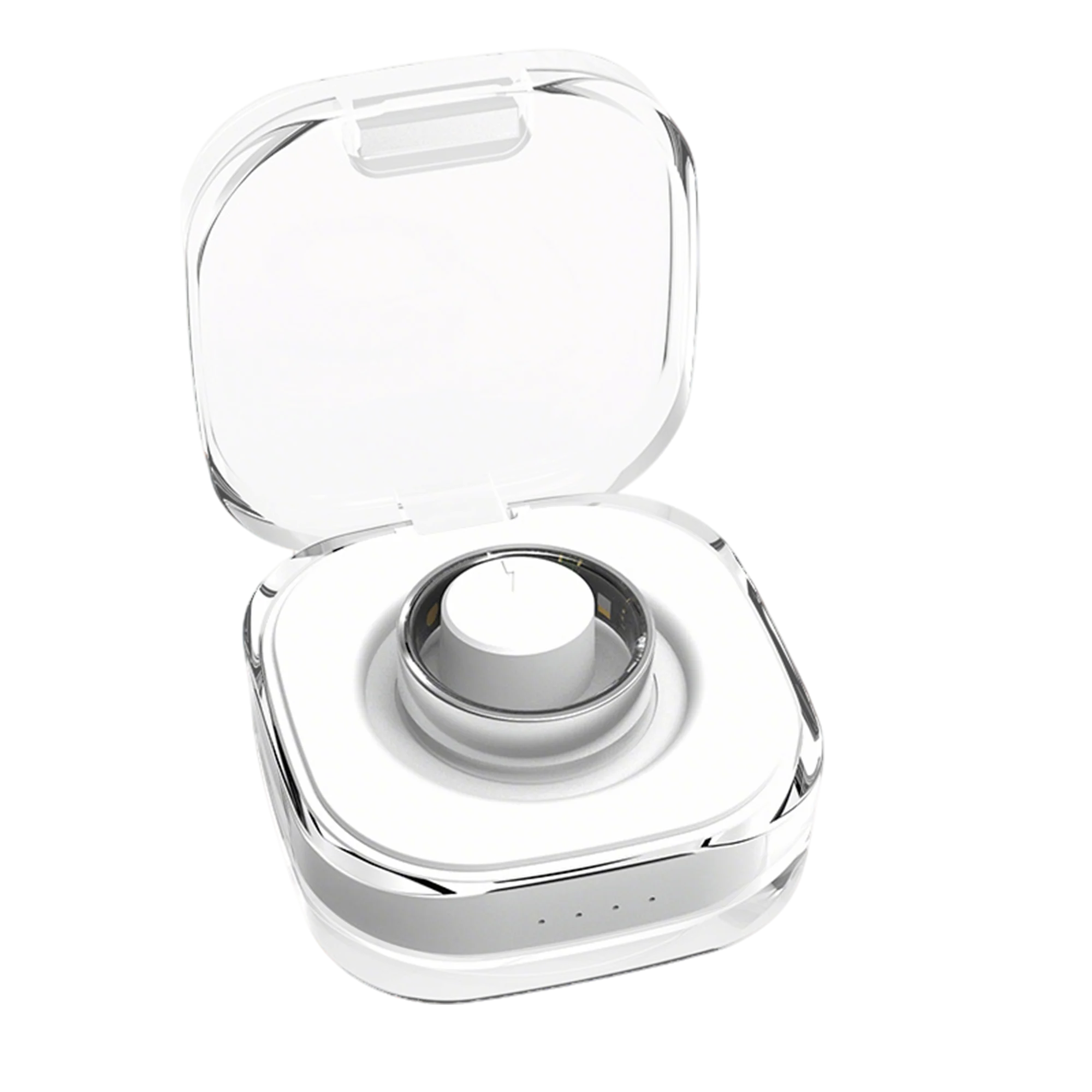
One charge lasts 5 to 7 days. When it's time to power up, the magnetic charging dock snaps into place in a second — no cables, no alignment struggles. Continuous health tracking, uninterrupted. This only works smoothly if the ring comes off easily for charging, which is another reason the right size matters.
3.6 Cross-Platform Compatibility
Compatible with both iOS and Android. Fast pairing syncs all your health and fitness data to the OwRing app within seconds, giving you seamless cross-device access whether you switch phones or share data with your doctor.
3.7 How to Share Health Data with Others
Open the OwRing app, navigate to the social sharing panel, and select which metrics you want to share. You control what data is visible and to whom. Set up family wellness tracking in under a minute and stay connected through shared fitness challenges. The point of a perfect fit isn't just comfort — it's that you'll actually keep wearing the ring long enough to build shared streaks with the people who matter.
Osawalla smart ring in stainless steel worn on a finger, showing the 3.6g ultralight unisex fit
4. FAQ — Osawalla Ring Sizing Questions
Is the OsaRing Sizer free?
Yes. OsaRing Sizer is a free feature inside the QRing app — there's no separate purchase and no subscription required to find your size. You only need a phone with a camera.
How do I find my Osawalla smart ring size?
Download the free OwRing app, open OsaRing Sizer from the home screen, place your finger on the on-screen guide, and follow the alignment steps. You'll get a recommended size for each finger in under a minute. For the most accurate result, measure at the end of the day and keep your hand warm.
Can I use OsaRing Sizer on Android?
Yes. OsaRing Sizer works on both iOS and Android through the OwRing app, available on the App Store and Google Play.
What if my size is between two sizes?
Go with the larger size if your finger measures between two, then confirm with the in-app fit test — snug but not tight, no pinching when you make a fist. A slightly looser ring that still maintains sensor contact beats one that cuts off circulation or becomes uncomfortable by bedtime.
Ready to Find Your Size?
Don't guess. Use the free OsaRing Sizer in the OwRing app to lock in your perfect fit before you order — then explore the Osawalla smart ring collection or jump straight to the Osawalla Signature Pro Smart Ring product page.
About the Author
Osawalla Team is the editorial group behind the Osawalla Health Insights blog. With years of combined experience reviewing consumer health wearables, they write to help readers cut through marketing claims and pick devices that genuinely improve daily life.
| Capability | Osawalla Smart Ring (OwRing) | Ordinary Smart Ring |
|---|---|---|
| Social sharing & fitness challenges | Built-in | Usually none |
| 24/7 heart rate, SpO₂ & HRV | Yes | Varies |
| Sleep cycles + naps | Full cycles, scored | Some track only at night |
| Weight | 3.6 g stainless steel | 4–6 g typical |
| Water resistance | 5 ATM (showers, hand-wash) | 1–3 ATM typical |
| Battery life | 5–7 days, magnetic charge | 3–7 days |
| Phone compatibility | iPhone & Android | Varies |
| Remote wellness tracking for family | Yes | Rare |


