



















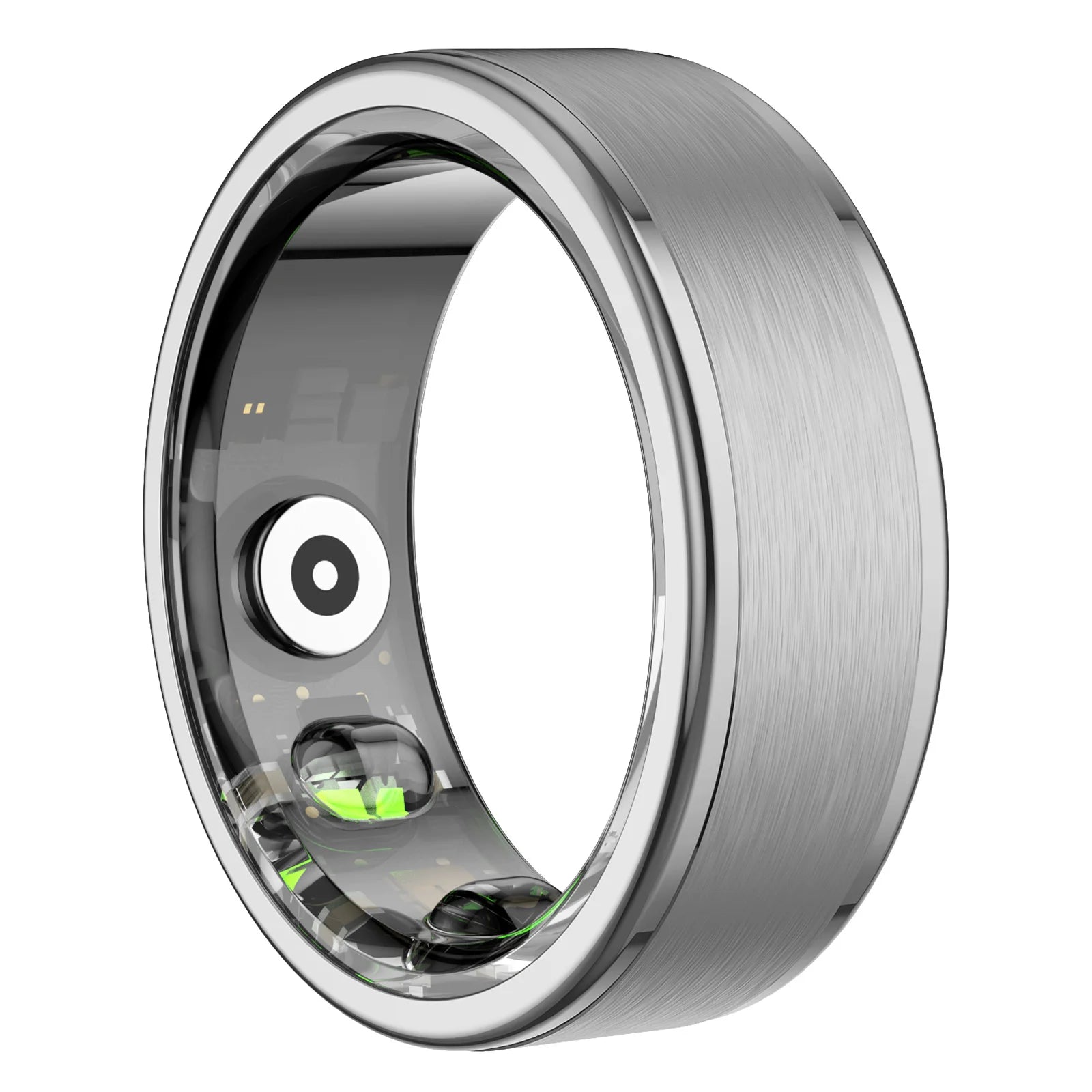
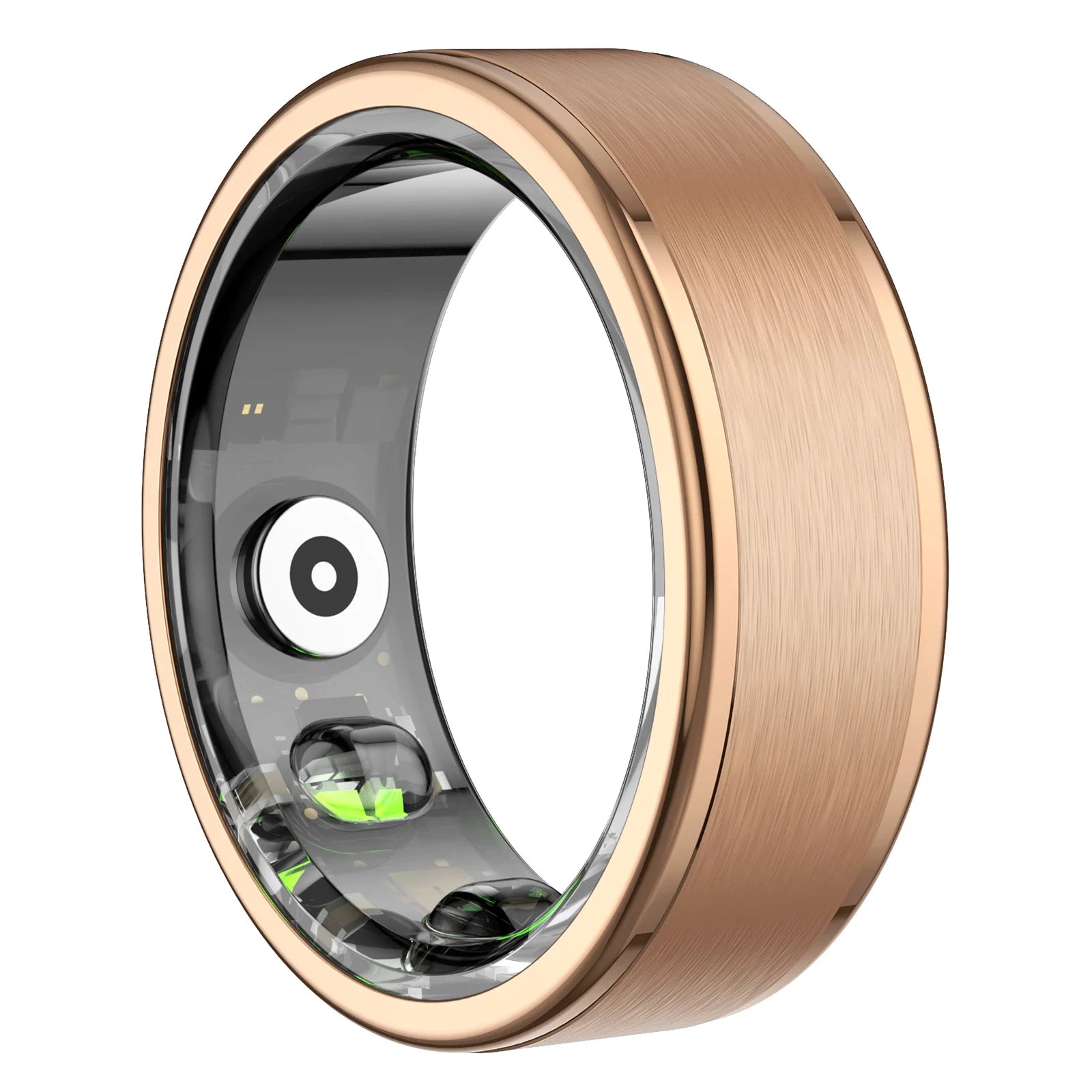







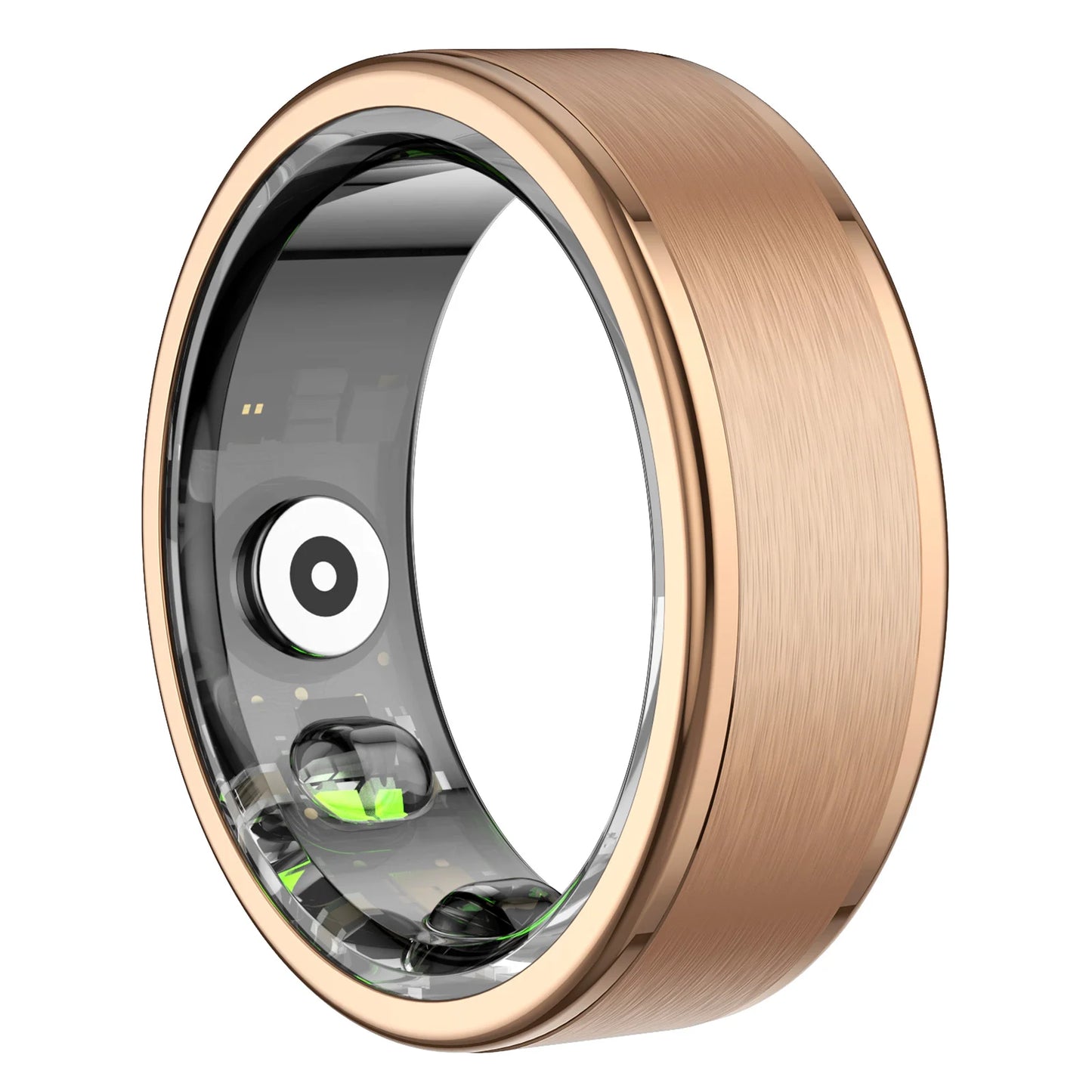
RP01 Smart Ring
SKU:RP01-B-7
Abholverfügbarkeit konnte nicht geladen werden


【Core Difference from Other Health Rings】This smart ring supports selective, secure health data sharing via exclusive social features on QRing APP.
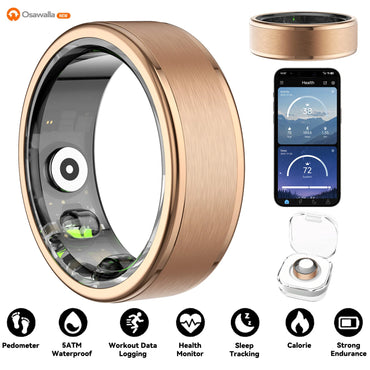
【Comprehensive Health & Fitness Tracking Capabilities】This health ring with multiple sensors accurately tracks sleep and fitness metrics: heart rate, blood oxygen, HRV and sleep status.
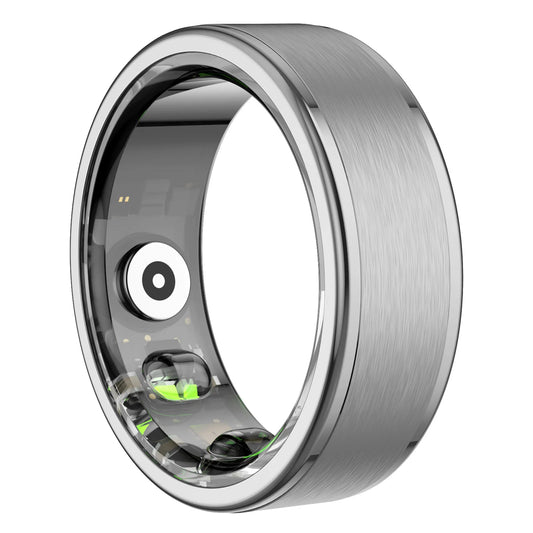
【Comfortable, Unisex & Waterproof Design】Made of stainless steel, this 3.6g unisex fitness ring delivers all-day comfort. 5ATM waterproof for daily use.
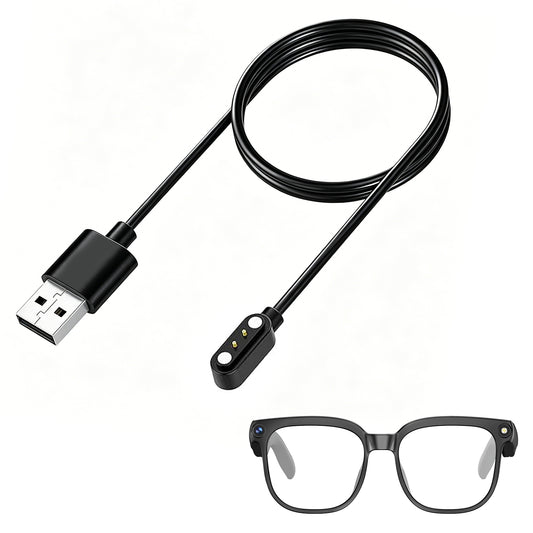
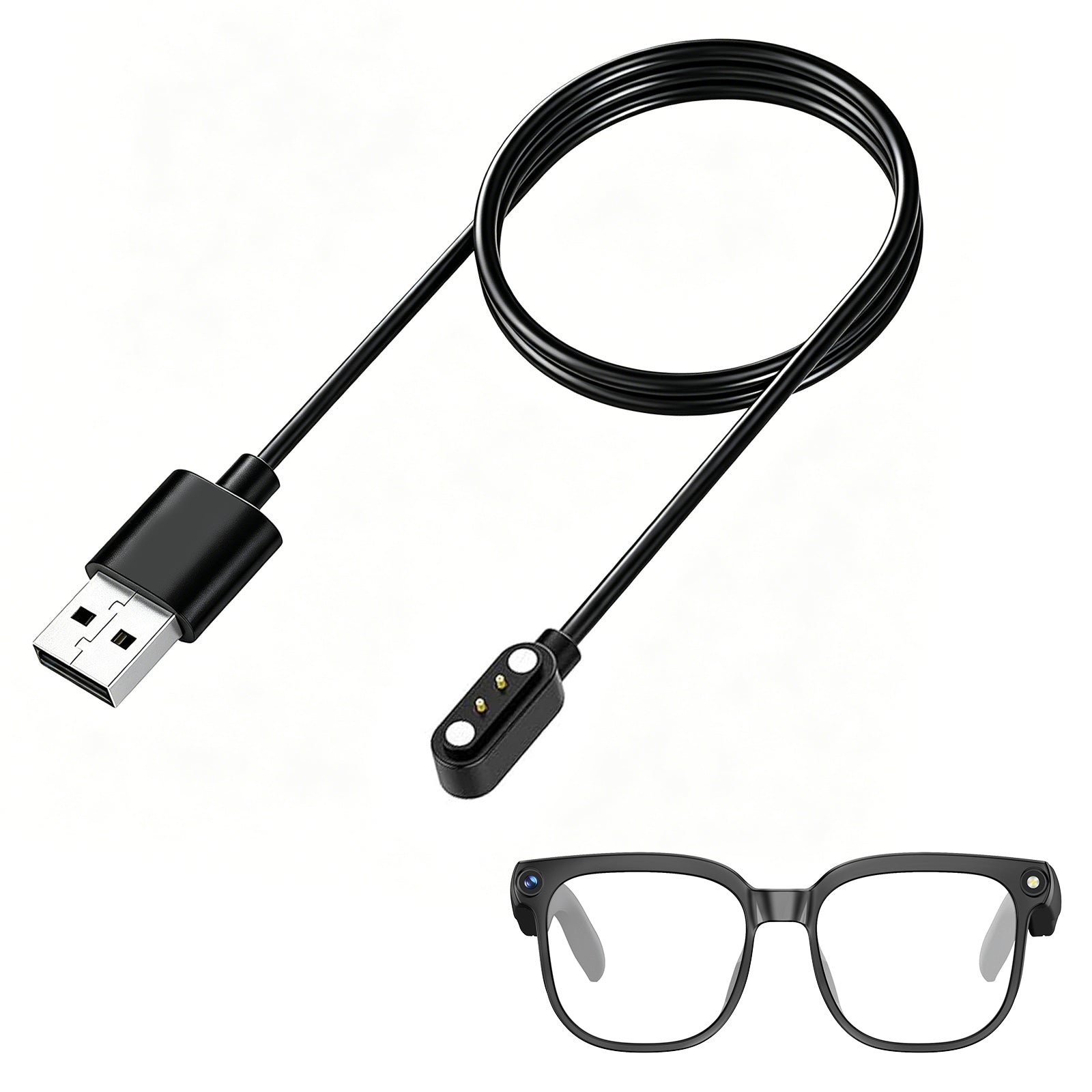
【Long Battery Life & Hassle-Free Charging】This smart ring lasts 5–7 days per charge with convenient magnetic charging for continuous health tracking.
【How to Share Health Data with Others】Share sleep & fitness data on QRing APP. Join fitness challenges and share health metrics with family for remote wellness tracking.
【Sleep Tracking Capabilities】Built-in sensors capture full sleep cycles and naps. QRing APP displays sleep metrics, heart rate & SpO2 trends with day/night viewing modes.
【Cross-Platform Compatibility】Compatible with iOS and Android. Fast pairing syncs all health & fitness data to QRing APP for cross-device access.
- Free Shipping
- 30-day easy return
- 1-Year Warranty




Frequently Asked Questions
After downloading QRing, the ring's Bluetooth information cannot be found.
The ring is powered off by default. After unpacking, it needs to be activated by charging for the first use. During activation, the charging indicator light on the ring will turn red, indicating that the ring is powered on. For first use, please charge for more than 1 hour until the charging indicator light on the ring turns green.
Why does the QRing ring always show "disconnected" when I turn it on?
This is because some phone systems, in order to save system resources, will close QRing rings in the background if the user hasn't set background protection. Therefore, please refer to the background protection guide and enable QRing's background protection function. If you have already enabled QRing and it still shows "disconnected," the ring may be shut down due to low battery. Please charge it and then reconnect.
Why can't my ring charge?
1. Cleaning with Tools
Cotton Swabs: Cotton swabs are a very convenient cleaning tool for cleaning dust from the charging port. Simply rotate the swab gently to clean the surface dust.
Toothpicks: If there is a lot of dust around the charging port, you can use toothpicks to clean it. However, please be careful not to use toothpicks that are too thick to avoid damaging the charging port.
2. Cleaning Agents
If the dust on the charging port is stubborn, you can use some cleaning agents to clean it. However, please be careful to choose a mild cleaning agent to avoid damaging the ring. Also, pay attention to the amount and method of using the cleaning agent to avoid corroding or damaging the charging port.
3. Precautions
Be careful with the method and pressure when cleaning. Do not use overly rough methods to avoid damaging the charging port. If the charging port is damaged or cannot be cleaned, it is recommended to contact customer service for assistance.
How to charge the ring?
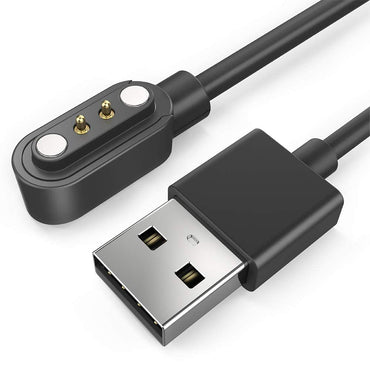
Use a compliant phone charger or computer USB port to connect the charging cable or charging case to charge the ring. While charging, a red light on the ring indicates it is charging, and a green light indicates it is fully charged.
Waking states may occur in the middle of sleep data.
Human sleep consists of various sleep states, including light sleep, deep sleep, and wakefulness. During wakefulness, most people are not fully conscious and may not be aware of their current state, causing a discrepancy between personal perception and the data recorded by the ring.
Will using my phone while lying down be detected as a sleep state?
Sleep detection uses sensors on the ring to detect bodily activity. If a user remains still in the same position for an extended period, it may be detected as a sleep state.
Why didn't the ring start counting steps when I started walking?
To reduce errors in step counting caused by frequent hand movements during daily activities such as typing and playing cards, the ring has an initial value of 10. Step counting will only begin when 10 consecutive steps are taken, and the real-time step count will only change on the QRing main interface.
How to manually connect and synchronize data?
Click the sync button in the upper right corner of the application to automatically synchronize the ring's current data.
Can I wear the ring while showering?
Yes, the ring is 5ATM waterproof. However, please avoid using the ring in complex water environments (such as hot springs or seawater). If the ring comes into contact with seawater, please rinse it with fresh water as soon as possible to prevent the salt in the seawater from corroding the metal material of the ring, which may cause poor contact at the charging port.
What is the ambient temperature for using the ring?
The normal ambient temperature for using the ring is -10~+45℃ (14~113℉). Prolonged storage or wearing outside the normal operating temperature range will affect the ring's lifespan and reliability, potentially affecting its normal use.
Unable to connect after the latest firmware upgrade?
After updating the firmware, the app will synchronize the device's historical data to the server, which takes approximately 3-5 seconds. You need to wait for the data synchronization to complete before connecting to the ring.
What is the correct orientation for wearing the ring?
For optimal performance and accuracy, it is recommended that you wear the ring on your non-dominant index finger. If you wear it on your middle or ring finger, the heart rate sensor should be positioned on the palm side, and the ring should fit comfortably against the skin at the base of the finger. When wearing the ring, please try to keep the inside of the ring dry to avoid prolonged immersion of the skin on the finger where the ring is worn, which could cause skin damage.
Will my historical data be lost if I lose my ring or uninstall and reinstall QRing?
If you uninstall and reinstall QRing, the data saved locally on QRing will be lost. After logging in, the ring's data will be synchronized and stored on the cloud server. Losing your ring or uninstalling and reinstalling QRing will not affect the cloud server data. You can log in to the same account again to download and view the historical data saved in the cloud.
How do I use the camera function?
Keep the ring and your phone connected via Bluetooth; Click the remote camera button in QRing; Gently shake your hand wearing the ring to take a picture. PS. For first-time use, you need to grant permission to access the system camera according to the QRing prompts.
Why can't the application display the health index?
The health index is derived from a comprehensive assessment of sleep, exercise, stress, heart rate, and blood oxygen data collected by the ring. Sleep data is the most basic data. If the wearing time is too short or there is no sleep data, a health index cannot be generated. We recommend that you continue wearing the ring to unlock your health index.


