























A medida que la tecnología wearable avanza rápidamente, una de las preguntas más frecuentes que recibimos de consumidores modernos y entusiastas de la tecnología se refiere al consumo de medios en movimiento. Específicamente, los usuarios quieren saber si es posible ver Netflix en gafas inteligentes. La respuesta corta es sí, pero la ejecución implica navegar por una compleja red de gestión de derechos digitales (DRM), protocolos de visualización y sincronización de audio. En esta guía completa, exploraremos las realidades técnicas, el hardware requerido y cómo optimizar su experiencia de cine móvil.

Según nuestra experiencia en el sector de la tecnología wearable, es crucial comprender la distinción entre las pantallas de realidad aumentada (RA) y los auriculares de audio inteligentes. Si bien algunos dispositivos están diseñados para proyectar pantallas virtuales masivas frente a sus ojos, otros están diseñados para ofrecer audio inmersivo y situacional mientras se ve una pantalla física. Ya sea que esté viajando, volando o simplemente relajándose en casa, detallaremos exactamente cómo ver Netflix con éxito en gafas inteligentes en 2026.
Tabla de contenidos
- 1. La realidad técnica: Cómo ver Netflix en gafas inteligentes
- 2. Comprensión del DRM y el cumplimiento de HDCP
- 3. Tipos de hardware para ver Netflix en gafas inteligentes
- 4. Optimización del entorno de audio y visual
- 5. Seguimiento de la salud durante la visualización prolongada
- 6. El futuro del consumo de medios wearables
- 7. Tabla resumen: Configuración para ver Netflix en gafas inteligentes
- 8. Preguntas frecuentes (FAQ)
- 9. Referencias autorizadas
1. La realidad técnica: Cómo ver Netflix en gafas inteligentes
Para ver Netflix en gafas inteligentes, el hardware debe establecer una conexión segura de alto ancho de banda entre el dispositivo fuente (su smartphone, tablet o laptop) y las propias lentes. El método más fiable actualmente disponible es una conexión directa por cable que utiliza el Modo Alterno de DisplayPort (DP Alt Mode) de USB-C. Este protocolo permite que un smartphone compatible emita señales de audio y video en bruto directamente a los proyectores micro-OLED o micro-LED incrustados en las gafas.
Cuando conecta un par de gafas inteligentes visuales a un dispositivo compatible con el Modo Alt de DP, las gafas actúan esencialmente como un monitor externo. Debido a que la conexión es por cable, la latencia es prácticamente inexistente, lo cual es vital cuando ve Netflix en gafas inteligentes para garantizar un diálogo y una acción perfectamente sincronizados. Las tecnologías de transmisión inalámbrica, como Miracast o Apple AirPlay, a veces son compatibles con concentradores adaptadores intermedios, pero recomendamos una conexión directa por cable siempre que sea posible para preservar la duración de la batería y eliminar los tartamudeos de la transmisión.
2. Comprensión del DRM y el cumplimiento de HDCP
El obstáculo más significativo que enfrentan los consumidores cuando intentan ver Netflix en gafas inteligentes es la Protección de Contenido Digital de Alto Ancho de Banda (HDCP). Gigantes del streaming como Netflix emplean estrictos protocolos de gestión de derechos digitales para evitar la piratería y la grabación no autorizada de pantallas. Si algún eslabón de la cadena de hardware (el teléfono, el cable, el adaptador o las propias gafas) no es compatible con los estándares HDCP requeridos, Netflix bloqueará la salida de video.
Según nuestra experiencia en la resolución de problemas de configuraciones de medios portátiles, una falla en el cumplimiento de HDCP generalmente resulta en un escenario frustrante: el usuario puede escuchar el audio y ver la interfaz de usuario de Netflix, pero la película o el programa de televisión real se muestra como una pantalla negra. Para ver Netflix sin problemas en gafas inteligentes, recomendamos verificar que el hardware de la pantalla cumpla explícitamente con HDCP 1.4 o HDCP 2.2. Sin esta conformidad integrada en el firmware de las gafas, la visualización de contenido de streaming protegido es tecnológicamente imposible.
3. Tipos de hardware para ver Netflix en gafas inteligentes
El mercado de la tecnología wearable se segmenta en varias categorías distintas. Para ver Netflix con éxito en gafas inteligentes, debe elegir el ecosistema de hardware adecuado en función de sus preferencias de visualización.
Gafas con pantalla de realidad extendida (XR)
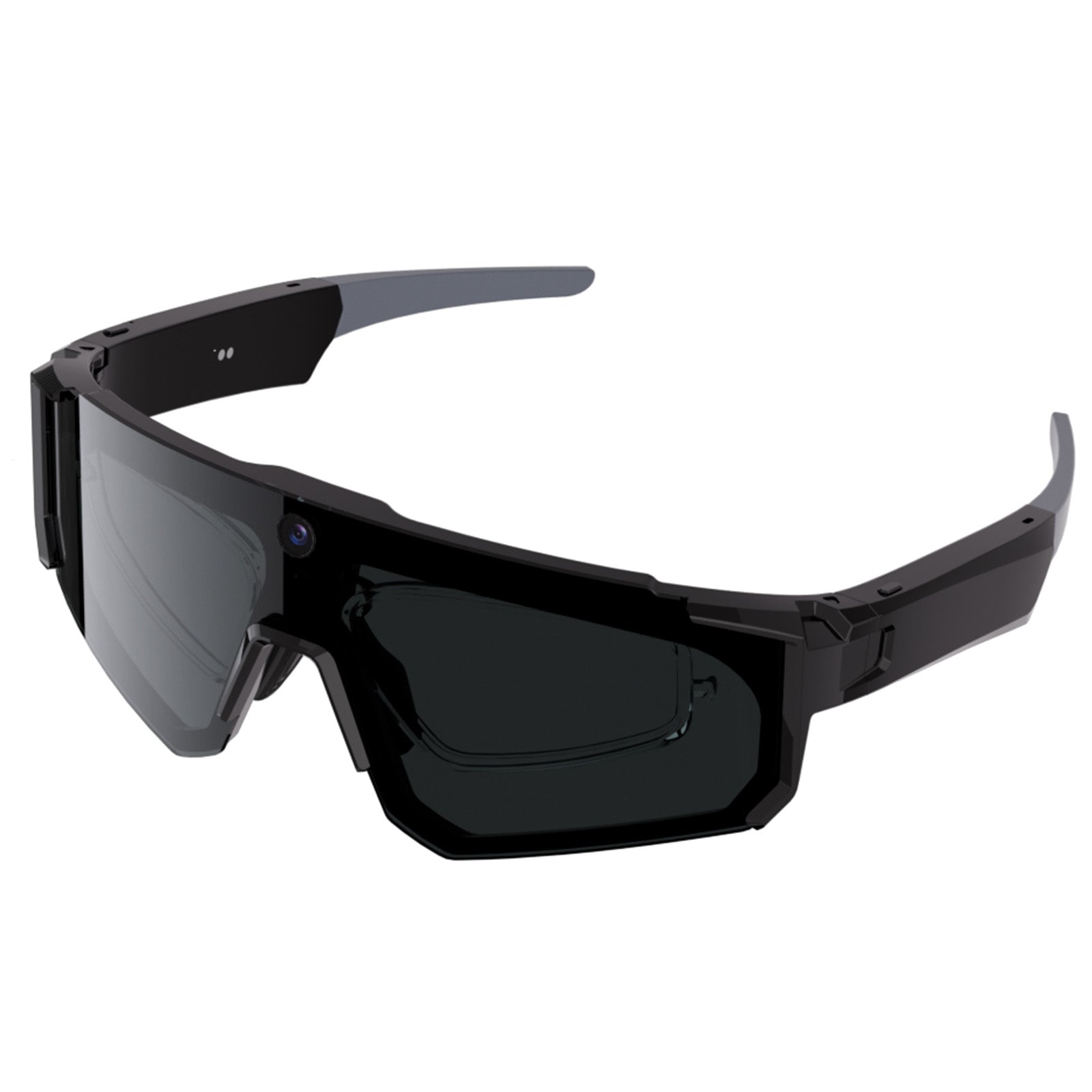
Estos dispositivos están diseñados con micropantallas duales que proyectan una pantalla virtual, a menudo percibida como una pantalla de 130 a 200 pulgadas, directamente en su campo de visión. Están conectados a un dispositivo fuente y están específicamente diseñados para el consumo de medios y la productividad. Para una visión detallada de los principales contendientes en esta categoría, sugerimos revisar nuestra guía de las últimas gafas inteligentes de 2026 y nuestro desglose de las 10 mejores gafas inteligentes nuevas de 2026.
Gafas inteligentes de audio y ambientales
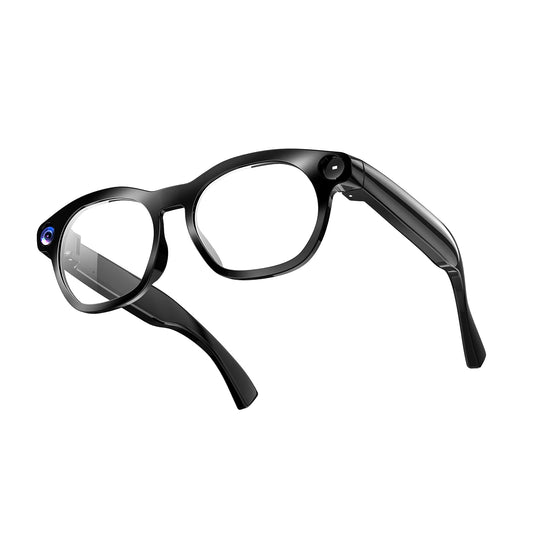
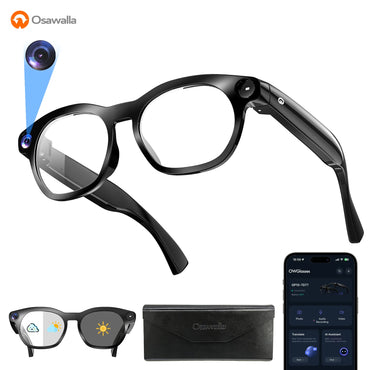
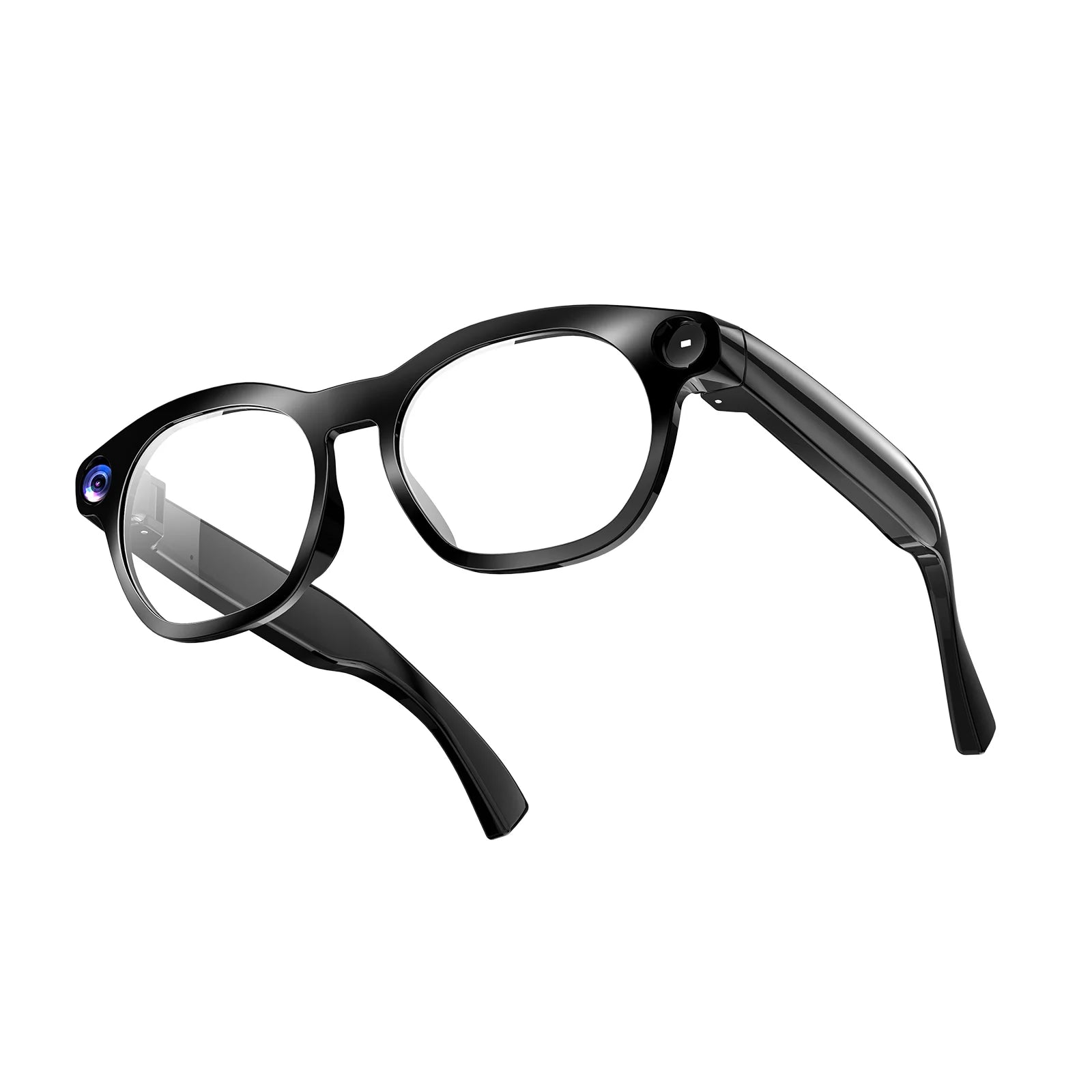
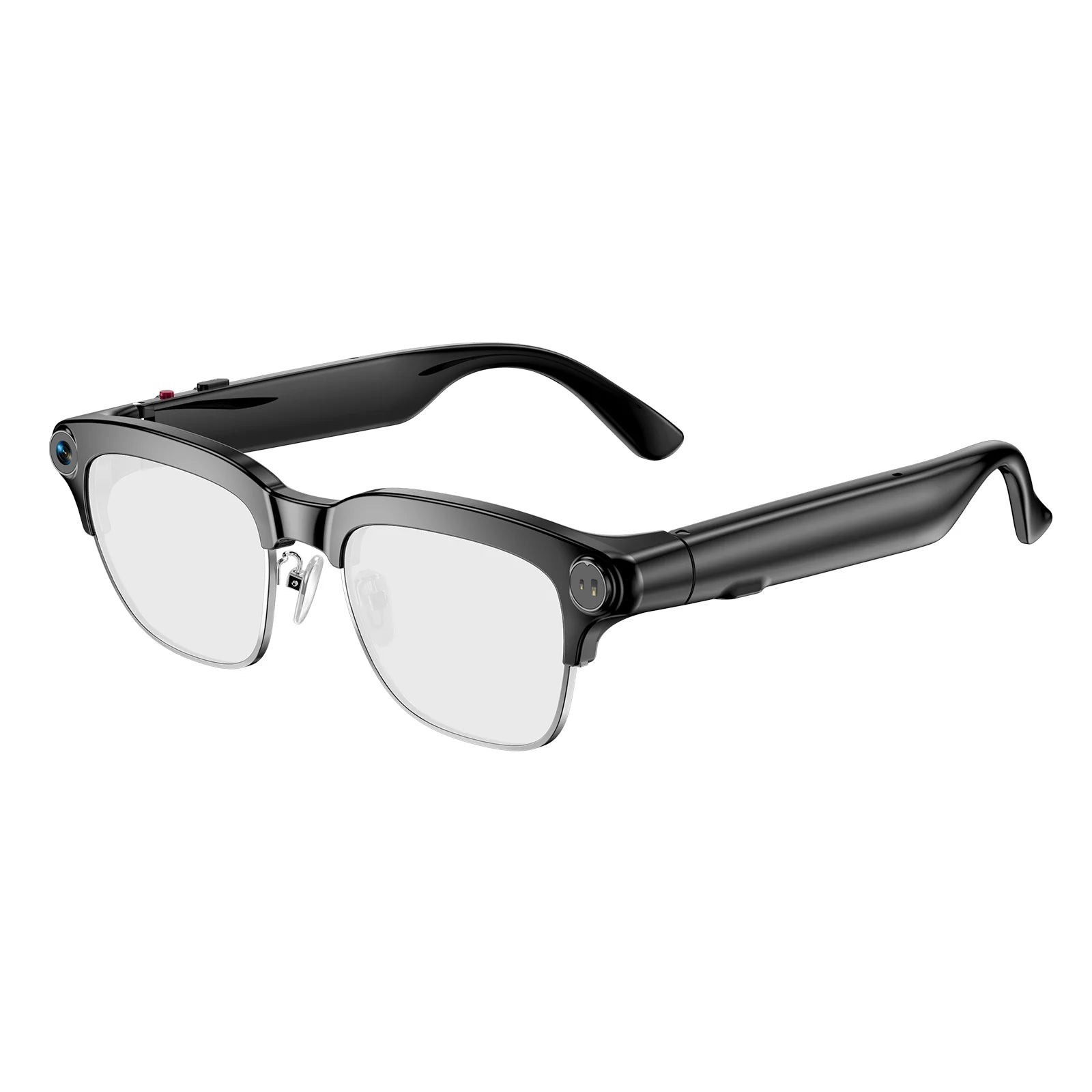
No todos desean tener una pantalla proyectada directamente en sus retinas, ya que puede causar fatiga durante largas sesiones de visualización. Muchos usuarios prefieren ver Netflix en una tableta o smartphone tradicional mientras utilizan gafas inteligentes para gestionar su entorno de audio y visual. Aquí es donde Osawalla sobresale. Nuestras gafas inteligentes electrocrómicas GG06 cuentan con Bluetooth 5.4 para una transmisión de audio sin pérdidas, reducción de ruido de doble micrófono y un revolucionario ajuste de tinte en 1 segundo.
Si está viendo contenido en un tren luminoso o en un banco soleado del parque, las lentes electrocrómicas se adaptan instantáneamente para bloquear el deslumbramiento, lo que le permite ver su pantalla perfectamente mientras le proporciona audio inmersivo directamente a sus oídos. Son el compañero ideal para aquellos que buscan gafas inteligentes wearables para un estilo de vida activo.
4. Optimización del entorno de audio y visual
Para disfrutar realmente de la experiencia al ver Netflix en gafas inteligentes, el entorno acústico es tan crítico como la salida visual. La mayoría de las gafas con pantalla AR sufren de altavoces incorporados inadecuados que filtran el sonido a los transeúntes y carecen de resonancia de graves. Recomendamos combinar gafas de visualización con wearables de audio de alta fidelidad o utilizar gafas inteligentes de audio versátiles.
Además, es esencial gestionar la luz externa. Ver una escena oscura y cinematográfica es difícil si la luz solar ambiental se filtra a través de las lentes. La tecnología electrocrómica, como la que presentan nuestras líneas de productos, resuelve esto permitiendo al usuario atenuar electrónicamente las lentes para que coincidan con el entorno de visualización. Ya sea que esté utilizando visores de pantalla dedicados o nuestras gafas de sol de audio avanzadas, controlar el deslumbramiento es el secreto para una experiencia de visualización premium.
5. Seguimiento de la salud durante la visualización prolongada
Ver series sin parar puede afectar inadvertidamente su bienestar diario, en particular su arquitectura del sueño y su frecuencia cardíaca en reposo. En Osawalla, creemos que mantenerse conectado con su bienestar no debe detenerse cuando comienza el entretenimiento. Aquellos que ven Netflix con frecuencia en gafas inteligentes a menudo se sientan inmóviles durante horas, lo que puede afectar la circulación cardiovascular e inducir la fatiga visual.
Recomendamos encarecidamente integrar el monitoreo fisiológico en su rutina diaria. Al utilizar la pulsera de seguimiento de actividad física de Osawalla, obtiene monitoreo de salud 24/7, incluyendo frecuencia cardíaca, SpO2, Variabilidad de la Frecuencia Cardíaca (HRV), niveles de estrés y seguimiento avanzado del sueño. Esto garantiza que, mientras se entrega al entretenimiento digital, mantenga una clara comprensión de su salud física y métricas de recuperación.
6. El futuro del consumo de medios wearables
La capacidad de ver Netflix en gafas inteligentes es solo el principio. A medida que miramos hacia el futuro, la integración de la computación espacial, micropantallas más ligeras y oclusión ambiental avanzada redefinirá la forma en que consumimos medios. La industria se está moviendo rápidamente hacia gafas autónomas sin cables que funcionan con sistemas personalizados basados en Android, lo que permite a los usuarios descargar aplicaciones de streaming directamente en las gafas.
Para obtener más información sobre el rumbo de esta tecnología, incluidos los avances en realidad mixta y óptica integrada, animamos a los lectores a explorar nuestro análisis sobre el futuro de la tecnología de gafas inteligentes y las aplicaciones de gafas inteligentes en 2026. Además, para aquellos interesados en grabar su propio contenido, nuestras reseñas sobre las mejores gafas inteligentes con cámara y las mejores gafas de sol inteligentes con cámara brindan una excelente orientación.
7. Tabla resumen: Configuración para ver Netflix en gafas inteligentes
| Método de conexión | Hardware requerido | Riesgo de cumplimiento de HDCP | Mejor caso de uso |
|---|---|---|---|
| USB-C directo (Modo Alt DP) | Smartphone compatible + gafas XR | Bajo (método más fiable) | Visualización de alta definición durante vuelos o desplazamientos. |
| Adaptador de transmisión inalámbrica | Hub Miracast/AirPlay + Gafas | Alto (Netflix bloquea con frecuencia el DRM inalámbrico) | Ver contenido sin DRM o hubs compatibles específicos. |
| Sistema operativo Android nativo | Gafas AR autónomas con Wi-Fi | Bajo (si la aplicación de Netflix es compatible de forma nativa) | Visualización sin cables en casa sin agotar la batería del teléfono. |
| Pantalla física + gafas de audio | Tableta/teléfono + Osawalla GG06 | Ninguno (la pantalla maneja el video de forma nativa) | Audio inmersivo y control del deslumbramiento mientras se ve una pantalla física. |
8. Preguntas frecuentes (FAQ)
9. Referencias autorizadas
Para garantizar una comprensión completa de los derechos digitales, los protocolos de visualización y los estándares tecnológicos necesarios para el consumo de medios portátiles, recomendamos consultar las siguientes fuentes autorizadas:
- Centro de ayuda de Netflix: HDCP y pantallas externas - Documentación oficial sobre protocolos DRM y requisitos de monitores externos para streaming.
- USB Implementers Forum (USB-IF): USB Type-C y DisplayPort Alt Mode - Especificaciones técnicas que rigen cómo los dispositivos móviles emiten video de alta definición a la tecnología portátil.
- IEEE Standards Association: Tecnología wearable y XR - Estándares académicos y de ingeniería para pantallas de realidad aumentada y optimización de latencia en electrónica de consumo.


